Starting your Jeep from your phone sounds futuristic, but it’s a reality for many Jeep owners today. Remote start features let you warm up your car, cool it down, or simply get it ready—all before you even step outside. This article will guide you through everything you need to know about starting your Jeep from your phone: what’s needed, how it works, and what to watch out for. Whether you’re new to remote start or curious about the technology, you’ll find practical advice, key comparisons, and real-world insights in the sections below.
Understanding Remote Start Technology
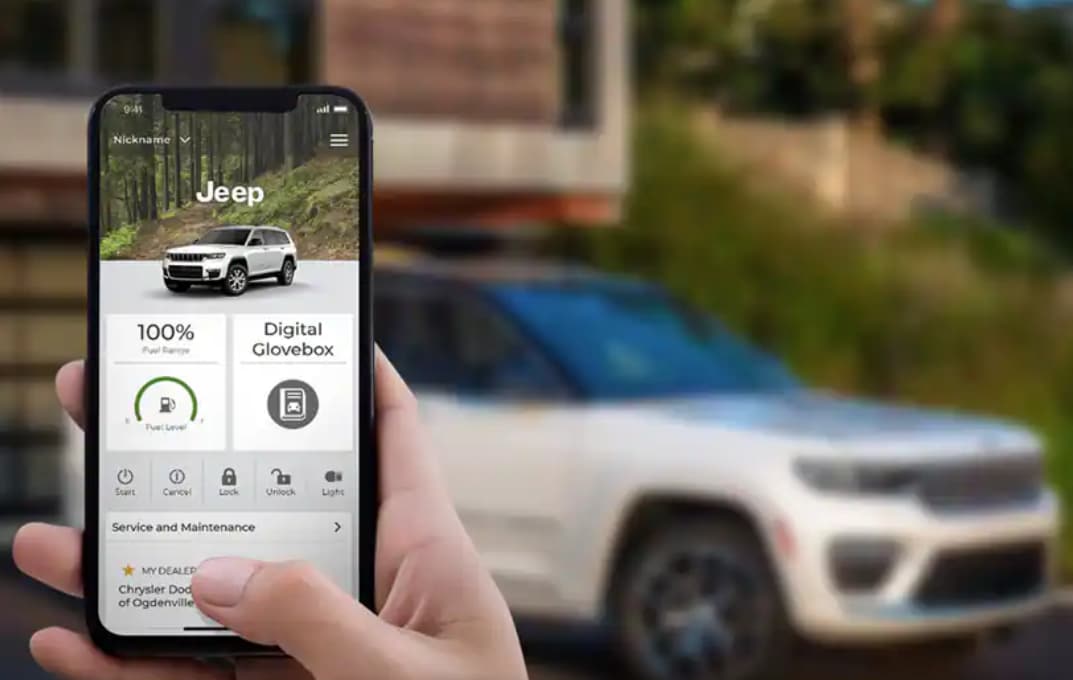
Remote start lets you turn on your Jeep’s engine from a distance. Most newer Jeep models offer this feature, but the real game-changer is smartphone integration. Instead of using a key fob, you use a mobile app to start your car.
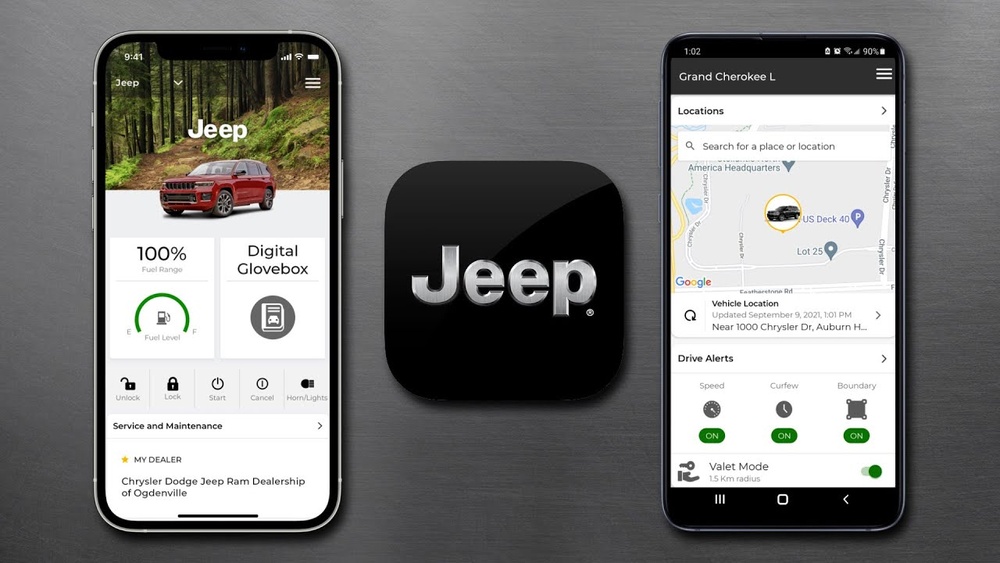
Key Features Of Jeep Remote Start Apps
- Engine start/stop from anywhere with internet
- Climate control adjustment
- Lock/unlock doors remotely
- Car location tracking
Not all Jeep models or years support phone-based remote start. Usually, you need a compatible Jeep, a subscription service, and the right app.

Jeep Models That Support Phone Remote Start
Many Jeep vehicles from 2018 onwards support phone-based remote start. Here’s a quick look at which models offer this feature:
| Model | Years Supported | App Required |
|---|---|---|
| Jeep Grand Cherokee | 2018-present | Uconnect |
| Jeep Wrangler | 2018-present | Uconnect |
| Jeep Compass | 2018-present | Uconnect |
| Jeep Renegade | 2019-present | Uconnect |
If your Jeep is not listed, check your owner’s manual or contact your dealer. Some older models can be upgraded with aftermarket kits, but factory integration is smoother.

Setting Up Your Jeep For Phone Remote Start
To use your phone to start your Jeep, follow these steps:
- Confirm Compatibility: Your Jeep must support remote start and smartphone integration.
- Download the App: Most Jeeps use the Uconnect app. It’s available for both iOS and Android.
- Create an Account: Register with your vehicle’s VIN (Vehicle Identification Number).
- Activate Subscription: Some features require a paid service, such as Uconnect Access or SiriusXM Guardian.
- Pair Your Phone: Follow app instructions to link your phone with your Jeep.
Here’s a basic setup comparison:
| Step | Factory Setup | Aftermarket Setup |
|---|---|---|
| App Download | Uconnect | Third-party app |
| Subscription | Required | Usually not required |
| Integration | Seamless | May need extra hardware |
| Warranty Impact | No | Possible |
Factory options are easier and safer. Aftermarket kits can work, but may impact your warranty.
Step-by-step Guide: Starting Your Jeep From Your Phone
- Open the App: Launch the Uconnect app on your smartphone.
- Sign In: Enter your account details.
- Select Your Vehicle: If you have more than one, choose the correct Jeep.
- Tap ‘Remote Start’: The app will send a signal to your Jeep.
- Wait for Confirmation: Usually, you’ll get a notification or see your Jeep’s lights flash.
- Adjust Climate (Optional): Set your desired cabin temperature.
Most apps require your Jeep to be parked and locked before remote start works. The engine will run for about 15 minutes, then shut off if you don’t enter the vehicle.
Common Issues And Solutions
Even with modern tech, problems happen. Here are some frequent obstacles:
- App Not Connecting: Ensure your phone has internet and your Jeep’s cellular system is active.
- Subscription Expired: Many features need an active subscription. Check your account status.
- Vehicle Not Responding: The Jeep must be parked, locked, and within cellular range.
- Aftermarket Issues: If using a third-party system, compatibility problems are common.
Non-obvious insight: Many beginners forget to keep their phone’s Bluetooth and location services enabled, which can block the app from connecting to the Jeep.
Security And Privacy Considerations
Remote start from your phone is convenient, but it comes with security risks. Always use strong passwords for your app account and never share login details. If your phone is lost or stolen, immediately change your app password.
Another insight most new users miss: Removing your vehicle from the app if you sell your Jeep prevents the next owner from accessing your car remotely.
Comparing Remote Start Methods
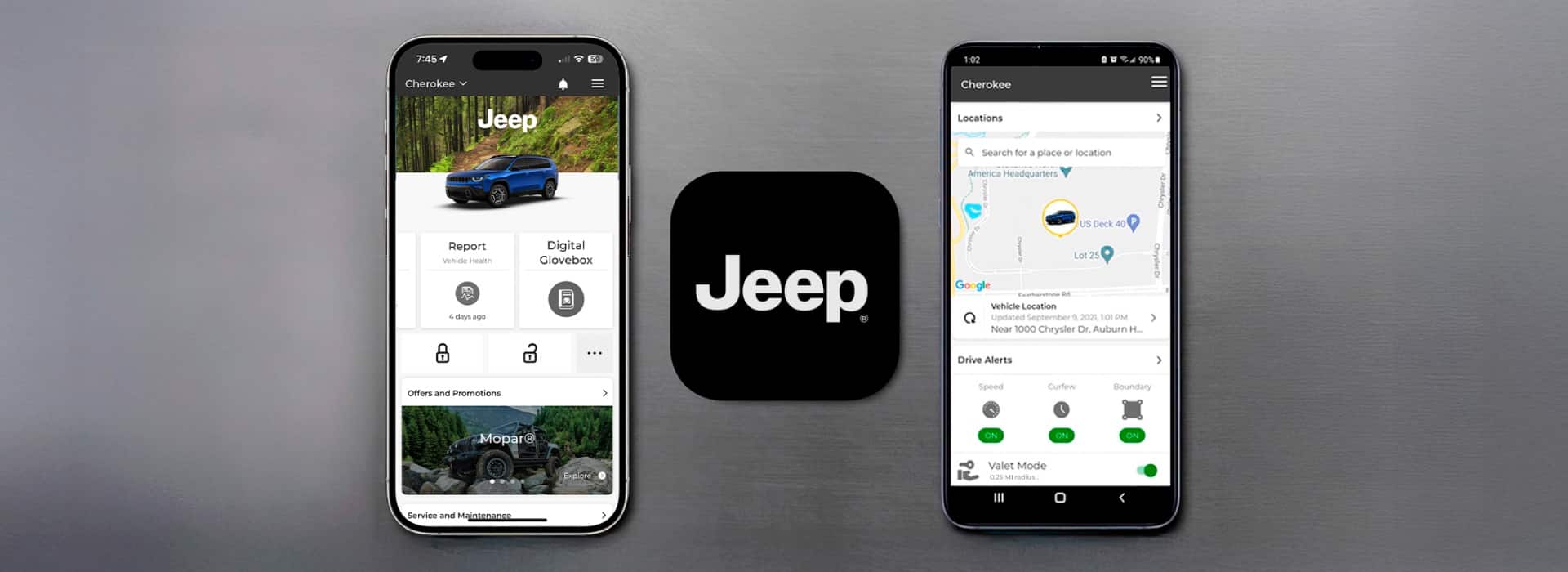
How does phone remote start compare to traditional key fob or manual start? Here’s a simple comparison:
| Method | Range | Features | Convenience |
|---|---|---|---|
| Phone App | Unlimited (internet-based) | Climate, locks, location | High |
| Key Fob | Up to 300 ft | Engine only | Medium |
| Manual Start | N/A | None | Low |
Phone-based remote start wins for range and features. However, it relies on both your phone and your Jeep’s cellular service.
Practical Tips For Using Phone Remote Start
- Keep your subscription active for uninterrupted service.
- Test the app monthly to avoid surprises when you really need remote start.
- Don’t leave valuables in your Jeep since remote start can unlock doors.
- Update your app regularly to fix bugs and improve security.
According to Jeep, more than 70% of users who try remote start from their phone use it at least once a week during winter months.
Frequently Asked Questions
Can I Start Any Jeep From My Phone?
No, only newer models with Uconnect and remote start support allow phone-based starting. Check your owner’s manual or dealer for details.
Is There A Fee For Using Phone Remote Start?
Yes, most apps like Uconnect require a subscription. Costs range from $10 to $20 per month, depending on the package.
What If My Phone Has No Signal?
Remote start from your phone needs an internet connection. Without Wi-Fi or cellular data, the app won’t work.
Will This Void My Jeep’s Warranty?
Factory remote start and app integration do not affect warranty. Aftermarket kits may impact warranty—always check with your dealer.
Where Can I Learn More About Jeep’s Remote Start Technology?
Visit the official Jeep Uconnect site for details: Jeep Uconnect.
Starting your Jeep from your phone is simple once you know the steps. With the right setup and a few precautions, you’ll enjoy the comfort and convenience of a warmed-up car—no matter the weather. Stay secure, keep your subscriptions up to date, and enjoy the freedom that technology brings to your driving experience.