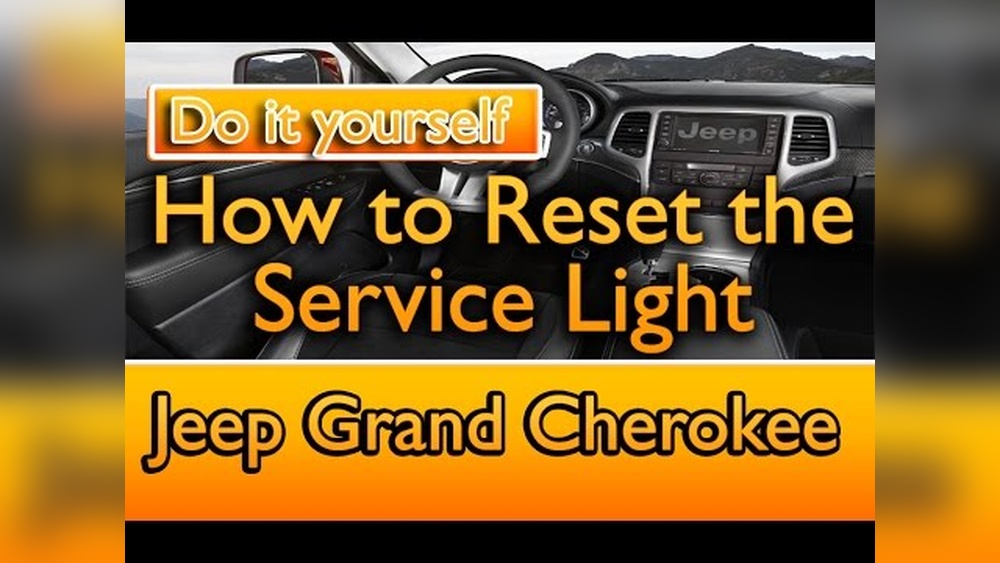
Connecting your smartphone to your Jeep Wrangler Bluetooth is more than just a modern convenience. It’s a smart way to enjoy music, handle calls safely, and use navigation hands-free. Many Jeep owners, especially beginners, face challenges with Bluetooth setup. This guide will help you connect quickly and avoid common mistakes. Whether you drive an older Wrangler or a newer model, you’ll find clear steps and practical tips.
Preparing Your Jeep Wrangler And Smartphone
Before you start, make sure both your Jeep and your phone are ready for pairing. Some important checks:
- Bluetooth compatibility: Most Wranglers from 2011 onward have Bluetooth. Check your owner’s manual if you’re unsure.
- Phone settings: Enable Bluetooth on your smartphone and make sure it’s visible to other devices.
- Vehicle settings: Turn on your Wrangler and set the gear to Park for safety. The infotainment system should be powered up.
Different Wrangler models may have slightly different systems. Most use Uconnect, Jeep’s infotainment system, but older models may use other interfaces.
Step-by-step Bluetooth Pairing Process
Follow these steps to connect your phone to the Jeep Wrangler Bluetooth system:
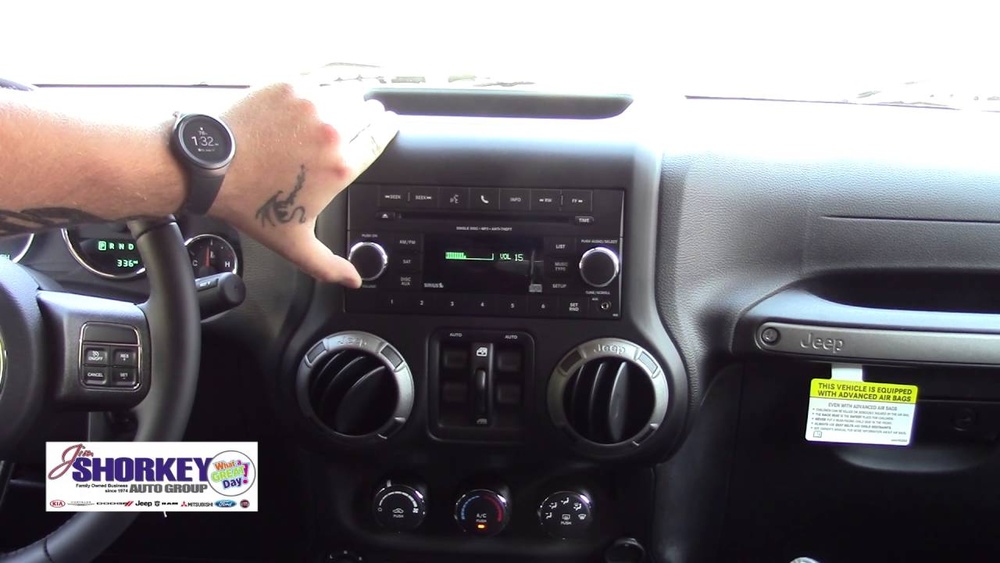
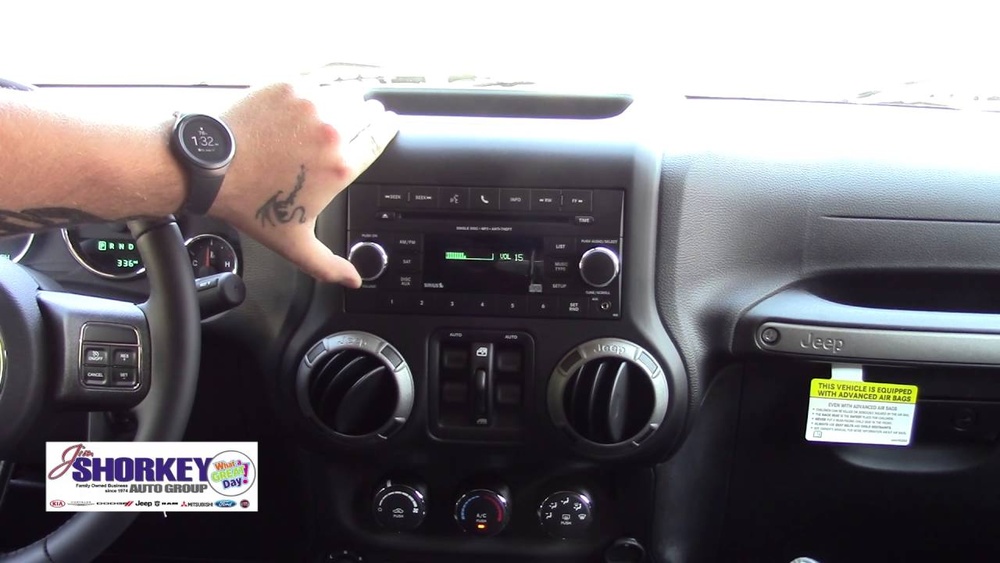
- Access Uconnect: On your Jeep’s dashboard, press the “Phone” or “Media” button. This opens the Bluetooth menu.
- Start pairing: Select “Add Device” or “Pair New Device.” The system will begin searching for devices.
- Find Jeep on your phone: On your smartphone’s Bluetooth menu, look for “Uconnect” or your Jeep’s model name.
- Confirm pairing: Tap on your Jeep’s name. The system will show a PIN on both screens.
- Match the PIN: If the PINs match, confirm on both your phone and Jeep.
- Grant permissions: Allow access to contacts and messages if you want hands-free features.
- Finish setup: Your phone will now show as “Connected” on the Jeep screen.
If your Wrangler uses a different interface, the steps are similar but the menu names may change.
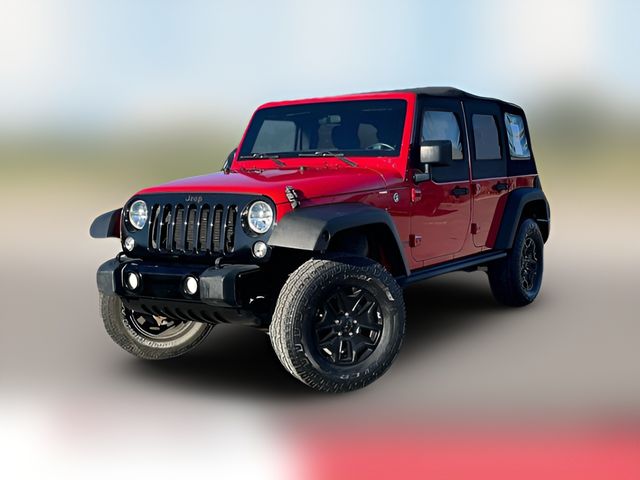
Troubleshooting Common Bluetooth Issues
Sometimes, pairing doesn’t go smoothly. Here are solutions for frequent problems:
- Bluetooth not found: Make sure your phone is discoverable and Bluetooth is on. Restart both devices if needed.
- Connection drops: Move your phone closer to the system and remove any metal objects between them.
- Audio not working: Check the volume settings on both your Jeep and phone. Also, verify that media and call audio are enabled in Bluetooth settings.
- Pairing fails repeatedly: Delete previous pairings from both your phone and Jeep, then retry.
Many users forget to clear old devices from their Jeep system, causing conflicts. Also, keep your phone’s software updated, as outdated versions often cause issues.
Jeep Wrangler Bluetooth Features And Compatibility
The Jeep Wrangler’s Bluetooth offers several features. Here’s a quick comparison of what you can expect from different model years:
| Model Year | Bluetooth Audio | Hands-Free Calling | Voice Commands |
|---|---|---|---|
| 2011-2014 | Limited | Yes | No |
| 2015-2017 | Yes | Yes | Basic |
| 2018-2024 | Yes | Yes | Advanced |
Newer models support Apple CarPlay and Android Auto, which expand Bluetooth capabilities. If you have a 2018 or newer Wrangler, you can use apps like Spotify, Google Maps, and Siri through the Uconnect system.
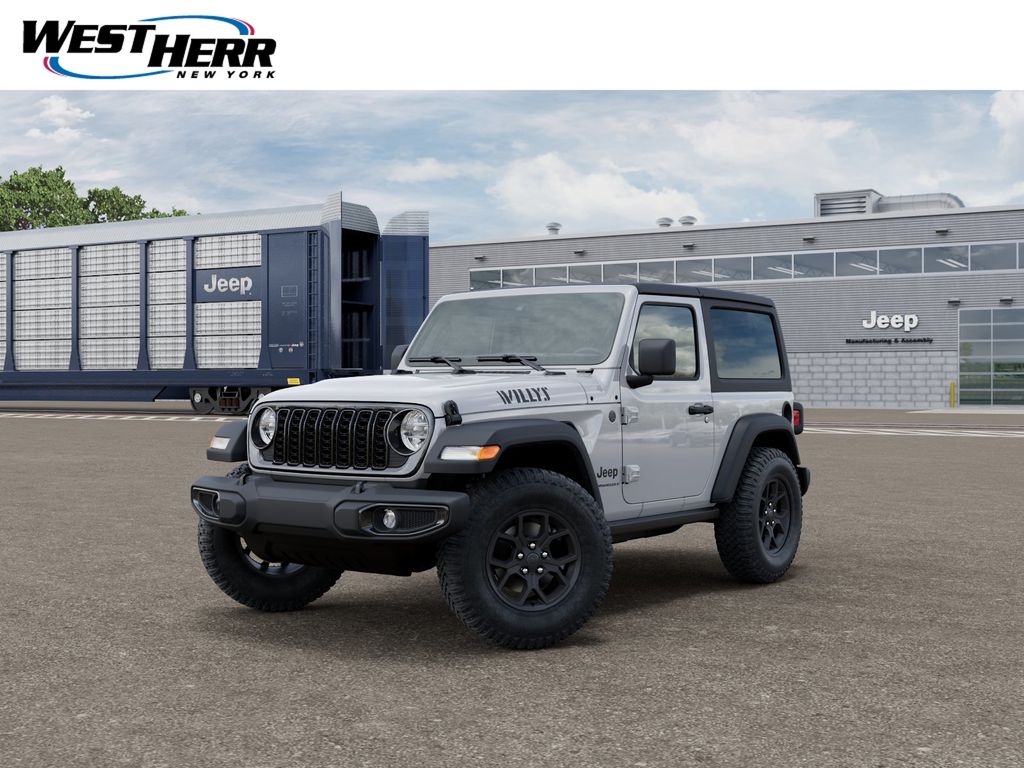
Tips For Reliable Bluetooth Performance
Keeping your Bluetooth connection strong can be easy if you follow these tips:
- Update software regularly: Both your phone and Jeep’s infotainment system may receive updates. These often fix bugs and improve compatibility.
- Avoid pairing multiple devices: Pairing several phones at once can confuse the system. Stick to one main device.
- Use factory reset when needed: If you experience persistent issues, a factory reset of the Uconnect system can help. Check your owner’s manual for instructions.
- Charge your devices: Low battery can affect Bluetooth performance.
- Maintain distance: Keep your phone within a few feet of the system for the best connection.
Many drivers overlook the need for software updates, which can solve most Bluetooth issues. Also, avoid connecting your phone during driving for safety reasons.
How Jeep Wrangler Bluetooth Compares To Other Suvs
Jeep Wrangler’s Bluetooth is reliable, but how does it stack up against other vehicles? Here’s a quick comparison:
| Vehicle | Bluetooth Version | Audio Quality | Ease of Pairing |
|---|---|---|---|
| Jeep Wrangler | 4.0 – 5.0 | Good | Simple |
| Ford Bronco | 5.0 | Excellent | Moderate |
| Toyota 4Runner | 4.2 | Fair | Simple |
Jeep Wrangler stands out for its simple pairing process and reliable audio quality. While Ford Bronco offers slightly higher audio quality, Wrangler’s interface is easier for beginners.

Advanced Bluetooth Features And Useful Examples
Some Wranglers offer advanced Bluetooth features. For example, you can:
- Stream music wirelessly from apps like Pandora or Spotify.
- Use voice commands to call contacts or send texts hands-free.
- Connect two phones and switch between them for calls or audio.
A non-obvious tip: You can use your Wrangler’s Bluetooth to play navigation instructions from your phone, even if you don’t use CarPlay or Android Auto. Just start navigation on your phone and select Bluetooth audio.
Another insight: If you regularly drive with passengers, set up their phones as “secondary devices” so they can play music without interrupting your calls.
Frequently Asked Questions
How Many Phones Can I Connect To Jeep Wrangler Bluetooth?
You can pair up to eight devices with most Uconnect systems, but only one can be active for calls and media at a time. This helps families or groups share the vehicle without re-pairing each time.
Does Jeep Wrangler Bluetooth Work With Iphones And Android Phones?
Yes, Bluetooth is compatible with both iOS and Android devices. For best performance, keep your phone’s software updated and check for Uconnect updates.
Can I Play Music From My Phone Through Jeep Wrangler Bluetooth?
Absolutely. Once paired, you can stream music from apps like Spotify, Apple Music, or YouTube. Use the Jeep’s controls to change tracks or adjust volume.
What Should I Do If My Bluetooth Connection Drops Often?
Try removing old devices from the Jeep system, update your phone’s software, and keep your phone near the dashboard. Avoid pairing multiple devices at the same time.
Is Bluetooth Available On All Jeep Wrangler Models?
Most Wranglers since 2011 come with Bluetooth. Some older or base models may lack it. Check your owner’s manual or visit the Jeep website for details. For more model information, see Jeep’s official site.
Connecting your phone to your Jeep Wrangler Bluetooth is quick, safe, and opens up many useful features. With these steps and tips, you can enjoy hands-free calls, music, and navigation easily. If you have trouble, try the troubleshooting advice or visit your local Jeep dealer for help.
A strong Bluetooth connection makes every drive more enjoyable and safer.