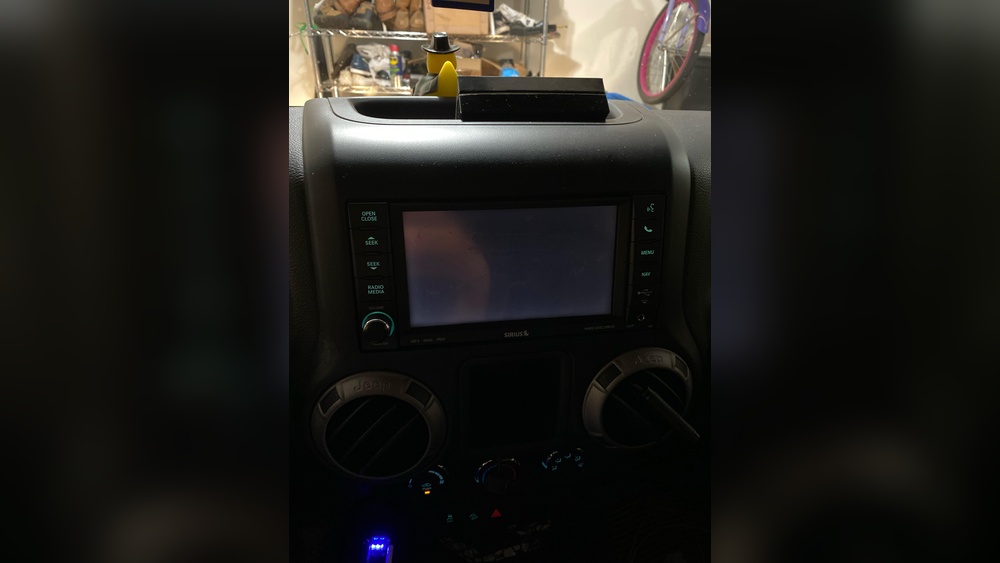
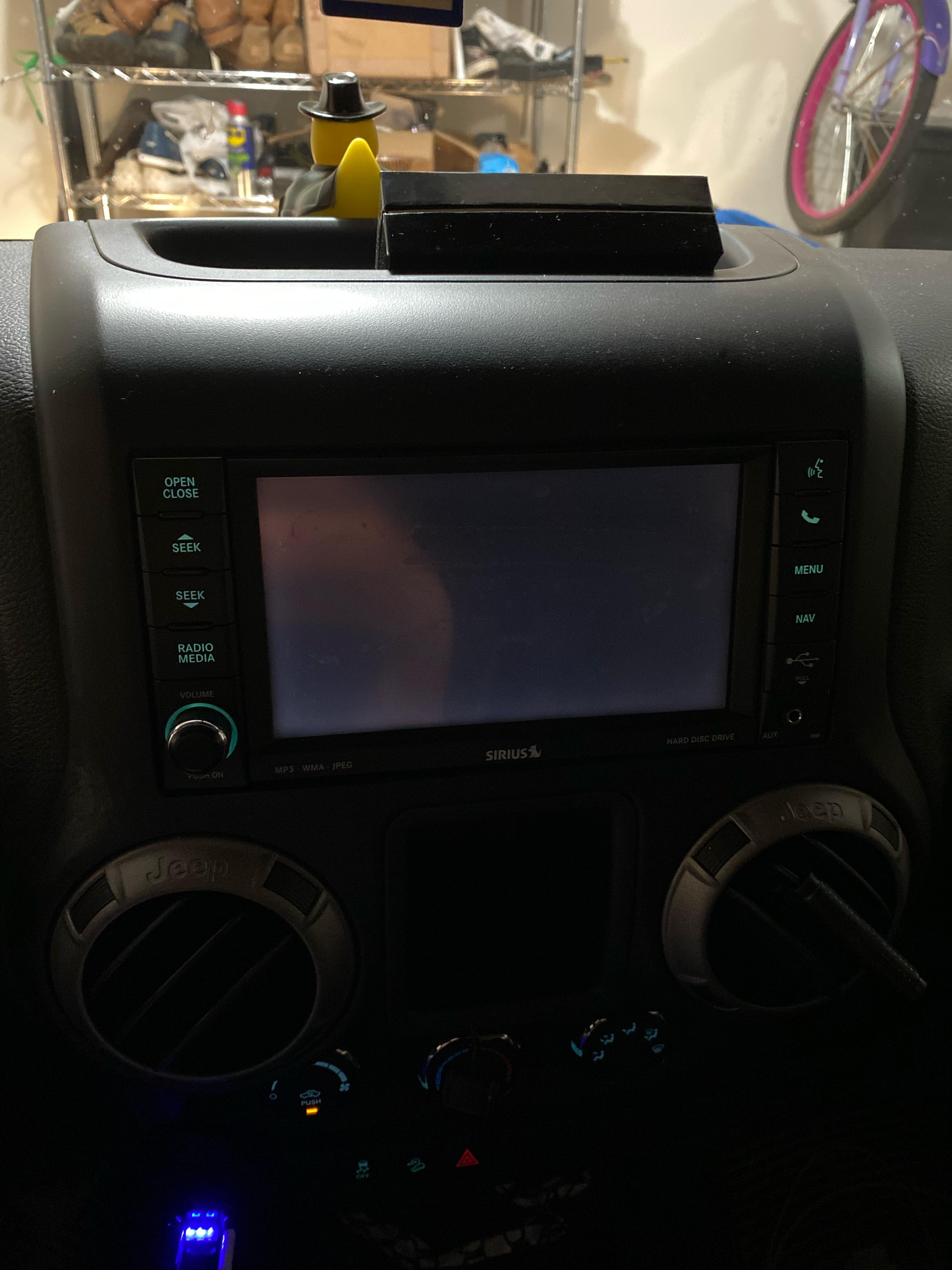
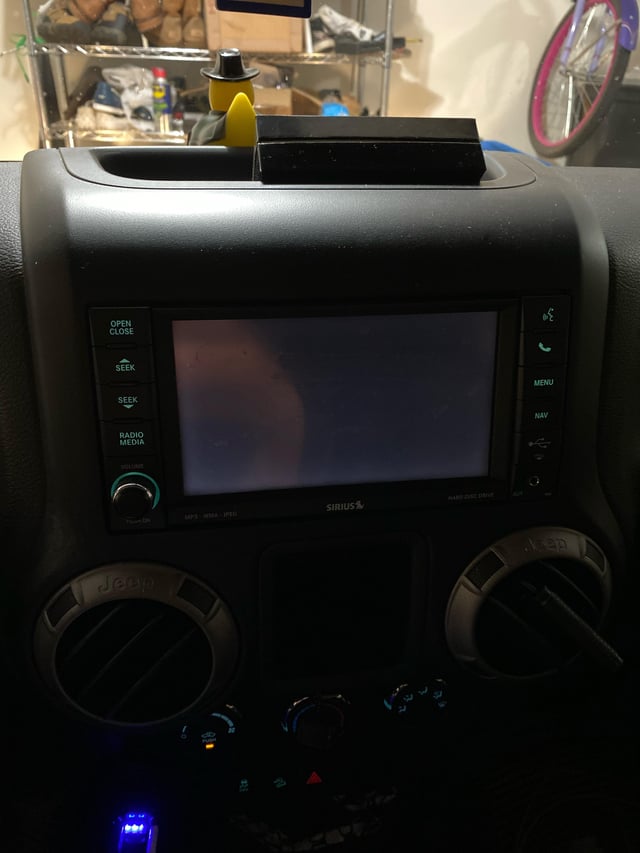
When you get into your Jeep Wrangler, you expect to see the dashboard screen light up with information, music, or navigation. But sometimes, the screen stays completely black.
This can be confusing and frustrating, especially if you rely on the screen for backup camera, radio, or other important features.
If you’re wondering, “Why is my Jeep Wrangler screen black? ” you’re not alone this is a common issue for many owners.
Let’s break down the possible causes, what you can do, and how to avoid future problems with your Jeep’s infotainment system.
Common Reasons For A Black Jeep Wrangler Screen
The screen in your Jeep Wrangler may go black for several reasons. Some problems are simple, while others require professional help. Here are the most frequent causes:
- Software glitches – The Uconnect system, which powers the screen, can freeze or crash.
- Loose or damaged wiring – Vibration, accidents, or wear and tear may loosen the connections.
- Blown fuse – The fuse that powers the screen might blow out.
- Battery issues – Low voltage or a weak battery can affect the infotainment system.
- Failed hardware – The screen itself or the Uconnect unit might be faulty.
- Overheating – Hot weather or poor airflow can cause the system to shut down as a safety measure.
Example: Uconnect System Freeze
Many Jeep owners report the screen turning black after using Apple CarPlay or Android Auto. This often points to a software crash rather than a hardware issue.
Quick Checks Before You Panic
When your screen goes black, try these simple steps first:
- Check if the radio or sound still works (if yes, the screen might be the problem, not the whole system).
- Adjust the dimmer switch for the dashboard—sometimes it’s accidentally set to the lowest setting.
- Turn your Jeep off, wait a few minutes, and restart. This can reset small software bugs.
- Test other features (like the backup camera or climate controls) to see if they respond.
Step-by-step Troubleshooting
If the quick checks don’t help, you’ll need a more detailed approach. Here’s what you can do:
1. Reset The Uconnect System
A simple reset can solve most software glitches.
- For many models, press and hold the volume and tune knobs together for 10-20 seconds.
- The screen should reboot and show the Jeep logo.
If your model uses different buttons, check your owner’s manual.
2. Inspect Fuses
A blown fuse can cut power to the screen.
| Fuse Location | Label | Function |
|---|---|---|
| Interior Fuse Box | F43 | Infotainment/Radio |
| Engine Bay | F51 | Auxiliary Power |
Remove the related fuse and check if it’s blown. Replace it with the same type if needed.
3. Check For Software Updates
Jeep often releases updates to fix bugs. Go to the Uconnect settings and check for updates. You can also visit the Jeep website to see if your vehicle has new software available.
4. Test The Battery
A weak battery can cause the screen to turn off. Use a voltmeter to check if your battery is below 12.6 volts when the car is off. If it is, try charging or replacing the battery.
5. Inspect Wiring And Connections
If you’re comfortable, remove the screen or radio unit to check the connectors. Look for loose plugs or visible damage.
If you’re not sure, it’s safer to ask a professional.
When To See A Professional
Some problems need expert tools and knowledge. Consider going to a Jeep dealership or trusted mechanic if:
- The screen stays black after all troubleshooting.
- You see error messages or hear warning beeps.
- Other electronic parts are also failing.
- Your Jeep is still under warranty.
Repair costs can range widely. Here’s a quick comparison:
| Problem | DIY Cost | Professional Repair Cost |
|---|---|---|
| Blown fuse | $5–$10 | $50–$80 |
| Software reset/update | Free | $80–$150 |
| Screen replacement | $300–$700 | $700–$1,200 |
Preventing Future Screen Problems
Taking care of your Jeep’s infotainment system can help avoid black screen issues:
- Avoid using wet hands or cleaning sprays directly on the screen.
- Don’t overload the Uconnect system with too many devices.
- Keep your software updated.
- Park in the shade during hot weather to prevent overheating.
- Regularly check the health of your car battery.
Two Surprising Insights Most Owners Miss
- Aftermarket accessories can cause screen issues. Devices like dash cams or custom stereos often draw power from the same circuit as the screen. If these are installed poorly, they can blow fuses or cause interference.
- Intermittent blackouts can be a sign of early hardware failure. If your screen goes black occasionally but comes back after bumps or turns, it’s often a loose connection—not just a simple glitch.
When The Problem Is Not The Screen
Sometimes, the issue looks like a screen problem, but the real cause is elsewhere. For example, if the entire dashboard (including speedometer and lights) is off, the problem may be a main power or ground issue, not just the infotainment screen.
Data On Jeep Wrangler Screen Issues
Screen problems are more common than you might think. According to a 2022 survey by a leading auto research group, about 13% of Jeep Wrangler owners reported at least one infotainment blackout in the first three years.
Here’s a quick look at the frequency of causes:
| Cause | Reported Frequency (%) |
|---|---|
| Software glitch | 38 |
| Wiring/fuse | 29 |
| Battery problem | 18 |
| Hardware failure | 15 |
Frequently Asked Questions
Why Does My Jeep Wrangler Screen Go Black In Cold Weather?
Extreme cold can slow electronics or cause battery voltage to drop. If your screen only goes black when it’s cold, have your battery tested and consider a software update.
Can I Drive Safely With A Black Screen?
Yes, but you’ll lose access to navigation, backup camera, and other features. Use extra caution, especially when parking or reversing.
Will Disconnecting The Battery Fix The Black Screen?
Sometimes. Disconnecting the battery for 10 minutes can reset the system.
But this may not solve hardware or wiring issues.
Is This Problem Covered By Warranty?
If your Jeep is still under its basic warranty, most screen issues are covered. Check with your dealer for details.
Where Can I Find The Latest Uconnect Updates?
Visit the official Jeep Uconnect site or your local dealer. You can also check Jeep Uconnect for the latest information.
If your Jeep Wrangler screen stays black, start with simple resets and checks. Most problems are easy to fix, but don’t hesitate to get expert help if needed.
With regular care, your infotainment system should give you years of trouble-free use.