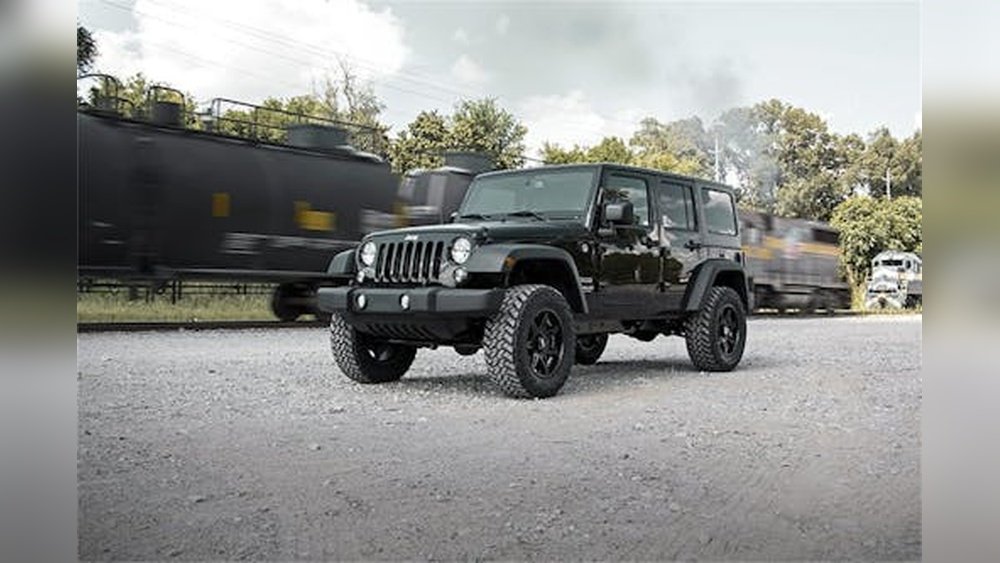
The Jeep Wrangler YJ is an icon. It’s built for adventure, for trails, and for open-air freedom.
But for many YJ owners, the factory stereo system is anything but inspiring. Often, it’s a tinny, crackly reminder of a bygone era.
Fortunately, upgrading your Jeep Wrangler YJ radio isn't just possible; it's a straightforward process that can dramatically improve your driving experience. Installing a new head unit, speakers, and possibly a subwoofer can transform your Jeep into a mobile concert hall, making those long drives and off-road journeys far more enjoyable.
This guide will walk you through everything you need to know to install a new Jeep Wrangler YJ radio and create a perfect sound system.
Why Upgrade Your Jeep Wrangler Yj Radio?
The original sound systems in Jeep Wrangler YJs, produced from 1987 to 1995, were functional for their time but fall short by modern standards. Several factors make an upgrade highly beneficial:
- Outdated Technology: Factory radios from this era often lack modern features like Bluetooth connectivity, USB inputs, or the ability to play digital music files. This means you’re stuck with AM/FM radio or old cassette tapes.
- Poor Sound Quality: The speakers and head units were not designed for high fidelity. They often produce a weak, distorted sound, especially at higher volumes or when the top is down. Wind and road noise can easily drown out the audio.
- Limited Upgrade Path: The original systems are difficult to expand upon. Adding amplifiers or better speakers is often not feasible without replacing the core components.
- Wear and Tear: After decades of use, original components can degrade, leading to static, intermittent sound, or complete failure.
Upgrading your YJ’s sound system brings it into the 21st century, offering better sound clarity, more features, and the flexibility to customize your audio experience.
Understanding The Jeep Wrangler Yj Dash And Speaker Locations
Before you buy any parts, it’s crucial to understand the factory setup of your YJ. Most YJs came with a single-DIN (approximately 7 inches wide by 2 inches tall) radio opening. The speakers were typically located in two main areas:
- Dash Speakers: These are usually smaller, often 4-inch or 5.25-inch speakers, located in the lower part of the dashboard, one on each side.
- Sound Bar Speakers: Many YJs also feature a sound bar mounted above the front passengers, housing larger speakers, commonly 6.5-inch or 6.75-inch. However, some base models might not have this.
It’s essential to verify your specific YJ’s configuration. Some models might have variations, or previous owners may have already made modifications. Measuring the existing speaker openings and checking for a sound bar will give you a clear picture of what you’re working with.
Choosing The Right Jeep Wrangler Yj Radio Installation Kit
This is where the “easy upgrade” truly begins. Because the YJ dash opening is a standard single-DIN size, you have a vast selection of modern aftermarket head units. However, to make them fit seamlessly and look factory-fresh, you’ll need a radio installation kit. This kit typically includes:
- Dash Kit (or Mounting Bracket): This piece fills the gaps around the single-DIN radio in the YJ’s larger dash opening, ensuring a secure and aesthetically pleasing fit.
- Wire Harness Adapter: This crucial component plugs into your YJ’s factory radio harness and provides standard wiring connections for your new aftermarket head unit. It means you don’t have to cut or splice into the original vehicle wiring, preserving its integrity.
- Antenna Adapter: If your new radio has a different antenna input than the factory one, this adapter will make them compatible.
When purchasing a kit, always confirm it’s specifically designed for the Jeep Wrangler YJ (1987-1995). Reputable brands like Metra, Scosche, and PAC Audio offer these kits.
Factors To Consider When Choosing A Head Unit
The head unit, or stereo receiver, is the brain of your audio system. For a YJ, consider these points:
- Single-DIN vs. Double-DIN: Most YJs are best suited for single-DIN units. Double-DIN units (twice the height) are much larger and typically require significant dashboard modification, which is often not desired in a classic Jeep.
- Features:
- Bluetooth: Essential for hands-free calling and wireless music streaming.
- USB Port: For playing music from a flash drive and often for charging devices.
- Auxiliary Input (3.5mm): A backup for connecting older devices.
- App Control: Some units allow control via a smartphone app.
- SiriusXM Ready: If you subscribe to satellite radio.
- Apple CarPlay / Android Auto: These systems mirror your smartphone’s interface on the head unit’s screen, providing safe and easy access to navigation, music, and calls. This is a significant upgrade for modern usability.
- Power Output: Look at the RMS (Root Mean Square) power rating, not just the peak power. Higher RMS means cleaner power delivery for better sound.
- Pre-amp Outputs: If you plan to add external amplifiers later, ensure the head unit has sufficient pre-amp outputs (front, rear, subwoofer).
Speaker Considerations For The Yj
The factory speaker locations in the YJ are somewhat limited.
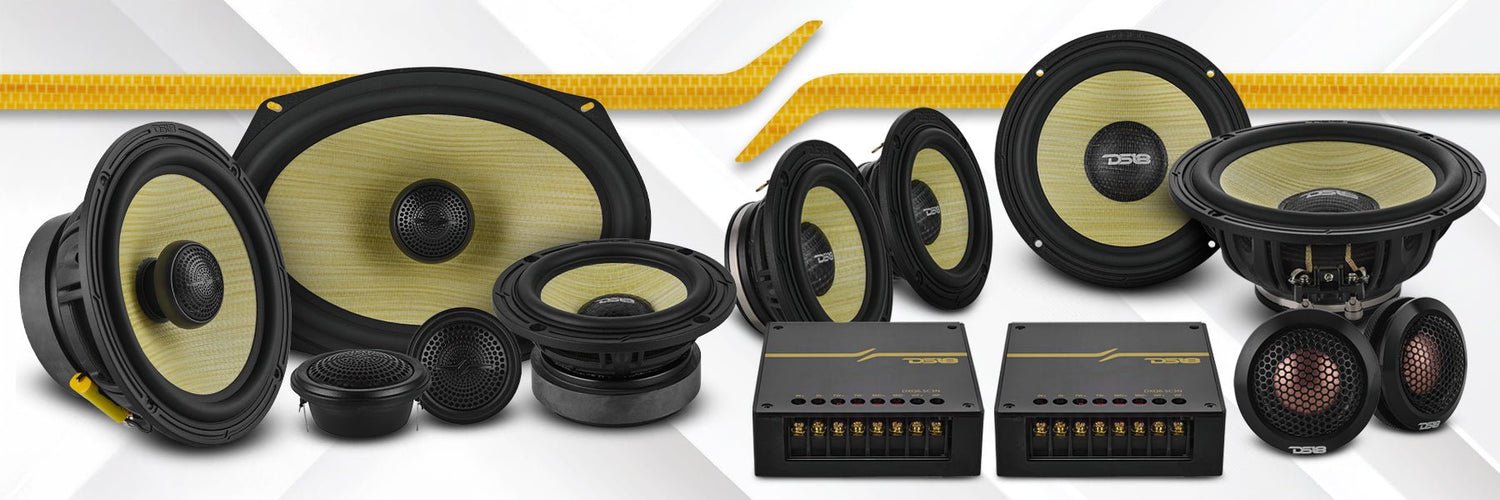
- Dash Speakers: These are often shallow. You’ll need shallow-mount speakers if you’re replacing them. Common sizes are 4-inch or 5.25-inch.
- Sound Bar Speakers: These usually offer more depth. 6.5-inch or 6.75-inch speakers are common replacements.
When choosing new speakers, pay attention to their mounting depth and sensitivity rating. Higher sensitivity means the speaker will produce more sound with less power, which is ideal for factory head unit power or moderately powered aftermarket units.
Step-by-step: Installing Your New Jeep Wrangler Yj Radio
This process is generally manageable for DIYers with basic tools. Always disconnect the negative battery terminal before starting any electrical work to prevent short circuits.
Tools You’ll Need:
- Phillips head screwdriver
- Flathead screwdriver (for prying clips)
- Socket set or wrenches (for battery terminal)
- Wire strippers/crimpers
- Electrical tape or heat shrink tubing
- Trim removal tools (optional, but recommended to avoid scratching)
- The radio installation kit (dash kit, wire harness adapter, antenna adapter)
- Your new head unit and speakers
Removing The Old Radio
- Access the Radio: In most YJs, the radio is held in place by screws accessible from the front. You might need to remove a small trim piece or panel below the radio to access them. Sometimes, the entire center dash bezel needs to be carefully pried off.
- Unscrew the Old Radio: Once accessible, unscrew the factory radio.
- Disconnect Wiring: Gently pull the radio out. You’ll find a main wiring harness connector and an antenna cable plugged into the back. Disconnect these. If there are any other cables (like for a factory amplifier or CD changer), disconnect them as well.
Installing The New Head Unit
- Prepare the Dash Kit: Assemble the dash kit according to its instructions. This usually involves attaching side brackets to the new head unit or the kit itself.
- Wire the Harness Adapter: This is the most critical electrical step.
- Take your new head unit’s wiring harness and your wire harness adapter (the one for the YJ).
- Match the wires from the head unit harness to the corresponding wires on the adapter harness. Use the diagrams provided with both components.
- Common wire colors and functions:
- Yellow: Constant 12V (memory)
- Red: Switched 12V (accessory power)
- Black: Ground
- Blue: Power antenna or amplifier turn-on
- Orange: Illumination/Dimmer
- Speaker Wires: Typically a set of four pairs (e.g., white/white-stripe for left front, grey/grey-stripe for right front, etc. ).
- Connect the wires securely using crimp connectors or by soldering and insulating with heat shrink tubing or electrical tape. Ensure all connections are solid and properly insulated. A loose connection can cause intermittent issues or even damage components.
- Pro Tip: Many aftermarket radios have a dimmer wire. Your YJ’s factory harness might not have a dedicated dimmer output. In such cases, you can often connect the radio’s dimmer wire to a 12V source that powers on with the headlights, or simply leave it unconnected if the radio has sufficient built-in dimming features.
- Connect the Adapters: Plug the wire harness adapter into your YJ’s factory radio harness. Plug the antenna adapter into the factory antenna cable and then into your new head unit.
- Connect the New Head Unit: Plug the harness from your new head unit into the wired adapter harness.
- Test the Head Unit: Before fully mounting, temporarily reconnect the negative battery terminal. Turn the ignition key to the accessory (ACC) position. The new radio should power on. Test basic functions: AM/FM, Bluetooth pairing, USB playback, and check that all speakers are producing sound. Turn the ignition off, disconnect the battery again.
- Mount the Head Unit: Slide the new head unit into the assembled dash kit. Secure it according to the kit’s instructions. Then, slide the entire assembly into the dash opening. It should click or slide into place. Secure it with screws if required by the kit. Reinstall any trim pieces you removed.
Replacing The Speakers
Speaker replacement is often done before or after the head unit installation, depending on accessibility.
- Access Dash Speakers:
- You may need to remove the lower dash panels or kick panels to access the speaker screws.
- Unscrew the old speaker.
- Disconnect the wiring harness.
- Connect New Speakers:
- If your new speakers don’t have direct plug-in connectors for the YJ, you might need to cut off the factory connector and splice the new speaker wires to the vehicle’s harness wires. Again, ensure proper polarity (positive to positive, negative to negative) for optimal sound. Reversed polarity will result in weak bass and poor sound imaging.
- If using a speaker adapter harness (sometimes included in installation kits or available separately), this step becomes plug-and-play.
- Mount New Speakers: Install the new speakers, ensuring they fit securely. If the mounting holes don’t align perfectly, you might need to drill new holes or use speaker adapter plates.
- Access Sound Bar Speakers (if applicable):
- Carefully pry off the sound bar cover.
- Unscrew the old speakers and disconnect them.
- Connect the new speakers, paying attention to polarity.
- Mount the new speakers and reattach the sound bar cover.
Final Checks And Reassembly
- Reconnect Battery: Reconnect the negative battery terminal.
- Final Test: Turn the ignition to ACC and test all head unit functions and speaker output thoroughly. Adjust settings like EQ, balance, and fader to ensure everything sounds correct.
- Reassemble: If you removed any dash panels or trim, reassemble them carefully.
Enhancing Your Yj Audio Beyond The Basics
Once your new head unit and speakers are installed, you might find the sound is already a huge improvement. However, for those seeking truly perfect sound, consider these additions:
Adding An Amplifier
Factory head units, even aftermarket single-DIN units, often lack the power to drive speakers optimally, especially in a noisy environment like a Jeep with the top off. An external amplifier provides clean power, allowing speakers to perform at their best and producing louder, clearer sound without distortion.
- Wiring: Installing an amplifier involves running power wires from the battery, a ground wire to the chassis, a remote turn-on wire (usually from the head unit’s blue wire), and RCA cables (or speaker-level inputs) from the head unit to the amplifier. Speaker wires then run from the amplifier to your speakers.
- Placement: Amplifiers can often be mounted under a seat, behind the rear seat, or in custom enclosures. Ensure adequate ventilation.
Subwoofer Integration
To achieve a full-range sound experience, you need low-frequency reproduction, which smaller door or dash speakers simply cannot provide. A subwoofer is essential for deep bass.
- Types:
- Powered Subwoofers: These have a built-in amplifier and are easier to install, often fitting under seats or in compact enclosures.
- Component Subwoofers: These require a separate amplifier but offer more power and customization.
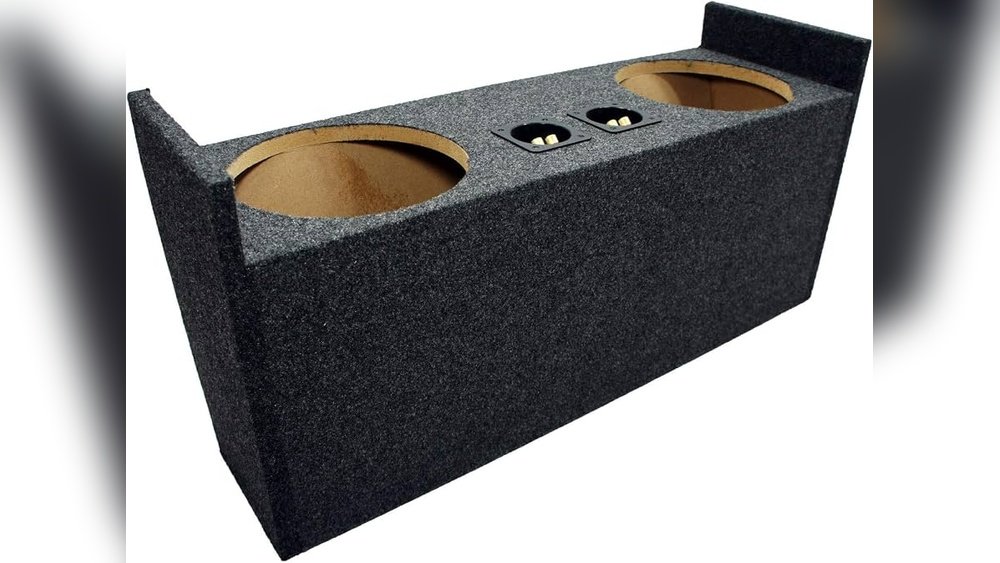
- Enclosures: Subwoofers need an enclosure to produce sound effectively. Options range from compact under-seat boxes to larger enclosures that take up cargo space. Consider a sealed enclosure for tight, accurate bass or a ported enclosure for louder, more boomy bass.
Sound Deadening And Insulation
Jeep Wranglers are known for road noise, wind noise, and rattles, especially with the top off or with aftermarket tops. Adding sound deadening material (like Dynamat or similar products) to the floor, doors, and firewall can make a significant difference.
- How it Works: These materials convert vibrational energy into heat, reducing rattles and resonance. Closed-cell foam insulation can also help block airborne noise.
- Benefits: Quieter cabin, allowing your upgraded audio system to be heard more clearly at lower volumes, and improving overall comfort.
Common Pitfalls And How To Avoid Them
Even with a kit, installing a YJ radio can have its challenges.
- Incorrect Wiring: This is the most common mistake. Double-check all wire connections against the diagrams. A reversed polarity on a speaker wire can make bass disappear. Incorrect power connections can damage the head unit or vehicle electronics.
- Not Using the Right Kit: Trying to force-fit a radio without the correct dash kit will look unprofessional and may not be secure. Using the wrong wire harness adapter can lead to incorrect connections or damage.
- Shallow Mount Speakers: Forgetting to check the mounting depth of new speakers can lead to them not fitting behind the factory grilles or interfering with window mechanisms.
- Antenna Issues: Ensure the