Updating the navigation system in your Jeep Grand Cherokee can make your driving experience much better. You get the latest maps, improved routing, and new points of interest. Many owners don’t realize how easy it is to update their navigation, or they delay updates and end up lost or stuck with old directions. Let’s walk through the process, step by step, and share tips that save time and help you avoid mistakes.
Modern navigation systems rely on up-to-date maps. Roads change every year; new highways open, and old ones close. An outdated system can send you the wrong way or miss important locations. Updating your navigation ensures:
- Accurate directions to your destination
- Fresh data on gas stations, restaurants, and hotels
- Improved traffic and route suggestions
- Safer and more confident driving
According to the Federal Highway Administration, the US adds or changes over 4,000 miles of roads each year. You don’t want to miss these changes.
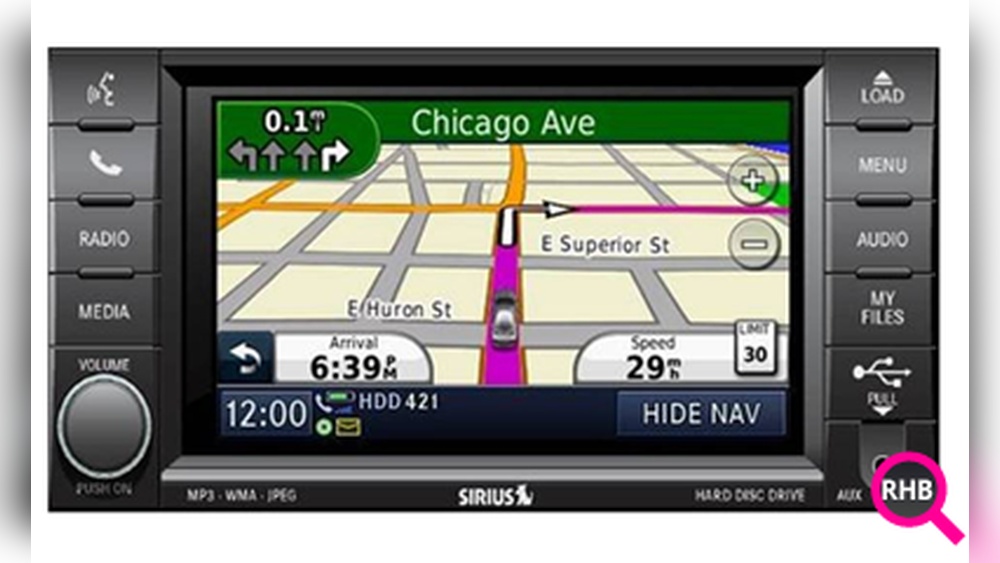
Before updating, you need to know your navigation system model. Jeep uses different systems depending on the year and trim:
| Year Range | Navigation System | Update Method |
|---|---|---|
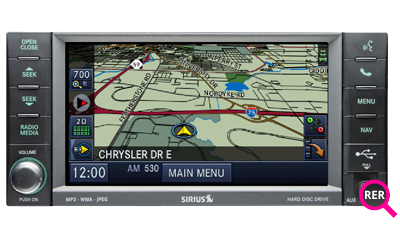
| 2011–2013 | Uconnect 730N | USB or DVD |
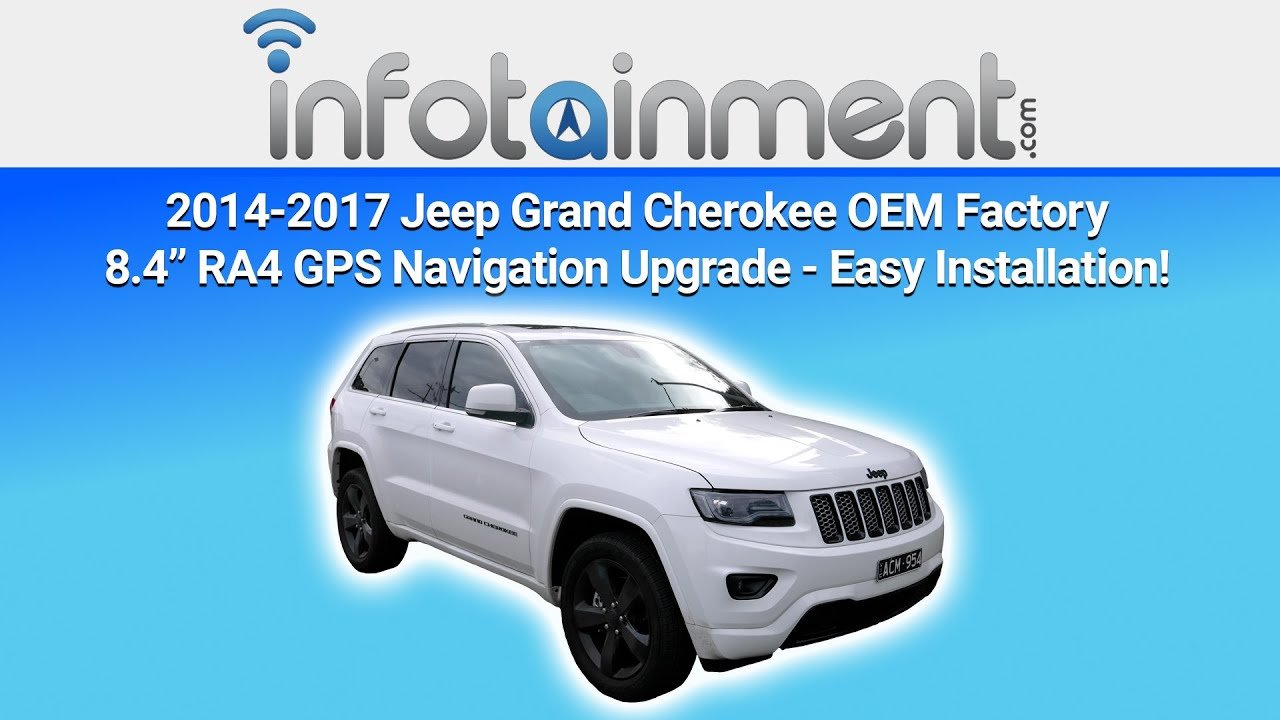
| 2014–2021 | Uconnect 8.4 | USB |
| 2022–Present | Uconnect 5 | Over-the-Air (OTA) |
Older models usually require a USB stick or DVD. Newer models often support over-the-air updates. Find your system name in your owner’s manual or on the main screen when you start the vehicle.

Each system has its own update process. Here’s how to update the most common types found in the Jeep Grand Cherokee.
1. Preparing For The Update
- Check your vehicle’s software version.
- Make sure you have a USB drive with at least 8GB space.
- Connect to a stable Wi-Fi network if your system supports OTA updates.
2. Downloading The Map Update
- Visit the official Jeep Uconnect website.
- Enter your VIN (Vehicle Identification Number) to check for available updates.
- Download the map file to your computer.
3. Transferring The Update To Your Jeep
For USB-based systems:
- Copy the downloaded file to your USB drive.
- Start your Jeep and plug the USB into the navigation port.
- Follow on-screen prompts to begin the update.
For OTA systems:
- Go to the navigation settings on your main screen.
- Select “Check for Updates.”
- Follow prompts to download and install maps directly to your system.
4. Completing The Update
- Wait for the system to finish updating; it can take 30–60 minutes.
- Do not turn off your vehicle or remove the USB during the update.
- Once finished, restart your Jeep to finalize changes.
Most updates require the engine to be running. To avoid draining your battery, keep your car in park with the engine on.
Common Problems And Solutions
Many owners face issues during the update. Here’s how to solve the most frequent ones.
| Problem | Solution |
|---|---|
| System won’t recognize USB | Use a clean, formatted USB drive (FAT32). |
| Download fails | Try a different computer or internet connection. |
| Update stops midway | Restart the process; avoid removing the USB until finished. |
| Maps don’t show after update | Check for software updates before map updates. |
One non-obvious tip: Always update your system software before updating maps. Outdated software can cause map updates to fail or display incorrectly.
Practical Tips To Make Updates Easier
- Backup your settings before updating. This prevents loss if something goes wrong.
- Start updates at home where you have good Wi-Fi and access to your computer.
- Some updates are paid. Prices range from $99 to $150, depending on map region and model.
- Use your Jeep’s VIN to avoid downloading the wrong version.
- Check for updates every 12–18 months, especially if you travel often.
A common mistake: Owners skip map updates thinking their phone GPS is enough. But Jeep’s built-in system integrates with other car features, like speed sensors and traffic data, for better accuracy.
Comparing Map Update Methods
Let’s compare the main ways to update navigation in your Jeep Grand Cherokee:
| Method | Speed | Ease of Use | Cost |
|---|---|---|---|
| USB Stick | 30–60 min | Moderate | $99–$150 |
| OTA (Wi-Fi) | 10–30 min | Easy | Usually Free |
| Dealer Visit | 1–2 hrs | Very Easy | $150–$200 |
OTA updates are fastest and often free, but not all models support them. USB updates are reliable but need manual steps. Dealer visits are simplest but cost more.
When Should You Update?
- If your navigation sends you the wrong way or misses new roads.
- After moving to a new city or region.
- Before a long road trip.
- When Jeep announces a major update.
Waiting too long means missing out on safety and convenience. Frequent updates keep your maps fresh and your routes accurate.
Where To Find Official Updates
Always use official sources for updates. The main one is the Jeep Uconnect website.
This ensures you get safe, compatible files and support if something goes wrong.
For more details, see Jeep Uconnect.
Frequently Asked Questions
You should update navigation maps every 12–18 months or sooner if you notice incorrect routes.
Can I Update Maps Myself Or Do I Need A Dealer?
Most owners can update maps at home using a USB stick or Wi-Fi. Dealer visits are only needed if your system has technical issues.
Usually, your saved locations remain after the update. But it’s smart to write them down or take photos just in case.
What If My Jeep Grand Cherokee Is An Older Model?
Older Jeeps may require DVD-based or USB updates. Check your owner’s manual for the correct process.
Is A Map Update Free?
OTA updates are often free for newer models. USB or dealer updates may cost $99 $200, depending on your system and map region.
Updating your Jeep Grand Cherokee navigation is simple, but it’s easy to miss small details that can cause problems. By following these steps and tips, you’ll enjoy smoother drives, safer routes, and the confidence that your maps are always current.


















