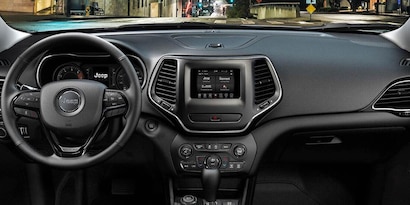
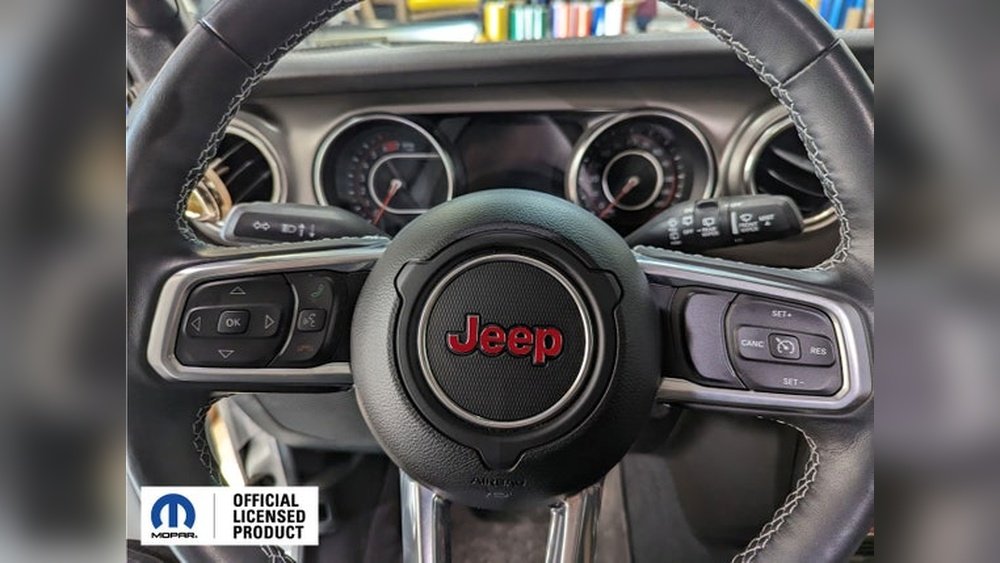
Setting up Bluetooth in your Jeep is a simple way to enjoy hands-free calling, music streaming, and safer driving. Many Jeep models come with built-in Bluetooth, but the setup steps can vary depending on the year and infotainment system.
If you’re new to this or struggle with technology, don’t worry—this guide will help you connect your phone to your Jeep easily, avoid common problems, and understand the benefits of Bluetooth in your vehicle.
Understanding Jeep Bluetooth Systems
Jeep vehicles use different infotainment systems. The most common are Uconnect, MyGIG, and older basic head units. Most Jeeps from 2011 onwards come with Uconnect, which offers Bluetooth connectivity for both audio and calls. If you drive a Jeep Wrangler, Cherokee, Grand Cherokee, or Renegade, you likely have Uconnect.
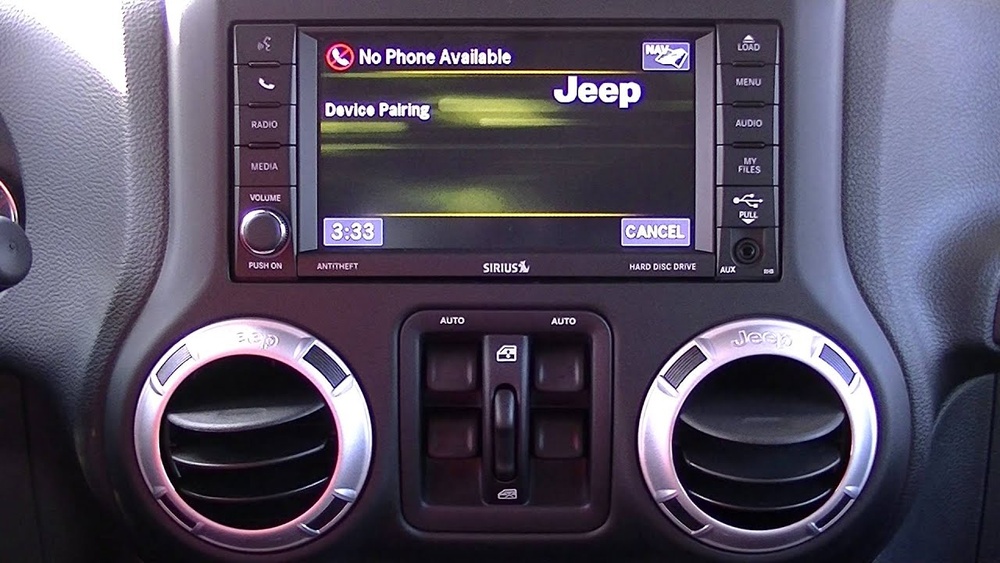
Here’s a quick comparison of Jeep infotainment systems:
| System | Bluetooth Calling | Bluetooth Audio | Voice Commands | Years Used |
|---|---|---|---|---|
| Uconnect | Yes | Yes | Yes | 2011-present |
| MyGIG | Yes | Limited | No | 2007-2010 |
| Basic Head Unit | No | No | No | Pre-2007 |
Knowing your system helps you follow the right steps. If your Jeep has no Bluetooth, aftermarket adapters are available.
Step-by-step: Setting Up Bluetooth On Jeep
Follow these clear steps to pair your phone with your Jeep. Most systems are similar, but look for small differences in menu names.
1. Start Your Jeep
Turn on your vehicle and make sure the infotainment screen is powered.
2. Enable Bluetooth On Your Phone
Go to your phone’s settings and turn on Bluetooth. Make sure your phone is visible to other devices.
On the infotainment screen, tap “Phone” or “Settings. ” Then select “Bluetooth” or “Pair Device. ”
4. Select Pairing Option
Choose “Add Device” or “Pair New Device. ” Your Jeep will start searching for nearby phones.
5. Choose Your Phone
When your phone appears on the Jeep screen, select it. A code will appear on both devices.
6. Confirm The Code
Make sure the code matches on your phone and Jeep. Tap “Yes” or “Pair” on both screens.
7. Grant Permissions
Your phone may ask for access to contacts and messages. Allow these for full hands-free features.
8. Wait For Confirmation
The Jeep will confirm the connection. A phone icon or Bluetooth logo should appear on the screen.
Here’s a quick summary of steps for different Jeep models:
| Model | Menu Name | Bluetooth Version |
|---|---|---|
| Wrangler | Uconnect | 4.0+ |
| Cherokee | Uconnect | 4.0+ |
| Grand Cherokee | MyGIG/Uconnect | 2.1/4.0+ |
| Renegade | Uconnect | 4.0+ |
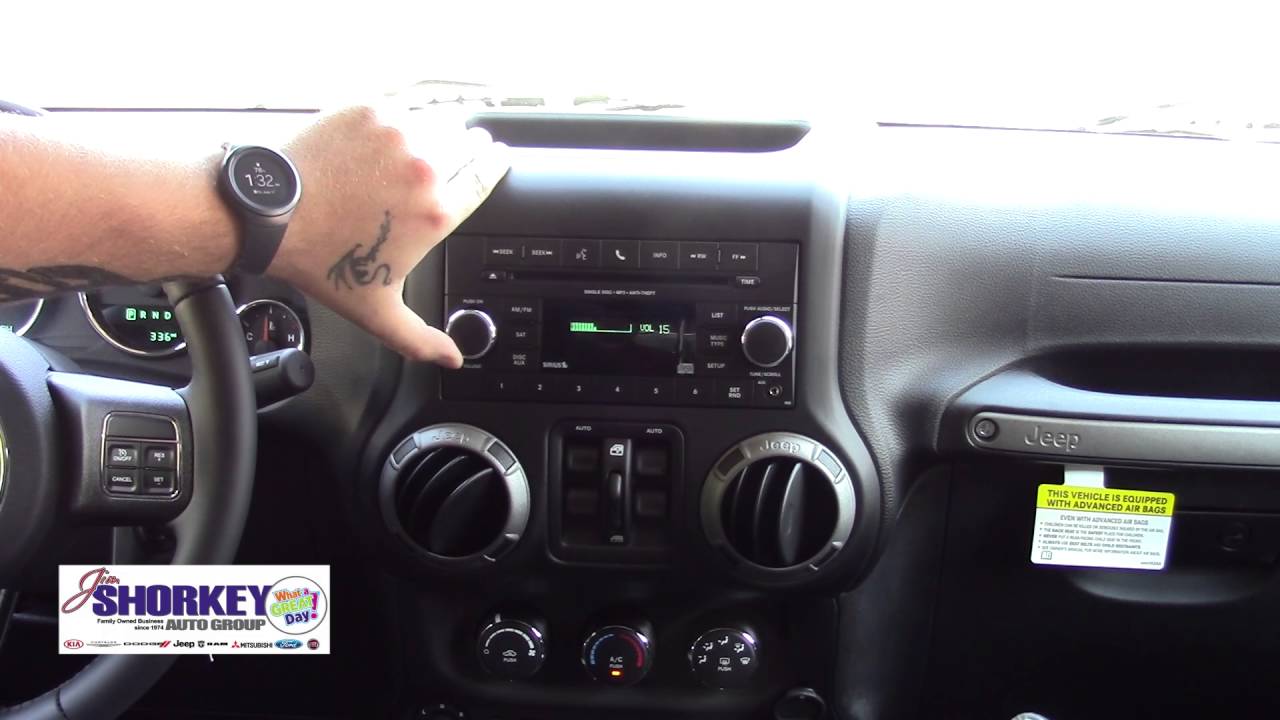
If you have an older Jeep or a basic head unit, you may need a Bluetooth adapter. These plug into the AUX port and allow basic wireless audio.
Common Problems And Solutions
Setting up Bluetooth is usually smooth, but sometimes problems occur. Here are the most frequent issues and how to fix them:
1. Connection Failed
Restart both your phone and the Jeep’s infotainment system. Delete any old paired devices and try again.
2. No Sound
Make sure your phone’s media volume is up. On the Jeep screen, check that “Bluetooth Audio” is selected.
3. Can’t Find Device
Ensure your phone is not paired with another car or device. Turn off and on your phone’s Bluetooth.
4. Calls Drop Or No Audio
Update your phone’s operating system and the Jeep’s Uconnect software if possible.
5. Bluetooth Not Available
If your Jeep’s infotainment is not showing Bluetooth options, check your owner’s manual. Some models require a software update or dealer assistance.
Here’s a simple troubleshooting comparison:
| Problem | Quick Fix | Extra Step |
|---|---|---|
| Device not found | Restart phone | Reset Jeep system |
| No sound | Increase volume | Check Bluetooth Audio |
| Calls drop | Update phone | Update Uconnect |
| Bluetooth missing | Check manual | Visit dealer |
Practical Tips For A Smooth Setup
Many Jeep owners miss these small but important details:
- Always delete old connections before pairing a new device.
- Keep your phone’s operating system updated for the best compatibility.
- If you switch phones often, clear the Jeep’s paired device list regularly.
- Use the voice command button for safer driving. Say “Call [name]” or “Play [song]” for hands-free use.
- If your Jeep’s Bluetooth is slow, avoid pairing more than one device at a time.
In some cases, aftermarket Bluetooth kits offer better sound quality than factory units. For more details about Jeep Uconnect, see the official Jeep Uconnect site.

Benefits Of Bluetooth In Jeep
Connecting your phone gives you:
- Hands-free calling, which reduces distractions.
- Streaming music and podcasts from your phone.
- Access to navigation apps with voice instructions.
- Automatic switching between calls and media.
- Safer driving, as you keep your hands on the wheel.
A study by the National Safety Council shows that hands-free devices reduce accident risk by up to 30% compared to holding a phone. Bluetooth also saves battery by using less power than wired connections.
Frequently Asked Questions
How Do I Know If My Jeep Has Bluetooth?
Check your infotainment screen for a “Phone” or “Bluetooth” option. Most Jeeps from 2011 onward have Bluetooth.
If unsure, look in your owner’s manual or ask your dealer.
Can I Use Bluetooth For Music And Calls?
Yes, if your Jeep has Uconnect, you can stream music, podcasts, and make hands-free calls. Older systems may only support calls.
What If My Phone Doesn’t Connect?
Restart your phone and Jeep system. Delete old paired devices and try again.
Update your phone software. If still stuck, visit a dealer.
Can I Connect More Than One Phone?
Most Jeep systems allow multiple devices, but only one can be active at a time. For best performance, pair one phone and clear others.
Is Bluetooth Safe To Use While Driving?
Bluetooth is much safer than holding your phone. Always use voice commands and avoid manual dialing while driving. Safety studies confirm Bluetooth reduces distraction.
Connecting Bluetooth in your Jeep opens up safer, easier ways to communicate and enjoy your drive. With the right steps and a little patience, you’ll be ready to use hands-free features in minutes. If problems come up, simple fixes usually solve them. Enjoy your ride and stay safe on the road!