Apple CarPlay has changed how we interact with our vehicles, making it safer and easier to use apps, maps, and music on the road. For Jeep Grand Cherokee owners, CarPlay brings extra convenience, but sometimes problems arise. You might see glitches, connection issues, or frozen screens. Resetting CarPlay in your Jeep Grand Cherokee is often the fastest way to fix these issues, but many drivers are unsure how to do this or what to expect. This article guides you through the exact steps, explains common mistakes, and gives tips to avoid future problems. Whether you’re a tech beginner or a savvy driver, you’ll find everything you need to confidently reset CarPlay and get back on the road.
Understanding Carplay In Jeep Grand Cherokee
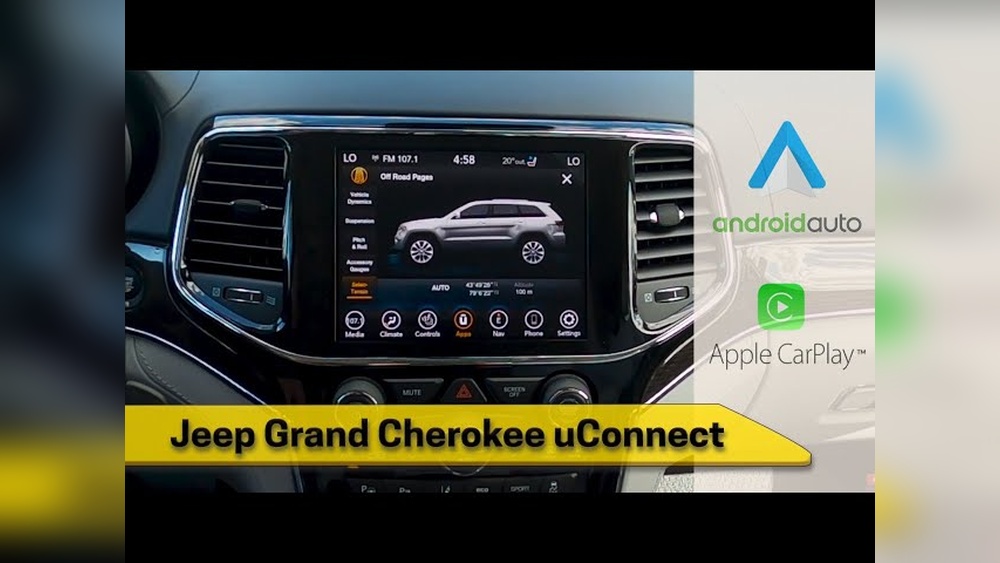
CarPlay is Apple’s system that connects your iPhone to your vehicle’s infotainment screen. In the Jeep Grand Cherokee, this means you can use Apple Maps, make calls, listen to music, and send messages—all hands-free. The Grand Cherokee uses the Uconnect system, which is known for its easy interface and strong compatibility with Apple CarPlay.
Most models from 2018 onward offer CarPlay as standard or optional. With CarPlay, you can:
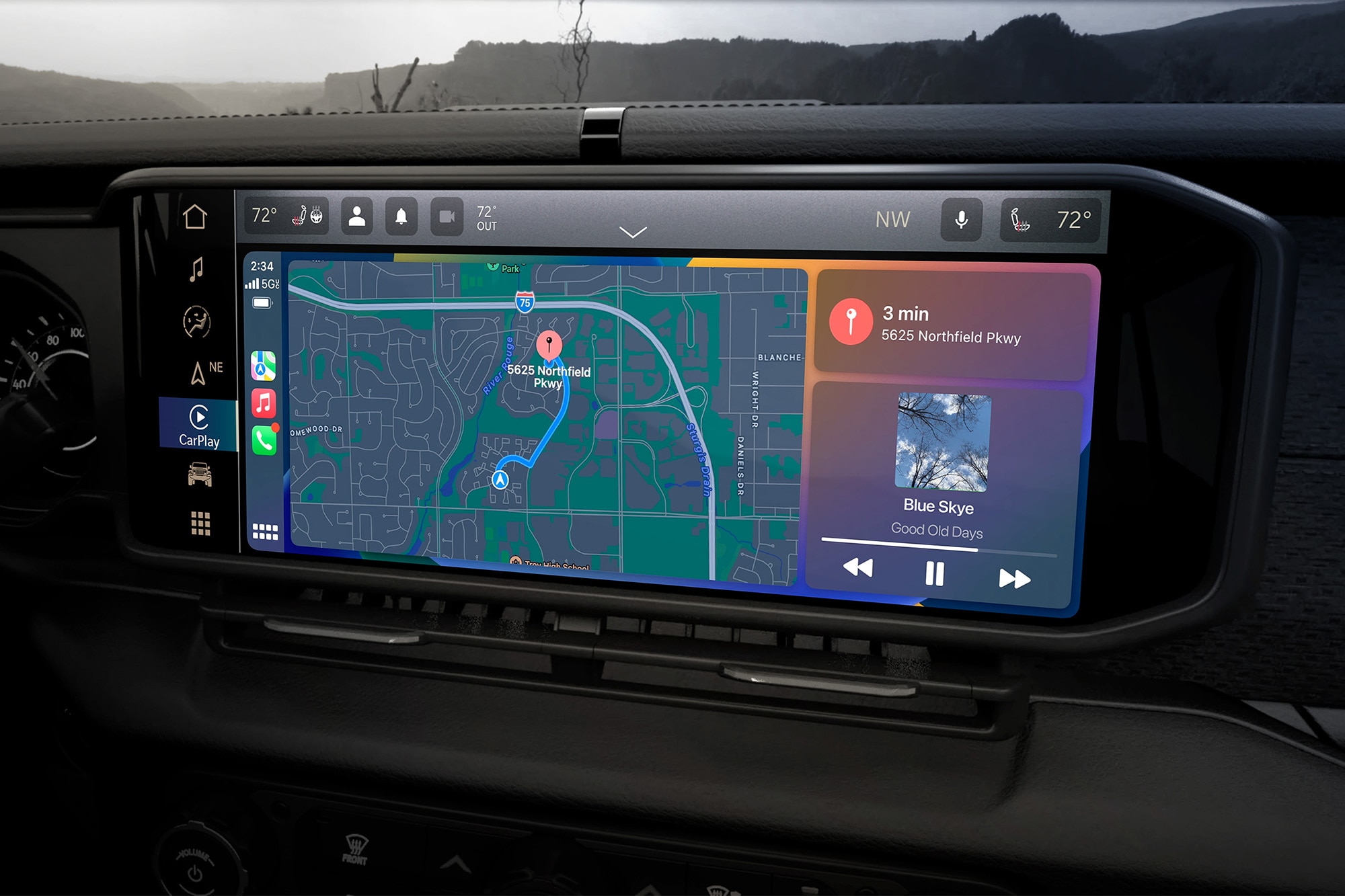
- Access navigation (Google Maps, Apple Maps)
- Play music (Spotify, Apple Music)
- Use voice commands (Siri)
- Read and send messages
But like any tech, CarPlay is not perfect. Sometimes, you need to reset it to clear errors and restore smooth operation.
Why Carplay Needs Resetting
Understanding why CarPlay needs a reset can save you time and frustration. Common reasons include:
- Connection drops: Your phone disconnects from the system suddenly.
- Frozen screen: The display stops responding.
- No audio: You can’t hear music or calls.
- App crashes: Apps fail to load or close unexpectedly.
- Slow response: The system lags or delays input.
These problems usually happen because of software glitches, faulty cables, or updates that didn’t finish properly. Resetting CarPlay often clears these issues and restores normal operation.

Quick Checklist Before Resetting Carplay
Before you reset CarPlay, check these basics:
- Is your iPhone updated to the latest iOS?
- Is your Jeep’s Uconnect system updated?
- Are you using a genuine or high-quality USB cable?
- Is Bluetooth enabled?
- Have you tried restarting your phone?
If everything checks out and CarPlay still fails, proceed to the reset steps.
How To Reset Carplay In Jeep Grand Cherokee
Resetting CarPlay involves both your iPhone and the Uconnect system. Here’s how to do it step-by-step.
Step 1: Disconnect And Reconnect Your Iphone
The simplest reset starts with unplugging and reconnecting.
- Unplug your iPhone from the Jeep’s USB port.
- Wait 30 seconds.
- Plug it back in using a good-quality cable.
- Check if CarPlay reconnects and works.
If this doesn’t work, move to the next method.
Step 2: Restart Your Iphone
Sometimes, the problem is with your phone.
- Press and hold the power button until you see “slide to power off.”
- Turn your phone off.
- Wait 10 seconds.
- Turn your phone back on.
- Reconnect it to your Jeep.
Often, this clears small glitches.
Step 3: Restart The Uconnect System
The Uconnect system can be reset without losing your settings.
- With the vehicle running, hold down the power and volume buttons together for about 10 seconds.
- The screen will go black, then reboot.
- Wait for the Uconnect logo.
- Try connecting CarPlay again.
Step 4: Forget Carplay Connection And Re-pair
If the above steps fail, try removing and re-adding CarPlay.
- On your iPhone, go to Settings > General > CarPlay.
- Select your Jeep from the list.
- Tap Forget This Car.
- Unplug your phone.
- Plug your phone back in and follow the prompts to set up CarPlay again.
Step 5: Reset Uconnect To Factory Settings
If nothing works, a factory reset might be needed. Warning: This erases all settings.
- On the Uconnect screen, go to Settings.
- Scroll to System Information or Reset.
- Select Restore Factory Settings.
- Confirm the reset.
- After reboot, set up CarPlay as new.
Step 6: Update Software
Make sure both your iPhone and Uconnect have the latest updates. Many bugs are fixed in new versions.
- For iPhone: Go to Settings > General > Software Update.
- For Uconnect: Visit Jeep’s official site or your dealer for update instructions.
Common Mistakes When Resetting Carplay
Many drivers make mistakes that waste time or cause more problems. Avoid these:
- Using cheap USB cables that don’t support data transfer.
- Forgetting to update Uconnect before resetting.
- Skipping the phone restart step.
- Not checking for Bluetooth interference from other devices.
- Trying to reset while the vehicle is off.
A non-obvious tip: Don’t use wireless CarPlay for resetting—always use a wired connection, as it is more stable for troubleshooting.
How Resetting Carplay Affects Your Jeep Grand Cherokee
Resetting CarPlay does not harm your vehicle. It only clears temporary software errors.
However, a factory reset will erase saved radio stations, Bluetooth pairings, and custom settings. Always note important preferences before doing a full reset.
After a successful reset, you should notice:
- Faster, more responsive CarPlay performance
- Fewer crashes and freezes
- Reliable music and navigation
If you continue to see problems after a reset, your Jeep’s infotainment hardware may need professional attention.
Comparing Carplay Reset Methods
Different reset methods work for different problems. Here’s a comparison to help you choose.
| Reset Method | Best For | Time Required | Risk Level |
|---|---|---|---|
| Disconnect & Reconnect | Minor glitches | 1 minute | None |
| Restart iPhone | Phone software issues | 2 minutes | None |
| Restart Uconnect | Infotainment lag | 3 minutes | None |
| Forget & Re-Pair | Persistent connection issues | 5 minutes | Low |
| Factory Reset Uconnect | Major errors | 10 minutes | Medium (settings erased) |
| Update Software | Preventive maintenance | 10-30 minutes | Low |
How Carplay Issues Affect Driving Experience
CarPlay is not just a convenience—it impacts safety and comfort. When CarPlay freezes or disconnects, you may lose access to navigation, calls, or music. This can lead to distraction or frustration, especially on long trips. According to the National Highway Traffic Safety Administration, distracted driving causes over 3,000 fatalities in the US each year. Reliable CarPlay helps minimize these risks by keeping your focus on the road.
Tips For Preventing Carplay Problems
Resetting CarPlay can fix issues, but prevention is even better. Here are some practical tips:
- Always use a certified USB cable for wired CarPlay.
- Keep your iPhone updated.
- Update your Uconnect system regularly.
- Avoid connecting multiple devices at once.
- Don’t overload CarPlay with too many apps running.
- Clean the USB port and cable ends frequently.
- Restart your phone weekly to clear minor bugs.
- Check for interference from other Bluetooth devices.
Two non-obvious insights: If your Jeep has multiple USB ports, some may only support charging, not data. Always use the main port marked for media. Also, when switching between wired and wireless CarPlay, disconnect properly to avoid software confusion.
Comparing Jeep Grand Cherokee Carplay With Other Brands
Jeep’s CarPlay integration is reliable, but how does it compare with competitors?
| Brand | CarPlay Support | Ease of Reset | Wireless CarPlay |
|---|---|---|---|
| Jeep Grand Cherokee | Strong (Uconnect 4/5) | Easy | Available (2021+) |
| Toyota Highlander | Good (Entune) | Moderate | Limited |
| Ford Explorer | Strong (Sync 3/4) | Easy | Available |
| Honda Pilot | Good (Display Audio) | Easy | Limited |
| Chevrolet Tahoe | Strong (Infotainment 3) | Easy | Available |
Jeep’s Uconnect system offers one of the best CarPlay experiences, especially for resetting and troubleshooting. Wireless CarPlay, available in recent models, adds extra convenience.
When To Seek Professional Help
If you have tried all reset steps and CarPlay still fails, it may be time to ask a professional. Signs that you need help:
- CarPlay does not appear at all.
- The Uconnect screen stays black or unresponsive.
- You notice errors after updates.
- Hardware faults (USB port not working, infotainment not powering up).
Jeep dealerships and certified technicians can diagnose deeper issues. Sometimes, hardware repairs or advanced software updates are needed.
Useful Resources For Jeep Grand Cherokee Owners
For further reading, visit the official Jeep Uconnect support page. You can find update instructions, troubleshooting guides, and contact info. Here’s a helpful link: Jeep Uconnect Support.
Frequently Asked Questions
How Often Should I Reset Carplay In My Jeep Grand Cherokee?
You don’t need to reset CarPlay regularly. Do it only when you notice problems like freezing, connection drops, or lag.
If CarPlay works smoothly, no reset is required.
Will Resetting Carplay Erase My Saved Settings In The Jeep?
A simple CarPlay reset (disconnect, restart) won’t erase settings. Only a factory reset of Uconnect will remove radio presets, Bluetooth pairings, and customizations. Always check before choosing a factory reset.
Is It Safe To Use Wireless Carplay After Resetting?
Yes, it’s safe. Wireless CarPlay works well in newer Grand Cherokees.
After resetting, set up wireless CarPlay as usual. Wired connections are more stable for troubleshooting, so use a cable if problems return.
What If Carplay Still Doesn’t Work After All Reset Steps?
If CarPlay remains unresponsive after all steps, contact your Jeep dealer or a certified technician. There may be a hardware problem or advanced software error that needs professional repair.
Are There Any Risks In Resetting Uconnect?
The main risk is losing saved settings during a factory reset. Your vehicle’s radio, contacts, and preferences will be erased.
The system itself is safe and won’t damage your Jeep.
Getting CarPlay back to full function in your Jeep Grand Cherokee is simple with the right steps. Resetting clears most issues quickly and safely.
If problems persist, professional help is available. Stay updated, use quality cables, and enjoy a seamless driving experience.


















