If you own a Jeep Wrangler 2020, you might need to disconnect its wire harness for repairs, upgrades, or troubleshooting electrical issues. Many drivers worry about damaging parts or causing errors when dealing with wiring. The good news is, you can safely disconnect the wire harness if you follow careful steps and understand the basics. This guide explains how to do it, what tools you need, and what mistakes to avoid. Even if you’re not an expert, you can handle this task with confidence.
Understanding The Wire Harness In Jeep Wrangler 2020
The wire harness is a bundle of wires and connectors that send power and signals throughout your Jeep. It connects lights, sensors, the engine, and more. In the Wrangler 2020, the main harness sits under the dashboard, but there are smaller harnesses for doors, headlights, and tail lights.
A wire harness in a modern Jeep contains over 100 individual wires and connects more than 50 components. This shows why careful handling is critical.
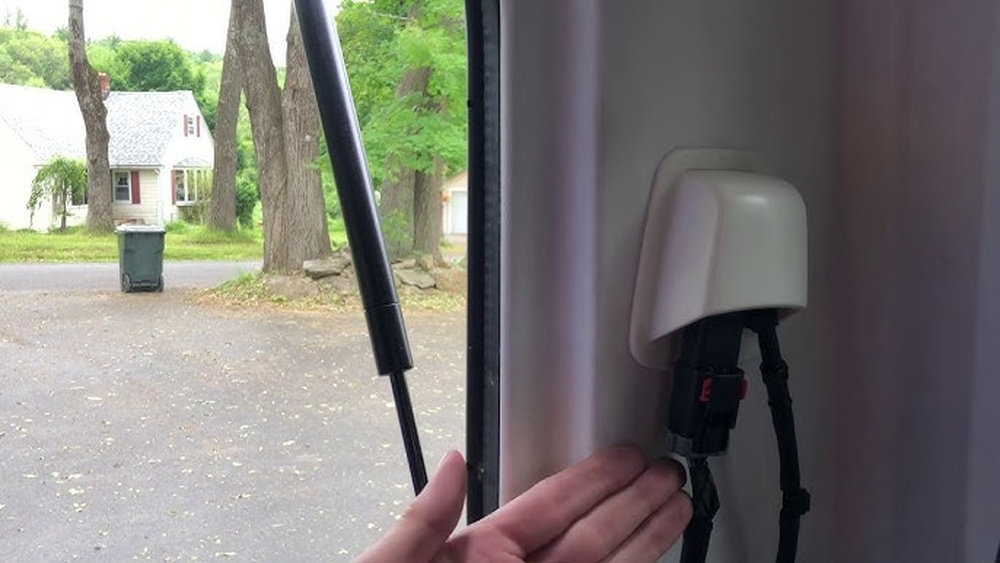
If you accidentally break a wire or connector, you might face expensive repairs. Understanding the harness layout helps you avoid confusion and mistakes.
Here’s a simple comparison of wire harness types in Jeep Wrangler:
| Location | Main Purpose | Number of Wires |
|---|---|---|
| Dashboard | Controls, sensors, infotainment | 40+ |
| Door | Window, locks, speakers | 10-15 |
| Engine bay | Engine, lights, battery | 30+ |
Tools And Preparation
Before starting, gather a few tools to make the job easier and safer:
- Plastic trim removal tool (to avoid scratches)
- Small flathead screwdriver
- Needle-nose pliers
- Gloves (for hand protection)
- Flashlight (for better visibility)
- Notebook or phone camera (to record wire positions)
Disconnect the battery before touching any wire harness. This prevents electrical shock and protects sensitive electronics. Many people skip this step and cause short circuits, leading to costly damage.
Another non-obvious tip: Take photos of the harness and connectors before disconnecting. This helps you reconnect everything correctly later. Even experienced mechanics sometimes make mistakes with wire placement.
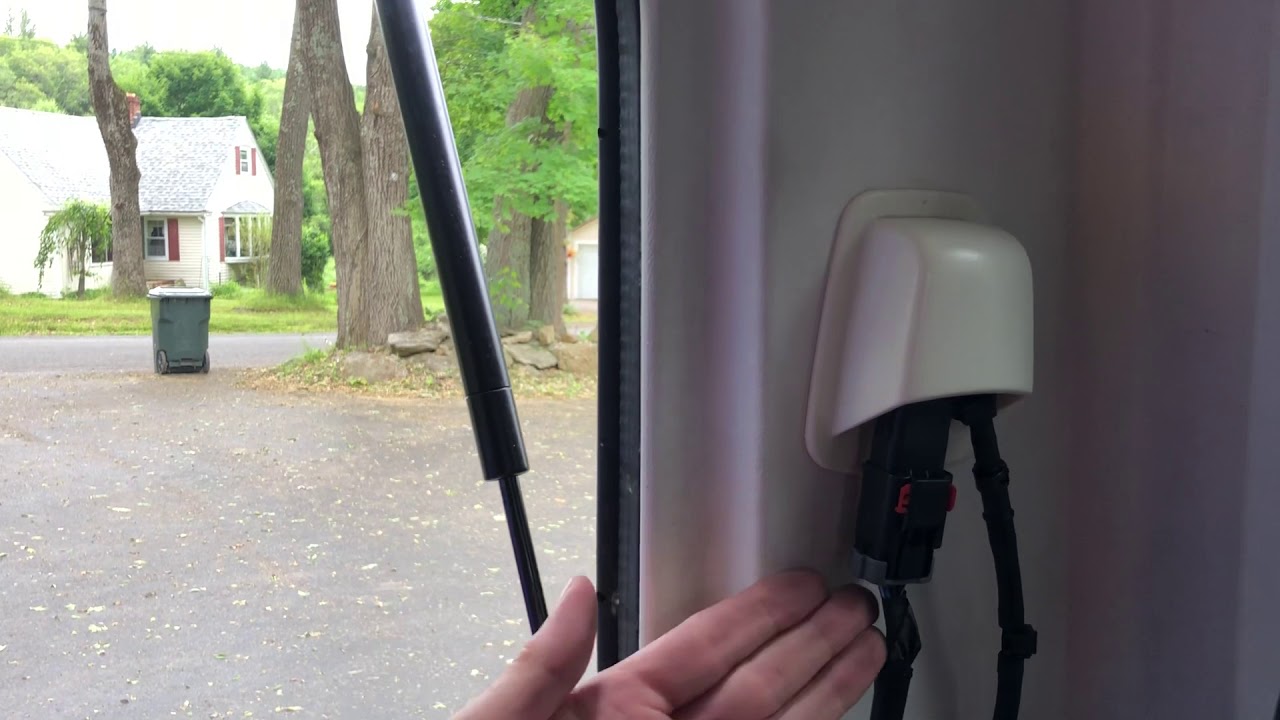
Step-by-step: Disconnecting Wire Harness In Jeep Wrangler 2020
Follow these steps to disconnect the wire harness safely:
- Turn off the Jeep and disconnect the battery. Use a wrench to remove the negative terminal first.
- Locate the wire harness you want to disconnect. For dashboard harnesses, remove the lower dash panel using a plastic trim tool.
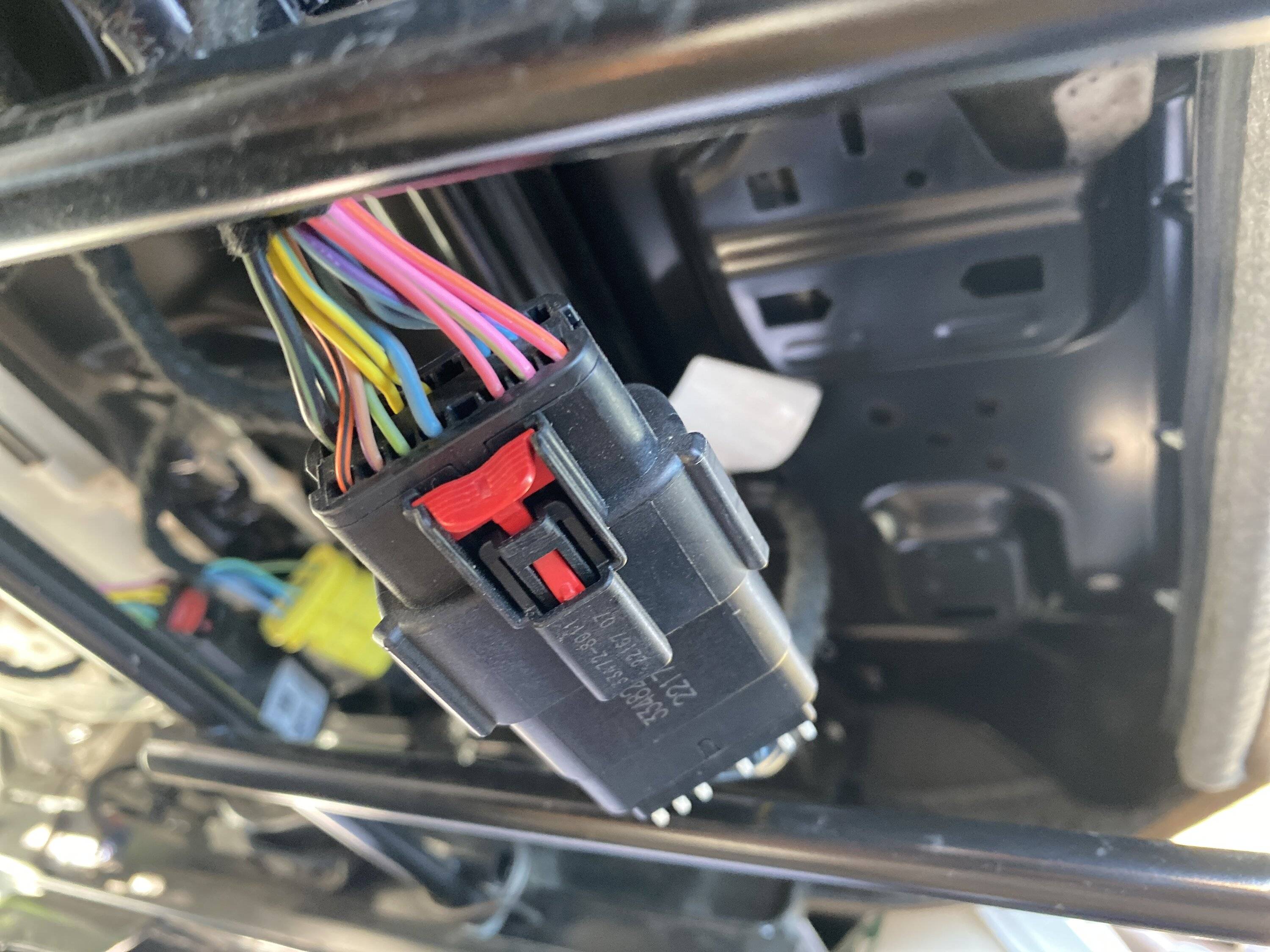
- Identify the main connector. Most harnesses use a locking clip. Press the release tab gently with a screwdriver.
- Pull the connector straight out. Avoid twisting or forcing it. If it sticks, wiggle gently while pressing the release tab.
- Label wires if needed. Use tape or write notes to mark each wire. This prevents confusion when reconnecting.
- Inspect the connector for damage. Look for bent pins or corrosion. If you see any, clean with electrical contact cleaner.
- Store the disconnected harness safely. Place it somewhere clean to avoid dust and moisture.
If you need to disconnect door or headlight harnesses, the steps are similar. Just remove the panels first, then find the connector.
Here’s a comparison of connector locking mechanisms used in Jeep Wrangler:
| Connector Type | Locking Method | Ease of Removal |
|---|---|---|
| Standard clip | Press tab | Easy |
| Slide lock | Slide and press | Moderate |
| Pin lock | Lift pin | Hard |
Common Mistakes And How To Avoid Them
Many beginners make mistakes that lead to bigger issues:
- Forcing the connector. If it won’t move, check for hidden clips or screws.
- Skipping battery disconnect. Always remove the negative terminal before touching wires.
- Mislabeling wires. Use clear labels or photos to track connections.
- Touching bare wires. Wear gloves and avoid contact with exposed metal.
- Ignoring signs of damage. Bent pins can cause system failures. Inspect every connector before reconnecting.
Some Jeep owners forget that aftermarket accessories (like lights or radios) might use extra harnesses. Always check for these additions before disconnecting anything.
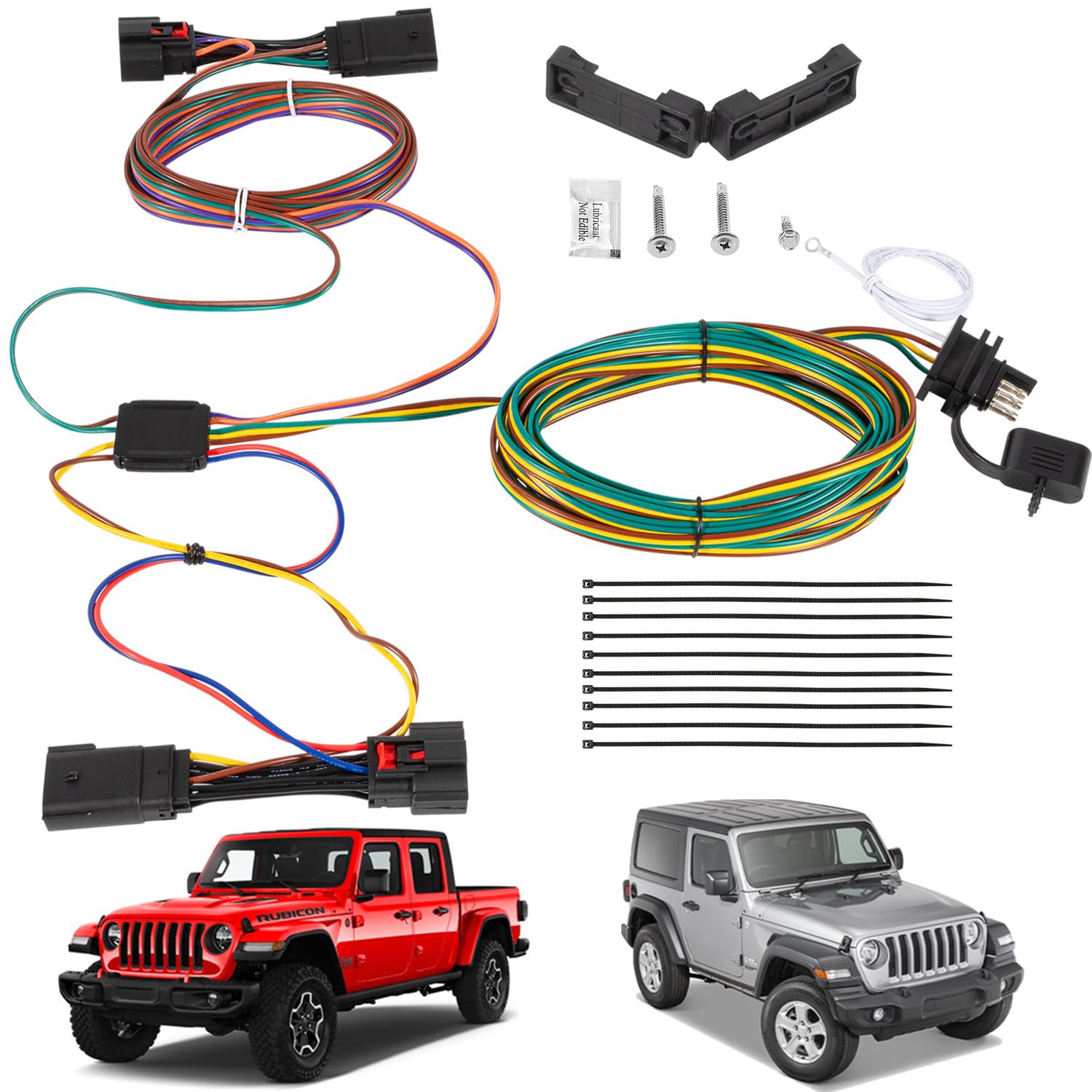
Reconnecting The Wire Harness
After repairs or upgrades, reconnect the harness using these steps:
- Check that all connectors are clean and pins are straight.
- Align connectors carefully before pushing them together.
- Listen for a click or feel the lock engage.
- Reconnect the battery last. Start the Jeep and check all systems.
If you notice warning lights or malfunctions, double-check your connections. Sometimes a single loose wire causes errors.
Here’s a quick comparison of possible outcomes after reconnecting:
| Connection Quality | System Response | Action Needed |
|---|---|---|
| Perfect | No errors | None |
| Loose | Warning lights | Reconnect |
| Wrong placement | System failure | Check photos/labels |
Practical Tips For A Smooth Process
- Work in daylight or use a bright lamp. Shadows can hide small connectors.
- Keep a magnet handy. If you drop screws, a magnet helps retrieve them.
- Ask for help if unsure. Sometimes two people make the job faster and safer.
- Check official manuals for your Jeep model. Some wire harnesses are unique to year or trim. The Jeep official site offers guides and diagrams.
One insight many beginners miss: Sometimes disconnecting a harness resets certain settings, like radio presets or seat positions. Save your settings before starting.
Frequently Asked Questions
How Long Does It Take To Disconnect The Wire Harness?
Usually, it takes 20–40 minutes for a first-time user. If you have experience, you may finish in under 15 minutes. Time depends on harness location and your tools.
Is It Safe To Disconnect The Harness Without A Mechanic?
Yes, if you follow the steps carefully and disconnect the battery. However, if you feel unsure, ask a professional. Some harnesses are tricky and require special tools.
Will Disconnecting The Harness Cause Warning Lights?
If you reconnect properly, warning lights should not appear. Sometimes, a loose connector or bent pin triggers errors. Always inspect and test after reconnecting.
Can I Use Metal Tools To Remove Connectors?
Use plastic tools when possible. Metal tools may scratch surfaces or cause shorts. If you use a metal screwdriver, be gentle and avoid contact with other wires.
What Should I Do If A Connector Breaks?
If a connector breaks, do not force it back. Buy a replacement from a Jeep dealer or auto parts store. Broken connectors can cause electrical failures or safety issues.
Disconnecting the wire harness in your Jeep Wrangler 2020 is easier than you might expect when you use the right tools and follow proven steps. Take your time, record everything, and double-check your work. With careful preparation, you can complete this task safely and confidently.


















