If you own a Jeep from the past decade, you probably use the Uconnect system every time you drive. This built-in technology controls navigation, music, phone calls, and sometimes even climate and safety features. But as with all tech, things change.
Maps become outdated, new features roll out, and sometimes bugs need fixing. If you’re wondering, “Can you update Jeep Uconnect?
” the answer is yes. But how you do it, and how easy it is, depends on your Jeep’s model year and which version of Uconnect you have.
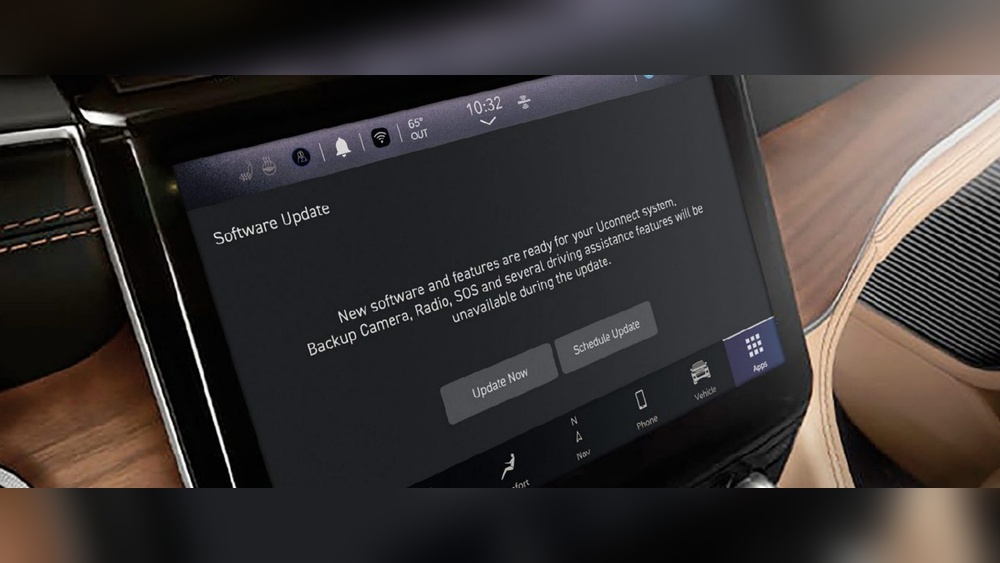
What Is Uconnect And Why Update It?
Uconnect is the brand name for Jeep’s infotainment system. It combines GPS navigation, music, hands-free calling, and smartphone integration in one screen on your dashboard. Like any software, it needs updates to stay current and secure.
Updating your Uconnect system can:
- Fix bugs that cause freezing or glitches.
- Add new features such as Apple CarPlay or Android Auto support.
- Update maps to show new roads or changed routes.
- Improve security to protect your personal information.
Many drivers don’t realize how much a small update can improve their daily driving experience. For example, updated maps can reduce travel time and avoid road closures.
Also, new features might only be available after a software update.
How To Check Your Uconnect Version
Before updating, you need to know your current Uconnect version and whether your Jeep is eligible for an update. To check:
- Turn on your Jeep and go to the Uconnect screen.
- Tap the “Settings” menu.
- Select “System Information” or “About.”
- Look for the software version number.
Write this number down. You’ll need it to compare with the latest available version.
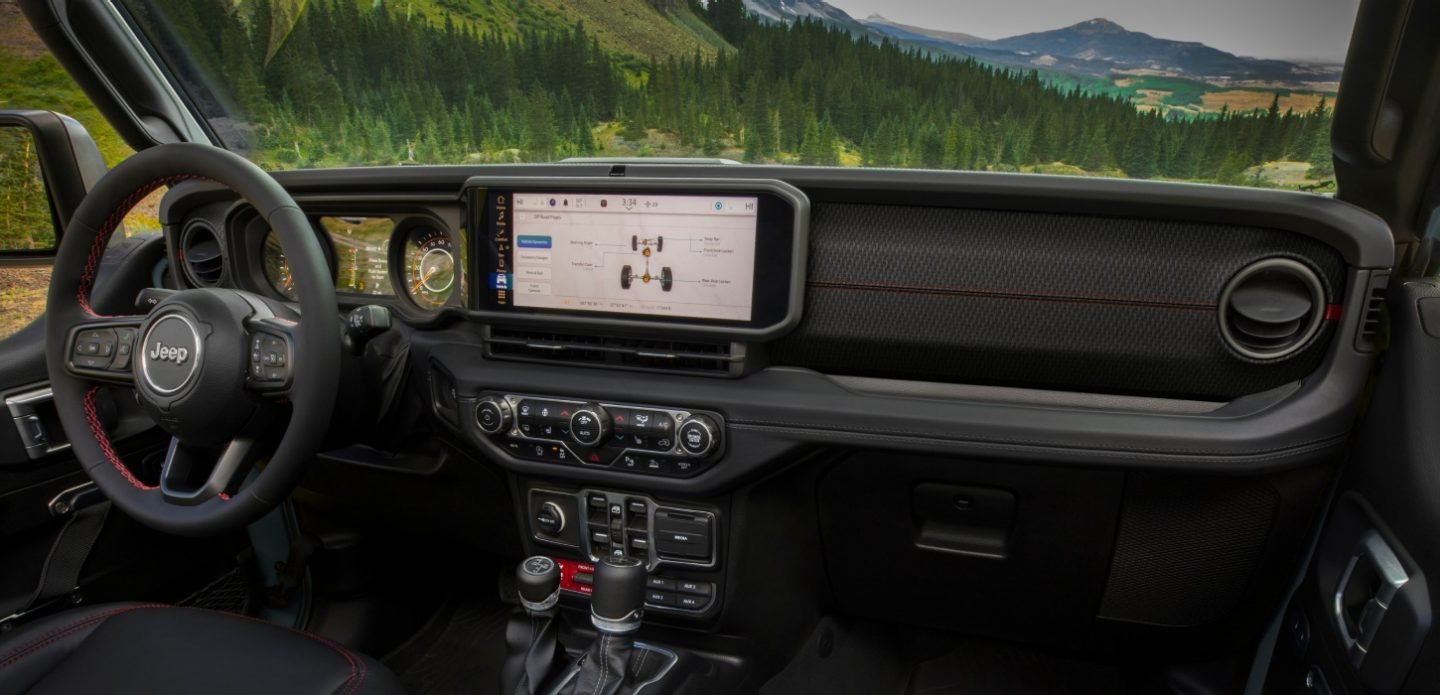
Ways To Update Jeep Uconnect
There are three main ways to update the Uconnect system, depending on your Jeep’s model year and system version.
1. Over-the-air (ota) Updates
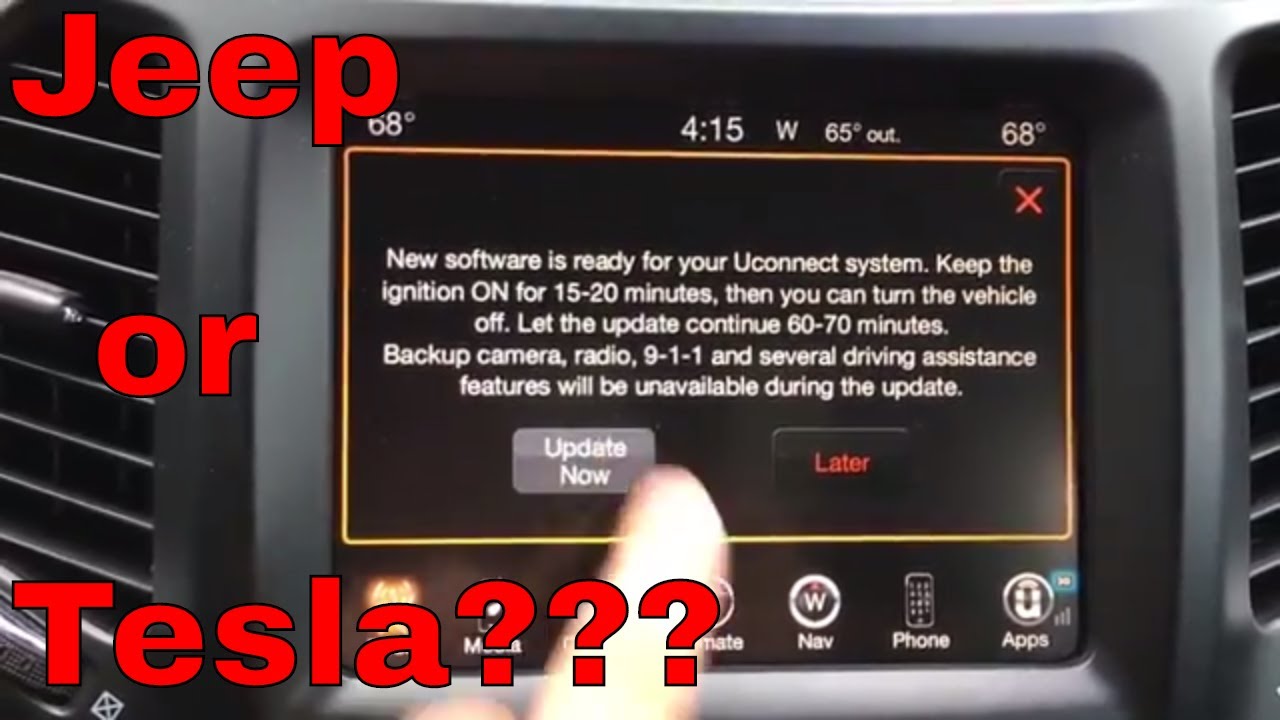
Many newer Jeeps (2018 and up) support OTA updates. This means your car can download and install updates using its built-in cellular connection, just like a smartphone.
Steps for OTA updates:
- Make sure your Jeep is in a location with good cellular reception.
- You may see a pop-up on the Uconnect screen about a new update.
- Follow the on-screen prompts to start the update.
- Keep your Jeep in “Run” mode (engine on) until the update finishes.
Tip: OTA updates are usually automatic, but you can check for updates manually in the “Settings” menu.
2. Usb Drive Updates
Older models may require you to update via a USB flash drive. You’ll need a computer and an empty USB drive (at least 8GB).
Steps for USB updates:
- Go to the official Uconnect software update page.
- Enter your Vehicle Identification Number (VIN) to check if an update is available.
- If yes, download the update file to your computer.
- Copy the file to the USB drive (follow the specific instructions provided).
- Plug the USB drive into your Jeep’s USB port.
- Follow the on-screen prompts on your Uconnect display.
Important: Don’t turn off your Jeep or remove the USB drive during the update. This could damage the system.
3. Dealer Updates
If you’re not comfortable doing the update yourself, or if your system is having problems, a Jeep dealer can perform the update for you. This is often needed for very old Uconnect versions or if an update fails.
Dealer updates may cost a fee if your Jeep is out of warranty. However, they can also check for other important software and recall updates while you’re there.
Comparing Update Methods
Here’s a quick comparison of the three update methods:
| Update Method | Best For | Pros | Cons |
|---|---|---|---|
| Over-the-Air | 2018+ models | Easy, automatic, no extra tools | Needs good cellular signal |
| USB Drive | Older models (2014–2018) | DIY, no dealer visit needed | Requires computer, careful steps |
| Dealer | Any model | Professional help, less risk | May cost money, takes time |
Common Issues And Solutions
Sometimes, updates don’t go smoothly. Here are some typical problems and what to do:
- Update fails to start: Make sure your USB drive is formatted correctly (usually FAT32) and only the update file is on it.
- System freezes during update: Don’t turn off the car. Wait at least 30 minutes. If it doesn’t finish, seek dealer help.
- Features missing after update: Some updates reset settings. Re-pair your phone or re-enter preferences.
- Maps not updated: Map updates are sometimes separate and may cost extra. Check with your dealer or Uconnect support.
Benefits Of Keeping Uconnect Updated
Updating Uconnect is not just about new features. It’s also about safety and convenience. Outdated software can have security holes. Updated navigation means fewer wrong turns. Newer versions often fix Bluetooth or voice command issues, making your drive smoother.
Interesting fact: According to FCA (Fiat Chrysler Automobiles), vehicles with the latest Uconnect updates experience 20% fewer tech-related service visits.
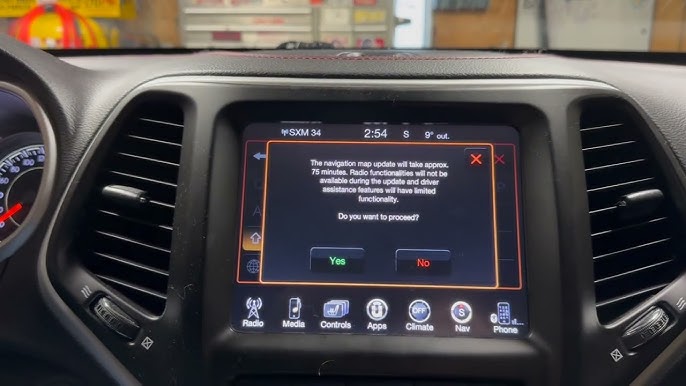
Table: Uconnect Features By Version
If you’re unsure what updates might bring, here’s a quick look at features by Uconnect version:
| Uconnect Version | Key Features | Update Method |
|---|---|---|
| Uconnect 3 | Basic radio, Bluetooth | USB/Dealer |
| Uconnect 4 | Touchscreen, Apple CarPlay/Android Auto | USB/Dealer |
| Uconnect 5 | Wireless CarPlay, OTA updates | OTA/USB |
Practical Tips For A Smooth Update
- Always use a fully charged battery or keep the engine running during updates.
- Use a high-quality USB drive for fewer errors.
- Read the instructions on the Uconnect update website carefully.
- Back up your phone contacts and music in case settings reset.
- If you’re unsure, ask a friend or visit a dealer.
Non-obvious insight: Some updates require you to be parked with the engine running for safety reasons. Never start an update if you need to leave quickly.
Trusted Resources
For the latest update files and instructions, always use the official Uconnect website or your local Jeep dealer. Avoid third-party files, as they can damage your system. More details and VIN lookup tools are available at Uconnect Official Site.
Frequently Asked Questions
Can I Update Uconnect Myself?
Yes, if your Jeep supports USB or OTA updates, you can do it at home. Follow the instructions closely to avoid problems.
How Long Does A Uconnect Update Take?
Most updates finish in 15–45 minutes. Map updates may take longer. Never interrupt the process.
Is There A Cost To Update Uconnect?
Software updates are usually free if you do them yourself. Map updates or dealer visits may cost extra.
Will I Lose My Settings Or Data After Updating?
Some settings (like Bluetooth pairings) might reset. Your radio presets and contacts usually stay safe, but it’s best to back them up.
What If The Update Fails Or My System Crashes?
Don’t panic. Try the update again or visit a Jeep dealer for help.
Most problems can be fixed without replacing hardware.
Keeping your Jeep Uconnect up to date keeps your drive safer and more enjoyable. With a little care and the right steps, you can enjoy new features and smoother performance for years to come.