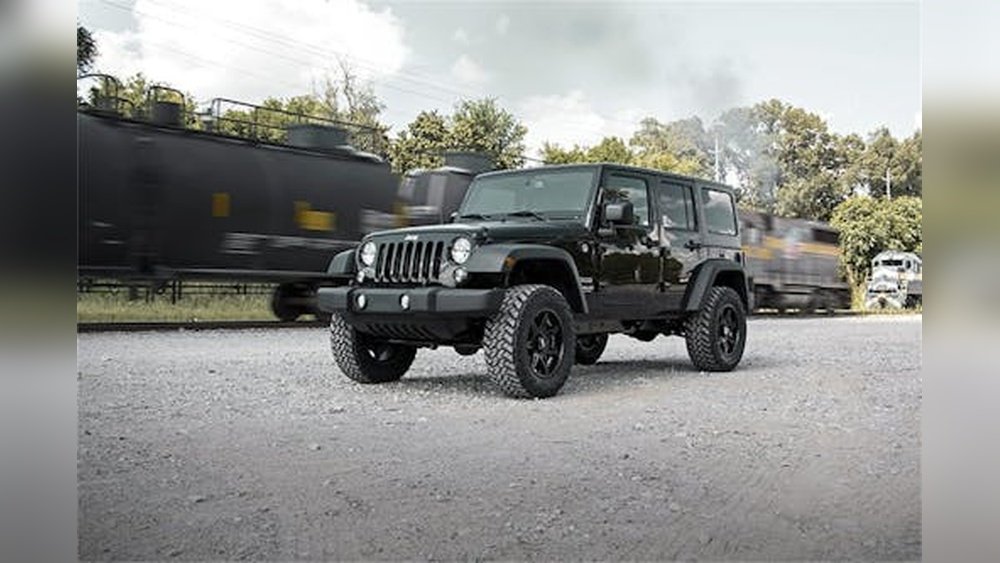
The 2016 Jeep Wrangler is an icon. Known for its rugged capability and off-road prowess, it’s a vehicle that sparks adventure.
However, like many vehicles from its era, the 2016 Wrangler didn't come standard with a backup camera. This feature, now common in most new cars, significantly enhances safety and convenience by providing a clear view of what's behind your vehicle.
This is especially crucial for a vehicle like the Wrangler, which often has limited rear visibility due to its design and accessories.
Adding a backup camera to your 2016 Jeep Wrangler isn’t just about complying with modern standards; it’s a practical upgrade that can prevent accidents, protect your investment, and make parking and maneuvering in tight spaces much easier. Whether you’re navigating a crowded parking lot, backing into a tricky campsite, or simply trying to avoid a rogue shopping cart, a backup camera acts as your extra set of eyes.
This guide will explore why a backup camera is a valuable addition to your 2016 Wrangler, the different types available, and what to consider when choosing and installing one. We’ll cover everything from understanding the technology to making an informed purchase, ensuring you can enhance your driving experience with confidence.
Why A Backup Camera Is Essential For Your 2016 Jeep Wrangler
The 2016 Jeep Wrangler, while beloved for its unique character, presents certain visibility challenges. Its boxy shape, relatively high ground clearance, and often-fitted aftermarket accessories like larger tires or spare tire carriers can obstruct the driver’s view directly behind the vehicle.
This is where a backup camera becomes more than a convenience; it’s a critical safety tool.
Enhancing Safety And Preventing Accidents
Backing up is one of the most common scenarios for vehicle accidents, and the Wrangler's design can exacerbate this risk. Blind spots are a significant concern, especially in environments with children, pets, or other vehicles.
A backup camera provides a wide-angle view of the area directly behind your Jeep, displaying it on a screen, typically integrated into your infotainment system or a separate monitor.
This visual aid helps you spot obstacles that might otherwise go unnoticed, such as low walls, curbs, strollers, or even small animals. According to the National Highway Traffic Safety Administration (NHTSA), backup cameras can significantly reduce the number of backup-related crashes.
For a vehicle like the 2016 Wrangler, where the driver’s seating position is high and the rear window can be small or obscured, this technology is particularly beneficial.
Improving Parking And Maneuverability
Parking a vehicle can be stressful, especially in tight urban environments or when dealing with uneven terrain off-road. The 2016 Wrangler, with its solid axles and larger turning radius compared to many modern SUVs, can sometimes be a handful to park precisely. A backup camera simplifies this process by giving you a clear, real-time view of your surroundings. Many camera systems also include parking gridlines, which are colored lines overlaid on the video feed that indicate your projected path based on your steering wheel’s angle. This feature is invaluable for judging distances and aligning your vehicle perfectly within parking spaces or aligning with trailer hitches. For Wrangler owners who frequently venture off-road and need to position their vehicle precisely for trail obstacles or campsite setups, this feature is a game-changer.
Protecting Your Investment
Accidents, even minor ones, can lead to costly repairs. Scratches, dents, and damage to bumpers, tailgates, or even the spare tire carrier can quickly add up.
By providing a clearer view and reducing the likelihood of backing into objects, a backup camera can help protect your 2016 Jeep Wrangler from such damage.
This is especially relevant for Wrangler owners who often customize their vehicles with expensive aftermarket parts. Preventing a single parking mishap could potentially save you hundreds or even thousands of dollars in repair costs, making the investment in a backup camera system a wise one for long-term vehicle preservation.
Types Of Backup Camera Systems For The 2016 Jeep Wrangler
When looking to add a backup camera to your 2016 Jeep Wrangler, you’ll find several types of systems available, each with its own advantages and installation considerations. The primary distinction lies in how the camera displays its image and whether it integrates with your existing vehicle electronics.
Standalone Monitor Systems
These systems are perhaps the most straightforward to install. They consist of a camera that mounts to the rear of your Jeep and a dedicated monitor that is typically mounted on the dashboard or windshield.
- Camera Placement: The camera is usually mounted near the license plate, on the spare tire mount, or above it. For the 2016 Wrangler, mounting it on the spare tire carrier is a popular option as it positions the camera centrally and at a good height.
- Monitor Options: The monitor can range from a small 2.5-inch screen to larger 7-inch displays. Some are designed to clip onto your rearview mirror, while others are standalone units with their own adjustable mounts.
- Pros: Generally easier to install as they don’t require complex integration with the vehicle’s existing audio or navigation systems. They are also often more affordable.
- Cons: The separate monitor can sometimes look like an aftermarket addition and might clutter the dashboard. The display quality can vary significantly between models.
Integrated Display Systems (using Existing Uconnect Screen)
Many 2016 Jeep Wranglers came equipped with the Uconnect infotainment system. If your Wrangler has one of these screens (typically 5-inch or 6.
5-inch), you can often integrate a backup camera directly into it. This offers a factory-like appearance and a more seamless user experience.
- How it Works: These kits typically include a camera and a module that interfaces with the Uconnect system. When you put the vehicle in reverse, the Uconnect screen automatically switches to display the camera feed.
- Camera Options: Similar to standalone systems, cameras can be mounted in various locations. Some kits even offer cameras designed to replace a license plate light for a very discreet installation.
- Pros: Provides a clean, integrated look. No extra screens or mounts are needed on the dashboard. Offers a factory-integrated feel.
- Cons: Installation can be more complex, often requiring wiring into the vehicle’s CAN bus or through the dashboard. These kits can also be more expensive. Compatibility with specific Uconnect versions needs to be confirmed.
Mirror Monitor Systems
These systems replace your existing rearview mirror with one that has an integrated LCD screen. When the screen is off, it functions as a normal mirror.
When you shift into reverse, the screen illuminates, displaying the camera feed.
- Camera: A rear-facing camera is connected to the mirror unit.
- Pros: Offers a very clean and integrated look, as the screen is hidden when not in use. Doesn’t add clutter to the dashboard.
- Cons: Can be more expensive than basic standalone systems. The mirror itself might be slightly bulkier than the original. Some users find the display less bright than dedicated monitors, especially in direct sunlight.
Wireless Vs. Wired Systems
Within these categories, you’ll also find wireless and wired options.
- Wired Systems: The camera is connected to the monitor via a video cable. This is generally considered the most reliable connection, free from interference. However, running wires through the vehicle, especially from the rear to the front, can be time-consuming.
- Wireless Systems: The camera transmits video wirelessly to the monitor. This significantly simplifies installation by eliminating the need to run a long video cable. However, wireless systems can sometimes be susceptible to interference from other wireless devices, potentially causing momentary signal loss or static on the screen. It’s crucial to choose a reputable brand that uses stable wireless frequencies.

Key Features To Look For In A Backup Camera For Your 2016 Wrangler
Selecting the right backup camera system involves considering several key features that will impact its performance, ease of use, and suitability for your 2016 Jeep Wrangler.
Camera Quality And Field Of View
The camera lens and its field of view (FOV) are crucial for effective visibility.
- Resolution: Higher resolution (e.g., 720p or 1080p) will provide a clearer, sharper image, making it easier to discern details. Lower resolutions might appear pixelated, especially on larger screens.
- Field of View: Look for a wide-angle lens, typically 130 to 170 degrees. This wide FOV ensures you can see a broad area behind your Jeep, minimizing blind spots. A very narrow FOV might not be as helpful. For the Wrangler, a wider FOV is particularly beneficial due to its shape.
- Night Vision: Many backup cameras feature infrared (IR) LEDs for improved visibility in low-light conditions or at night. Ensure the camera has good night vision capabilities if you frequently drive or park in the dark. Check specifications for how many LEDs it has and its effective range.
Display Features
The monitor or display unit is your window to the rear. Its features can greatly enhance usability.
- Screen Size and Brightness: Choose a screen size that fits comfortably in your Jeep without obstructing your view. Brightness is important, especially for use in direct sunlight. Look for displays with adjustable brightness settings.
- Parking Gridlines: As mentioned earlier, parking gridlines are a highly useful feature. They provide a visual guide for backing up, indicating your trajectory. Some systems allow you to turn these lines on or off, or even adjust their sensitivity to match your steering.
- Waterproof Rating: The camera itself will be exposed to the elements, including rain, mud, and road salt. Ensure it has a high IP rating (Ingress Protection), such as IP67 or IP68, indicating it’s dustproof and waterproof.
Durability And Build Quality
Given the rugged nature of the Jeep Wrangler and its typical use cases (including off-roading), the backup camera system must be durable.
- Construction: Look for cameras with robust housings, often made of metal or high-impact plastic. The wiring should also be well-protected against moisture and abrasion.
- Vibration Resistance: Off-road driving involves significant vibration. A system designed to withstand vibration will be more reliable in the long run.
- Temperature Range: Ensure the system is rated to operate within a wide temperature range, as your Wrangler will experience various weather conditions.
Ease Of Installation And Wiring
While some kits are designed for DIY installation, others might be best left to professionals.
- Instructions: Clear, detailed installation instructions are a must, especially if you plan to do it yourself. Look for kits that provide wiring diagrams and step-by-step guides.
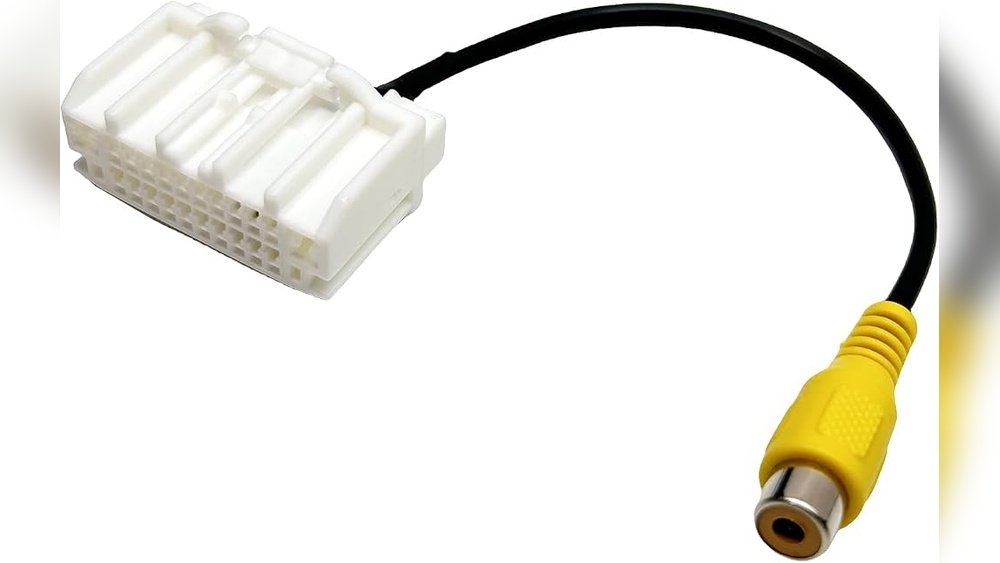
- Connectors: Pre-made connectors can simplify the wiring process. If you’re integrating with a Uconnect system, ensure the kit includes the correct harness or adapter.
- Professional Installation: If you’re not comfortable with automotive wiring, factor in the cost of professional installation. This is often recommended for systems that require tapping into the vehicle’s electronics or complex dash disassembly.
Installation Options For Your 2016 Jeep Wrangler Backup Camera
Installing a backup camera on your 2016 Jeep Wrangler can be approached in a few ways, depending on your technical skills, the type of system you choose, and your budget.
Diy Installation: A Step-by-step Overview
For the mechanically inclined, a DIY installation is a rewarding and cost-saving option. The general process involves mounting the camera, running the video cable (or setting up wireless transmission), and connecting the power and video signals.
- Mount the Camera:
- License Plate: Many cameras can be mounted directly above or replacing a license plate light. This usually involves drilling small holes for the camera and cable.
- Spare Tire Mount: A popular option for Wranglers is to mount the camera on the spare tire carrier. This often requires a bracket that attaches to the tire studs or the carrier itself. This position offers a good vantage point.
- Wiring: Feed the camera’s power and video wires through the tailgate or body panel to the interior. Seal any drilled holes with grommets to prevent water intrusion.
- Run the Video Cable:
- Route: The video cable needs to run from the rear of the vehicle to the front where the monitor or display is located. This typically involves routing the cable along the chassis, through the interior trim panels, or under the carpet.
- Access: You might need to remove trim pieces (door sill plates, B-pillar covers) to run the cable neatly and securely.
- Wireless: If using a wireless system, you’ll only need to connect the camera’s power and the transmitter. The receiver will be near the monitor, and you’ll connect its power.
- Connect Power and Video:
- Camera Power: The camera typically needs a 12V power source. This is often connected to the reverse light circuit. When the vehicle is put in reverse, the camera receives power, and the display activates.
- Monitor/Display Power: The monitor or integrated display unit also needs power, usually from a 12V source, often wired to the ignition or a switched accessory circuit so it only powers on when the vehicle is on or in reverse.
- Video Connection: Connect the video cable from the camera to the monitor’s input, or connect the wireless receiver to the monitor. If integrating with Uconnect, follow the specific wiring instructions for the adapter module.
- Mount the Monitor/Display:
- Position the standalone monitor or mirror monitor according to your preference and visibility needs. Ensure it’s securely mounted and doesn’t obstruct your view of the road.
- Test the System:
- Turn on the vehicle, put it in reverse, and check if the camera feed appears on the monitor. Test the parking gridlines if applicable. Ensure the image is clear and there’s no excessive interference.
Professional Installation
If DIY isn’t your forte, professional installation is a reliable alternative.
- Car Audio/Electronics Shops: These shops specialize in installing aftermarket audio, video, and convenience features. They have the tools, experience, and knowledge to integrate the system cleanly and correctly.
- Dealerships: While some dealerships offer backup camera installations, they might primarily push OEM (Original Equipment Manufacturer) solutions, which can be more expensive. However, they can be a good option if you want a factory-integrated look and are willing to pay a premium.
- Benefits: Professional installers can ensure proper wiring, secure mounting, and correct integration with your vehicle’s systems. They often offer warranties on their labor, providing peace of mind.
- Cost: Professional installation can add $100-$300 or more to the total cost, depending on the complexity of the system and the shop’s rates.