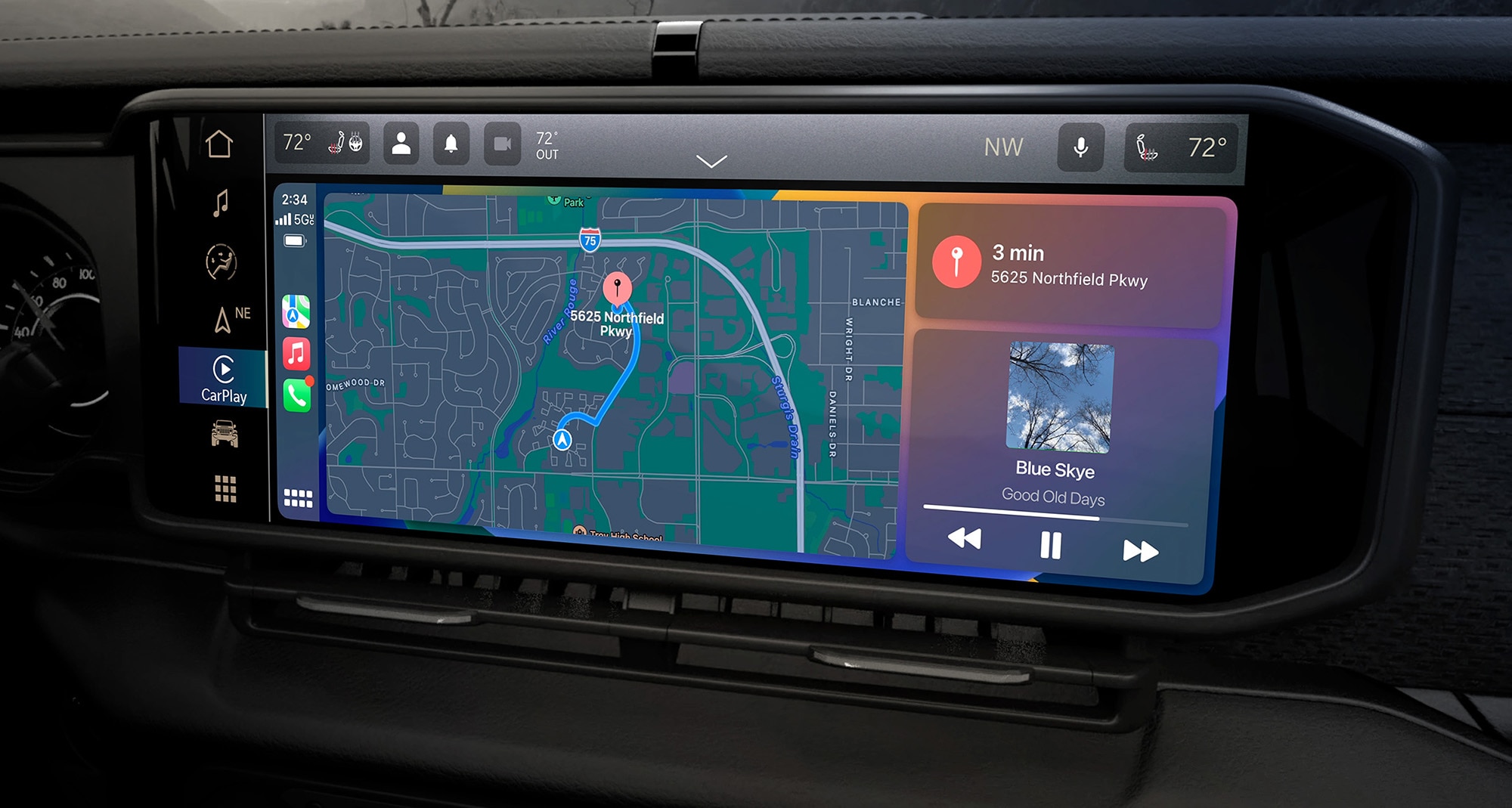
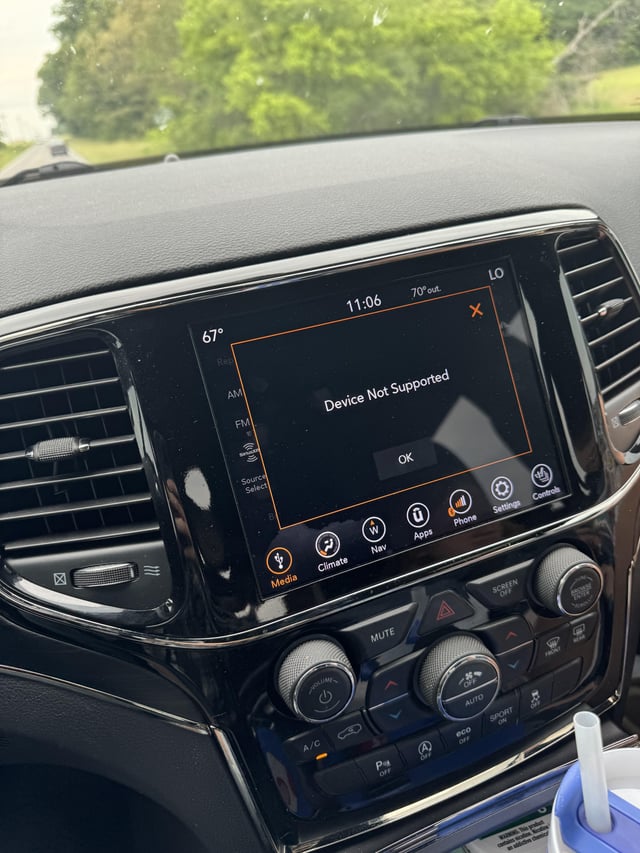
If you drive a Jeep and CarPlay is not working, you are not alone. Many Jeep owners face this issue, and it can be frustrating. CarPlay is supposed to connect your iPhone to your Jeep’s screen, making driving safer and more enjoyable.
When it stops working, you lose access to maps, music, calls, and more. This article will help you understand why CarPlay might not work in your Jeep, what you can do to fix it, and how to avoid common mistakes.
Common Causes For Carplay Problems In Jeeps
CarPlay issues can happen for several reasons. Some are simple, while others require more attention. Let’s look at the most frequent causes.
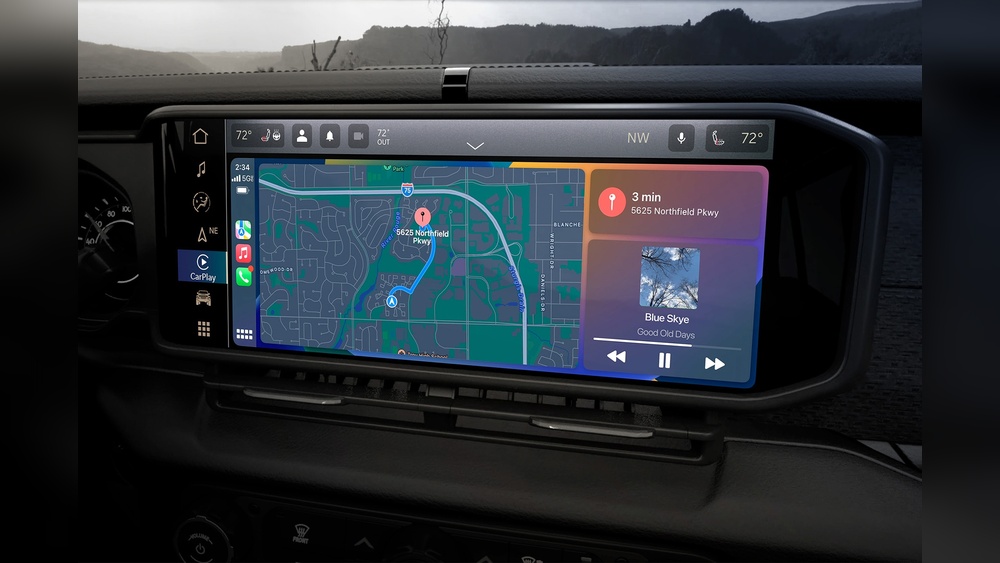
- Compatibility: Not all Jeeps support CarPlay. If your Jeep is older than 2018, it might not have CarPlay hardware. Check your Jeep’s manual or ask your dealer.
- Cable Issues: A faulty or non-original USB cable can block CarPlay from connecting. Always use a genuine Apple cable.
- Software Updates: Both your iPhone and Jeep’s infotainment system need to be updated. Outdated software can cause CarPlay to fail.
- Settings: CarPlay must be enabled on your iPhone and Jeep. Sometimes, privacy settings or restrictions block access.
- Connection Problems: Wireless CarPlay depends on Bluetooth and Wi-Fi. Any glitch can break the connection.
- Physical Port Damage: If the USB port in your Jeep is damaged or dirty, CarPlay may not detect your phone.
Troubleshooting Steps To Fix Carplay In Your Jeep
If CarPlay isn’t working, try these steps. Most problems can be solved without visiting a dealer.
1. Check Compatibility
- Confirm your Jeep supports CarPlay. Look for CarPlay in the infotainment system’s menu.
- Models like Jeep Grand Cherokee, Jeep Wrangler, and Jeep Compass (2018 and newer) usually support CarPlay.
2. Inspect Your Cable
- Use an original Apple cable. Cheap cables can cause connection failures.
- Test with another cable if possible.
3. Update Software
- Update your iPhone to the latest iOS.
- Update your Jeep’s Uconnect system. Sometimes, Jeep dealers release software patches.
4. Enable Carplay
- On your iPhone, go to Settings > General > CarPlay and select your Jeep.
- Make sure Siri is enabled. CarPlay needs Siri to work.
5. Restart Devices
- Restart your iPhone.
- Turn off and restart your Jeep’s infotainment system.
6. Clean The Usb Port
- Check for dust or debris in the port. Use compressed air or a soft brush.
7. Try Wireless Connection
- For wireless CarPlay, ensure both Bluetooth and Wi-Fi are on.
- Forget the Jeep from your phone’s Bluetooth list, then reconnect.
8. Reset Network Settings
- Go to Settings > General > Reset > Reset Network Settings on your iPhone.
9. Check Restrictions
- Make sure CarPlay is not blocked by Screen Time or parental controls.
Data: Jeep Models And Carplay Support
Here’s a quick comparison of Jeep models and their CarPlay support:
| Jeep Model | Year Introduced | CarPlay Supported |
|---|---|---|
| Grand Cherokee | 2018 | Yes |
| Wrangler | 2018 | Yes |
| Compass | 2017 | Yes (2018+) |
| Renegade | 2019 | Yes |
| Patriot | Discontinued | No |
How Carplay Issues Differ: Wired Vs Wireless
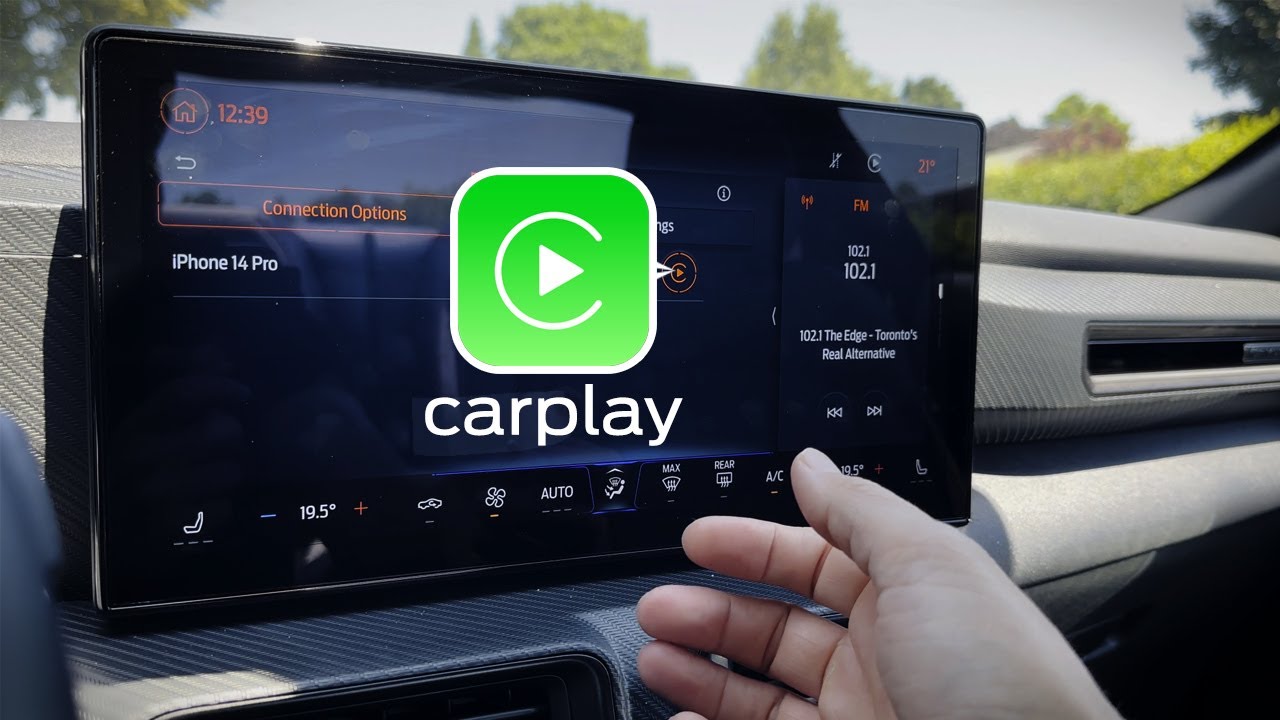
Some Jeeps support wired CarPlay, others support wireless CarPlay. Both have unique problems.
| Connection Type | Main Problems | Fixes |
|---|---|---|
| Wired | Bad cable, port damage | Replace cable, clean port |
| Wireless | Bluetooth/Wi-Fi drops | Restart devices, reset network |
Real Examples: Jeep Owners’ Experiences
Many Jeep owners share their stories online. One driver of a 2021 Jeep Wrangler noticed CarPlay stopped working after updating his iPhone.
He fixed it by updating his Jeep’s Uconnect system. Another owner found that switching to a new Apple cable solved his connection issue.
Some even reported that cleaning the USB port brought CarPlay back.
Non-obvious Insights And Tips
- Uconnect app: Some Jeeps require the Uconnect app installed on your phone for smooth CarPlay operation. Not all drivers realize this.
- Multiple Devices: If you have more than one device paired with your Jeep, disconnect unused devices. Multiple connections can confuse CarPlay.
- Dealer Reset: If nothing works, ask your dealer for a full infotainment system reset. This can solve rare software bugs.
- Aftermarket Upgrade: If your Jeep is older, you can install an aftermarket head unit. Brands like Alpine and Pioneer offer CarPlay support.
- Battery Saving Mode: If your iPhone is in Low Power Mode, CarPlay may disconnect. Turn off battery saving features before connecting.
Common Mistakes To Avoid
- Using cheap or worn cables
- Ignoring software updates
- Forgetting to enable Siri
- Trying to connect too many devices at once
- Overlooking port cleanliness
Jeep Uconnect Vs. Other Brands
Jeep uses the Uconnect infotainment system. Here’s how it compares to other brands for CarPlay reliability:
| Brand | CarPlay Reliability | Update Frequency |
|---|---|---|
| Jeep (Uconnect) | Medium | Yearly |
| Ford (Sync) | High | Twice a year |
| Toyota (Entune) | Medium | Yearly |
| Honda (Display Audio) | High | Yearly |
When To Seek Professional Help
If you have tried all the steps above and CarPlay still does not work, it may be time to ask for help. Visit a Jeep dealership, especially if your vehicle is under warranty. Dealers can run diagnostic tests and update your infotainment system.
Sometimes, hardware needs replacement.
You can find more technical information on the Apple CarPlay official site.
Frequently Asked Questions
Why Does Carplay Keep Disconnecting In My Jeep?
CarPlay disconnects often due to a bad cable, Bluetooth glitches, or outdated software. Try using an original cable, updating your devices, and restarting both your phone and Jeep.
Can I Use Carplay In A Jeep Older Than 2018?
Most Jeeps before 2018 do not support CarPlay unless you install an aftermarket head unit. Check your Jeep’s manual to confirm.
Is Wireless Carplay Available In All Jeep Models?
No, only newer Jeeps like the 2021 Wrangler and 2020 Grand Cherokee have wireless CarPlay. Older models usually support only wired CarPlay.
Does Carplay Work With Android Phones?
No, CarPlay is for Apple iPhones only. Android users should use Android Auto.
What Should I Do If None Of The Fixes Work?
If all troubleshooting fails, visit your Jeep dealer. They can check for deeper hardware or software problems.
CarPlay makes driving easier, so fixing it is important. By following these steps, most Jeep owners can get CarPlay working again. Remember to use original cables, keep your software updated, and check your settings. If issues continue, professional help is your best option.