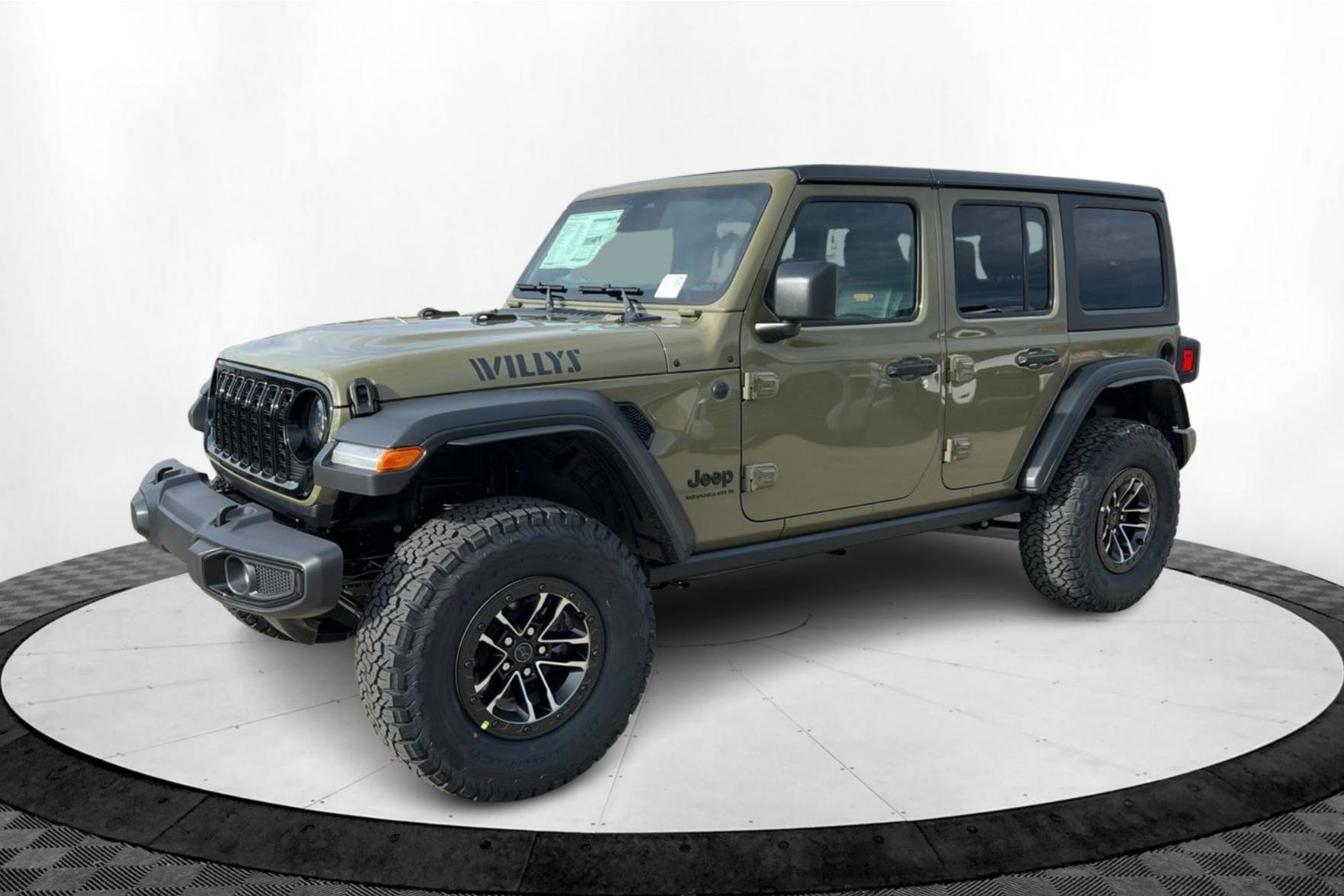
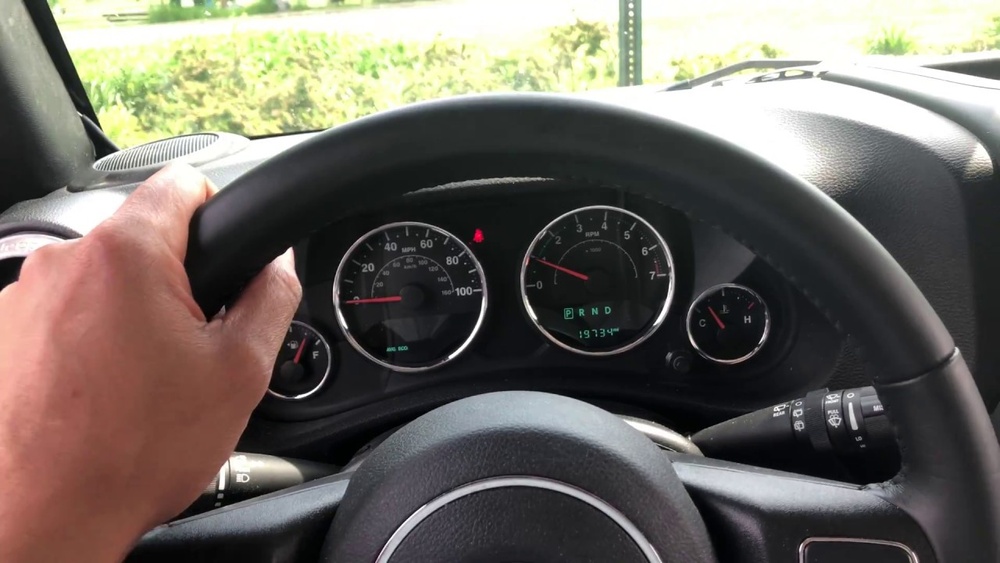
Programming your Jeep Wrangler garage door opener can make daily life easier. No more fumbling for a remote. With a few simple steps, your Jeep’s built-in system can control most garage doors. But many owners struggle with this task, especially if they haven’t done it before. In this guide, you’ll learn how to program your Jeep Wrangler garage door opener confidently, avoid common mistakes, and get the most out of the HomeLink feature.
Understanding Jeep Wrangler’s Garage Door Opener
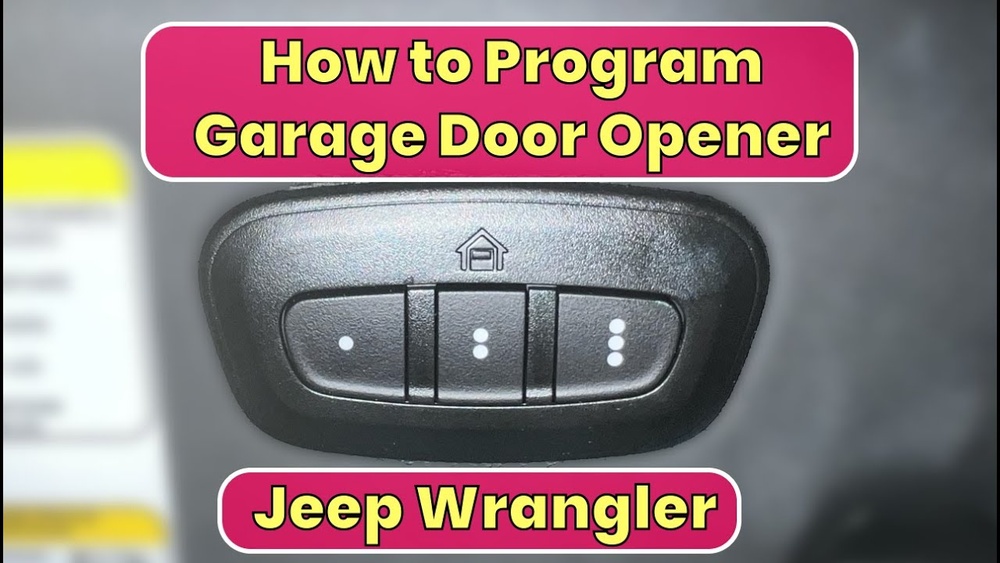
Most modern Jeep Wranglers (especially after 2018) come with a HomeLink system. This system lets you program up to three garage doors or gates. HomeLink is usually located on the overhead console, near the map lights or sun visor.
Not all garage door openers use the same technology. Some use rolling code for security, while others use a fixed code. It’s important to know which type you have. Here’s a quick comparison:
| Type | Security Level | Programming Difficulty | Common Brands |
|---|---|---|---|
| Rolling Code | High | Moderate | td>Chamberlain, LiftMaster, Genie|
| Fixed Code | Low | Easy | Older Genie, Craftsman |
If you’re unsure, check your garage opener’s manual or look for a “Learn” button on the opener itself.
Step-by-step Programming Instructions
Programming your Jeep Wrangler’s garage door opener usually takes less than 10 minutes. Here’s how to do it:
1. Prepare Your Equipment
- Your Jeep Wrangler
- The original garage door remote
- Access to the garage door opener (mounted in your garage)
2. Clear Old Codes (optional)
If your Jeep is new, skip this step. If you bought it used, clear previous codes.
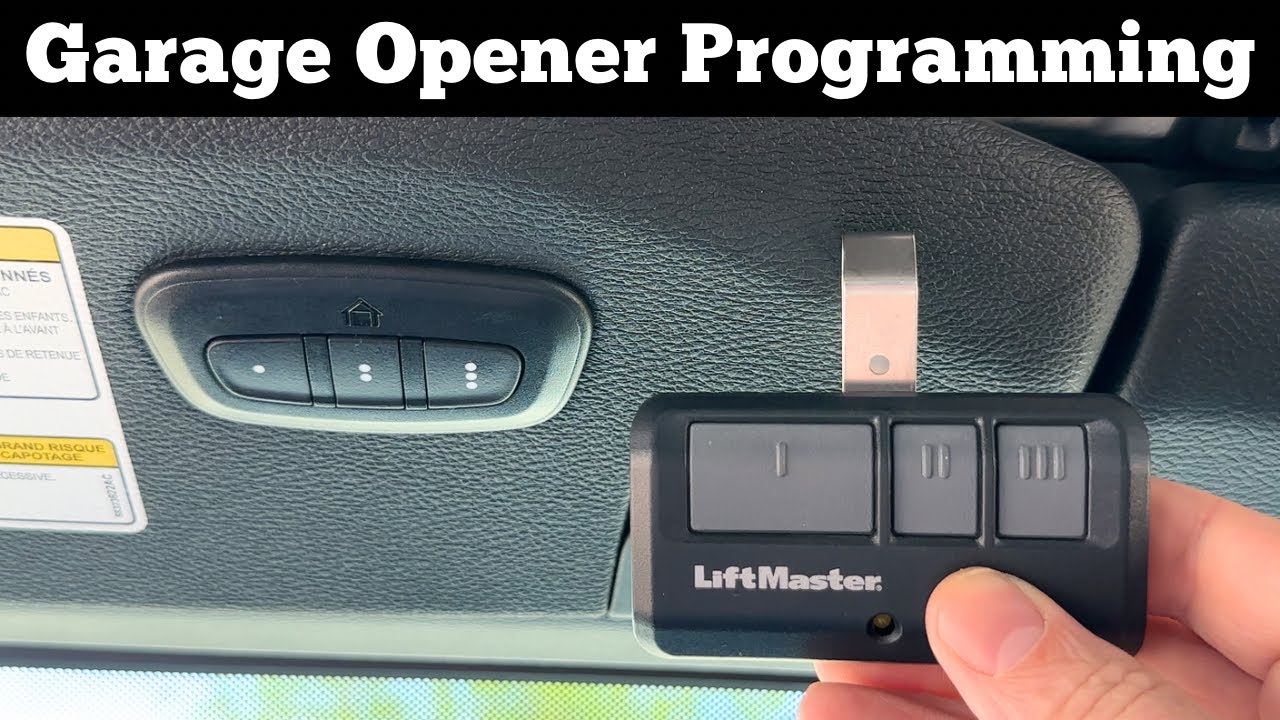
- Hold the two outer HomeLink buttons for about 10 seconds.
- The indicator light will change from solid to flashing.
- Release the buttons.
- Choose which HomeLink button you want to use.
- Hold the chosen button and your garage remote close together (about 1–2 inches apart).
- Press and hold both buttons at the same time.
- The indicator light will start blinking slowly, then change to fast blinking.
- Release both buttons.
4. Sync With Garage Door Opener
For rolling code systems, you must sync with the opener itself:
- Find the “Learn” or “Smart” button on your garage opener. It’s usually on the back or side.
- Press the “Learn” button. You have 30 seconds.
- Go to your Jeep and press the programmed HomeLink button for 2–3 seconds.
- Repeat pressing until the garage door moves.
5. Test And Repeat
- Press the HomeLink button again to test.
- If you have more doors, repeat the process with different buttons.
Many people forget to sync with the opener for rolling code systems. This is the most common mistake and causes frustration.
Troubleshooting Tips
If your Jeep Wrangler garage door opener isn’t working, try these solutions:
- Check battery in your remote. Weak batteries cause programming failure.
- Move closer to the garage opener. Sometimes signal is weak.
- Repeat syncing step. Rolling code systems need precise timing.
- Consult HomeLink website for compatibility issues.
Some older garage openers may not work with HomeLink. If so, you might need a compatibility bridge (an extra device).
Here’s a quick troubleshooting summary:
| Problem | Possible Cause | Solution |
|---|---|---|
| Button doesn’t work | Wrong programming | Repeat programming steps |
| Door opens inconsistently | Weak remote battery | Replace battery |
| No response | Rolling code not synced | Repeat Learn button sync |
Safety And Security Advice
Programming your Jeep’s garage door opener connects your vehicle to your home. Make sure you follow these safety tips:
- Never program your opener while driving.
- If you sell your Jeep, clear all HomeLink codes.
- For maximum security, use rolling code openers.
- Keep your remote and Jeep manual in a safe place.
Many beginners overlook the importance of clearing codes before selling their Jeep. This protects your privacy and security.
Practical Tips For Success
- Check compatibility before starting. Not all garage openers work with HomeLink.
- Work in daylight so you can see buttons clearly.
- Have another person help if your garage opener is hard to reach.
- Keep your Jeep running or in accessory mode so HomeLink has power.
If you want to learn more about HomeLink compatibility, visit the official HomeLink compatibility page.
Frequently Asked Questions
How Do I Know If My Jeep Wrangler Has Homelink?
Look for three buttons (usually with a house icon) on the overhead console or sun visor. Most Wranglers after 2018 have HomeLink, but some trims may not.
Can I Program More Than One Garage Door?
Yes, you can program up to three doors. Each HomeLink button can control a different opener.
Why Isn’t My Garage Door Opening After Programming?
The most common reason is missing the “Learn” button sync for rolling code systems. Repeat this step and make sure you press the button within 30 seconds.
Is Homelink Compatible With All Garage Door Openers?
HomeLink works with most brands, but some very old openers or new smart systems may need a compatibility bridge. Check your opener’s manual or the HomeLink site.
What Should I Do If I Sell My Jeep Wrangler?
Always clear all HomeLink codes. Hold the two outside buttons for 10 seconds until the light flashes. This ensures your security and prevents access to your home.
Programming your Jeep Wrangler garage door opener is simple once you know the steps. With careful attention and these practical tips, you’ll enjoy seamless access to your garage every day. If you run into trouble, don’t hesitate to check your opener’s manual or reach out to a professional. This small upgrade can save time and add convenience to your routine.