If you drive a Jeep Wrangler, you know the spare tire isn’t just for show—it’s a vital part of your off-road adventure and daily security. But what if you need to remove it? Whether you’re swapping out for a bigger tire, fixing a flat, or just want to lighten the load, taking the spare tire off a Jeep Wrangler is a practical skill. Many owners find this task simple, but a few details can make the difference between a quick job and a frustrating one. Here’s how to remove your Wrangler’s spare tire safely and efficiently.
Essential Tools And Preparation
Before you begin, gather a few basic items. You’ll need:
- A lug wrench (the one in your Wrangler’s toolkit works)
- Gloves (optional, for a better grip)
- WD-40 or similar lubricant (if bolts are rusty)
- A sturdy surface to work on
Always park your Jeep on a level surface and set the parking brake. Never remove a spare tire on a hill or on soft ground, as the vehicle might shift.
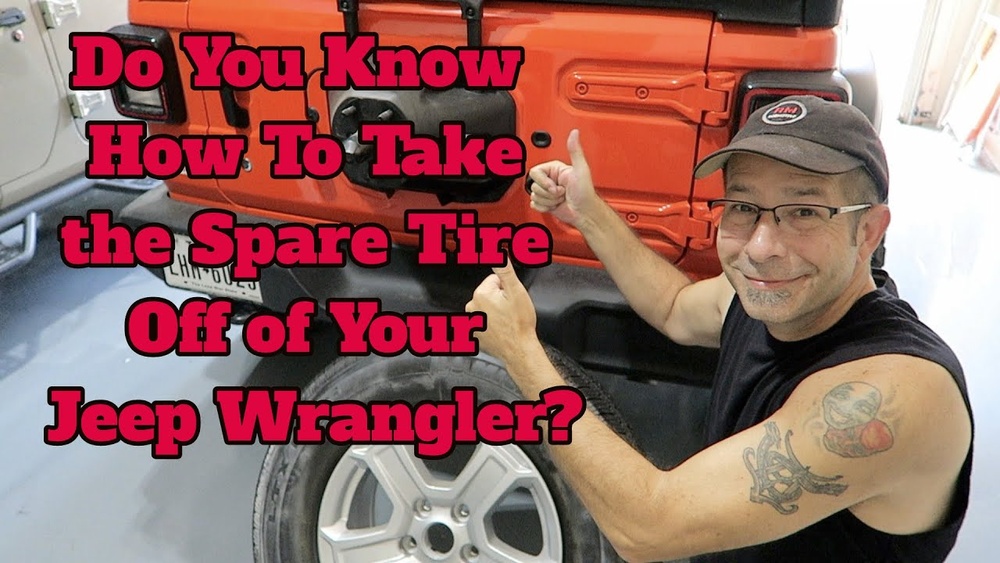
Step-by-step Guide: Removing The Spare Tire
1. Open The Rear Door
Start by opening the rear swing gate. The spare tire is mounted on the outside of this door. Make sure the gate is fully open so you have room to work and the tire doesn’t press against the body.
2. Inspect The Tire Mount
Check for any covers or decorative pieces over the lug nuts. Some models have a plastic cover with the Jeep logo. If present, gently pry it off with your hands or a flat tool.
3. Loosen The Lug Nuts
Use your lug wrench to turn each lug nut counterclockwise. You may need to use some force, especially if they haven’t been removed in a while. It’s common for the nuts to be tight, so don’t be afraid to lean your weight into the wrench.
If the nuts are rusty or stuck, spray a little WD-40 and wait a few minutes before trying again.
4. Remove The Lug Nuts
Once all the nuts are loose, unscrew them by hand and set them aside. Keep these in a safe place—you’ll need them to remount the tire or attach accessories.
5. Lift Off The Spare Tire
With all nuts removed, grab the tire with both hands. Pull straight back with steady pressure. The tire may feel heavy (usually between 30-60 lbs), so use your legs and keep your back straight.
If the tire feels stuck, gently rock it side to side. Rust or dirt can sometimes cause it to stick to the mount.
6. Store Or Replace The Spare
Place the tire flat on the ground or upright against a wall. If you’re installing a new tire or accessory, reverse the steps above.
Common Wrangler Spare Tire Mount Types
Jeep Wranglers use different spare tire mounts depending on the year and trim. Here’s a quick look at the main types:
| Model Year | Mount Type | Special Features |
|---|---|---|
| 2007–2017 (JK) | 3-bolt steel mount | Plastic cover (optional) |
| 2018–Present (JL) | 3-bolt reinforced mount | Backup camera in center (optional) |
| Older (TJ/YJ/CJ) | 2 or 3-bolt basic mount | Metal only |
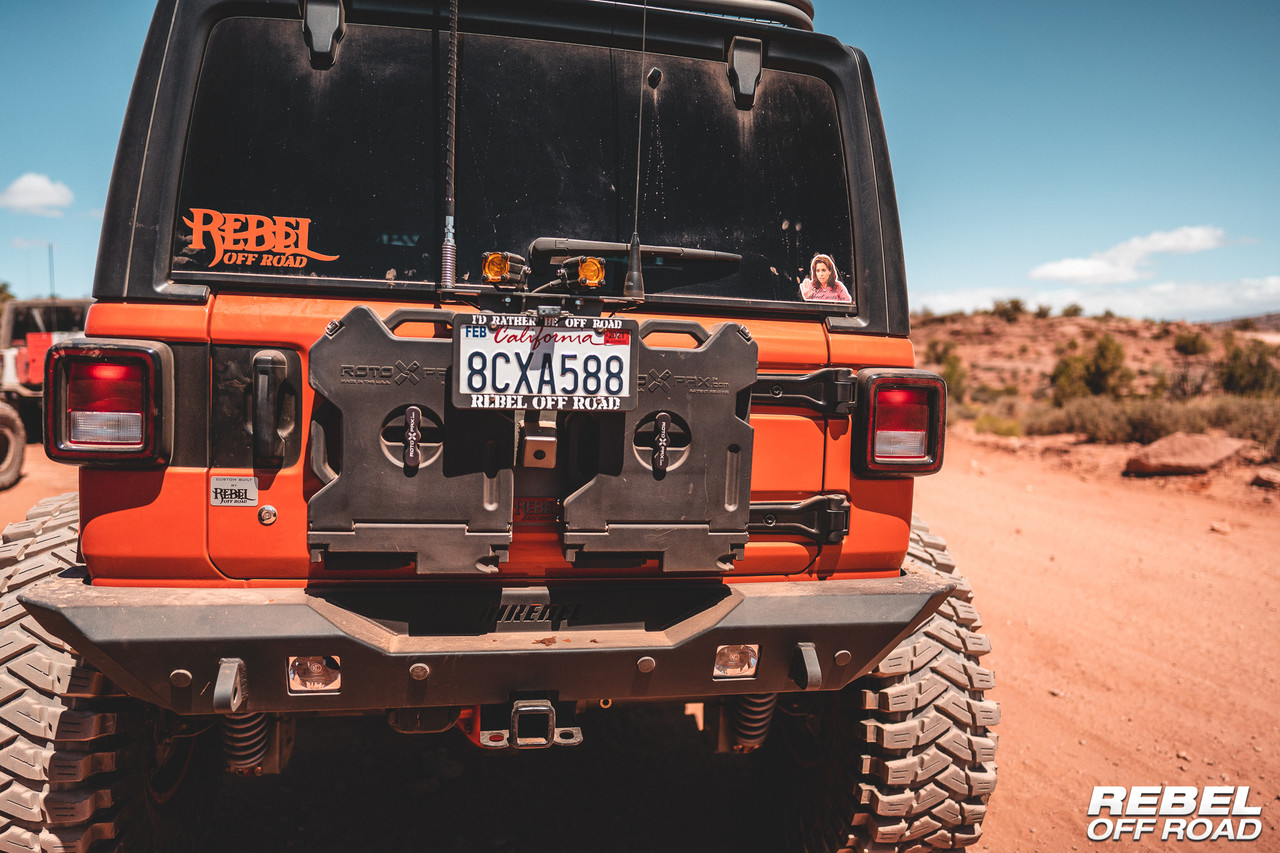
If your Wrangler has a backup camera in the spare tire, disconnect its wiring before pulling the tire off. The connector is usually in the center hub.
Key Tips And Troubleshooting
- Rusty bolts: If the bolts are badly rusted, use a wire brush before applying lubricant. Never force a bolt to avoid snapping it.
- Heavy tires: Oversized off-road tires can weigh over 70 lbs. Ask for help if you’re unsure.
- Backup camera: Always disconnect the camera cable gently to avoid damaging the wiring.
- Alignment pegs: Some mounts have small pegs to help align the tire. Make sure to lift the tire straight off to avoid bending these.
- Lug nut storage: Place lug nuts in a magnetic tray or cup to prevent losing them.
What Most Beginners Miss
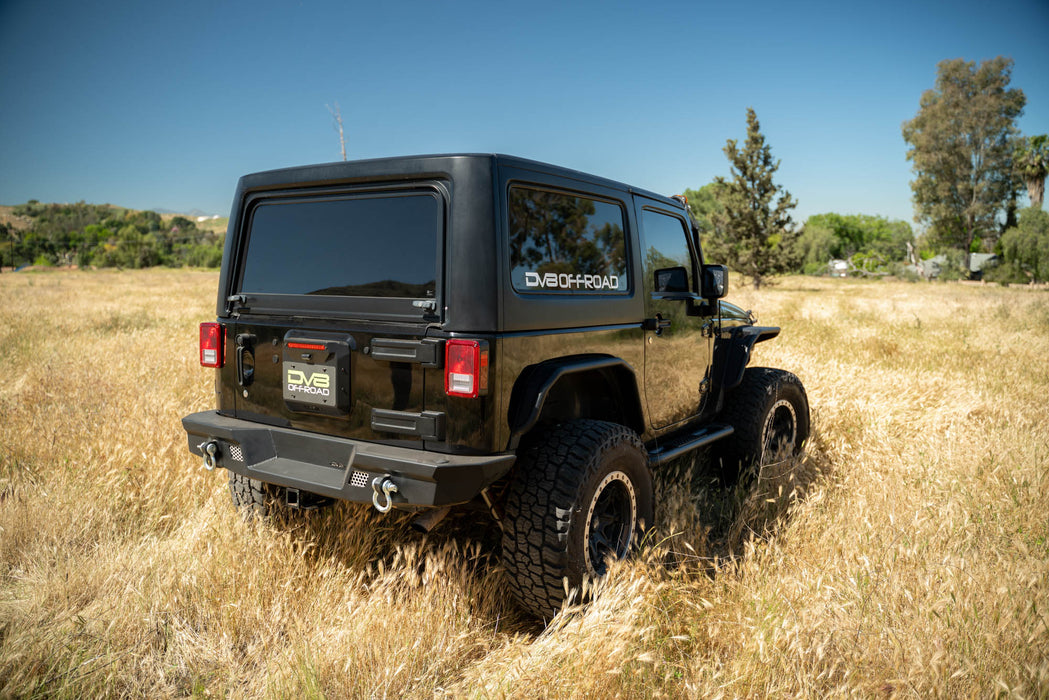
- Backup Camera Wiring: On newer Wranglers (2018+), the backup camera sits inside the spare tire hub. Forgetting to disconnect this cable can break the camera or wiring—an expensive mistake.
- Mount Weight Limits: The factory spare tire mount is designed for stock tire sizes. If you’re removing an aftermarket oversized tire, check that your mount is rated for the extra weight. Overloading can crack the tailgate or damage hinges.
Wrangler Spare Tire Removal: Quick Reference
Here’s a fast comparison of removal time and difficulty by model:
| Model | Average Time | Difficulty |
|---|---|---|
| TJ/YJ/CJ | 5 min | Easy |
| JK (2007–2017) | 6 min | Easy–Moderate |
| JL (2018+) | 8 min | Moderate (with camera) |

Safety And Aftercare
After removing the spare tire, double-check your tailgate. If you plan to drive without a spare, use factory bolt covers or plugs to protect the threads from dirt and rust. If you’re mounting a new accessory (like a bike rack), follow the product’s instructions for safe installation.
If you rarely remove your spare, check the mount and nuts once a year for rust or damage. Regular maintenance prevents headaches when you need the spare most.
Frequently Asked Questions
What Size Wrench Do I Need To Remove A Jeep Wrangler Spare Tire?
Most Jeep Wranglers use a 19mm lug wrench, which is the same as the one for the main wheels. Always check your owner’s manual to confirm, especially if you have aftermarket parts.
Can I Remove The Spare Tire Alone, Or Do I Need Help?
You can usually remove the stock spare by yourself. However, oversized tires can be very heavy. If your tire feels too heavy, ask a friend for help to avoid injury.
Will Removing The Spare Tire Affect My Jeep’s Performance?
Taking off the spare tire will make your Jeep slightly lighter and may improve fuel economy a bit. However, you lose your emergency backup, so always carry a repair kit or make sure you have roadside assistance.
How Do I Disconnect The Backup Camera On Newer Wranglers?
For models with a center-mounted backup camera (2018+), there’s usually a quick-release wiring connector inside the wheel hub. Gently squeeze the tab and pull the connector apart before removing the tire.
Where Can I Find More Details About Wrangler Maintenance?
For more in-depth guidance and official maintenance schedules, check the Jeep Official Care page.
Removing the spare tire from your Jeep Wrangler is straightforward if you follow these steps. Always work carefully, protect your tools, and don’t rush—your Wrangler will be ready for its next adventure in no time.