Connecting Apple CarPlay in your Jeep Cherokee transforms your driving experience. Suddenly, your favorite apps, navigation, and messages are right at your fingertips. But many drivers struggle with setup. If you’re unsure about compatibility or steps, you’re not alone. This guide will help you connect Apple CarPlay in your Jeep Cherokee quickly and confidently, whether you’re a tech expert or a first-time user.
Understanding Apple Carplay Compatibility
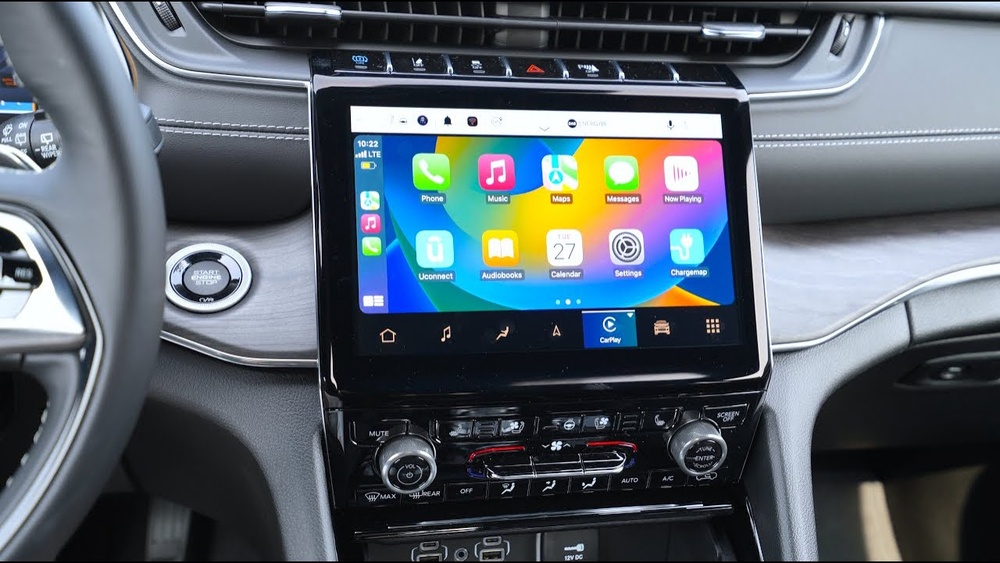
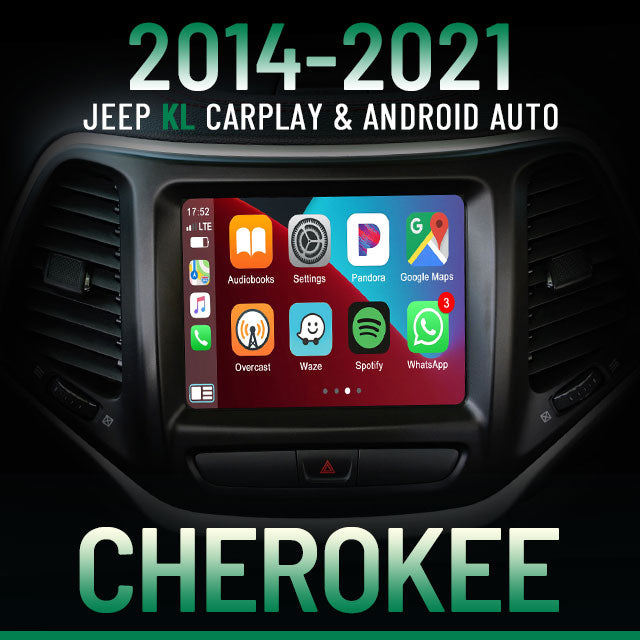
Before connecting, check if your Jeep Cherokee supports Apple CarPlay. Most Cherokees from 2019 onward include CarPlay as standard. If you have an older model, it’s unlikely to be compatible without upgrading the infotainment system.
Here’s a quick comparison of Jeep Cherokee CarPlay compatibility:
| Model Year | CarPlay Support | Infotainment System |
|---|---|---|
| 2015-2018 | No | Uconnect 3 |
| 2019-2021 | Yes | Uconnect 4/4C |
| 2022+ | Yes | Uconnect 5 |
If your Cherokee is compatible, you’re ready to connect. If not, consider upgrading your radio or infotainment system, but this usually means extra cost.
Steps To Connect Apple Carplay
Connecting Apple CarPlay is easy if you follow the right sequence. Here are the steps:
- Update your iPhone: Make sure your iPhone is running iOS 9 or later. Most CarPlay issues happen due to outdated software.
- Use an official Lightning cable: While some Cherokees offer wireless CarPlay, wired connection is more stable. Always use the original Apple cable for best results.
- Start your Jeep Cherokee: Turn the vehicle on and check that your infotainment screen is active.
- Plug your iPhone into the USB port: The main USB port is usually under the center console or dashboard. Avoid using USB hubs or adapters.
- Allow CarPlay on your iPhone: A prompt will appear on your phone. Tap “Allow” to give permission.
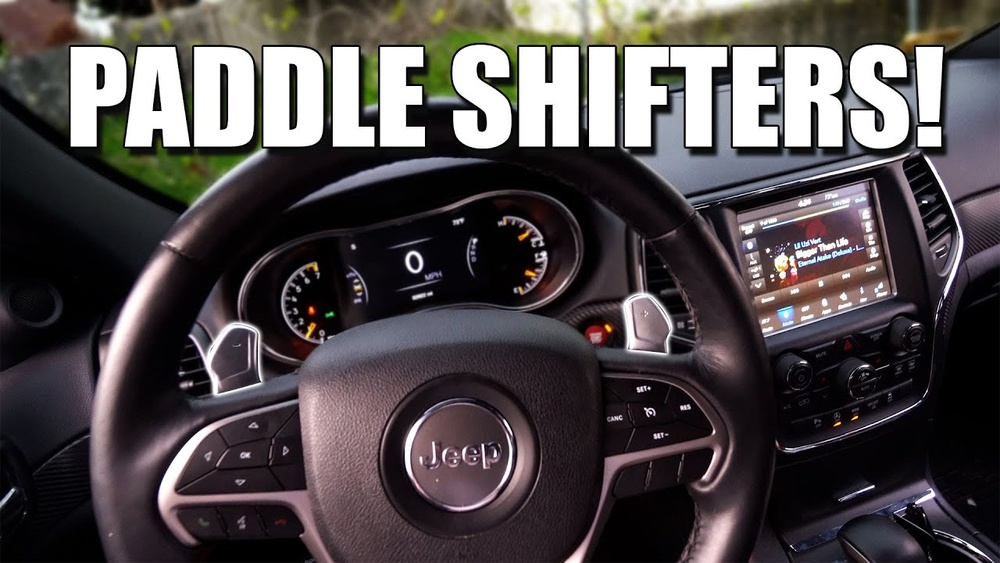
- Wait for the CarPlay icon: The CarPlay icon should appear on your Cherokee’s Uconnect screen. Tap it to launch.
- Customize CarPlay apps: Go to your iPhone’s settings, then General > CarPlay, and select your Jeep Cherokee. You can organize app icons here.
If you prefer wireless CarPlay (available in newer models), follow these extra steps:
- Enable Bluetooth and Wi-Fi on your iPhone.
- Search for your Jeep Cherokee in your phone’s Bluetooth settings.
- Pair your phone, then follow the screen prompts to connect wirelessly.
Common Connection Problems And Solutions
Even with the right steps, problems can happen. Here are solutions to frequent issues:
Carplay Won’t Appear On Screen
- Check cable quality: Cheap or damaged cables often cause problems.
- Restart your phone and car: Sometimes a simple restart solves everything.
- Update Uconnect system: Your Jeep dealership can update the infotainment system if needed.
Carplay Keeps Disconnecting
- Avoid USB hubs: Always use the car’s built-in USB port.
- Turn off battery saver: Some iPhones disable CarPlay to save power.
- Check for interference: If using wireless CarPlay, Bluetooth headphones or other devices may cause drops.
Carplay Apps Not Showing
- Update all apps: Outdated apps might not appear in CarPlay.
- Change app order: Rearranging apps in iPhone settings can refresh the CarPlay screen.
Here’s a quick troubleshooting table:
| Issue | Likely Cause | Solution |
|---|---|---|
| No CarPlay icon | Unsupported model or bad cable | Check compatibility, replace cable |
| Disconnects | USB hub or low battery | Direct connection, disable battery saver |
| Apps missing | Outdated apps | Update apps, rearrange icons |
Practical Tips For A Smooth Carplay Experience
- Keep your phone unlocked during initial setup. Locking your phone can block connection.
- Avoid using your phone while connecting—calls or notifications may interrupt pairing.
- Install only necessary apps on CarPlay. Too many apps can slow down the system.
- Update Uconnect regularly. Jeep releases software updates that fix bugs and improve CarPlay performance.
Many drivers miss that CarPlay settings must be managed from the iPhone, not the car screen. Also, wireless CarPlay drains your phone battery faster, so keep a charger handy.

Real-world Benefits Of Apple Carplay In Jeep Cherokee
Using Apple CarPlay in your Jeep Cherokee offers several advantages:
- Safer navigation: Use Apple Maps or Google Maps without touching your phone.
- Hands-free messaging: Siri reads and sends texts, keeping your focus on the road.
- Easy music access: Play Apple Music, Spotify, or podcasts with simple voice commands.
A survey by J. D. Power found that 67% of drivers said CarPlay made them feel safer and more confident behind the wheel.
Frequently Asked Questions
Does My Jeep Cherokee Need A Special Cable For Carplay?
No, you can use any Apple-certified Lightning cable. Non-certified cables may cause connection issues.
Can I Use Wireless Carplay In All Jeep Cherokee Models?
Wireless CarPlay is only available in Cherokee models with Uconnect 5 or newer. Older systems support wired connections only.
Why Isn’t Carplay Working After Updating My Iphone?
Sometimes, after an update, your iPhone may need to reconnect or reset CarPlay settings. Go to Settings > General > CarPlay, remove your Jeep, then reconnect.
Is It Possible To Add Carplay To An Older Jeep Cherokee?
Yes, but you must replace the infotainment system with a compatible unit. This can cost between $500-$1200, depending on parts and labor.
Are There Privacy Concerns With Apple Carplay?
Apple CarPlay does not store your personal data in the car. All information stays on your phone. For more details, visit Apple’s official CarPlay page.
Connecting Apple CarPlay in your Jeep Cherokee is simple when you follow the right steps. With a compatible model and a good cable, you’ll enjoy safer, smarter driving. Remember to update your phone and infotainment system for the best experience. If you run into issues, try the troubleshooting tips or contact your Jeep dealer for help. Now you’re ready to make your next drive more enjoyable and connected.