If your Jeep’s radio or Uconnect system starts acting strange, you’re not alone. Many Jeep owners find their touchscreen freezes, Bluetooth won’t connect, or the system lags after updates. Luckily, resetting the Uconnect radio often solves these issues—and you don’t need to be a tech expert to do it. This guide will walk you through the steps, show common mistakes to avoid, and help you get your Jeep’s entertainment system working smoothly again.
Why Reset Your Jeep Uconnect Radio?
A Uconnect reset is often the fastest way to fix problems like:
- Frozen or unresponsive touchscreen
- Bluetooth connection issues
- Navigation errors
- Apps not loading or crashing
- Audio problems (no sound, poor quality)
These issues can appear after a software update, battery replacement, or even with regular use. Resetting does not usually erase your saved settings, but it can clear temporary glitches.
Different Ways To Reset Jeep Uconnect
Not all Jeeps have the same Uconnect version. The reset method can change depending on your model year and Uconnect generation. Here’s how to tell which method you need:
| Uconnect Version | Model Years | Typical Screen Size |
|---|---|---|
| Uconnect 3 | 2013–2019 | 5″, 8.4″ |
| Uconnect 4 | 2017–2022 | 7″, 8.4″ |
| Uconnect 5 | 2021–present | 8.4″, 10.1″ |
Check your screen size or owner’s manual if you’re not sure.
Soft Reset: The Fastest Fix
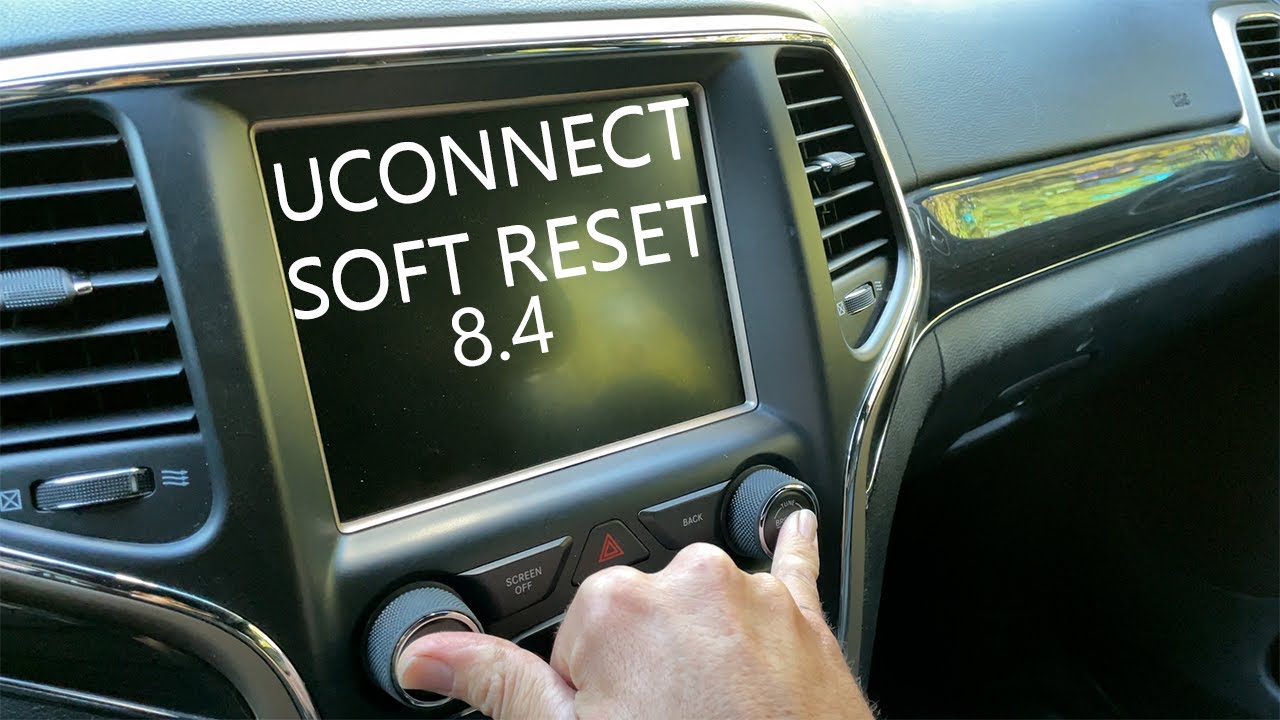
A soft reset is safe and won’t erase your radio presets or paired phones. Here’s how you can do it for most Uconnect systems:
- Turn on your Jeep (run or accessory mode).
- Press and hold the volume and tuner knobs together for about 10–15 seconds.
- The screen will go black, then show the Jeep or Uconnect logo as it restarts.
Some touchscreens (especially on newer models) have a different process:
- Press and hold the power button on the screen for 10–20 seconds.
- Wait for the system to shut down and restart.
What To Expect After A Soft Reset
Your radio should reboot with all your settings saved. If your problem is not fixed, try a full reset next.
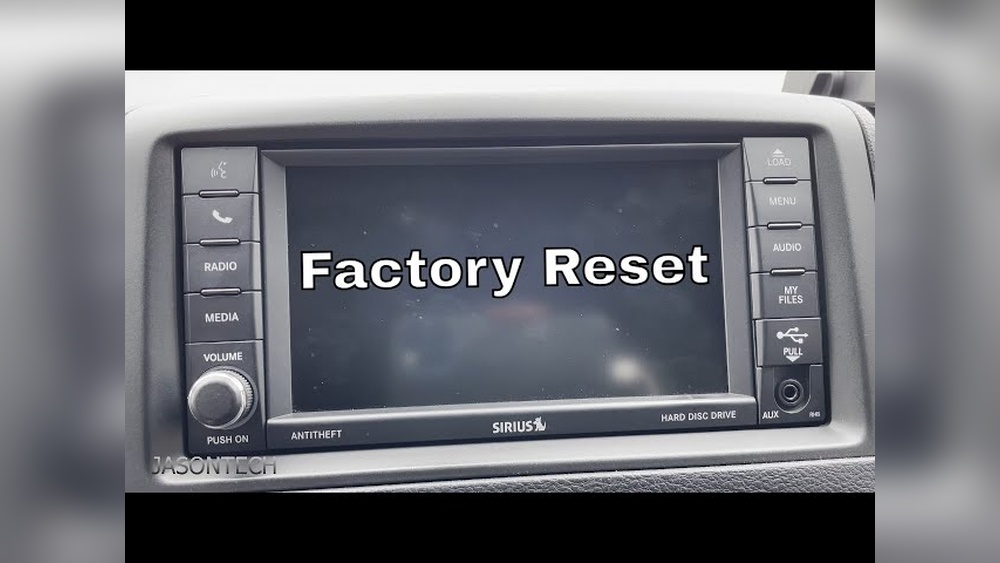
Factory Reset: Returning To Default Settings
A factory reset, or “hard reset,” will erase all user data—Bluetooth devices, radio presets, navigation favorites, and custom settings. Do this only if a soft reset doesn’t fix the problem.
- Go to the Uconnect main menu.
- Tap Settings.
- Scroll down to Restore Factory Defaults or Reset.
- Confirm your choice.
For some Uconnect 5 systems, you may need to enter your vehicle’s PIN.
Important: Always park your vehicle safely before resetting. Never attempt this while driving.
When The Screen Is Completely Frozen
Sometimes, the screen won’t respond at all. Here’s what you can try:
- Turn the vehicle off, open the driver’s door, and leave it open for at least 2 minutes. This can power-cycle the system.
- Disconnect the car battery for 10 minutes, then reconnect. This is a last resort, as it may reset other car electronics.
Common Problems And What Reset Fixes
Here’s a quick look at typical Uconnect issues and the best reset option:
| Problem | Soft Reset | Factory Reset | Battery Disconnect |
|---|---|---|---|
| Frozen screen | ✔ | ✔ | ✔ |
| Bluetooth not working | ✔ | ✔ | |
| Navigation errors | ✔ | ||
| App crashes | ✔ | ✔ | |
| No sound | ✔ |
Not all issues need a full reset. Start with the easiest option.
Two Insights Jeep Owners Miss
- Firmware Updates Matter: Many Uconnect bugs come from outdated firmware. Always check for updates on Jeep’s official website or ask your dealer. Resetting won’t fix software bugs if the system needs an update.
- Accessories Can Cause Problems: Aftermarket chargers, OBD-II devices, or even some USB drives can disrupt Uconnect. If you keep having problems, unplug all accessories and try again.
Mistakes To Avoid
- Resetting While Driving: This can distract you and may not work correctly. Always reset when parked.
- Not Saving Your Data: A factory reset will erase all saved devices and settings. Write down important info first.
- Ignoring Battery Issues: If your Jeep’s battery is weak, Uconnect may freeze often. Consider checking your battery health.
When To See A Dealer
If resets do not solve the problem, or you see messages like “Service Uconnect,” it’s best to visit your Jeep dealer. There may be a deeper hardware or software issue. Sometimes, only a dealer can re-flash the Uconnect system.
Real-world Example
Maria, a 2019 Jeep Cherokee owner, found her Bluetooth connection dropped every drive. She tried a soft reset—no luck. After a factory reset and updating the Uconnect firmware, her phone paired perfectly. This shows resets are not always enough; updates play a big role.
Useful Resources
For official guides and firmware updates, visit the Mopar Uconnect support page.
Frequently Asked Questions
How Long Does A Jeep Uconnect Reset Take?
Most soft resets take about 30 seconds to 1 minute. A full factory reset can take up to 5 minutes, as the system reboots and clears data.
A soft reset will not delete your presets. A factory reset will erase saved navigation, radio stations, and paired devices.
Can I Reset Uconnect With The Engine Off?
Yes, but the system must be in RUN or ACCESSORY mode (ignition on, engine can be off). The system needs power to restart.
What If My Uconnect Screen Stays Black After Reset?
Check your car battery first. A weak battery can cause the system to fail. If the screen stays black, visit your Jeep dealer for diagnosis.
No, there are no secret codes. All reset options are in the settings menu or by using the physical buttons described above.
Getting your Jeep radio Uconnect working again is often as simple as a reset. Try the steps above, pay attention to updates, and don’t hesitate to ask for professional help if needed. With the right approach, you’ll be back to enjoying your drive in no time.