Pairing your phone with your Jeep’s Bluetooth system can make every drive easier and safer. Hands-free calling, music streaming, and navigation guidance become available with a few simple steps. Whether you just bought a new Jeep or want to connect a new device, understanding the process will help you avoid frustration.
This guide covers everything you need to know about connecting Bluetooth in your Jeep, from key settings to practical troubleshooting tips.
Understanding Jeep’s Bluetooth System
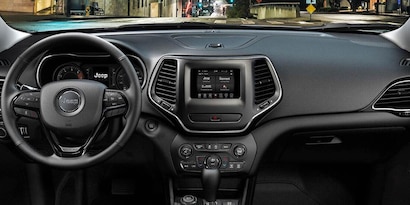
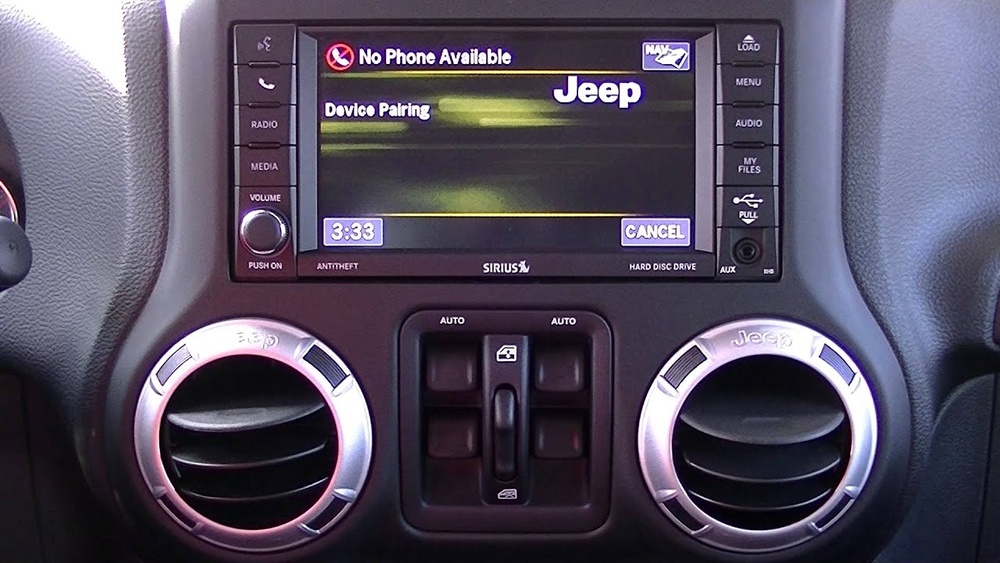
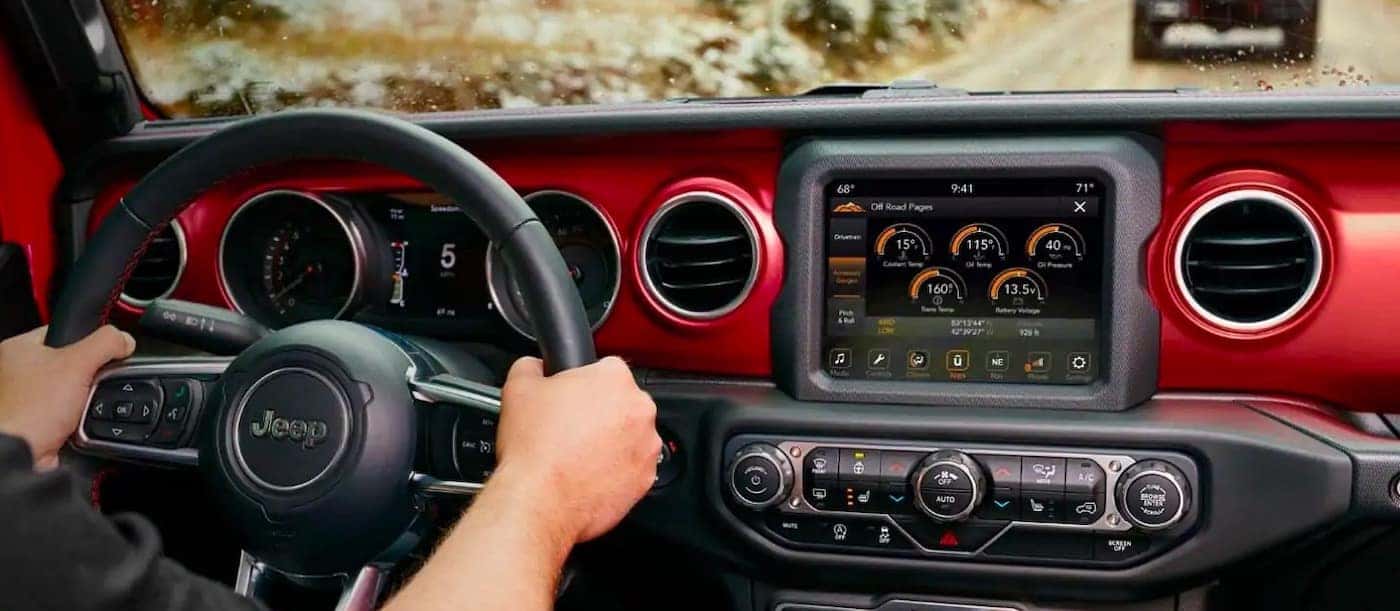
Most modern Jeeps come with Uconnect, Jeep’s official infotainment system. Uconnect manages all Bluetooth connections, audio, and navigation features. Depending on your Jeep’s year and model, you might see Uconnect 4, 5, or older versions, but the basic Bluetooth pairing process remains similar.
Key Features Of Jeep Bluetooth
- Hands-free calling: Make and receive calls without touching your phone.
- Music streaming: Play music and podcasts from your device.
- Voice commands: Control navigation and audio with voice prompts.
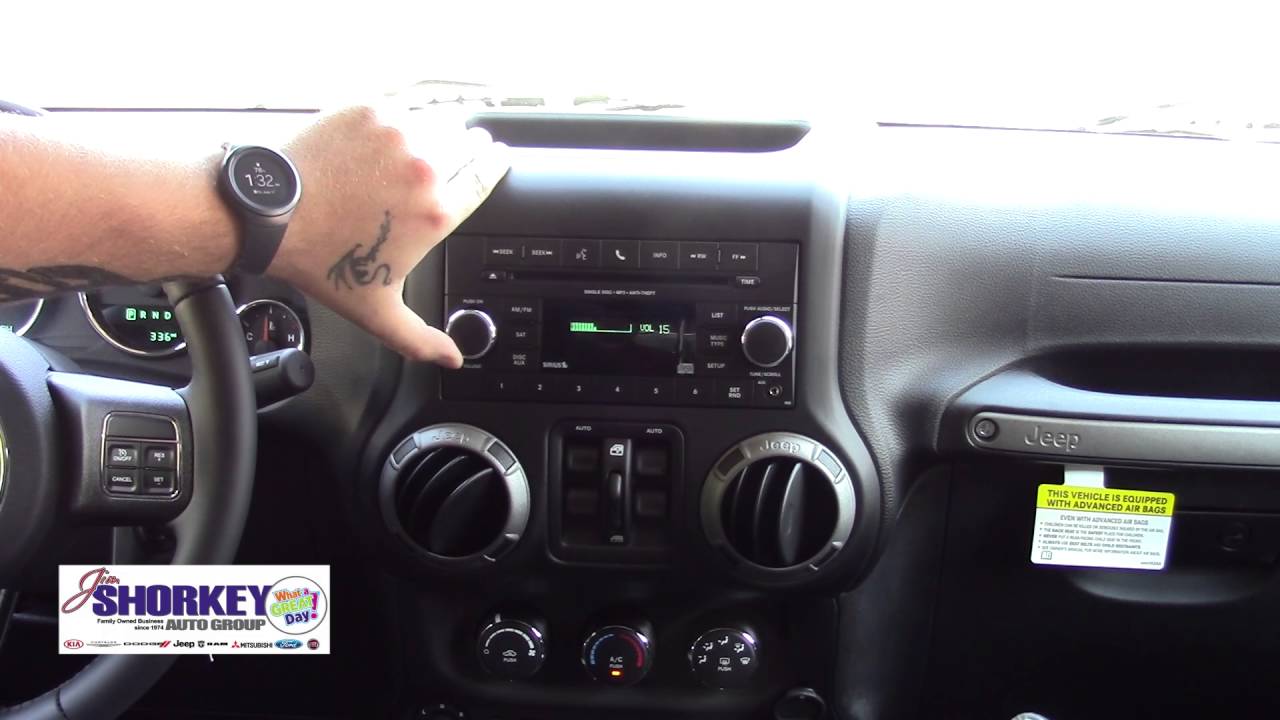
Older Jeep models may require an upgrade or adapter to support these features fully.
Steps To Connect Bluetooth In Your Jeep
Connecting your phone to your Jeep’s Bluetooth is usually quick. Here’s a step-by-step guide that works for most Jeep vehicles:
- Turn on your Jeep and keep it in Park.
- Enable Bluetooth on your phone. Make your device visible.
- On your Jeep’s Uconnect screen, tap “Phone” or “Media.”
- Select “Add Device” or “Pair a Device.”
- On your phone, select your Jeep from the list of available devices.
- Confirm the pairing code matches on both screens.
- Allow access to contacts and messages when prompted.
After a few moments, your phone should be connected.
Example: Pairing An Iphone
- Open Settings > Bluetooth on your iPhone.
- On Uconnect, tap “Phone” > “Add Device.”
- Select your Jeep under “Other Devices” on your iPhone.
- Confirm the code, then accept prompts for contacts and audio.
Common Bluetooth Problems And Solutions
Even with simple steps, Bluetooth pairing sometimes fails. Here are practical solutions for common issues:
Bluetooth Device Not Found
- Make sure Bluetooth is enabled on your phone.
- Set your phone to “discoverable” mode.
- Restart your phone and Jeep’s infotainment system.
Connection Drops
- Move the phone closer to the system.
- Remove other paired devices that may cause interference.
- Update your phone’s operating system and Uconnect software.
Audio Not Playing
- Check if your Jeep’s media source is set to Bluetooth.
- Increase the volume on both your phone and Jeep.
- Re-pair the devices if the problem continues.
Comparing Bluetooth In Different Jeep Models
Some Jeep models offer more advanced features or easier pairing. Here’s a quick comparison:
| Jeep Model | Uconnect Version | Voice Commands | Apple CarPlay/Android Auto |
|---|---|---|---|
| Wrangler 2022 | Uconnect 4 | Yes | Optional |
| Grand Cherokee 2023 | Uconnect 5 | Yes | Standard |
| Renegade 2021 | Uconnect 4 | Limited | Optional |
Newer models usually support faster pairing and better voice command accuracy.
Important Settings To Check
Before pairing, check these settings for a smooth connection:
- Delete old devices: Remove unused Bluetooth devices from Uconnect.
- Software updates: Ensure both your phone and Uconnect system are updated.
- Privacy permissions: Allow contacts and media sharing for full features.
Table: Bluetooth Compatibility By Year
Not all Jeep models have the same Bluetooth features. Here’s a quick reference:
| Model Year | Bluetooth Calling | Music Streaming | Voice Texting |
|---|---|---|---|
| 2014-2017 | Yes | Limited | No |
| 2018-2020 | Yes | Yes | Optional |
| 2021-2023 | Yes | Yes | Yes |
If your Jeep is older, you may need a Bluetooth adapter or an aftermarket system.
Two Insights Most Beginners Miss
First, Bluetooth pairing is device-specific. If you switch phones often or share your Jeep with family, you may need to pair each device separately and set your preferred device as “primary.”
Second, Uconnect software updates can solve many connection issues. Many drivers overlook this. Visit your local Jeep dealer or check online for the latest updates. Updated software often improves pairing and call quality.
Safety And Privacy Tips
Using Bluetooth in your Jeep is safe, but consider these tips:
- Don’t pair devices while driving.
- Set up voice commands to keep your hands on the wheel.
- Regularly check which devices are paired. Remove any you no longer use to protect your privacy.
Table: Troubleshooting Quick Reference
Here’s a handy reference for quick problem-solving:
| Problem | Possible Cause | Solution |
|---|---|---|
| No Sound | Wrong audio source | Select Bluetooth as source |
| Can’t Pair | Too many devices saved | Delete old devices |
| Calls Fail | No contacts access | Allow permissions on phone |
Frequently Asked Questions
How Many Devices Can I Pair With Jeep Bluetooth?
Most Jeep Uconnect systems allow you to pair up to eight devices, but only one can be connected at a time for calls and media.
What Should I Do If My Phone Won’t Connect?
Try restarting both your phone and the Jeep’s Uconnect system. Delete the device from both your phone and Uconnect, then try pairing again.
Is Bluetooth Available In All Jeep Models?
No, some older models may not have Bluetooth. Always check your Jeep’s manual or VIN to confirm features. For missing Bluetooth, consider an aftermarket solution.
Can I Use Apple Carplay Or Android Auto With Bluetooth?
Apple CarPlay and Android Auto work best with a USB cable. Some newer Jeeps support wireless connections, but Bluetooth alone may not offer all features.
Where Can I Find More Information About Jeep Bluetooth?
For detailed information, visit the official Jeep Uconnect support page for guides, updates, and troubleshooting help.
Connecting Bluetooth in your Jeep opens up safer, more enjoyable driving. With the right steps and settings, you can enjoy hands-free calls, music, and more, every time you hit the road.