Getting Uconnect on your Jeep can transform your driving experience. With Uconnect, you can access navigation, hands-free calling, music streaming, and even remote start from your phone. But if you’re new to Jeep or just got a used model, you might wonder how to get started. This article explains everything in simple steps—no jargon, just clear advice—so you can enjoy the full benefits of Uconnect.
What Is Uconnect And Why Does It Matter?
Uconnect is Jeep’s official infotainment system. It connects your vehicle to your smartphone and the internet, letting you use apps, maps, and voice commands safely while driving. With Uconnect, you can:
- Make hands-free calls and texts
- Use GPS navigation with live traffic updates
- Control music and podcasts from your phone or apps
- Access emergency assistance with the push of a button
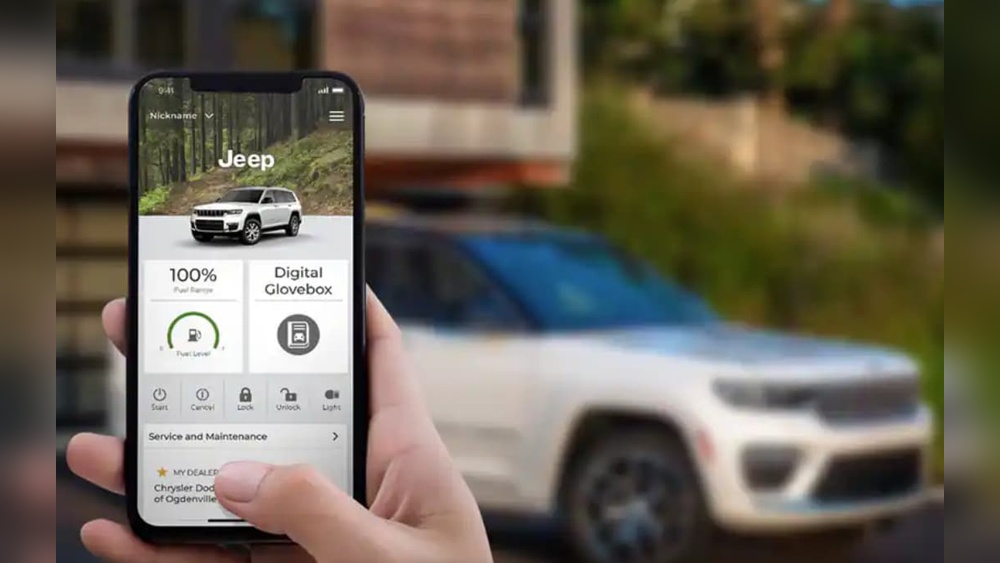
- Start, lock, or unlock your Jeep remotely (on supported models)
Many Jeep owners don’t realize how much easier life gets with Uconnect. For example, you can warm up your car on a cold morning before stepping outside. Or, check if you locked the doors from your office.
Checking If Your Jeep Has Uconnect
Before you can get Uconnect, you need to see if your Jeep is equipped for it. Not all models have the hardware. Here’s how you can tell:
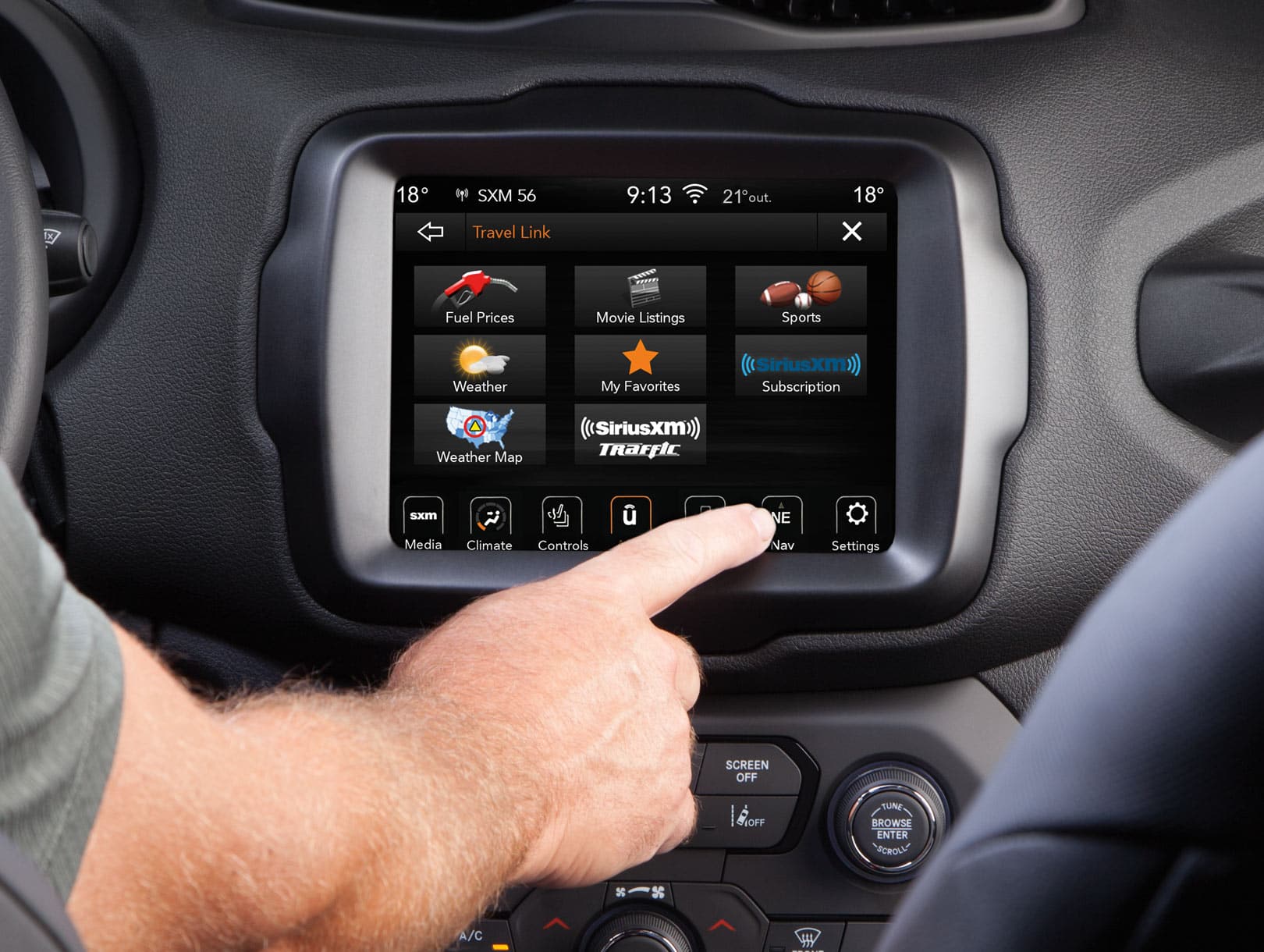
- Look for the Uconnect logo on your vehicle’s touchscreen display when you start your Jeep.
- Check your owner’s manual for Uconnect references.
- On the display, see if you have options like “Apps,” “Phone,” or “Navigation.”
- For older Jeeps, the radio screen may look basic. If there’s no touchscreen, your Jeep may not support Uconnect.
Here’s a quick comparison of common Jeep models and their Uconnect support:
| Model Year | Touchscreen Present | Uconnect Ready |
|---|---|---|
| 2014 Jeep Cherokee | Yes | Yes |
| 2017 Jeep Wrangler | No | No |
| 2020 Jeep Grand Cherokee | Yes | Yes |
Non-obvious tip: Some used Jeeps may have the correct screen but need a software update for full Uconnect features.
How To Activate Uconnect In Your Jeep
If your Jeep supports Uconnect, activating it is easy. Follow these steps:
- Power on your Jeep’s infotainment system.
- On the main menu, select Uconnect Apps.
- Choose Activate Services or Register.
- Enter your email and create a password. You may need your Vehicle Identification Number (VIN), found on your dashboard or registration.
- Check your email and confirm your account.
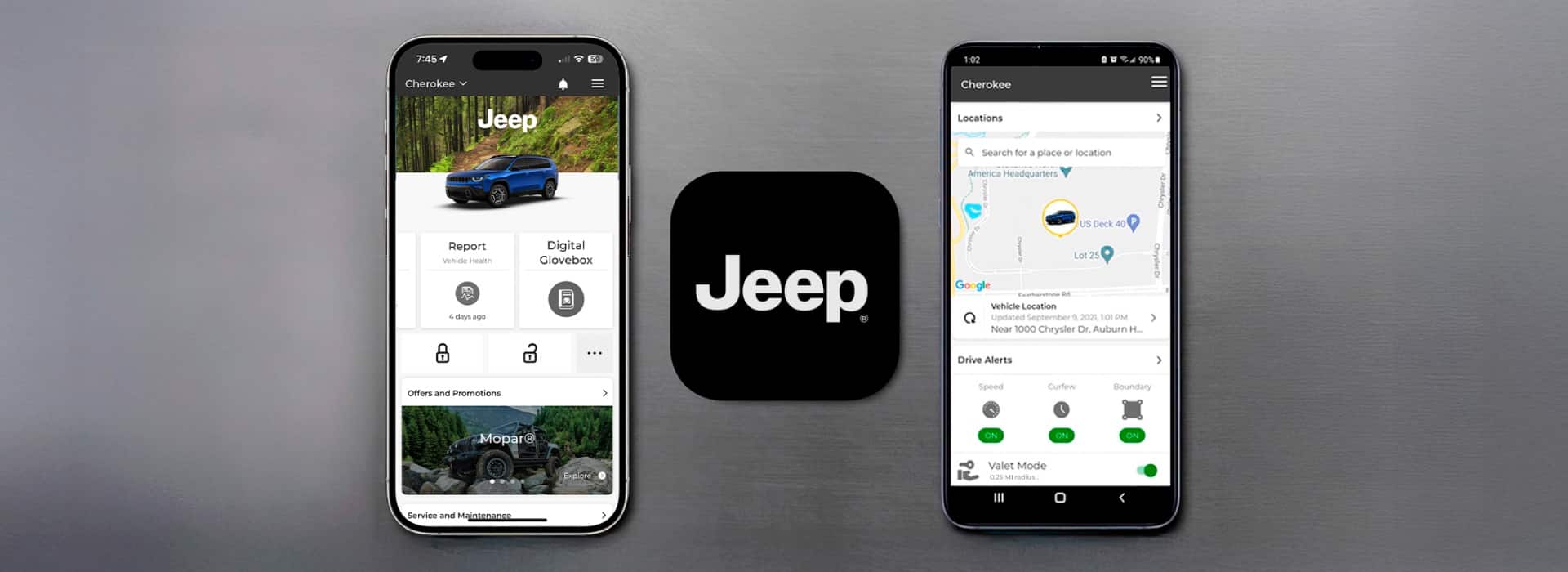
- Download the Uconnect app from the App Store or Google Play and sign in.
Your Jeep may take a few minutes to connect after setup. You’ll see new icons for services like Remote Start or Vehicle Finder as they become available.
Beginner mistake: Skipping the email confirmation step. Without it, remote features won’t work.
What If My Jeep Doesn’t Have Uconnect?
If your Jeep doesn’t have a touchscreen or Uconnect option, you still have choices:
- Upgrade your head unit: Many auto shops can install a Uconnect-compatible system. This usually costs $400–$1200, depending on your model.
- Use a Bluetooth adapter: For basic hands-free calls and music, a Bluetooth adapter plugs into your audio jack. This won’t offer full Uconnect features but helps with key functions.
Here’s a table comparing your options:
| Option | Features | Estimated Cost |
|---|---|---|
| Uconnect Retrofit | Full Uconnect, Navigation, Apps | $400–$1200 |
| Bluetooth Adapter | Calls, Music Only | $20–$50 |
| Keep Stock | Radio Only | $0 |
Useful insight: Not all aftermarket touchscreens are compatible with Uconnect. Ask your dealer or installer to check before buying.
Setting Up Uconnect App On Your Phone
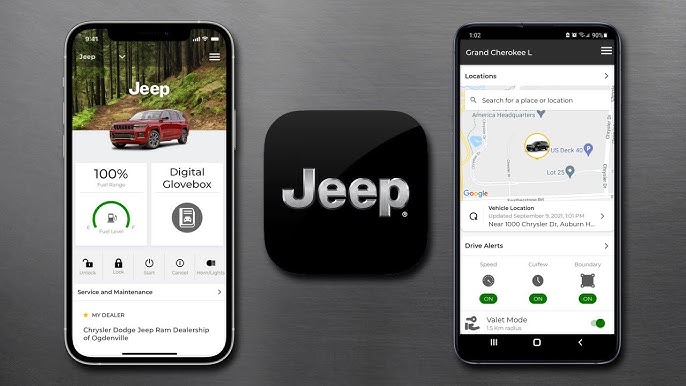
The Uconnect app is your remote control for Jeep. Setting it up is simple:
- Download the Uconnect app for iOS or Android.
- Open the app and log in with the email you used in your Jeep.
- Enter your VIN if prompted.
- Follow the instructions to link your phone to your Jeep.
You can now:
- Start your engine remotely
- Lock/unlock doors
- Send addresses to your Jeep’s navigation
- Get alerts about service or recalls
You may also see trial offers for subscription features. Many new Jeeps come with a free trial (often 6–12 months) of Uconnect Access or SiriusXM Guardian.
Uconnect Subscription Plans And Features
Most Uconnect services are free for basic functions. For advanced features like remote start, vehicle location, and emergency assistance, a subscription is required.
Here’s a summary of popular plans:
| Plan | Main Features | Typical Cost |
|---|---|---|
| Basic (Included) | Bluetooth, Hands-Free, Media | $0 |
| Uconnect Access | Remote Start, Security Alerts | $14.99/mo |
| SiriusXM Guardian | Roadside Help, Stolen Vehicle Assist | $19.99/mo |
Non-obvious insight: If you buy a used Jeep, ask the dealer if any Uconnect subscription is still active—you might get free months.
Troubleshooting Common Uconnect Issues
Sometimes, things don’t work as expected. Here’s how to solve the most common problems:
- Uconnect won’t activate: Double-check your VIN and email. Make sure you completed email verification.
- Remote start doesn’t work: Your Jeep must be in “Park,” and the hood closed. Some models require a paid subscription for this feature.
- Bluetooth won’t connect: Delete old devices from Uconnect and your phone, then pair again.
- No data connection: Some features need a cell signal. Try moving to an open area.
If problems continue, visit your local Jeep dealer or check the official Jeep Uconnect page for help.
Frequently Asked Questions
How Do I Know If My Jeep Is Compatible With Uconnect?
Check for a touchscreen display with the Uconnect logo when you start your Jeep. You can also find this information in your owner’s manual or by asking your dealer.
Is Uconnect Free To Use?
Basic Uconnect features like Bluetooth and media are usually free. Advanced features such as remote start or security alerts require a paid subscription after a trial period.
Can I Add Uconnect To An Older Jeep?
If your Jeep has a compatible radio, you may be able to add Uconnect by installing new hardware. This often requires a professional and costs extra. Basic features like Bluetooth can be added with adapters.
What Smartphones Work With Uconnect?
Most iOS and Android phones are compatible. Make sure your phone’s software is up to date, and check the Uconnect app in the App Store or Google Play for compatibility.
What’s The Difference Between Uconnect Access And Siriusxm Guardian?
Both offer advanced services like remote start and vehicle tracking. SiriusXM Guardian includes extra features like roadside assistance and theft alerts, but costs a bit more per month.
Getting Uconnect on your Jeep is a smart move for safety, comfort, and fun. Whether you’re activating it for the first time or upgrading your system, the steps are straightforward. Take your time, follow each stage, and soon you’ll be enjoying the road with more confidence and control.