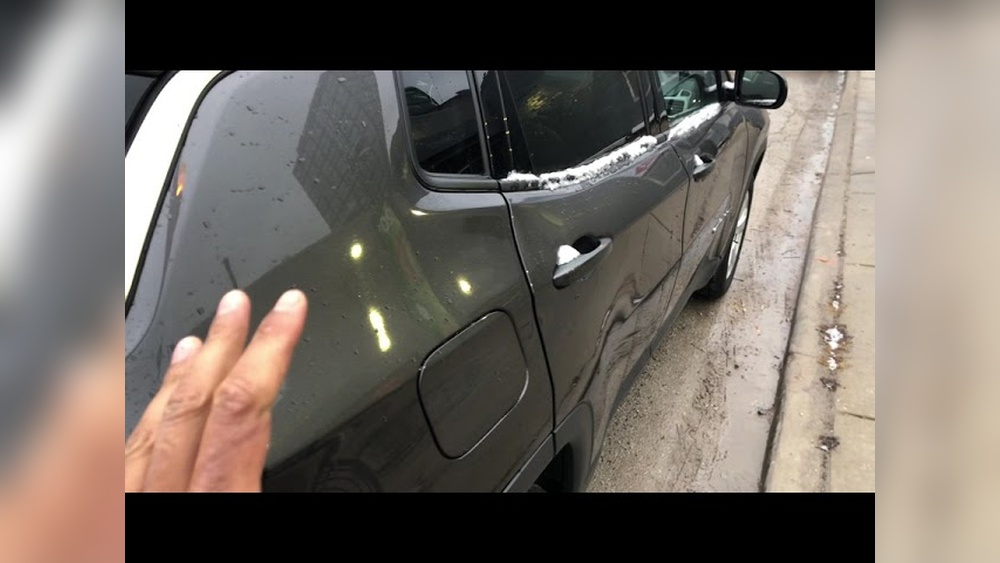
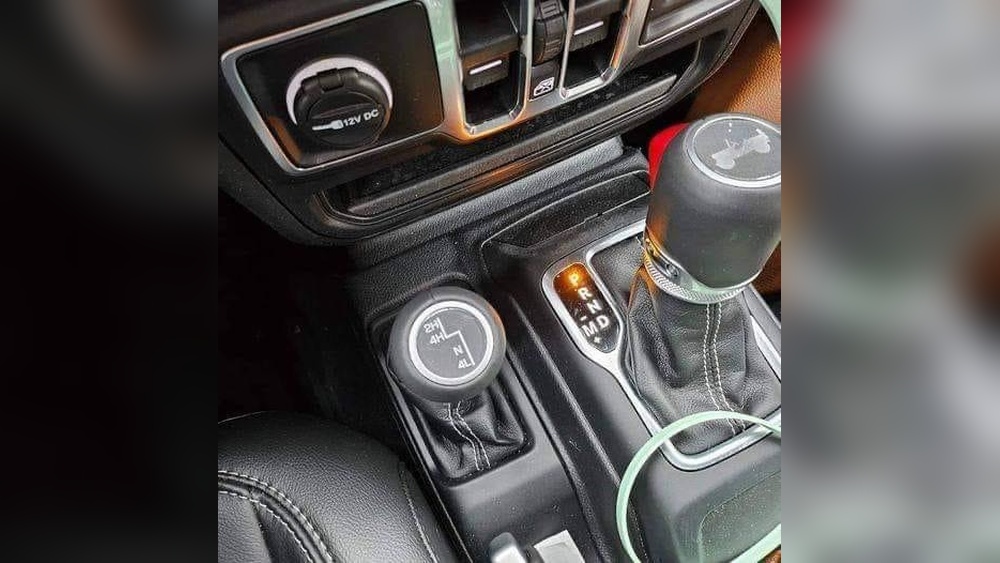
Taking the doors off your Jeep is a classic move, especially for those who love fresh air and adventure. But many modern Jeeps have electrical connections in the doors—like power windows, locks, and mirrors. If you don’t unplug these connections safely, you risk damaging the wires or systems. This guide will show you exactly how to unplug your Jeep door, avoid common mistakes, and protect your vehicle. Whether you’re a beginner or have removed doors before, you’ll find practical steps and advice here.
Understanding Jeep Door Connections
Most newer Jeep models, like the Jeep Wrangler JK, JL, and Gladiator, have wiring harnesses connecting the doors to the main body. These harnesses control:
- Power windows
- Power locks
- Speakers
- Side mirrors
If you disconnect these improperly, you might get error codes or even break the connectors. Older Jeeps (like TJ or YJ models) usually have simpler doors with fewer wires. Always check your model’s manual for connector locations.
Jeep Door Wiring Types
Here’s a quick comparison of wiring complexity in popular Jeep models:
| Jeep Model | Wiring Complexity | Common Features |
|---|---|---|
| Wrangler JK | Medium | Locks, windows, mirrors |
| Wrangler JL | High | Advanced electronics, speakers |
| Gladiator | High | Power everything, sensors |
| Wrangler TJ/YJ | Low | Manual locks/windows |
Tools And Preparation
Before you start, gather the tools. This makes the process faster and safer.
- Torx wrench (usually T50)
- Flathead screwdriver
- Safety gloves
- Soft cloth or towel
- Zip ties or masking tape
Also, park your Jeep on a flat surface and turn off the ignition. Disconnecting a battery isn’t usually required, but some owners do it for extra safety.
Door Removal Vs. Unplugging
Some people confuse door removal with unplugging. Unplugging only means disconnecting the wiring; removing the door means physically taking it off the hinges. If you plan to drive without doors, you must do both.

Step-by-step Guide: Unplugging Jeep Door
Follow these steps carefully to avoid mistakes.
1. Open The Door Fully
Make sure the door is open wide. This gives you space to reach the wiring harness.
2. Locate The Wiring Connector
Most Jeeps have the connector near the door hinge, often behind a plastic cover. Look for a black plug or harness.
3. Remove The Plastic Cover
Use the flathead screwdriver to gently pry off the cover. Don’t force it—plastic tabs can break easily.
4. Release The Wiring Clip
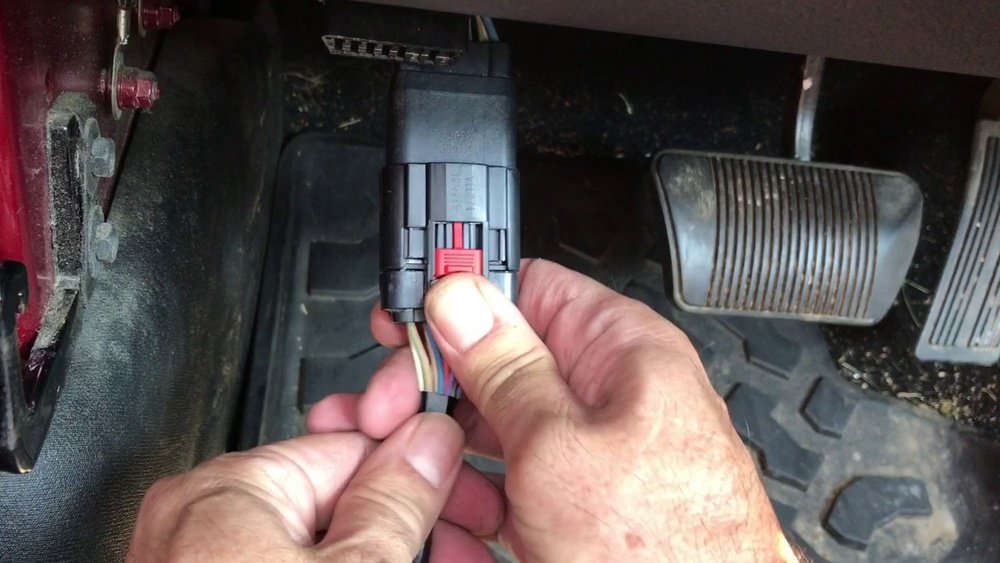
There’s usually a red safety tab or locking clip. Slide or lift this tab to unlock the connector.
5. Disconnect The Wiring Harness
Press the release button and gently pull apart the connector. Never yank on the wires. If it feels stuck, check for extra clips.
6. Secure The Loose Harness
Use a zip tie or masking tape to keep the loose end from dangling or hitting the body. This prevents scratches and accidental damage.
7. Repeat For Each Door
If you’re unplugging more than one door, repeat these steps for every connector.
Example: Jeep Wrangler Jl
On the JL model, the connector has a red tab. Slide it out, press the release, and separate the plug. Don’t forget to secure both ends with tape.
Common Mistakes And How To Avoid Them
Many Jeep owners make mistakes when unplugging doors. Here’s how to avoid them:
- Forcing connectors: This can break the plastic or pins. Always check for hidden clips.
- Leaving wires exposed: Loose wires can get wet or dirty. Use tape or zip ties.
- Not securing harness: Wires can hit the body and cause scratches.
- Ignoring error codes: If you see dashboard alerts after unplugging, reconnect the harness and check for damage.
Here’s a summary comparing safe vs unsafe unplugging:
| Safe Unplugging | Unsafe Unplugging |
|---|---|
| Uses proper tools | Uses hands only |
| Secures wires | Leaves wires dangling |
| Checks for clips | Forces connectors |
| Protects harness | Lets harness hit body |

Tips For Protecting Wiring And Connectors
- Clean connectors before reconnecting. Dirt can cause bad contacts.
- Don’t let water or mud touch open plugs.
- When reinstalling, double-check that connectors click fully.
- If connectors seem loose, inspect for broken pins.
A non-obvious tip: Use dielectric grease on connectors. This prevents corrosion and makes future unplugging easier.
When Should You Unplug Jeep Doors?
You should unplug doors if:
- You’re removing doors for off-roading or summer driving.
- You need to fix or replace door electronics.
- You’re customizing your Jeep (new speakers, mirrors, etc. ).
Some Jeep owners unplug doors only for special events or trail rides.

Quick Stats: Jeep Door Removal Popularity
According to a 2022 survey from Jeep forums:
- Over 60% of Wrangler owners remove doors at least once a year.
- Nearly 40% report minor wiring issues after unplugging, usually from improper handling.
This shows why careful unplugging is important for preserving your Jeep.
Frequently Asked Questions
How Do I Know If My Jeep Doors Have Wiring?
Most newer Jeeps have wiring. Check your owner’s manual or look for plugs near the hinges.
Is It Safe To Unplug Doors Without Disconnecting The Battery?
Usually, yes. Turn off the ignition first. Some owners disconnect the battery for extra safety, especially on newer models.
What Happens If I Break A Connector?
Broken connectors can cause electronics to fail. Replace the connector or visit a dealer for repair.
Can I Drive With Doors Unplugged But Still Attached?
It’s not recommended. Loose wires can get damaged. If you unplug, it’s best to remove the door.
Where Can I Find Official Jeep Door Removal Instructions?
Visit the official Jeep website or check your model’s manual. Here’s a helpful link: Jeep Door Removal Guide.
Removing and unplugging Jeep doors is simple with the right steps. Take your time, use proper tools, and protect the wiring. This keeps your Jeep safe, ready for adventure, and looking great. Remember, careful handling prevents costly repairs and lets you enjoy the open road without worries.