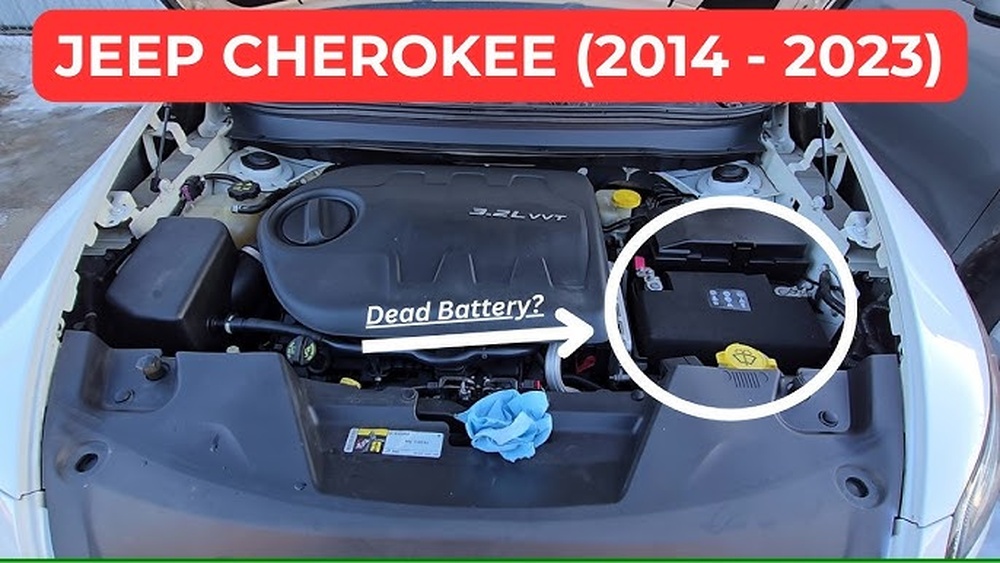
Putting your Jeep Compass into 4 wheel drive can feel confusing if you’re new to the vehicle or unfamiliar with the different modes. Many drivers expect an old-fashioned lever, but modern Jeep Compass models use electronic controls and offer several drive settings. If you want more traction for snow, mud, or rough roads, knowing exactly how to use these features is essential. This guide explains step-by-step how to put your Jeep Compass in 4 wheel drive, what each mode does, and common mistakes to avoid. By the end, you’ll feel confident using your Compass’s 4WD system safely and effectively.
Understanding Jeep Compass 4 Wheel Drive Systems
Most Jeep Compass models come with a 4×4 system called Jeep Active Drive. Unlike some older 4WD setups, it’s designed to engage automatically when needed. This means you rarely need to “switch” manually into 4 wheel drive for daily driving. However, you can select specific modes to optimize performance in tough conditions.
There are four main items you need to understand and operate:
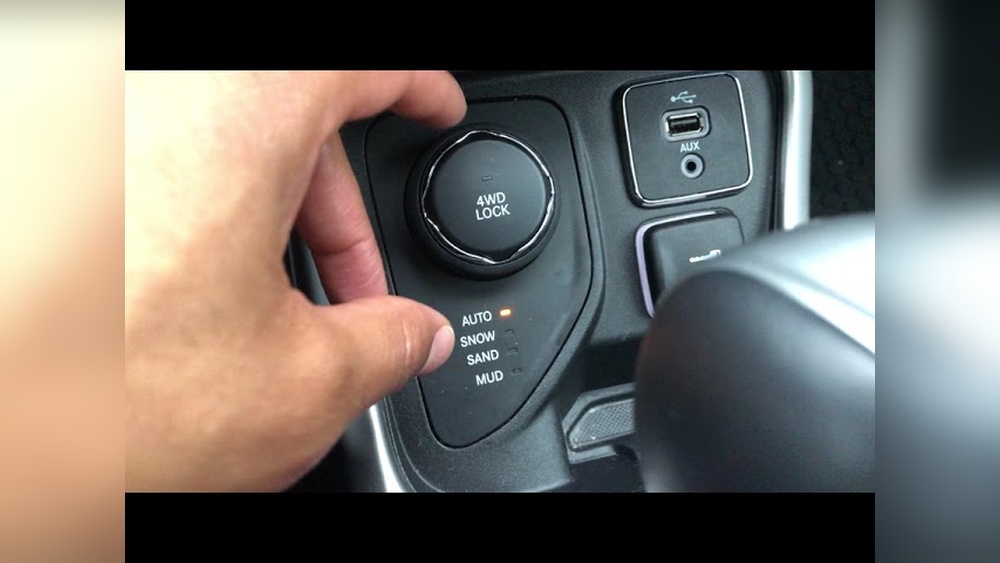
- 4WD Lock
- 4WD Auto
- 4WD Snow Mode
- 4WD Mud/Sand Mode
Each mode serves a unique purpose. Let’s look at how to select each one and what it does for your Jeep Compass.
4wd Lock
The 4WD Lock mode forces power to go to all four wheels equally. This is helpful when you need maximum traction, such as starting on slippery ground or climbing steep hills.
To engage 4WD Lock:
- Locate the drive mode selector on your center console.
- With the vehicle stopped or moving slowly (under 10 mph), turn the knob or press the 4WD Lock button.
- You’ll see a 4WD Lock indicator light up on the dashboard.
When activated, the system splits power 50/50 between the front and rear wheels. This helps prevent the wheels from spinning on slick surfaces.
A non-obvious tip: Don’t use 4WD Lock on dry pavement. This can strain the drivetrain and cause premature wear. It’s best for snow, mud, or loose gravel.
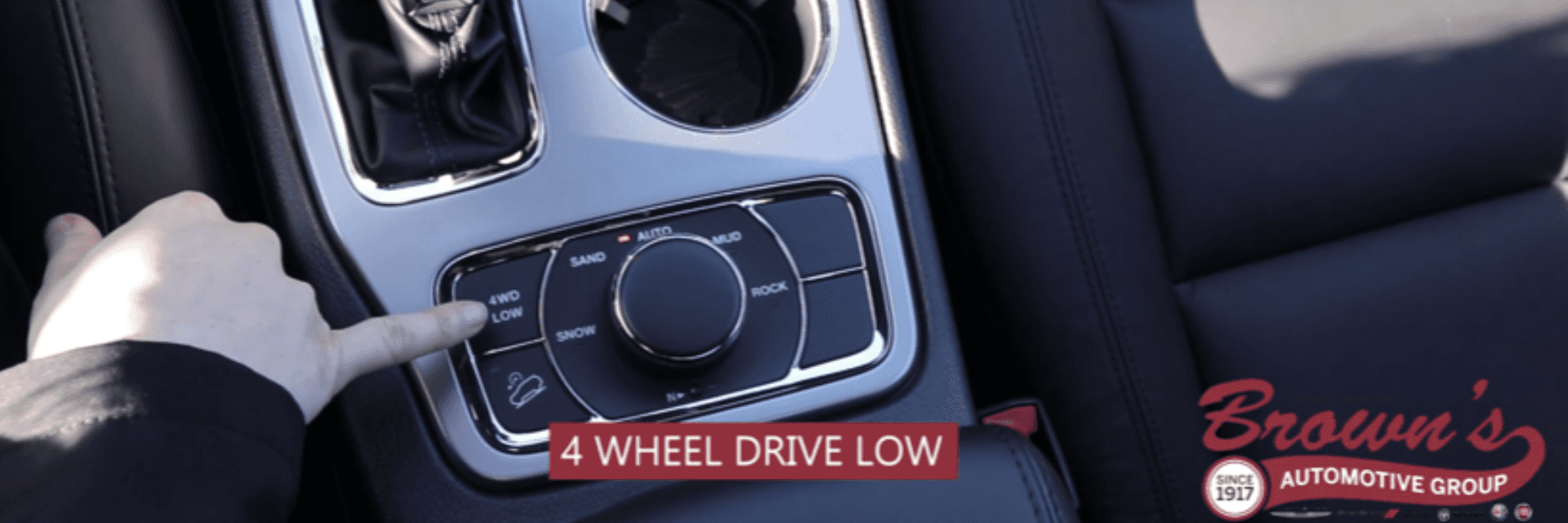
4wd Auto
4WD Auto is the default setting for most Jeep Compass models. In this mode, the system decides when to send power to the rear wheels. It’s ideal for everyday driving because it gives you better fuel efficiency while still protecting you from sudden slippery conditions.
To use 4WD Auto:
- Simply leave the drive mode selector in the standard position (usually labeled ‘Auto’).
- The Compass will automatically switch from front-wheel drive to all-wheel drive as needed.
You don’t need to do anything special—just drive as usual. If you hit ice or lose traction, the system will react instantly.
Many beginners don’t realize that 4WD Auto is usually enough for wet roads, light snow, or normal gravel. You only need to switch to other modes in extreme conditions.
4wd Snow Mode
Snow Mode changes the vehicle’s throttle response, braking, and traction settings for icy or snowy roads. It’s designed to reduce wheel slip and make starting, stopping, and turning safer.
To activate Snow Mode:
- Turn the drive mode selector to ‘Snow’.
- The dashboard will show a Snow Mode indicator.
This mode:
- Softens throttle response so you don’t accelerate too quickly.
- Adjusts the stability control and ABS for slippery surfaces.
- Sends more power to all four wheels.
A practical tip: Snow Mode works best at low speeds. If you’re driving on deep snow or need to climb a snowy hill, combine it with 4WD Lock for maximum grip.
4wd Mud/sand Mode
Mud/Sand Mode is meant for off-road situations like muddy trails or sandy beaches. It adjusts the traction control and throttle to help you power through without getting stuck.
To use Mud/Sand Mode:
- Turn the drive mode selector to ‘Mud/Sand’.
- Wait for the dashboard indicator to confirm it’s active.
This mode:
- Lets the wheels spin more freely to clear mud or sand.
- Sends extra torque to the rear wheels for better forward movement.
- Changes the transmission shifting pattern for stronger performance.
A beginner mistake: Don’t use Mud/Sand Mode on normal roads. It can make the car harder to control and reduce fuel efficiency.
Comparison Of Drive Modes
Here is a simple comparison to help you decide which mode to use:
| Mode | Best For | How It Works | Activation |
|---|---|---|---|
| 4WD Lock | Steep hills, deep snow, mud | Splits power 50/50 | Manual switch/button |
| 4WD Auto | Daily driving, wet roads | Automatic adjustment | Default setting |
| Snow Mode | Snow, ice | Soft throttle, stability tweaks | Mode selector |
| Mud/Sand Mode | Mud, sand, off-road | Wheel spin, extra torque | Mode selector |
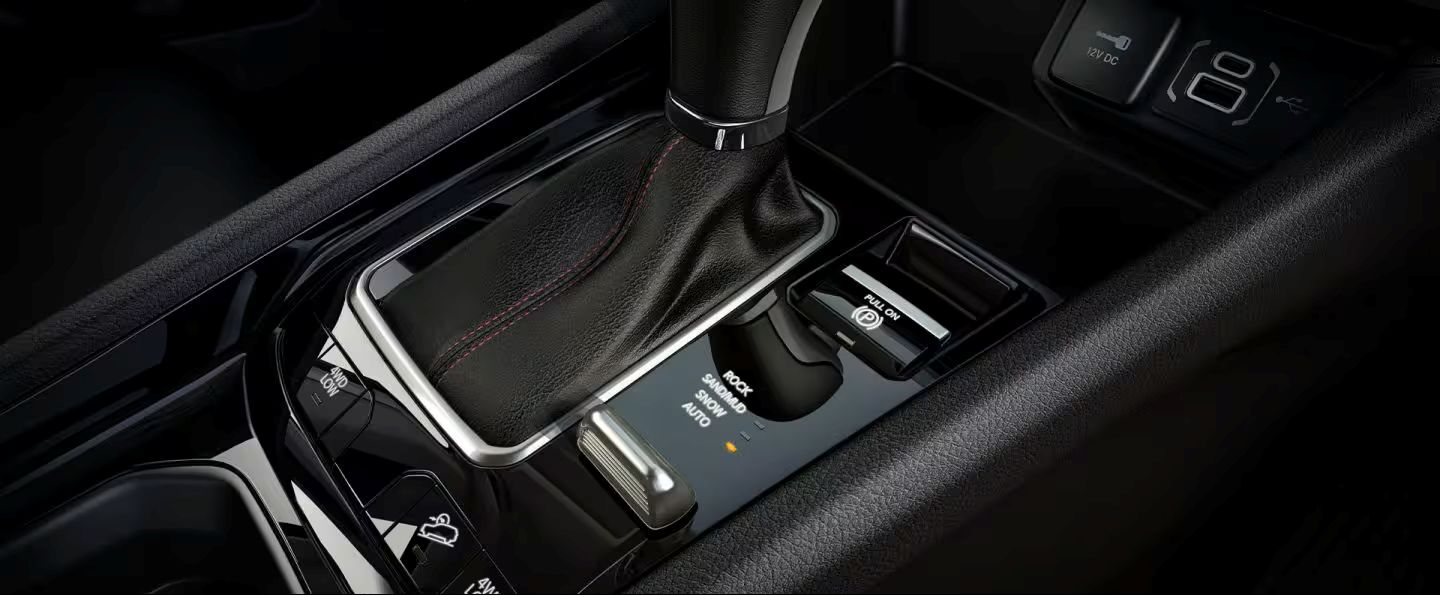
Activation Steps For Each Mode
To make the process clear, here’s a step-by-step table for activating each mode:
| Mode | Step 1 | Step 2 | Step 3 |
|---|---|---|---|
| 4WD Lock | Stop or slow to under 10 mph | Press 4WD Lock button | Check dashboard indicator |
| 4WD Auto | Start driving | No action needed | System activates as needed |
| Snow Mode | Turn selector to ‘Snow’ | Wait for indicator | Drive carefully |
| Mud/Sand Mode | Turn selector to ‘Mud/Sand’ | Wait for indicator | Drive through mud/sand |
Common Mistakes And Tips
Many drivers use the wrong mode at the wrong time or forget to switch back after leaving tough conditions.
- Don’t use 4WD Lock or Mud/Sand Mode on dry pavement. It can damage your drivetrain and tires.
- Switch back to Auto or Snow Mode after you’re done with deep mud or snow.
- Check your owner’s manual for your exact model, as features may change between years.
- If you hear grinding or see error lights, stop and check the system before continuing.
Jeep Compass 4WD systems are designed for simplicity, but a little knowledge can save you money and make your drive safer.
Real-world Example
Imagine you’re driving to the mountains for a ski trip. The road changes from dry pavement to heavy snow. Start in 4WD Auto. As the snow deepens, switch to Snow Mode. If you reach a steep, slippery hill, engage 4WD Lock for extra traction. If you leave the road for a muddy parking area, switch to Mud/Sand Mode. When you return to clear roads, switch back to Auto.
Stat: According to Jeep, Compass owners who use the correct 4WD mode improve their vehicle’s traction by up to 30% in tough conditions, and proper use can extend drivetrain life by several years.
For more technical details, visit the official Jeep page: Jeep Compass Official Site.
Frequently Asked Questions
How Do I Know If My Jeep Compass Has 4 Wheel Drive?
Check your vehicle badge, owner’s manual, or dashboard controls. If you see a 4×4 badge or a drive mode selector, your Compass likely has 4WD.
Can I Switch Modes While Driving?
Yes, but it’s safest to switch modes at low speeds (under 10 mph). For 4WD Lock, stop or slow down first.
What Happens If I Use 4wd Lock On Dry Pavement?
Using 4WD Lock on dry roads can cause drivetrain stress and tire wear. Only use it in slippery or rough conditions.
Does 4wd Improve Fuel Efficiency?
No, 4WD usually lowers fuel efficiency because more wheels are powered. Use 4WD Auto for normal driving to save gas.
Are There Differences Between Model Years?
Yes, Jeep Compass features can change with each model year. Always check your owner’s manual for specific instructions.
By understanding the four main modes and using them correctly, you’ll keep your Jeep Compass running smoothly and tackle tough roads with confidence.