Resetting your Jeep Wrangler’s computer can solve many problems, from check engine lights to odd engine behavior. Sometimes, sensors or the onboard system get confused after repairs or battery changes. Resetting helps the computer relearn and clear old error codes.
But doing this process wrong can cause new issues or make problems harder to diagnose. This guide will show you the correct steps, common mistakes, and practical tips to help you reset your Jeep Wrangler computer safely and effectively.
Understanding The Jeep Wrangler Computer
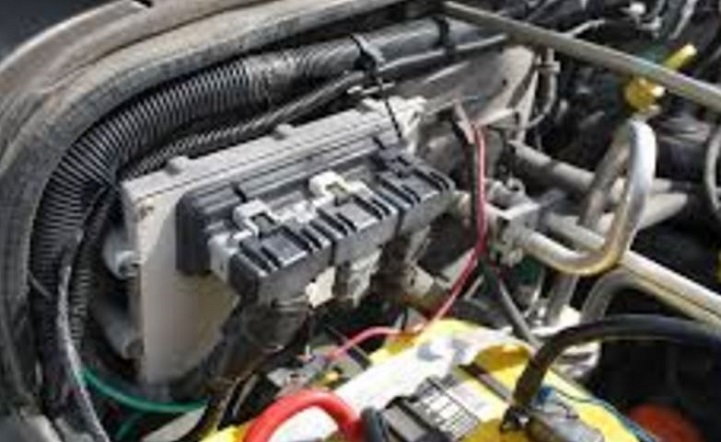
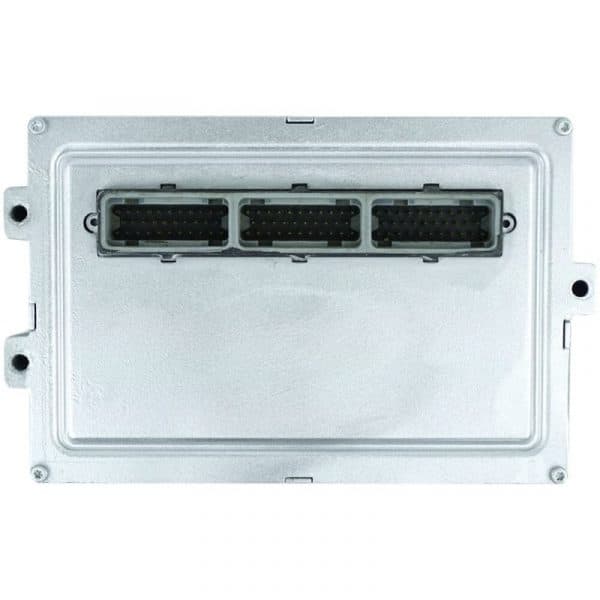
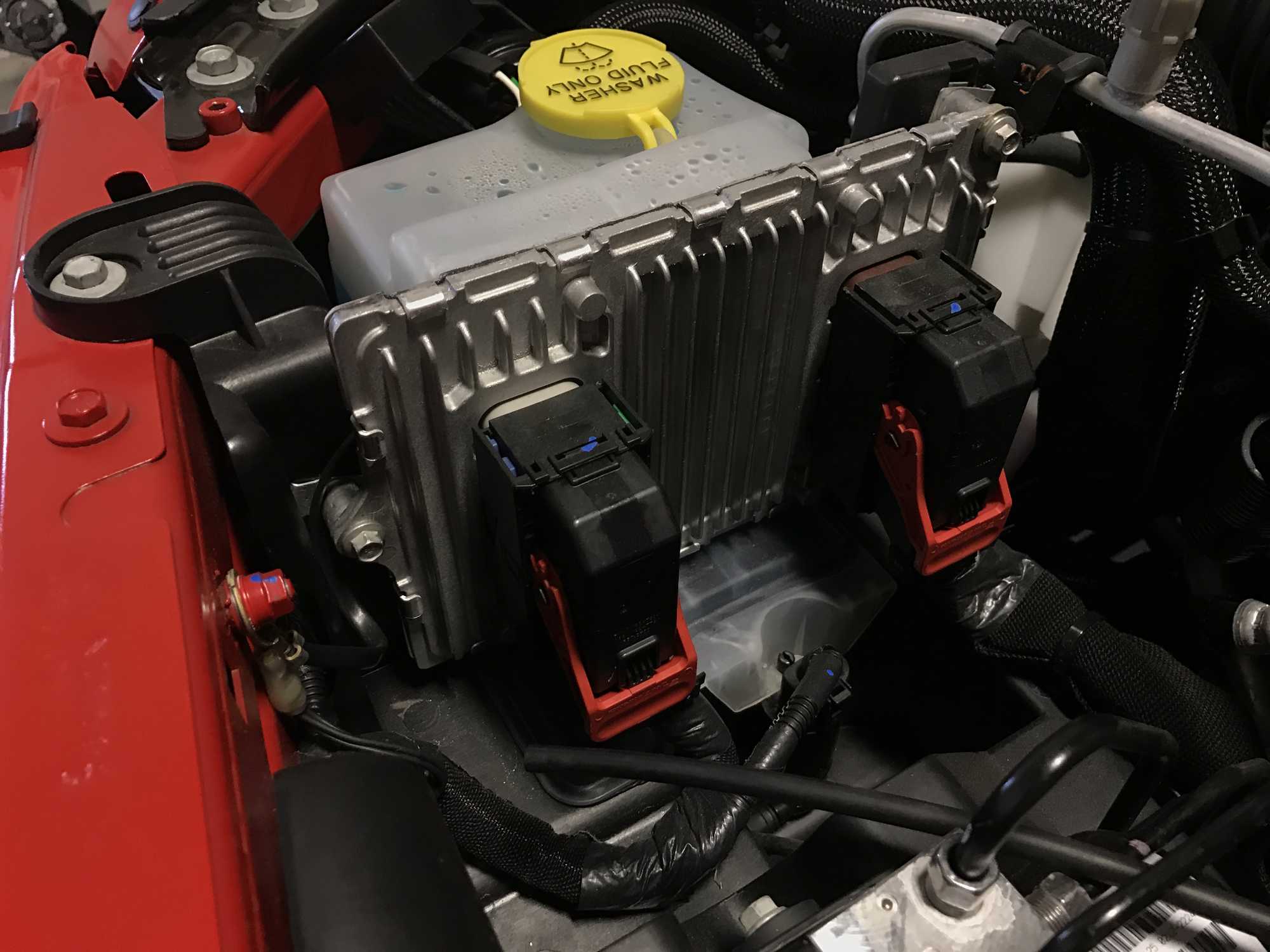
Your Jeep Wrangler uses an Engine Control Module (ECM) or Powertrain Control Module (PCM). These systems control fuel injection, ignition timing, and other key functions. When something goes wrong, the computer stores error codes, which technicians can read with a scanner. Resetting the computer clears these codes and forces the system to recalibrate.
Why Reset The Computer?
- Clear error codes after repairs
- Fix rough idling or engine hesitation
- Solve issues caused by battery replacements
- Help the system recognize new sensors
However, resetting will also erase learned data like fuel trim and idle settings. So, after reset, your Jeep may run rough for a short time as it relearns.
Steps To Reset The Jeep Wrangler Computer
Resetting the computer is simple but must be done carefully. Here’s a step-by-step process for most Jeep Wrangler models (especially 1997-2021).
- Turn off the ignition and remove the key.
- Disconnect the negative battery cable using a wrench. Wait at least 15 minutes to let all power drain from the system.
- Reconnect the battery cable securely.
- Turn on the ignition (do not start the engine). Wait 10 seconds, then turn it off.
- Start the engine and let it idle for about 15 minutes. This gives the computer time to relearn idle and fuel settings.
Extra Tips
- For newer Wranglers (2018+), you may need to use a scan tool to fully reset the PCM.
- Make sure all accessories are off during the idle period.
- If your Jeep has aftermarket electronics, disconnect them before resetting.
Comparing Different Reset Methods
There are two main ways to reset your Jeep’s computer: manual (battery disconnect) and electronic (using a scan tool). Each has pros and cons.
| Method | Pros | Cons |
|---|---|---|
| Battery Disconnect | Easy, no tools needed | May not clear all codes in newer models |
| Scan Tool | Clears all codes, more precise | Requires special equipment |
Most owners use the battery disconnect method, but a scan tool can help if you have persistent codes or newer electronics.
Common Mistakes To Avoid
Resetting the computer is easy, but many people make errors that cause bigger problems.
- Not waiting long enough after disconnecting the battery. The ECM needs at least 15 minutes without power to fully reset.
- Leaving accessories connected. Radios, chargers, or aftermarket gadgets can cause partial resets.
- Ignoring relearning period. After reset, drive gently for the first 50 miles to help the computer relearn settings.
- Skipping scan tool reset for newer models. If your Wrangler is 2018 or newer, use a scan tool for best results.
Signs That Your Computer Needs A Reset
Some symptoms suggest your Jeep’s computer may be confused or need a reset:
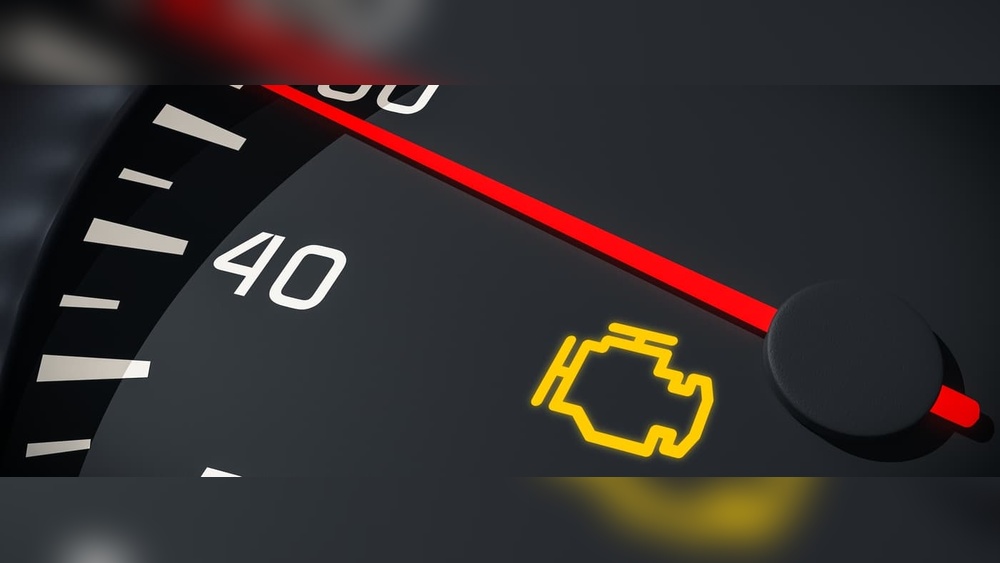
- Check engine light stays on after repairs
- Erratic idle or stumbling
- Poor fuel economy
- Transmission shifting problems
Before resetting, always check for real mechanical problems. Resetting can hide issues temporarily but won’t fix them.
Relearning After Reset
After you reset the computer, your Jeep’s ECM needs to relearn settings. This process can take a few hours of driving.
| Setting | Estimated Relearning Time |
|---|---|
| Idle Speed | 15–20 minutes |
| Fuel Trim | 50–100 miles |
| Transmission Shift | 100–200 miles |
It’s normal for the engine to run rough or shift oddly for the first few drives. Drive at varied speeds and avoid heavy acceleration until the system stabilizes.
When To Use A Scan Tool
While battery disconnect works for most cases, a scan tool offers deeper resets and diagnostics. This tool plugs into your Jeep’s OBD-II port and can clear codes, reset the PCM, and show live data.
If your Wrangler is newer or has stubborn codes, a scan tool is the best option. Many auto parts stores offer free code scans, or you can buy a basic scan tool for under $50.
For advanced information about OBD-II scan tools, visit Wikipedia.
Practical Examples
- After changing the throttle position sensor, the check engine light stayed on. A battery disconnect reset cleared the code and fixed idle problems.
- Installing a new battery caused radio presets and idle to reset. Relearning took about 50 miles of mixed driving.
- A 2020 Wrangler had shifting issues after transmission repair. Only a scan tool reset fixed the problem.
These examples show how different issues need different approaches.
Frequently Asked Questions
How Often Should I Reset My Jeep Wrangler Computer?
You should only reset the computer after major repairs or sensor changes. Doing it too often can cause unnecessary relearning and mask real problems.
Will Resetting The Computer Erase All Error Codes?
Resetting clears most codes, but some persistent or “hard” codes may return if the underlying issue remains. A scan tool offers more complete code clearing.
Can I Damage My Jeep By Resetting The Computer?
No, if done properly. But skipping relearning or disconnecting the battery incorrectly can cause electrical issues or rough running.
Is A Scan Tool Necessary For Older Jeeps?
For Jeeps before 2018, battery disconnect is usually enough. Newer models benefit from a scan tool for full resets.
Why Is My Jeep Running Rough After A Reset?
The ECM needs time to relearn settings. This is normal for the first few hours of driving. If rough running continues for days, check for real mechanical issues.
Resetting your Jeep Wrangler computer is a practical way to clear codes and fix minor issues. By following the correct steps and avoiding common mistakes, you can help your Jeep run smoothly again. Remember, always drive gently after a reset and use a scan tool for persistent problems or newer models.