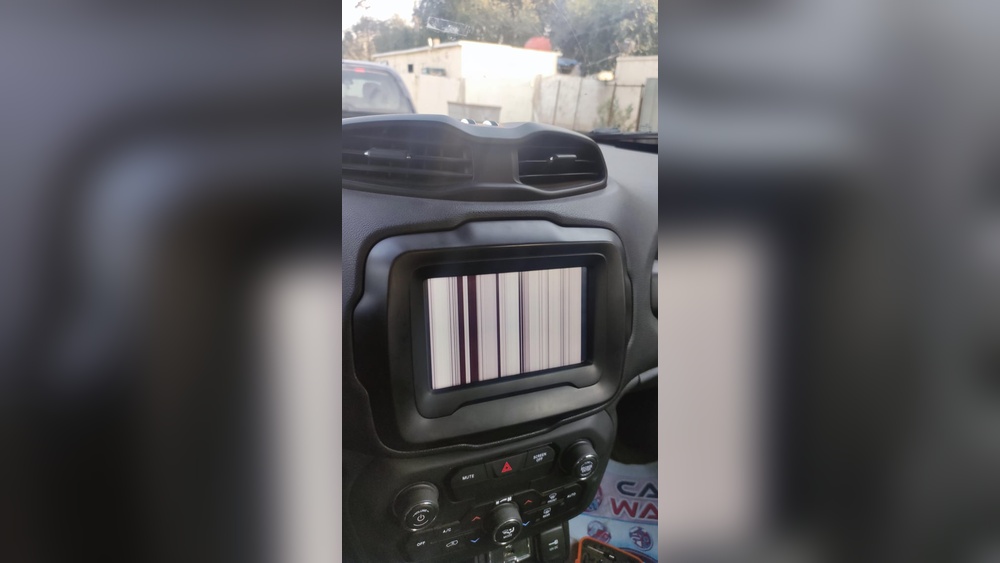
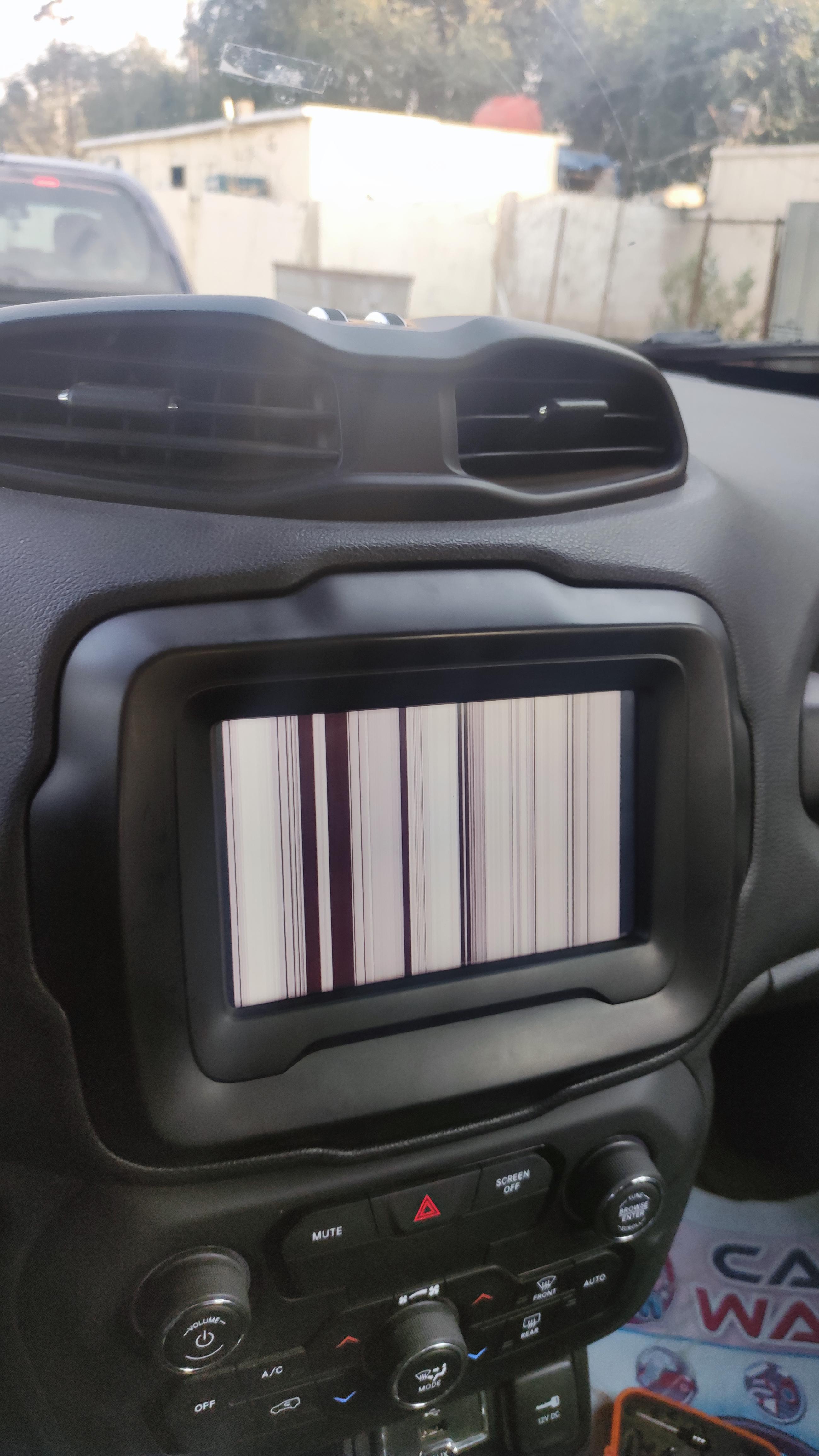
When your Jeep Renegade screen stops working, it can feel frustrating. Many drivers depend on the touchscreen for navigation, music, and climate controls. Suddenly losing access can be confusing, but most issues have practical solutions. Let’s explore why your Jeep Renegade screen might not work and what you can do to fix it.
Common Reasons The Jeep Renegade Screen Fails
Touchscreens in modern vehicles can stop working for several reasons. Some problems are simple, while others are more technical.
- Software glitches: The infotainment system sometimes freezes or crashes, especially after updates.
- Blown fuse: A small, inexpensive fuse controls power to the screen. If it blows, the screen goes dark.
- Loose connection: Vibration or previous repairs can loosen wiring behind the dashboard.
- Battery issues: Low voltage or a weak battery can cause electronic modules to malfunction.
- Physical damage: Water spills or impact can break the screen or its internal components.
- Failed system update: Sometimes, an incomplete or failed update can render the system unresponsive.
A surprising fact: Touchscreen problems are among the top five complaints in new vehicles, according to J.D. Power’s 2026 U.S. Vehicle Dependability Study.
Quick Checks Before You Visit A Mechanic
Save time and money by checking a few things first. Many Jeep Renegade screen problems are simple to fix.
- Restart your car: Turn off the engine, wait 60 seconds, and restart. Sometimes, this resets the screen.
- Check brightness settings: The screen might be working but dimmed.
- Try both USB ports: If you use Apple CarPlay or Android Auto, switch ports to rule out a faulty connection.
- Disconnect paired devices: Bluetooth or USB issues can sometimes freeze the system.
- Inspect for damage: Look for cracks, water marks, or visible wear near the screen.
How To Troubleshoot Your Jeep Renegade Screen
If simple checks don’t help, these steps can help you pinpoint the issue.
Step 1: Fuse Inspection
A blown fuse is a common cause of a dead screen. The Jeep Renegade fuse box is usually under the dashboard or in the engine bay.
| Fuse Location | Label | Function |
|---|---|---|
| Cabin fuse box | F36 | Infotainment system |
| Engine bay | F10 | Accessory power |
Check your Jeep’s manual for the exact fuse location. Replace any blown fuses with the correct rating.
Step 2: Perform A Soft Reset
A soft reset can clear software glitches. For most Jeep Renegades:
- Turn the ignition to “Run” (engine on or off).
- Hold the volume and tuner buttons together for about 10 seconds.
- The screen should go black and reboot.
This often fixes frozen or blank screens.
Step 3: Check For Updates
Outdated software can cause touchscreen issues. Visit Jeep’s official Uconnect website for update instructions.
- Download the update to a USB drive.
- Insert the drive into your Jeep’s USB port.
- Follow the on-screen prompts to install.
Important: Do not turn off your car during the update.
Step 4: Inspect Connections
If you’re comfortable, gently check the wiring behind the screen. Loose or corroded connectors can cause intermittent problems. If unsure, let a professional handle this step.
Step 5: Battery And Electrical System
A weak battery can disrupt electronics. Use a voltmeter to check that the battery reads at least 12. 4 volts when the car is off.
| Battery Voltage | Status |
|---|---|
| 12.6V+ | Healthy |
| 12.4V-12.6V | Acceptable |
| Below 12.4V | May cause issues |
If your battery is weak, consider replacing it.
When To Seek Professional Help
If you’ve tried these steps with no luck, it’s time for a professional diagnosis. Visit a certified Jeep dealership or trusted repair shop. They have advanced tools to check the infotainment system, wiring, and software.
One thing many owners don’t realize: warranty coverage may apply. If your Jeep Renegade is still under warranty, repairs could be free. Always check with your dealer before paying out of pocket.
Preventing Future Screen Problems
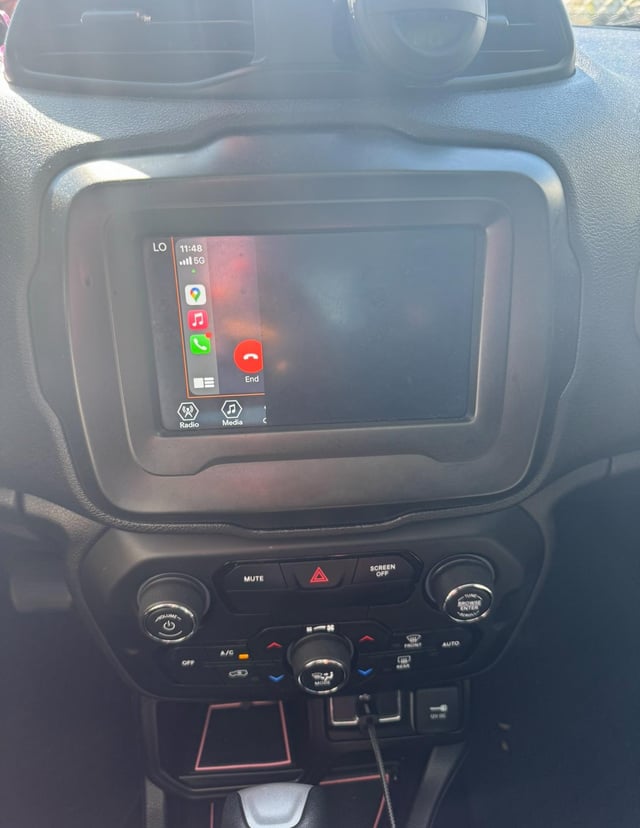
Prevention is often easier than repair. Here’s how to avoid common Jeep Renegade screen failures:
- Keep liquids away from the dash area.
- Update your Uconnect system regularly.
- Use gentle pressure when tapping the screen.
- Disconnect devices safely—never yank USB cords.
- Schedule regular battery checks, especially before winter.
Driving on rough roads? Over time, vibration can loosen connectors. Ask your mechanic to check infotainment wiring during routine maintenance.
Jeep Renegade Screen Repair Cost Comparison
Repair costs can vary based on the problem. Here’s a quick look at typical price ranges in the US.
| Issue | Estimated Cost |
|---|---|
| Blown fuse | $10–$30 |
| Software reset/update | Free–$100 |
| Loose wiring repair | $50–$200 |
| Screen replacement | $400–$1,200 |
Always get a quote before repairs, and confirm if your warranty covers the fix.
Frequently Asked Questions
<!– wp:rank-math/faq-block {"questions":[{"id":"faq-question-621313bff2b8","title":"Why Does My Jeep Renegade Screen Keep Freezing?","content":"Software bugs or outdated firmware are usually the cause. Try a soft reset and check for available updates. If the problem continues, a dealer can scan for deeper issues.
“,”visible”:true},{“id”:”faq-question-375eead3c696″,”title”:”Can I Drive My Jeep If The Screen Is Not Working?”,”content”:”Yes, the screen is not essential for basic driving. However, you’ll lose access to navigation, music, and backup camera functions, which can make driving less convenient.
“,”visible”:true},{“id”:”faq-question-d545c6117087″,”title”:”How Do I Know If My Screen Problem Is Covered Under Warranty?”,”content”:”Most new Jeeps have a 3-year/36,000-mile warranty for electronics. Check your paperwork or contact your dealer to confirm coverage before paying for repairs.
“,”visible”:true},{“id”:”faq-question-b39a4dde760b”,”title”:”Is It Safe To Replace A Jeep Renegade Screen Myself?”,”content”:”Replacing the screen involves removing parts of the dashboard and handling wiring. Unless you have experience, it’s best to let a professional do the job to avoid further damage.
“,”visible”:true},{“id”:”faq-question-bd2448521da8″,”title”:”Where Can I Find Official Updates For My Uconnect System?”,”content”:”Go to the official Mopar Uconnect site for the latest software updates and instructions.
A non-working screen in your Jeep Renegade can be annoying, but most issues have clear solutions. Start with basic troubleshooting, check for updates, and don’t hesitate to get expert help if needed. Staying proactive will keep your touchscreen working for years to come.
“,”visible”:true}]} –>Why Does My Jeep Renegade Screen Keep Freezing?
Software bugs or outdated firmware are usually the cause. Try a soft reset and check for available updates. If the problem continues, a dealer can scan for deeper issues.
Can I Drive My Jeep If The Screen Is Not Working?
Yes, the screen is not essential for basic driving. However, you’ll lose access to navigation, music, and backup camera functions, which can make driving less convenient.
How Do I Know If My Screen Problem Is Covered Under Warranty?
Most new Jeeps have a 3-year/36,000-mile warranty for electronics. Check your paperwork or contact your dealer to confirm coverage before paying for repairs.
Is It Safe To Replace A Jeep Renegade Screen Myself?
Replacing the screen involves removing parts of the dashboard and handling wiring. Unless you have experience, it’s best to let a professional do the job to avoid further damage.
Where Can I Find Official Updates For My Uconnect System?
Go to the official Mopar Uconnect site for the latest software updates and instructions.
A non-working screen in your Jeep Renegade can be annoying, but most issues have clear solutions. Start with basic troubleshooting, check for updates, and don’t hesitate to get expert help if needed. Staying proactive will keep your touchscreen working for years to come.