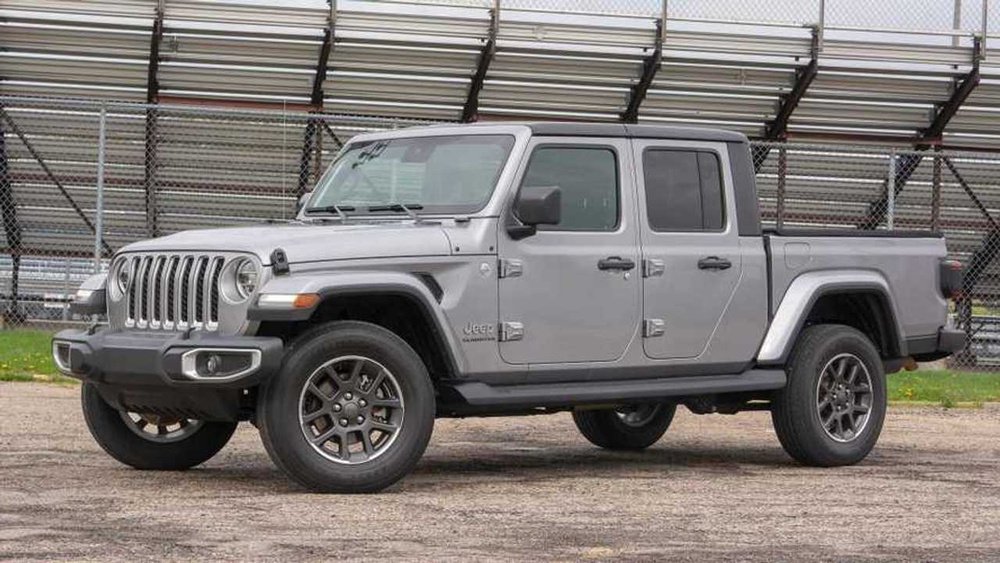
If you drive a modern SUV, you expect smart tech in the cabin. For many, wireless CarPlay is one of the most wanted features.
It makes connecting your iPhone fast, easy, and cable-free. But does the 2022 Jeep Grand Cherokee have wireless CarPlay?
Let’s explore the facts, compare details, and help you understand what you’ll get inside this popular Jeep model.
Wireless Carplay In The 2022 Jeep Grand Cherokee
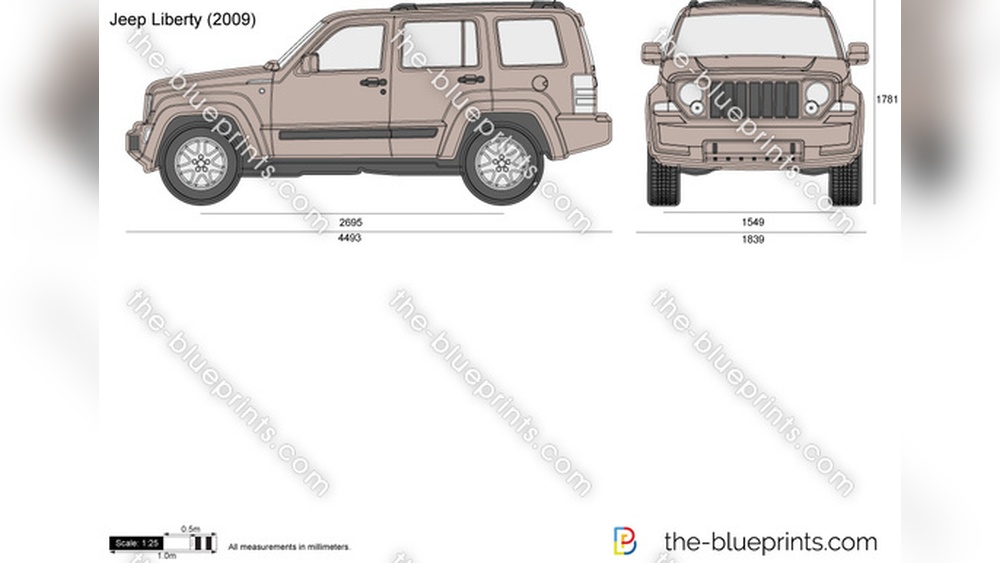
The 2022 Jeep Grand Cherokee is a midsize SUV known for strong performance and advanced features. In this year, Jeep redesigned the Grand Cherokee with new technology, including the latest Uconnect infotainment system. This is where wireless CarPlay comes in.
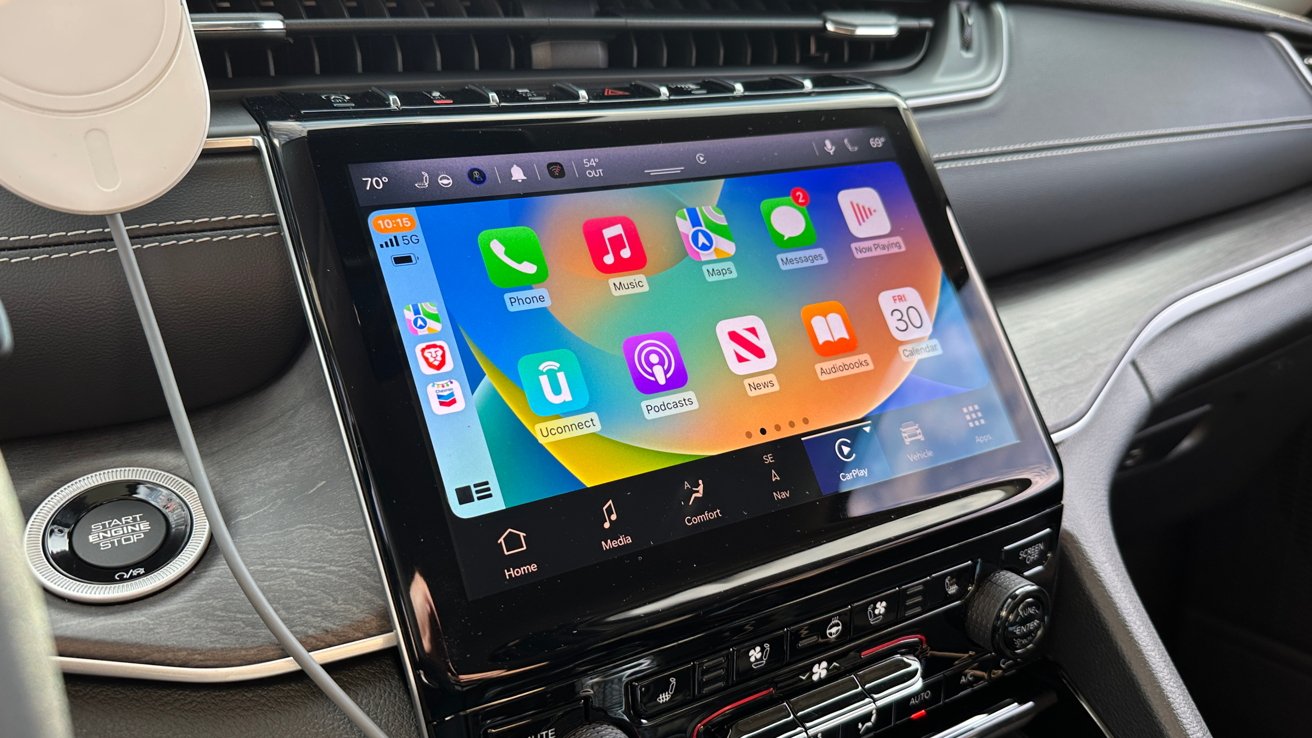
All models of the 2022 Grand Cherokee (except the basic Laredo trim) come with Uconnect 5. This system supports both Apple CarPlay and Android Auto. The best part? It offers wireless CarPlay. That means you can connect your iPhone without plugging in a cable.
Here’s a quick breakdown:
- Laredo trim: Wired CarPlay only (older Uconnect system)
- Limited, Trailhawk, Overland, Summit, Summit Reserve trims: Wireless CarPlay (Uconnect 5)
So if you buy any trim above Laredo, you get wireless CarPlay. This is a big step forward from previous models, where you needed a cable.
How Wireless Carplay Works In Jeep
Wireless CarPlay lets you use your iPhone’s apps on the Jeep screen without plugging in. To set it up:
- Make sure Bluetooth and Wi-Fi are enabled on your iPhone.
- Start your Jeep and tap the CarPlay icon on the Uconnect screen.
- Follow prompts to pair your phone.
- Once paired, CarPlay launches automatically each time you start your car.
Wireless CarPlay supports navigation, music, calls, messages, and Siri. You can use voice commands or touch the screen.
Advantages Of Wireless Carplay
- No cables needed—keep your phone in your pocket or bag.
- Faster connection—CarPlay launches almost instantly.
- Cleaner interior—no wires on the dash.
- More flexibility—anyone with an iPhone can connect quickly.
Comparison: Wireless Vs Wired Carplay In 2022 Jeep Grand Cherokee
Here’s a side-by-side look at CarPlay connectivity in different Jeep trims:
| Trim | CarPlay Type | Infotainment System |
|---|---|---|
| Laredo | Wired | Uconnect 4 |
| Limited | Wireless | Uconnect 5 |
| Trailhawk | Wireless | Uconnect 5 |
| Overland | Wireless | Uconnect 5 |
| Summit | Wireless | Uconnect 5 |
| Summit Reserve | Wireless | Uconnect 5 |
If you want wireless CarPlay, avoid the Laredo trim and choose any other.
Real-world Experience: Using Wireless Carplay
Drivers who use wireless CarPlay in the Grand Cherokee notice:
- Quick pairing: The system remembers your phone, so it connects automatically.
- Strong signal: CarPlay works smoothly without lag.
- Charging: Wireless CarPlay does not charge your phone, so use the wireless charger pad or USB port if you need power.
A practical tip: If you often have passengers, wireless CarPlay makes switching devices easy. You don’t need to unplug and replug cables.
Key Features Of Uconnect 5 In The Grand Cherokee
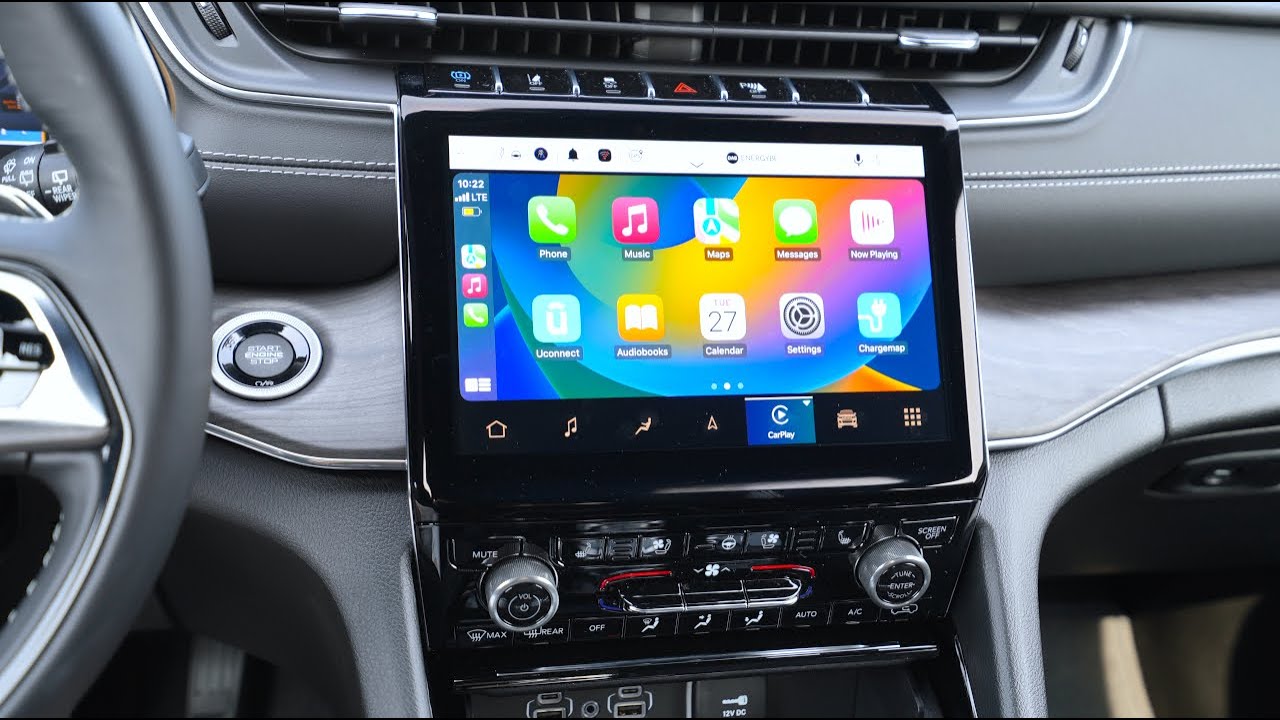
The Uconnect 5 is the heart of tech in the 2022 Grand Cherokee. Its features include:
- 10.1-inch touchscreen (in most trims)
- Wireless Apple CarPlay and Android Auto
- Built-in navigation
- Voice assistant
- Over-the-air updates
- Personalized profiles
This infotainment system is faster and more reliable than older versions. It can handle multiple devices, making it ideal for families.
Comparison: Uconnect 5 Vs Uconnect 4
Let’s look at the differences:
| Feature | Uconnect 4 | Uconnect 5 |
|---|---|---|
| CarPlay Type | Wired | Wireless |
| Screen Size | 8.4-inch | 10.1-inch |
| Performance | Slower | Faster |
| Voice Assistant | Basic | Advanced |
Uconnect 5 is a clear upgrade. It brings wireless CarPlay and a bigger, more responsive screen.
What You Need For Wireless Carplay
To use wireless CarPlay in your Jeep:
- IPhone 8 or newer (with iOS 14 or later)
- Bluetooth and Wi-Fi enabled
- Compatible Jeep trim (Limited or higher)
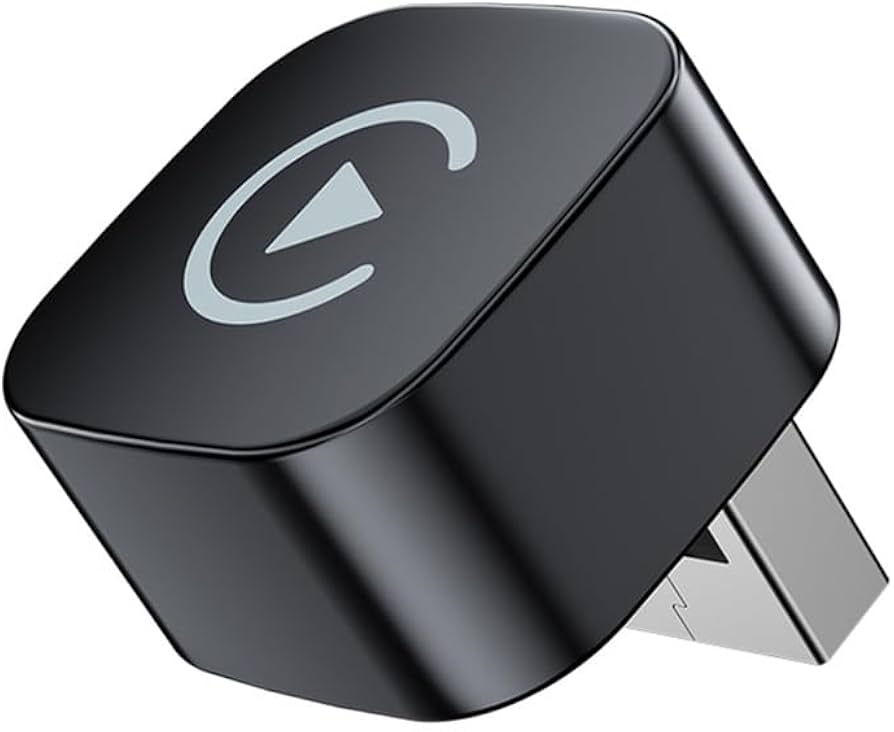
You don’t need extra hardware or adapters. Just follow the pairing steps in the manual.
Common Mistakes And Troubleshooting
Some drivers face problems when setting up wireless CarPlay:
- Bluetooth not enabled: Make sure your phone’s Bluetooth is on.
- Wi-Fi off: Wireless CarPlay needs Wi-Fi, so turn it on.
- Older iPhone: Wireless CarPlay doesn’t work on iPhone 7 or older.
- Wrong trim: Only trims with Uconnect 5 support wireless CarPlay.
If CarPlay doesn’t connect, restart your phone and the Uconnect system. Sometimes, deleting the Bluetooth pairing and starting over fixes the issue.
Practical Advice For Jeep Owners
If you’re shopping for a 2022 Grand Cherokee, check the trim level. Don’t assume all models have wireless CarPlay. Ask the dealer or check the infotainment screen before buying. Also, remember wireless CarPlay is a software feature, so it can be improved with updates.
A non-obvious insight: Even with wireless CarPlay, you still need to charge your phone. Use the wireless charging pad or a USB cable to keep your battery full.
Another tip: If you often switch between different drivers, create multiple profiles in Uconnect 5. Each profile can have its own CarPlay settings.