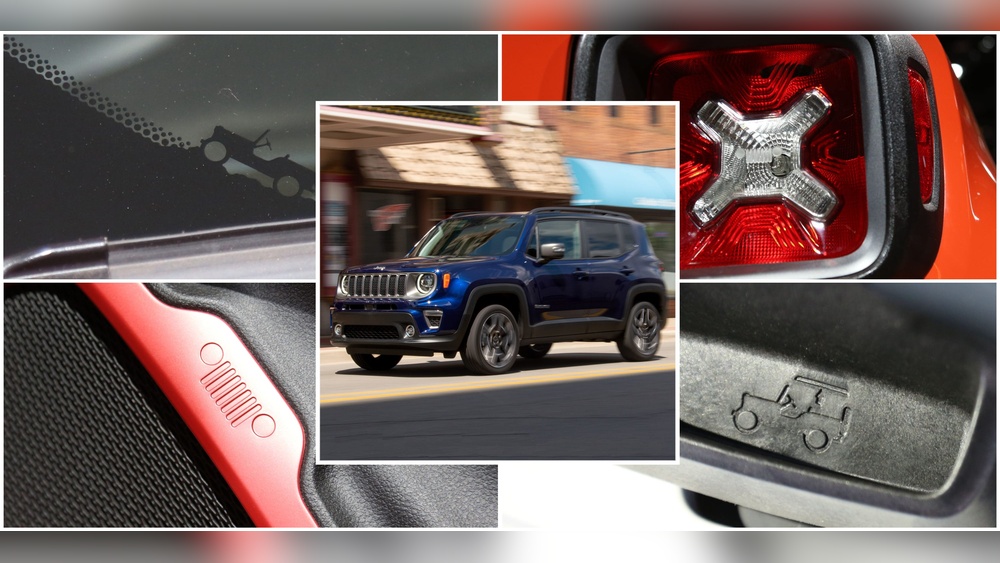
Owning a Jeep gives you a sense of adventure and freedom. But many drivers wonder if there’s a Jeep app that can make their experience even smoother.
Can you control your Jeep from your phone? Does Jeep offer a way to track maintenance or connect with your vehicle remotely?
This article explores all the options for Jeep owners, compares features, and shares some useful tips that most beginners miss.
What Is The Official Jeep App?
Jeep offers an official app called Jeep Connect (sometimes known as Jeep Uconnect). This app is designed for both new and older Jeep models. The main purpose is to help drivers interact with their vehicle digitally. It’s available for both iOS and Android devices.
With Jeep Connect, you can:
- Lock and unlock doors remotely
- Start the engine from your phone
- Find your parked Jeep on a map
- Check fuel levels and tire pressure
- Set up maintenance reminders
These features depend on your Jeep model and year. Not all older Jeeps have full app compatibility.
Jeep Connect Vs Other Vehicle Apps
How does the Jeep app compare to other brands? Many automakers now offer similar apps, but some have better features or wider compatibility.
Here’s a quick comparison:
| Brand | Remote Start | Vehicle Locator | Maintenance Tracking | Compatibility |
|---|---|---|---|---|
| Jeep Connect | Yes | Yes | Yes | 2018+ (most models) |
| FordPass | Yes | Yes | Yes | 2017+ (broad) |
| Chevrolet MyLink | Yes | Yes | No | 2016+ (select) |
| Toyota App | Yes | Yes | Yes | 2018+ (wide) |
Jeep’s app covers all key basics, but compatibility can be limited for older models. Ford and Toyota offer broader coverage for vehicles built before 2018.
Key Features Of The Jeep App
The Jeep app is more than just a remote key. Here are the most important features and data points:
- Remote Vehicle Controls: Start the engine, lock or unlock doors, and flash lights from anywhere. Great for cold mornings.
- Vehicle Location Tracking: Find your Jeep in crowded parking lots or when traveling.
- Maintenance Alerts: Get reminders for oil changes, brake checks, and tire rotation.
- Health Reports: The app sends monthly updates about your Jeep’s health, including battery status and fluids.
- Trip History: See past routes and mileage. Useful for tracking expenses or planning journeys.
| Feature | Benefit | How Often Used |
|---|---|---|
| Remote Start | Warm up/cool down car | Daily |
| Vehicle Locator | Find parking spot | Weekly |
| Maintenance Alerts | Prevent breakdowns | Monthly |
| Trip History | Monitor fuel usage | Monthly |
Compatibility And Setup
Not every Jeep is app-ready. Compatibility depends on model, year, and installed tech. Most 2018 or newer Jeeps with Uconnect systems support the app.
To set up:
- Download the Jeep Connect app from the App Store or Google Play.
- Register with your VIN (vehicle identification number).
- Pair your phone with the Jeep’s Uconnect system.
- Follow on-screen instructions to link features.
Some dealerships help with setup during purchase. If your Jeep is older than 2018, check with Jeep support to confirm compatibility.
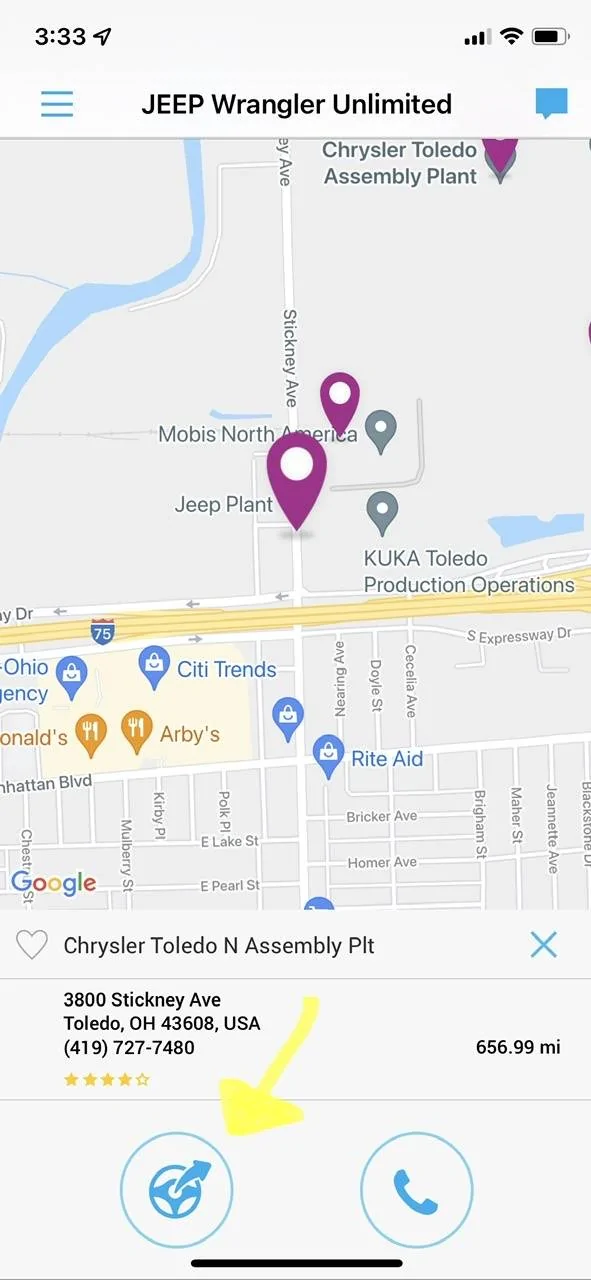
Many beginners overlook these points:
- Subscription fees: Some advanced features (like remote start or health reports) may require a yearly subscription after a free trial. Always check the pricing before committing.
- Privacy concerns: The app collects location and vehicle data. Review privacy settings and understand what’s shared.
- Software updates: Your Jeep’s infotainment system needs updates for the app to work smoothly. Schedule regular software checks.
If you have more than one Jeep, the app can manage multiple vehicles from one account—a feature many owners miss at first.
Jeep App Alternatives
If your Jeep doesn’t support the official app, you still have options:
- Aftermarket devices: Products like Viper SmartStart or CarLock offer remote controls and tracking for older Jeeps.
- Third-party apps: Some apps (like Torque Pro) can read basic data if you install a Bluetooth OBD-II scanner.
- Manual tracking: Set reminders and notes for maintenance in your phone calendar if digital options aren’t available.
These alternatives lack full integration, but can fill gaps for older vehicles.
Tips For Getting The Most From The Jeep App
- Set up maintenance reminders early. This prevents missed oil changes and keeps your Jeep in top shape.
- Customize notification settings so you only get alerts for what matters.
- Use remote start wisely; frequent use can drain your battery if the engine runs too long.
- Regularly check for app updates—new features and bug fixes appear often.
- Add emergency contacts in the app for quick help if needed.
For more details, Jeep’s official site provides user guides and troubleshooting steps: Jeep Uconnect.
Frequently Asked Questions
Is The Jeep App Free?
The basic Jeep app is free to download. Some premium features require a subscription after a trial period.
Can I Use The Jeep App On Older Vehicles?
Compatibility is best for 2018+ Jeep models. Some older models may work with limited features, but check with Jeep support.
What If My Jeep Doesn’t Have Uconnect?
Without Uconnect, the app won’t work fully. Aftermarket devices or third-party apps may offer limited controls.
Is My Data Safe With The Jeep App?
Jeep follows standard privacy policies, but your location and vehicle data are collected. Review privacy settings and use secure passwords.
Can I Control Multiple Jeeps With One App?
Yes, you can add several vehicles to your account. This is useful for families or collectors.
Using the Jeep app can make your driving experience easier and safer, especially if you take time to learn its features. Whether you have a new Jeep or an older model, there’s a digital solution that fits your needs. By understanding compatibility, setup, and hidden details, you can unlock the full potential of your Jeep—right from your phone.