Owning a Jeep Cherokee is all about adventure and freedom. But even the best road trip can get off track if your navigation system is out-of-date.
Old maps can lead to missed turns, closed roads, or even dangerous situations. Updating your Jeep Cherokee navigation system keeps your journeys smooth, safe, and stress-free.
Many drivers don’t realize how much easier life becomes with fresh maps and updated features. Let’s look at why updates matter, how to do them, and tips to ensure the process is quick and successful.
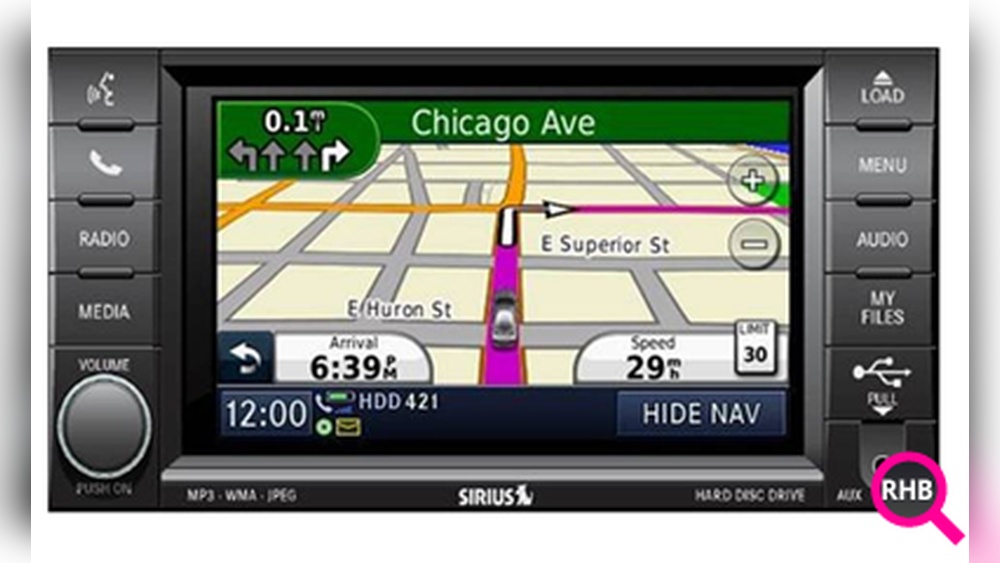
Many drivers ignore navigation updates, thinking the road network doesn’t change much. In reality, thousands of miles of roads change every year in the US. New addresses, closed highways, and changed exits can confuse your old system. Updates bring much more than new maps:
- Improved accuracy: Get better routes and avoid time-wasting detours.
- Safety: Updated maps warn of new speed limits, traffic patterns, or construction.
- Feature enhancements: Some updates include new functions, improved graphics, or voice guidance improvements.
Studies show that using an outdated navigation system can increase travel time by up to 15% compared to updated systems.
The update method depends on your Cherokee’s year and infotainment system. Here’s a quick comparison for popular models:
| Model Year | System Name | Update Method |
|---|---|---|
| 2014–2021 | Uconnect 4/4C/8.4 | USB or Dealer |
| 2022+ | Uconnect 5 | Over-the-Air (OTA) or USB |
| Pre-2014 | MyGIG/Older Systems | Dealer or DVD |
Newer Cherokees (2022 and up) support over-the-air updates, while older ones usually need a USB stick or a visit to the dealer.

Updating your navigation system isn’t as hard as it sounds, but the process does differ by model. Here’s a practical guide for the most common systems.
For Uconnect 4/4c/8.4 Systems (2014–2021)
- Check Your Software Version
- Turn on your Jeep.
- Go to the navigation menu, select ‘Settings’, then ‘System Information’.
- Write down your map and system version.
- Buy or Download the Update
- Visit the official Uconnect Map Update website.
- Enter your vehicle’s VIN to see available updates.
- You may need to pay a fee (often $100–$150).
- Prepare a USB Drive
- Use a blank USB drive (at least 16GB).
- Download the update file from the website.
- Unzip and copy files to the root of the USB.
- Install the Update in Your Cherokee
- Start the engine (do not use accessory mode).
- Plug the USB into the vehicle’s USB port.
- Follow on-screen instructions. The process takes 30–90 minutes.
- Do not turn off the vehicle or remove the USB until it finishes.
For Uconnect 5 (2022 And Later)
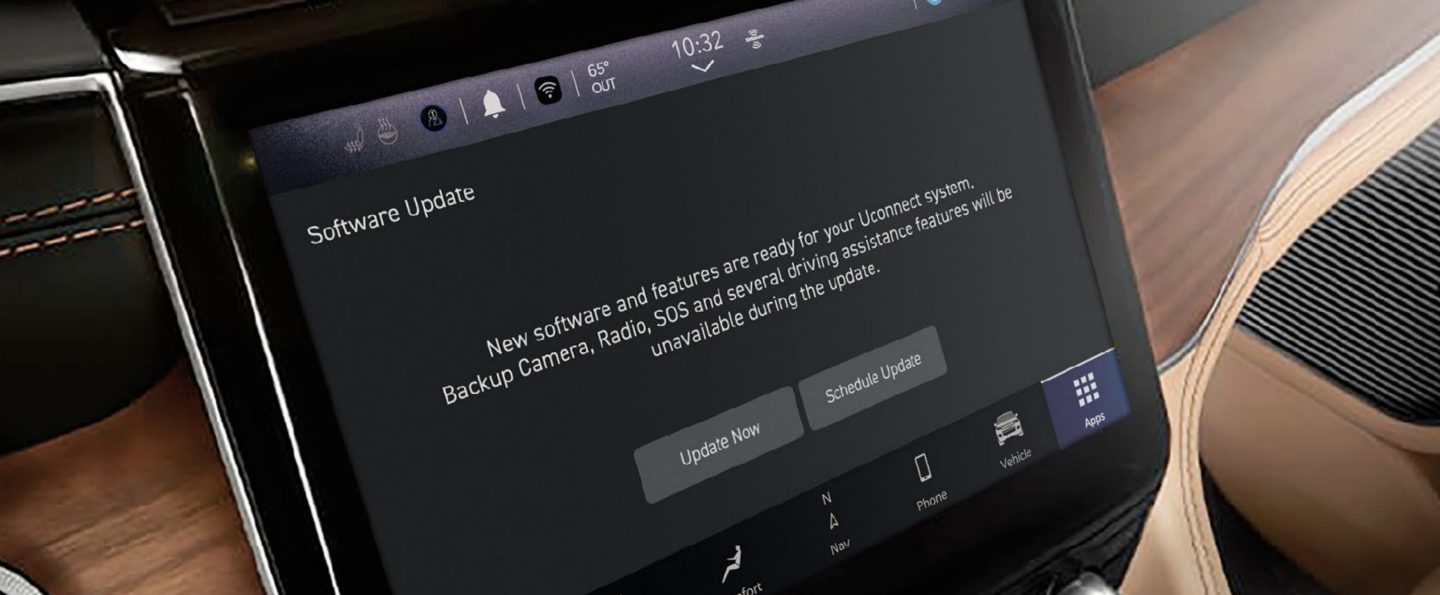
- Over-the-Air (OTA) Updates
- Connect your Cherokee to Wi-Fi in the ‘Settings’ menu.
- If an update is available, your system will prompt you.
- Accept and allow the download and installation.
- The process runs in the background and may require a restart.
- USB Option
- If OTA is not available, follow the USB steps above.
For Older Or Non-uconnect Systems
- Most pre-2014 models require a DVD update or dealer service.
- Some drivers use third-party map DVDs, but these can risk system errors.
- For safety, visit your authorized Jeep dealer for the correct update.
Tips For A Smooth Update
- Battery Charge: Always have a full tank and fully charged battery. Updates can drain power.
- Stable Connection: For OTA updates, park where Wi-Fi signal is strong.
- Back Up Favorites: Sometimes, updates erase saved locations. Write them down or back them up if possible.
- Be Patient: Updates can take up to 90 minutes. Interrupting the process may damage the navigation system.
Common Mistakes To Avoid
Many Jeep owners make simple errors that can delay the update or even damage the system. Here’s what to watch out for:
| Mistake | Result |
|---|---|
| Using wrong update file | Update fails or corrupts navigation |
| Interrupting power during update | System may not restart |
| Using low-quality USB drive | Update process stops unexpectedly |
| Not backing up favorites | Loss of saved destinations |
Non-obvious Insights For Jeep Cherokee Owners
- Update Frequency Matters: Updating once every 2–3 years isn’t enough if you drive in fast-growing areas. Suburbs and cities change quickly. Check for updates every year for the best experience.
- Dealer vs. DIY: Dealers often charge extra for the same update you can do at home. But if you’re not comfortable with tech, paying for professional help can prevent costly mistakes.
What To Do If An Update Fails
If something goes wrong, don’t panic. Most problems are easy to fix:
- Remove the USB, restart the car, and try again.
- Make sure your USB is formatted correctly and files are not corrupted.
- If the system is stuck, contact Jeep support or your dealer for help.
Sometimes, a failed update can cause loss of map data. This is rare, but it’s why patience and following instructions exactly is so important.
Updated navigation isn’t just about finding new roads. Many updates add real-time traffic, improved points of interest (like new restaurants or gas stations), and better voice recognition.
You’ll also get safer routes that avoid new hazards or changes in speed limits.
For more information on Uconnect and navigation updates, see this detailed guide from the official Mopar Uconnect page.
Frequently Asked Questions
It’s best to check for updates once a year. Roads and businesses change quickly, so yearly updates keep your routes accurate and useful.
Most updates require a fee, especially for Uconnect systems. Sometimes, minor system updates are free, but full map updates usually are not.
Will Updating Erase My Saved Locations?
There’s a chance that updates may remove saved addresses. To be safe, write down or back up your favorites before starting the update process.
Can I Use Any Usb Drive For The Update?
Use a high-quality USB drive, at least 16GB, and make sure it’s formatted as FAT32. Cheap or slow drives may cause the update to fail.
What If My Update Fails Or Freezes?
First, restart your Jeep and try the update again. If problems continue, contact Jeep customer service or visit your dealer for help. Never force shutdown during an update.
Keeping your Jeep Cherokee navigation up-to-date is a simple step that pays off every time you drive. With accurate maps, new features, and safer routes, you can focus on the journey—not the directions.



















