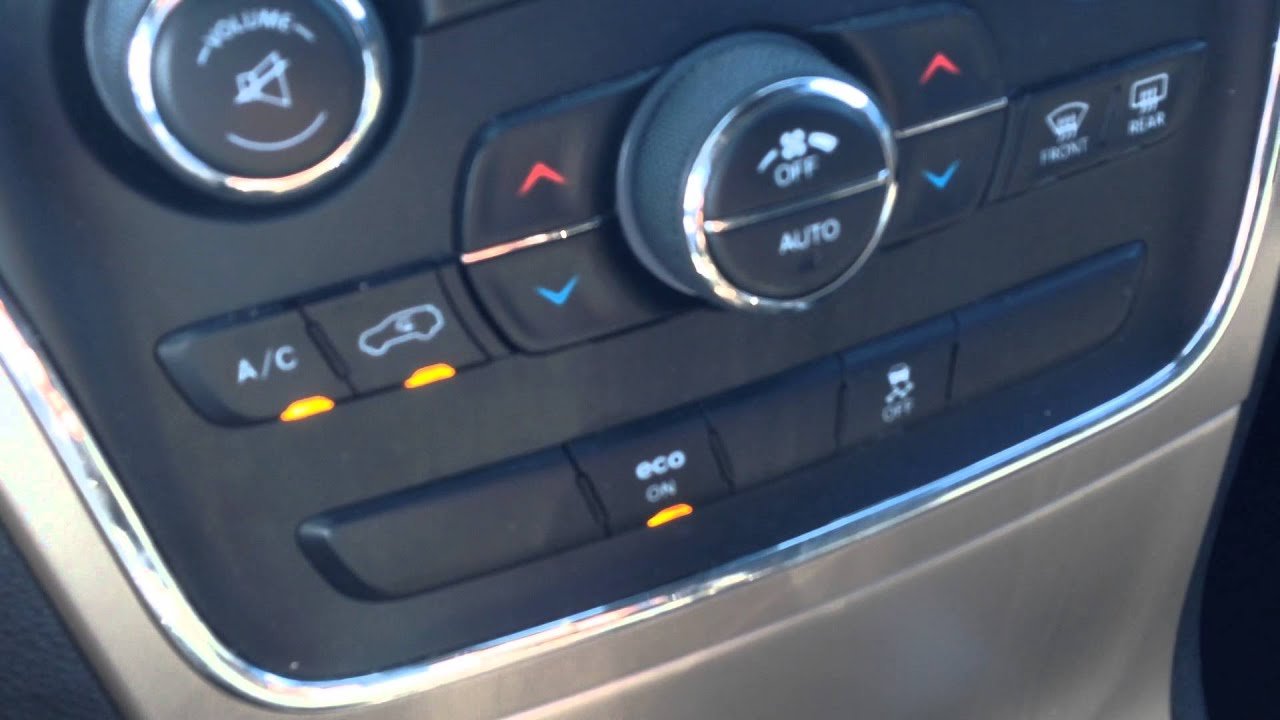
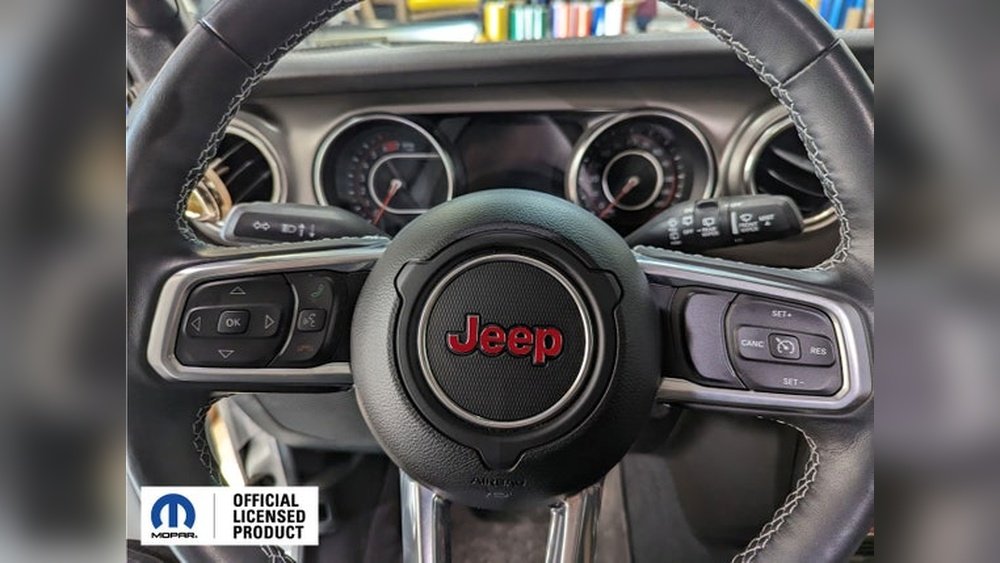
If you drive a Jeep Grand Cherokee with four-wheel drive (4WD), you may want to turn it off sometimes. Maybe you’re on dry pavement, or you want better fuel economy.
Many drivers are unsure how to do this, especially since Jeep’s 4WD systems are automatic or have different modes. Understanding how to turn off 4WD in your Grand Cherokee can help you control your vehicle better, reduce wear on parts, and improve gas mileage.
This guide explains the process step by step, compares different Jeep models, and answers common questions.
Understanding Jeep Grand Cherokee 4wd Systems
Jeep Grand Cherokee comes with several types of 4WD systems. The way you turn off 4WD depends on which system your vehicle has. The main types are:
- Quadra-Trac I: Full-time 4WD, no manual switch.
- Quadra-Trac II: Automatic, but offers selectable modes.
- Quadra-Drive II: Advanced, with automatic adjustments.
- Selec-Terrain System: Lets you choose terrain modes.
Some models do not allow you to fully turn off 4WD, but you can select 2WD-like modes to reduce 4WD activity. Check your owner’s manual for your exact system.
Here’s a quick comparison of the main systems:
| 4WD System | Selectable Modes | Can Turn Off 4WD? |
|---|---|---|
| Quadra-Trac I | No | No |
| Quadra-Trac II | Yes | Partly |
| Quadra-Drive II | Yes | Partly |
| Selec-Terrain | Yes | Partly |
How To Turn Off 4wd: Step-by-step Guide
Turning off 4WD in a Jeep Grand Cherokee depends on the model and the system installed. Here’s how to do it for most models from 2011 onward:
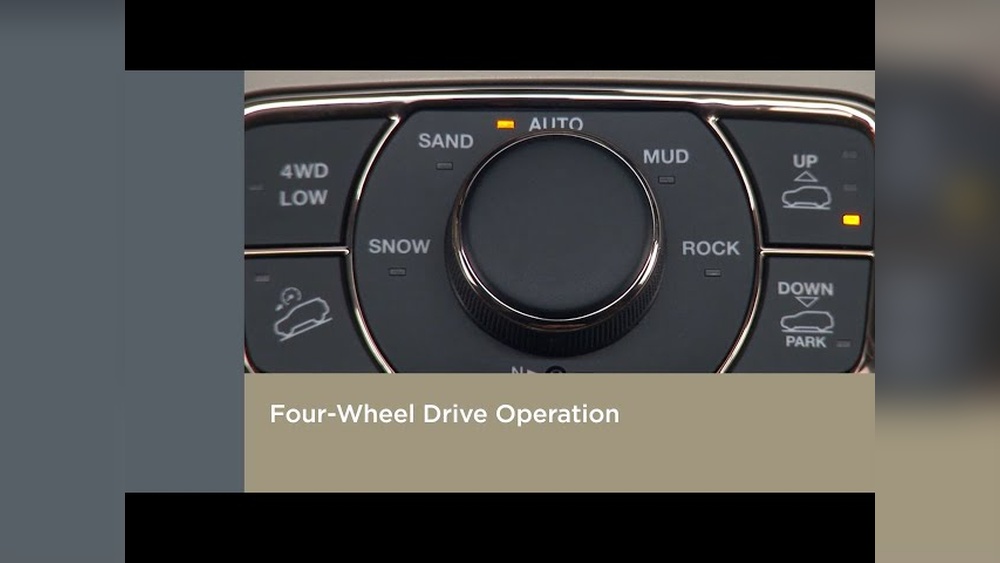
1. Locate The Mode Selector
Most Grand Cherokees have a mode selector knob on the center console. It’s usually labeled with options like Snow, Sand, Auto, 4WD Low.
2. Select “auto” Mode
Choose Auto mode if available. This puts the vehicle in the default setting, which uses 4WD only when needed. On dry roads, it acts more like 2WD.
3. Avoid “4wd Low”
Don’t use 4WD Low unless you’re off-roading or driving in deep snow. This mode engages full-time 4WD and locks the system.
Some older models or special editions have a 2WD option. If so, press it to disengage 4WD.
5. Drive Carefully
After switching modes, drive slowly for a few minutes. This allows the system to adjust.
You may hear a slight click or feel a change in handling.
6. Watch Dashboard Lights
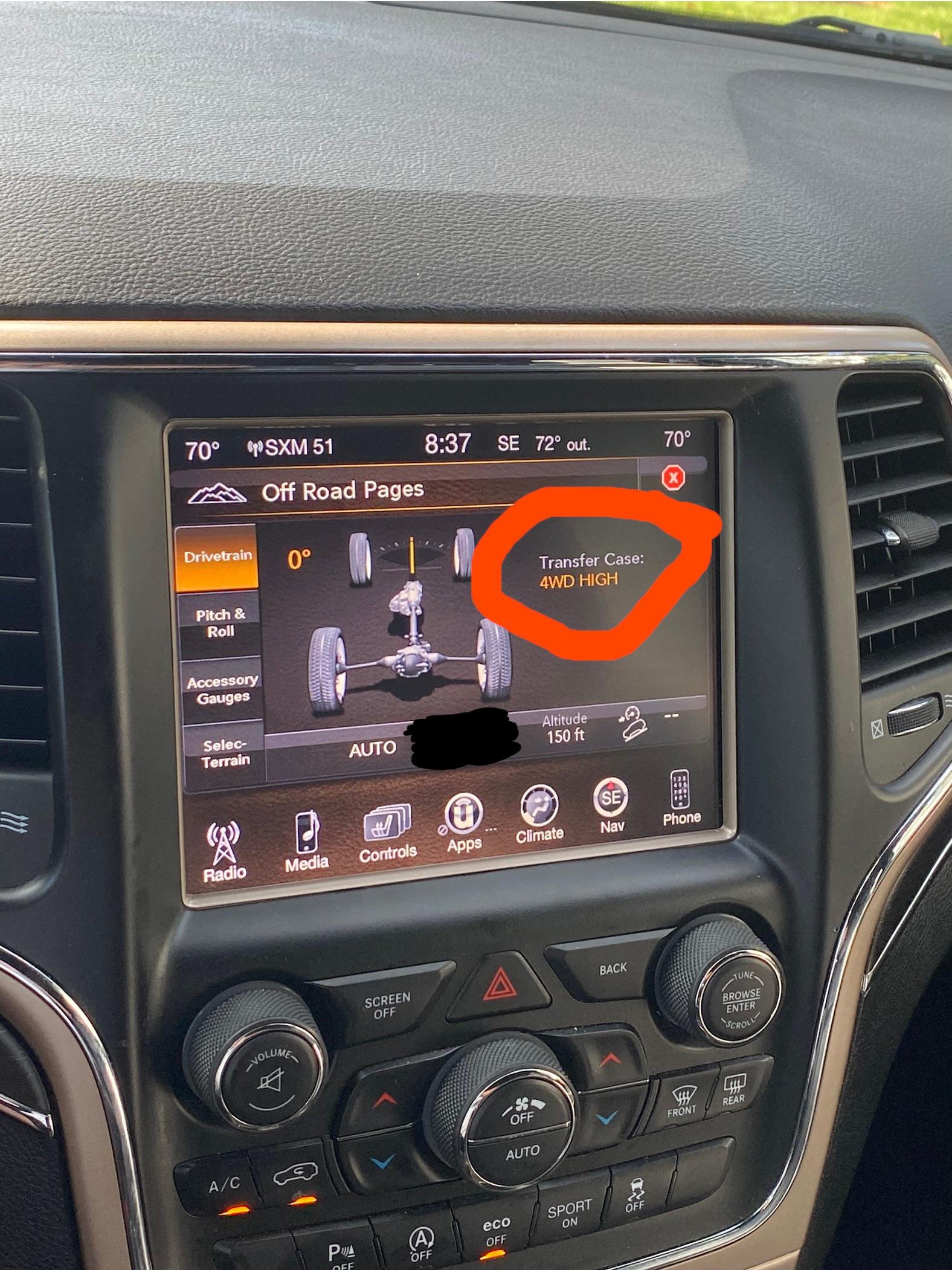
Your dashboard will show a light when 4WD is active. Make sure it turns off after you change modes.
Here’s a comparison of what happens in each mode:
| Mode | 4WD Active? | Recommended Usage |
|---|---|---|
| Auto | Only as needed | Everyday driving |
| 4WD Low | Always | Off-road, deep snow |
| Snow/Sand/Mud | Active | Specific terrain |
| 2WD | Off | Dry pavement |

Benefits Of Turning Off 4wd
Turning off 4WD can help your Jeep Grand Cherokee in several ways:
- Better fuel economy: 4WD uses extra energy, so turning it off can save gas.
- Less wear and tear: Using 2WD reduces stress on axles and transfer cases.
- Improved handling: On dry roads, 2WD gives smoother steering.
According to Jeep, using 4WD only when needed can improve fuel efficiency by up to 10%. Over a year, this could mean saving 1-2 gallons per tank, depending on your driving habits.
Common Mistakes To Avoid
Many drivers make mistakes when switching out of 4WD. Here are some to watch for:
1. Switching Modes While Moving Fast
Always change modes while stopped or moving slowly. Switching at high speeds can damage the system.
2. Ignoring Warning Lights
If a warning light stays on, check your manual or visit a dealer.
3. Using 4wd On Dry Pavement
Only use 4WD on slippery or uneven surfaces. On dry roads, it can cause binding and wear.
4. Not Checking Tire Pressure
Uneven tire pressure makes 4WD work harder and can cause problems.
5. Forgetting To Disengage 4wd After Off-roading
Always return to Auto or 2WD mode after rough terrain.
Practical Examples
Let’s say you drive a 2017 Jeep Grand Cherokee with the Selec-Terrain system. You’re on a city street and want to turn off 4WD. Simply rotate the mode knob to Auto. The system will use 2WD most of the time and only turn on 4WD if it detects wheel slip.
If you own a 2012 Grand Cherokee with Quadra-Trac II, look for a “4WD Low” lever. Pull it up to engage, push down to disengage, then select Auto mode.
If your Jeep has no selectable modes, like Quadra-Trac I, you cannot fully turn off 4WD. However, driving normally in Auto reduces 4WD activity.
When Should You Use 4wd?
You should use 4WD only when:
- Driving on snow, mud, or sand
- Off-roading on rough trails
- Going up steep hills or towing heavy loads
Don’t use 4WD on dry, flat pavement. It doesn’t help and wears out parts faster.
Model Year Differences
Jeep Grand Cherokee models from 2011 onward have modern 4WD systems. Older models (before 2011) sometimes have manual levers or buttons. Always check your owner’s manual for details.
Here’s a quick comparison:
| Model Year | 4WD Control | Can Turn Off? |
|---|---|---|
| 2005–2010 | Manual lever/button | Yes, in some models |
| 2011–2024 | Electronic knob | Partly, via modes |
Frequently Asked Questions
How Do I Know Which 4wd System My Grand Cherokee Has?
Check your owner’s manual or look for a badge on your vehicle. You can also ask your dealer for details.
Can I Drive In 4wd All The Time?
It’s safe, but not recommended. 4WD uses more fuel and can cause extra wear. Use it only when needed.
What Happens If I Use 4wd On Dry Pavement?
You may feel binding (tight steering), and parts can wear out faster. Always switch to Auto or 2WD for normal roads.
Is It Bad To Switch Modes While Driving?
It’s okay at low speeds, but not when moving fast. For most models, switch modes while stopped or under 15 mph.
Where Can I Learn More About Jeep 4wd Systems?
Visit the official Jeep website or read the Jeep Grand Cherokee Wikipedia page for more details.
Turning off 4WD in your Jeep Grand Cherokee is simple once you know your system. Using the right mode helps you save money, protect your vehicle, and drive safely.
Always follow the steps above and check your manual if you’re unsure.
With this knowledge, you’ll get the most from your Jeep, whether you’re in the city or off-road.