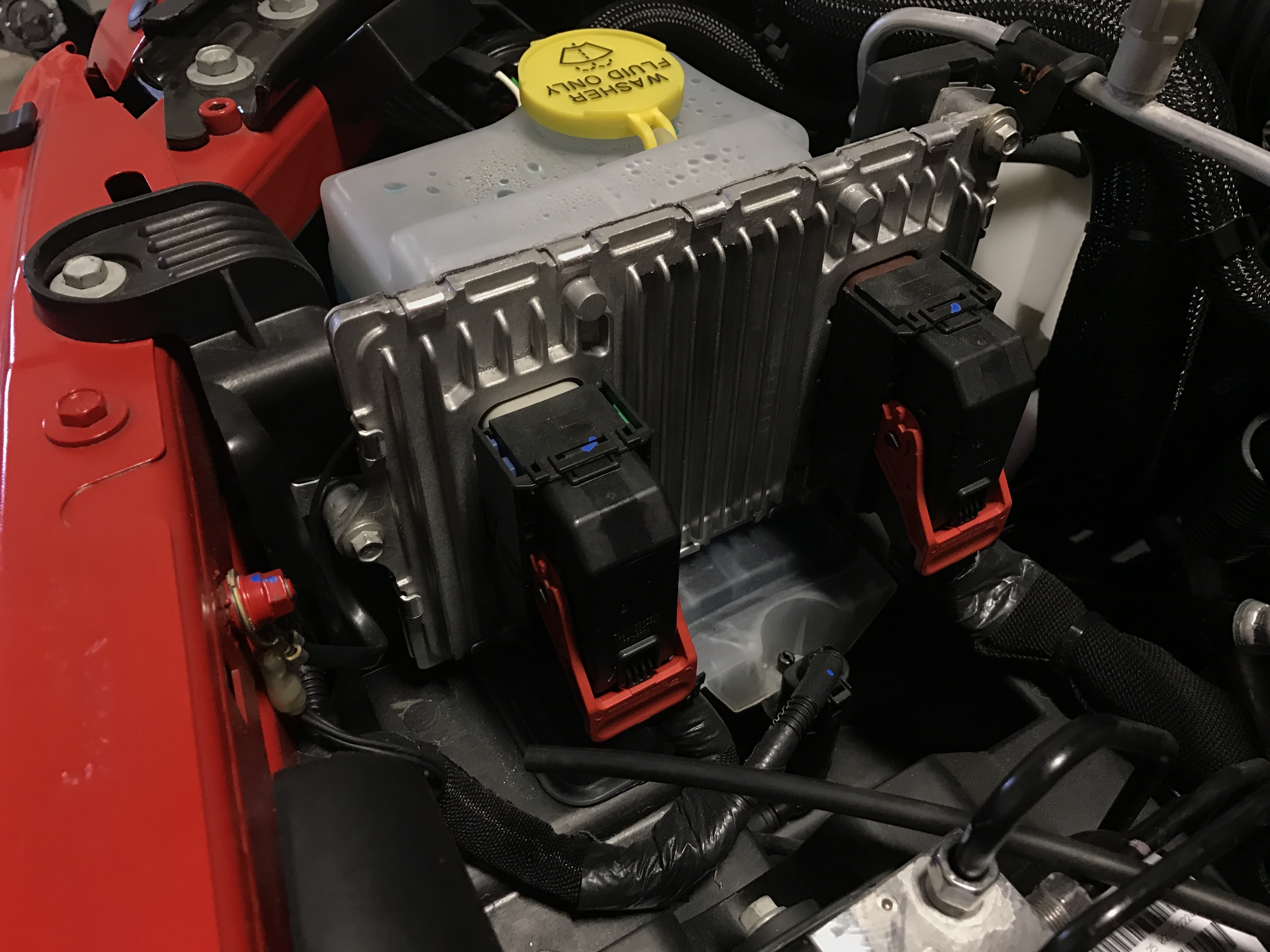
Resetting the computer, also known as the ECU (Engine Control Unit), in a Jeep Grand Cherokee can solve many problems. This process can clear error codes, fix engine performance issues, or help after you replace sensors and parts.
Many drivers worry that resetting their computer is difficult, but it’s actually a simple task you can do at home, even with basic tools. Let’s look at why, when, and how to reset your Jeep Grand Cherokee’s computer and what to expect afterward.
Why Reset The Jeep Grand Cherokee Computer?
Your Jeep’s computer controls many systems, including the engine, transmission, and emissions. Over time, the ECU can collect error codes from sensors and may adjust performance to protect the vehicle. Sometimes, these codes are wrong or come from temporary problems. Resetting the computer can:
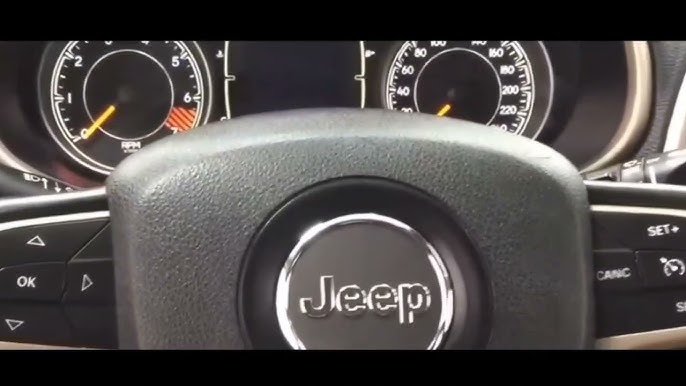
- Clear Check Engine Light
- Remove old error codes
- Restore factory settings for sensors
- Improve fuel efficiency after repairs
For example, if you replaced the oxygen sensor or cleaned the throttle body, the computer might still use old data. Resetting helps the ECU relearn and adapt to new parts.
When Should You Reset The Ecu?
It’s not necessary to reset the ECU after every service. Here are common situations when it’s useful:
- After replacing key sensors: Such as the MAF sensor, O2 sensors, or throttle position sensor.
- If the Check Engine Light stays on: Even after fixing the problem.
- After battery replacement: Sometimes, the system loses memory.
- When you notice poor engine performance: Like rough idle or strange shifting.
Resetting can also help after failed emissions tests or when fuel economy drops suddenly.
Methods To Reset The Jeep Grand Cherokee Computer
There are two main ways to reset the ECU: manual reset and using a scan tool. Each has its own advantages. Here is a comparison:
| Method | Tools Needed | Time Required | Difficulty |
|---|---|---|---|
| Manual Battery Disconnect | Wrench, gloves | 5-10 minutes | Easy |
| Scan Tool Reset | OBD-II scanner | 2-5 minutes | Easy to moderate |
1. Manual Battery Disconnect Method
This is the most common way and does not require special tools.
Steps:
- Turn off the ignition and remove the key.
- Open the hood and locate the battery.
- Use a wrench to disconnect the negative (-) battery cable.
- Wait at least 15 minutes. This allows the computer to fully power down.
- Reconnect the negative battery cable.
- Start the engine. The ECU will reset and begin relearning.
Tip: After reconnecting, drive your Jeep for about 10 miles. This helps the computer relearn idle, shifting, and fuel mixture settings.
2. Using An Obd-ii Scan Tool
If you have access to a scan tool, you can clear codes and reset the ECU more precisely.
Steps:
- Plug the scan tool into the OBD-II port (usually under the dashboard).
- Turn the ignition to ON (do not start the engine).
- Follow the scan tool’s instructions to clear all codes or reset the ECU.
- Start the engine and check if the Check Engine Light is gone.
Tip: Some advanced scan tools allow you to reset only specific modules, which can be useful if you want to keep some settings.
What Happens After Resetting The Ecu?
After a reset, your Jeep’s computer loses “memory” of old sensor readings and adaptations. The vehicle will run on default settings until it relearns. You may notice:
- Slightly rough idle for the first few drives
- Transmission shifting differently
- Changes in fuel economy
These effects are temporary. The ECU will adjust as you drive. Here’s a table showing how long it usually takes for relearning:
| System | Relearn Time |
|---|---|
| Idle | 10-30 miles |
| Transmission | 20-50 miles |
| Fuel Economy | 50-100 miles |

Common Mistakes And How To Avoid Them
Many beginners make mistakes when resetting their Jeep’s computer. Here are two non-obvious points:
- Disconnecting only one cable: Always disconnect the negative cable. Disconnecting the positive can cause sparks and damage.
- Not waiting long enough: Less than 15 minutes may not clear all memory. Some recommend up to 30 minutes for older models.
Another mistake is forgetting to check radio and clock settings. These may reset after battery disconnect, so make note of your favorite radio stations before starting.
Practical Tips For A Smooth Reset
- Wear gloves to protect your hands from battery acid.
- Have your radio code ready if your Jeep requires it.
- If you use a scan tool, buy one with good reviews and compatibility for Jeep vehicles.
- Always check for error codes after reset. If the same code returns, you may have an ongoing problem.
For more technical details, you can visit the official Jeep guide at Jeep Official Site.

Frequently Asked Questions
How Often Should I Reset My Jeep Grand Cherokee Computer?
Reset the ECU only when needed, such as after repairs or when error codes refuse to clear. Regular resets are not necessary and may cause the computer to relearn settings too often.
Will Resetting The Ecu Erase All Settings?
It erases learned data, like idle and shifting patterns, but does not affect security or key settings. You may need to reset radio and clock, but main features remain safe.
Can I Reset The Ecu Without Disconnecting The Battery?
Yes, if you have an OBD-II scan tool. This lets you clear codes and reset the computer without touching the battery.
Is It Safe To Do The Reset Myself?
Yes, as long as you follow safety steps: turn off the ignition, wear gloves, and disconnect the negative cable. The process is simple and low-risk.
What If The Check Engine Light Returns After Reset?
This means the problem is still present. Check for error codes again and fix the underlying issue.
Resetting alone will not fix a mechanical or sensor problem.
Resetting your Jeep Grand Cherokee computer is a practical way to solve minor issues and help your vehicle run better after repairs. It’s easy, fast, and does not require special skills. By following these steps, you can avoid common mistakes and keep your Jeep running smoothly. If problems continue after a reset, consider professional help to diagnose deeper issues.