Pairing your phone to your Jeep is one of the best ways to stay connected and safe while driving. With Bluetooth technology, you can make hands-free calls, stream music, and access navigation all without touching your phone.
Many Jeep owners feel confused during setup, but it’s actually simple if you follow the right steps.
This guide will show you exactly how to pair your phone with your Jeep, common problems to avoid, and how to get the most from your connection.
Understanding Jeep’s Bluetooth Systems
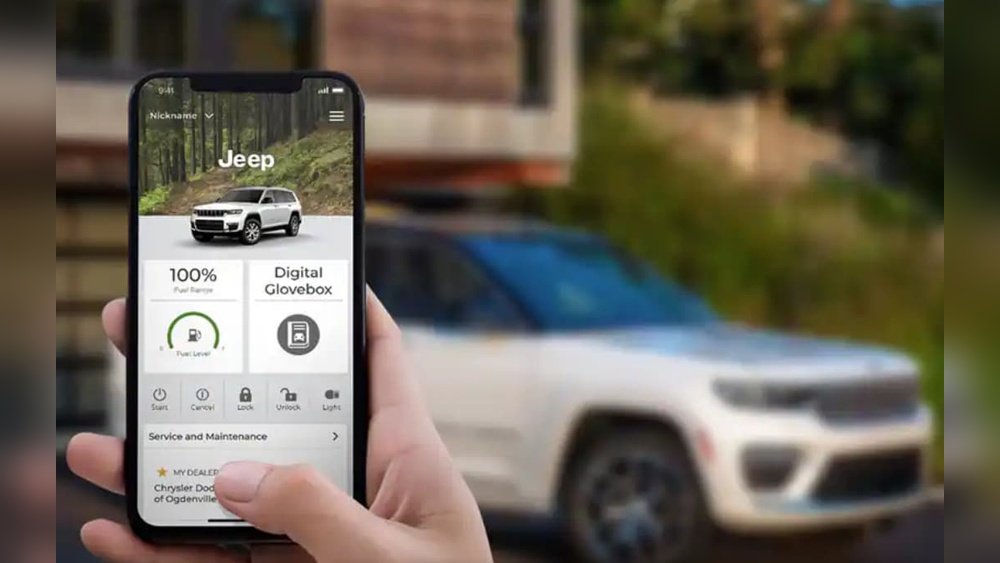
Jeep vehicles use two main infotainment systems: Uconnect and Jeep Connect. Most models from 2011 onward feature Uconnect, but the interface can look different depending on the model year.
- Uconnect 3, 4, or 5: Found in newer Jeeps like Wrangler, Grand Cherokee, and Compass.
- Older Uconnect (2011-2015): Simpler menu design, limited features.
- Aftermarket radios: Some Jeeps use non-original stereos. These may have different pairing steps.
Knowing your system helps you follow the right steps. If unsure, check your Jeep manual or look for the Uconnect logo on your dashboard screen.
Step-by-step Guide: Pairing Your Phone
Follow these steps to connect your smartphone to your Jeep. The exact names on the screen may vary, but the process is similar.
1. Prepare Your Phone
- Make sure Bluetooth is turned on.
- Keep your phone’s screen unlocked and close to the Jeep’s dashboard.
- Delete any old Jeep connections from your phone’s Bluetooth menu if you tried pairing before.
2. Start The Jeep’s Pairing Process
- With your Jeep in Park and the engine running, tap the Phone or Media button on the infotainment screen.
- Choose Pair Device or Add Device.
- The system will show your Jeep’s Bluetooth name (like “Uconnect” or “Jeep” with a number).
3. Connect From Your Phone
- On your phone, go to the Bluetooth settings.
- Wait for your Jeep’s name to appear under “Available Devices.”
- Tap your Jeep’s name. A pairing code will show on both your phone and the Jeep screen.
- If the codes match, tap Pair or Yes on both devices.
4. Finalize The Connection
- Your phone may ask for permission to sync contacts and messages. Allow this for full hands-free features.
- The Jeep should confirm the connection with a message like “Phone Connected.”
- You may hear a chime or see a Bluetooth icon light up.
5. Test The Features
- Try making a hands-free call using the steering wheel button.
- Play music from your phone to check audio streaming.
- Open your phone’s navigation and see if directions play through the Jeep’s speakers.
Common Issues And Fixes
Even simple steps can sometimes go wrong. Here are solutions to the most frequent problems:
Bluetooth Not Showing Up
- Make sure your phone’s Bluetooth is visible to other devices.
- Restart both your phone and your Jeep’s infotainment system.
Pairing Fails Or Drops
- Delete the Jeep from your phone’s paired device list, and remove your phone from the Jeep’s list. Start again.
- Update your phone’s software and the Jeep’s Uconnect system (see your dealership for updates).
Poor Sound Or Echo
- Lower the volume on your phone and control sound from the Jeep instead.
- Move the phone away from other Bluetooth devices to avoid interference.
Jeep Bluetooth Features Compared
Not all Jeeps offer the same Bluetooth features. Here’s a quick comparison:
| Model Year | Call Function | Text Messaging | Music Streaming | Voice Control |
|---|---|---|---|---|
| 2011-2014 | Yes | No | Limited | No |
| 2015-2019 | Yes | Some Models | Yes | Yes |
| 2020-2024 | Yes | Yes | Yes | Advanced |
If you want features like texting or advanced voice commands, check your Jeep’s year and system version.
Tips For A Smoother Connection
Many Jeep owners miss these practical tips for a stronger, more reliable connection:
- Keep your phone updated. Outdated software can cause pairing problems.
- Limit the number of paired devices. Too many devices in the Jeep’s Bluetooth memory can confuse the system. Delete old ones you don’t use.
- Name your phone with something simple (“John’s iPhone”), so you can easily find it in the Jeep’s menu.
- Restart your phone every few days. This clears up minor Bluetooth bugs.
- Don’t use battery-saving modes during pairing, as these can block Bluetooth.
Troubleshooting: When Things Go Wrong
Sometimes, your Jeep and phone just won’t connect. Here’s how to fix stubborn problems:
Jeep Won’t Find My Phone
- Check if your phone is already connected to another Bluetooth device (like headphones). Turn those off.
- If the Bluetooth list is full, clear some old devices from the Jeep’s memory.
Calls Work, But Not Music
- On your phone’s Bluetooth settings, tap the Jeep device and make sure “Audio” is enabled.
- Try another music app to see if it’s a problem with just one app.
Jeep Bluetooth Resets Or Freezes
- Disconnect the battery for a few minutes to reset the infotainment system (only if you know how, or ask a technician).
- Check for software updates on both your phone and the Uconnect system.

Quick Comparison: Jeep Vs. Other Brands
How Does Jeep’s Bluetooth System Compare To Similar Vehicles?
| Brand | Pairing Time (avg.) | Voice Commands | Software Updates |
|---|---|---|---|
| Jeep | 2-4 min | Good | Dealership/App |
| Toyota | 2-3 min | Basic | Dealership |
| Ford | 2-3 min | Advanced | App/USB |
Jeep is competitive but not always the fastest or most feature-rich. However, it’s reliable for most drivers.
Make The Most Of Your Jeep’s Bluetooth
Pairing your phone to your Jeep unlocks a safer, more enjoyable drive. With hands-free calling, streaming, and navigation, you spend less time distracted and more time focused on the road.
If you run into problems, remember that most fixes are quick restart, re-pair, or update.
Always check your Jeep’s manual for model-specific steps, and ask your dealership if you need more help.
For more details on Uconnect and official pairing guides, visit the official Jeep Uconnect page.
Frequently Asked Questions
How Many Phones Can I Pair With My Jeep?
Most Jeep infotainment systems let you pair up to seven phones, but only one can be active for calls and music at a time. If you hit the limit, delete old devices to add a new one.
Can I Pair An Android And An Iphone To My Jeep?
Yes, Jeep’s Bluetooth works with both Android and iPhone devices. The steps are almost the same. Some features, like text messaging, may work better on one platform depending on your Jeep’s model year.
Why Is My Jeep Not Finding My Phone?
If your Jeep can’t see your phone, check if Bluetooth is on and visible. Also, make sure your phone isn’t connected to other Bluetooth devices.
Restarting both the phone and Jeep system often helps.
Do I Need An App To Connect My Phone?
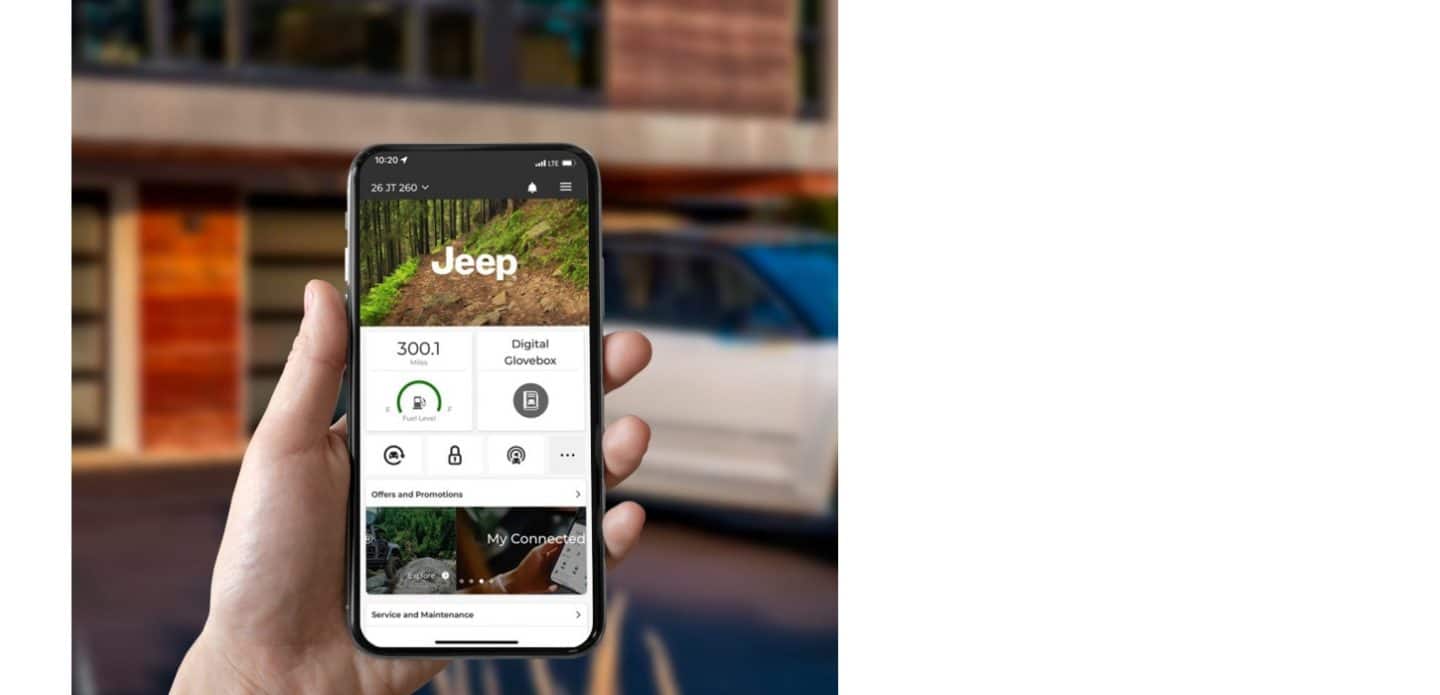
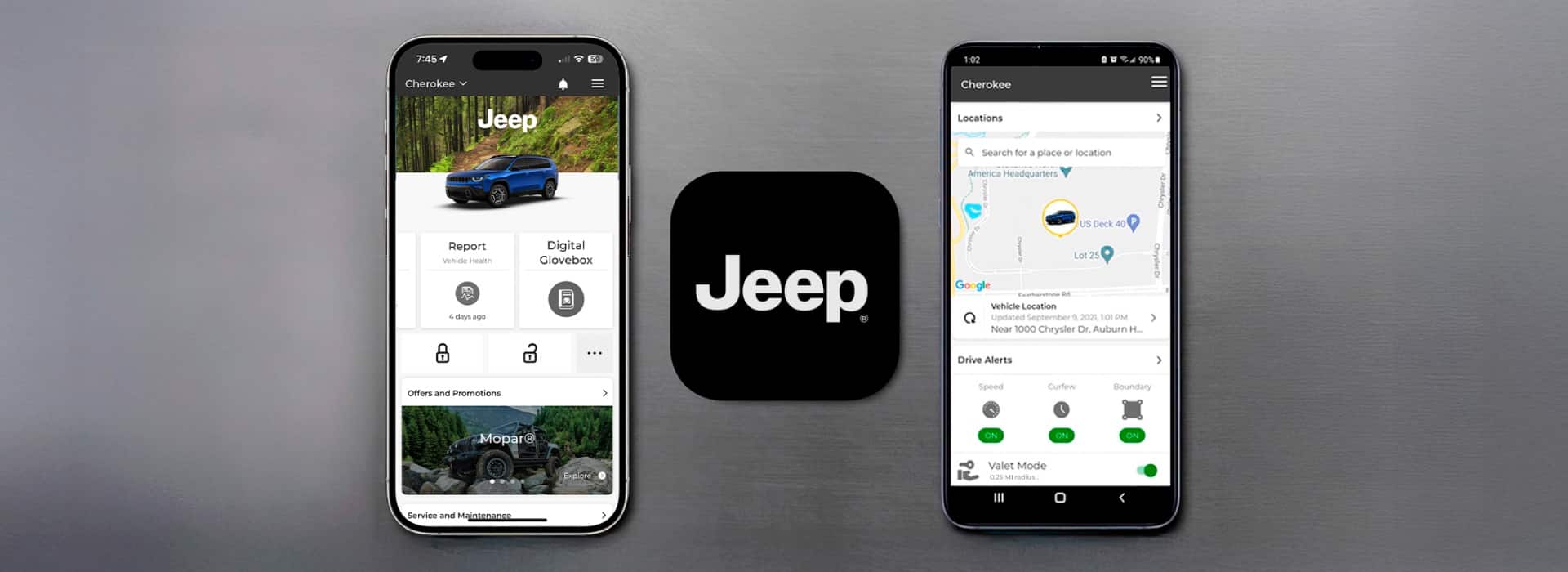
No app is required for standard Bluetooth pairing. However, the Uconnect app adds extra features like remote start, vehicle health reports, and navigation, but it’s not needed for music or calls.
Is Bluetooth Pairing Safe While Driving?
No, you should always pair your phone while parked. Many Jeep systems won’t allow pairing unless the vehicle is in Park for safety reasons. Set up everything before you start driving.



















