Connecting Bluetooth to your Jeep Wrangler can transform your driving experience. Whether you want to stream music, make hands-free calls, or use navigation apps, Bluetooth adds convenience and safety. Many Jeep Wrangler owners struggle with pairing their phones or fixing connection issues, but it’s easier than you think. By following a few simple steps, you can enjoy all the benefits of Bluetooth without frustration. This guide will show you how to connect Bluetooth to your Jeep Wrangler, plus common mistakes, expert tips, and troubleshooting advice.
Understanding Jeep Wrangler Bluetooth Features
Most Jeep Wranglers from 2011 onwards include built-in Bluetooth systems. The technology allows your smartphone or device to communicate with the Jeep’s audio and Uconnect systems.
There are two main Bluetooth functions:
- Hands-free calling: Make and receive calls without touching your phone.
- Audio streaming: Play music, podcasts, and other audio from your device.
Some models also support voice commands, text messaging, and navigation integration. Advanced features depend on the year and trim of your Wrangler.
Here’s a quick comparison of Bluetooth features by model year:
| Model Year | Bluetooth Calling | Audio Streaming | Voice Commands | Text Messaging |
|---|---|---|---|---|
| 2011-2015 | Yes | Limited | Yes | No |
| 2016-2018 | Yes | Yes | Yes | Limited |
| 2019+ | Yes | Yes | Yes | Yes |
If your Jeep doesn’t have Bluetooth, you can add it with aftermarket kits.
How To Connect Bluetooth To Jeep Wrangler
The process may vary slightly by model, but most steps are similar. Make sure your phone’s Bluetooth is turned on before you start.
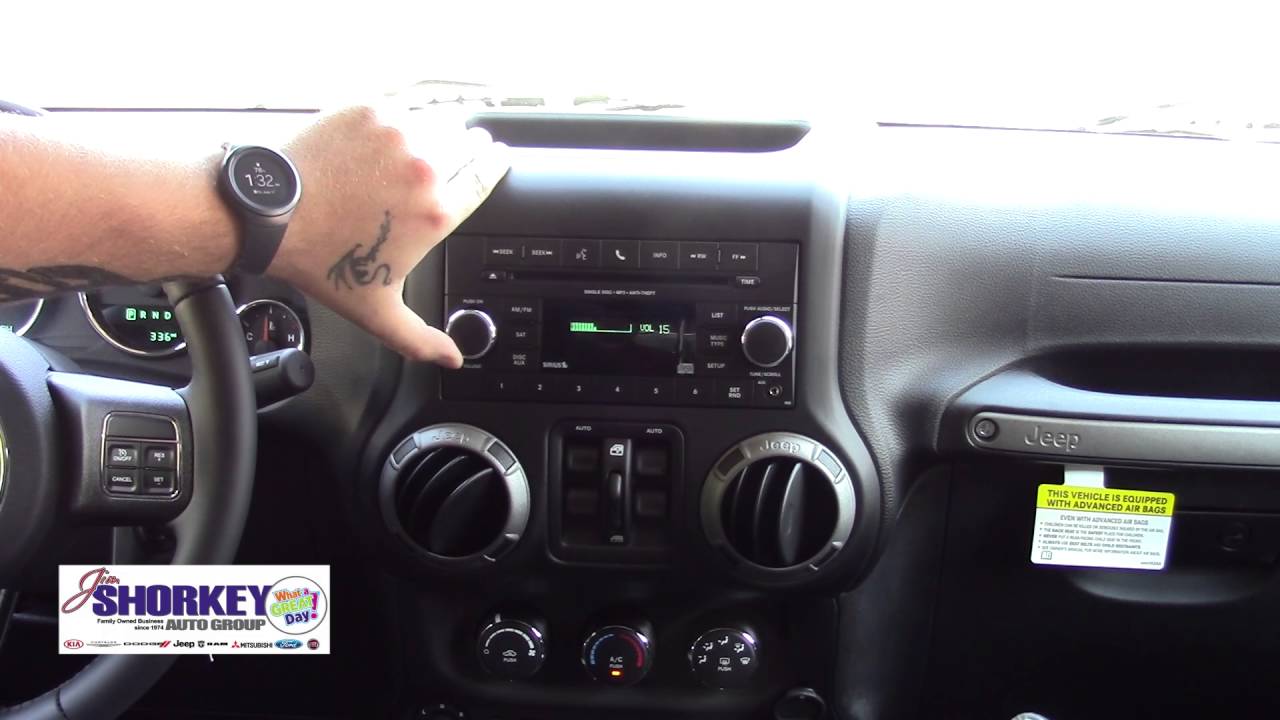
- Start your Jeep and turn on the audio system.
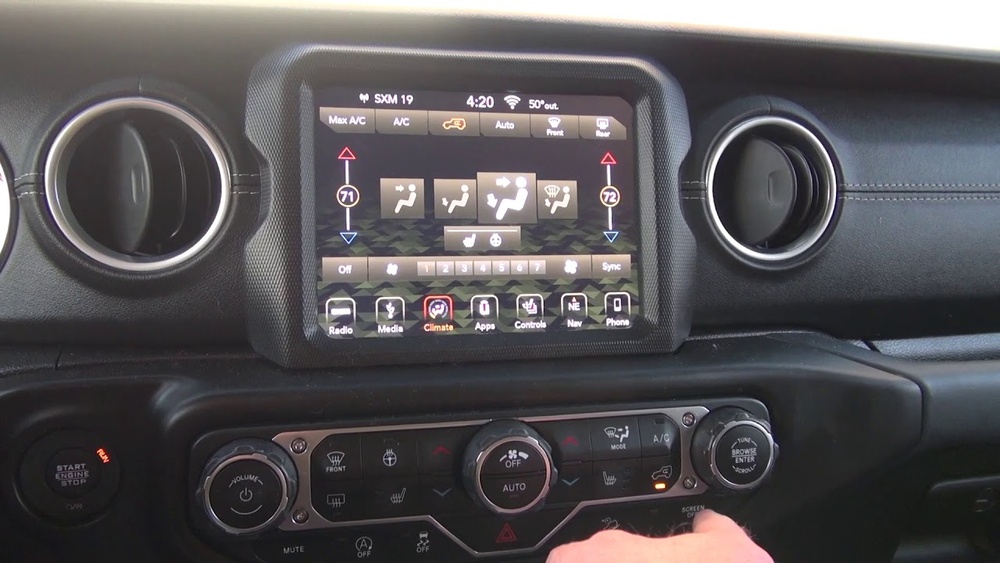
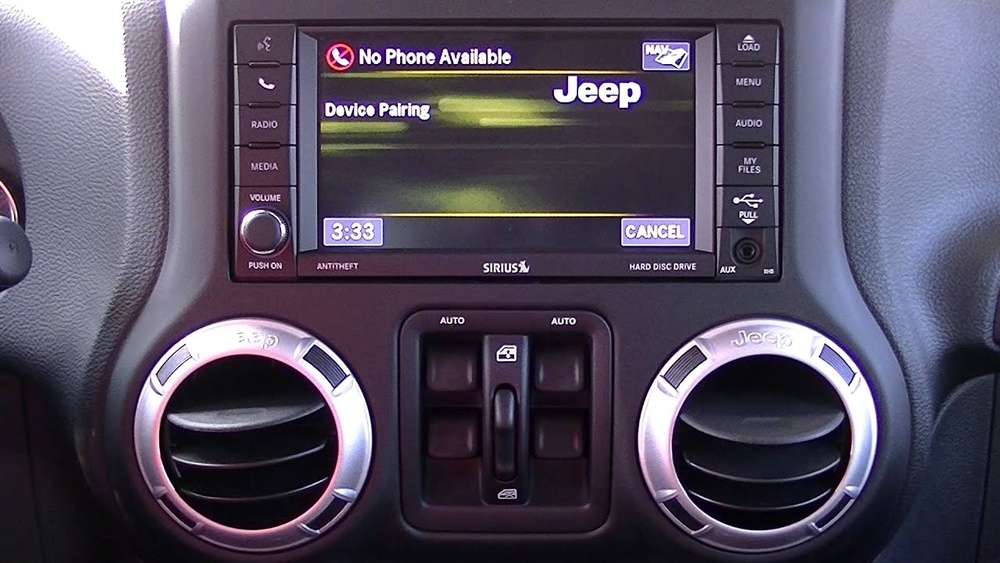
- On the Uconnect screen, tap the Phone or Media icon.
- Select Add Device or Pair New Device.
- On your phone, open Bluetooth settings and look for Uconnect or your Jeep’s name.
- Tap to connect. Enter the PIN shown on the Jeep screen, if prompted.
- Wait for confirmation. Your phone should now be paired.
Here’s a step-by-step comparison for different Uconnect systems:
| Uconnect Version | Pairing Method | Unique Steps |
|---|---|---|
| Uconnect 3 | Manual pairing | Requires PIN entry |
| Uconnect 4 | Automatic pairing | Shows pairing code on screen |
| Uconnect 5 | Smart pairing | Voice guidance available |
After pairing, you can manage connections in the Uconnect settings. Some devices may need permission for contacts or media.
Common Mistakes And How To Avoid Them
Many Jeep owners face issues when pairing Bluetooth. Here are some mistakes and tips:
- Not enabling Bluetooth on the phone: Always check your phone settings first.
- Trying to pair while driving: It’s safest to pair when parked.
- Ignoring Uconnect prompts: Read all messages on the screen.
- Pairing too many devices: The system might reject extra phones.
Some phones may need to be updated for full compatibility. If pairing fails, restart both the Jeep and your phone, then try again.
Troubleshooting Bluetooth Problems
If your Bluetooth won’t connect, don’t panic. Try these steps:
- Delete previous paired devices from Uconnect and your phone.
- Restart the Jeep and your phone.
- Update Uconnect software if possible.
- Check for interference from other Bluetooth devices.
- Reset network settings on your phone.
If your Wrangler still refuses to connect, consult your owner’s manual or contact Jeep support. You can also find more help at Jeep Uconnect.

Upgrading Or Adding Bluetooth
Older Jeep Wranglers may not have Bluetooth. You can add it with kits or adapters. Popular options include:
- Bluetooth receiver adapters: Plug into the AUX or USB port.
- Aftermarket head units: Replace your Jeep’s radio with a Bluetooth-enabled model.
- Factory upgrade kits: Official Jeep kits for older Wranglers.
Prices vary from $20 to $300 depending on the solution. Installation may require professional help, especially for head units.
Here’s a quick look at Bluetooth upgrade options:
| Upgrade Option | Ease of Installation | Cost Range |
|---|---|---|
| Receiver adapter | Easy | $20-$50 |
| Head unit replacement | Medium to hard | $150-$300 |
| Factory kit | Medium | $200-$350 |
Extra Tips For Smooth Bluetooth Experience
Most drivers overlook these helpful tips:
- Keep your phone’s software updated: Old versions may cause connection issues.
- Don’t pair too many devices: Remove unused connections.
- Restart Uconnect occasionally: This prevents glitches.
- Use the Jeep’s USB port for charging, not Bluetooth audio.
If you want better audio quality, try streaming apps with higher bitrate settings.

Frequently Asked Questions
Can I Connect More Than One Phone To My Jeep Wrangler?
You can pair multiple devices, but only one will be active at a time. Switch between phones in the Uconnect settings.
Why Won’t My Phone Connect To Bluetooth?
Common reasons include old software, too many paired devices, or interference. Try restarting your phone and deleting unused connections.
Is Bluetooth Available On All Jeep Wranglers?
Most models from 2011 onwards have Bluetooth. For older Wranglers, you’ll need an adapter or aftermarket kit.
How Can I Improve Bluetooth Audio Quality?
Use streaming apps with high bitrate settings and keep your phone’s software updated. Avoid pairing multiple devices at once.
What Should I Do If Bluetooth Keeps Disconnecting?
Check for interference, restart both the Jeep and your phone, and make sure Uconnect software is up to date. Try resetting network settings if the problem continues.
Connecting Bluetooth to your Jeep Wrangler is a simple process that can make driving safer and more enjoyable. If you follow the steps and tips above, you’ll avoid common problems and get the best from your Jeep’s technology. With Bluetooth, you can stay connected, entertained, and safe on every adventure.