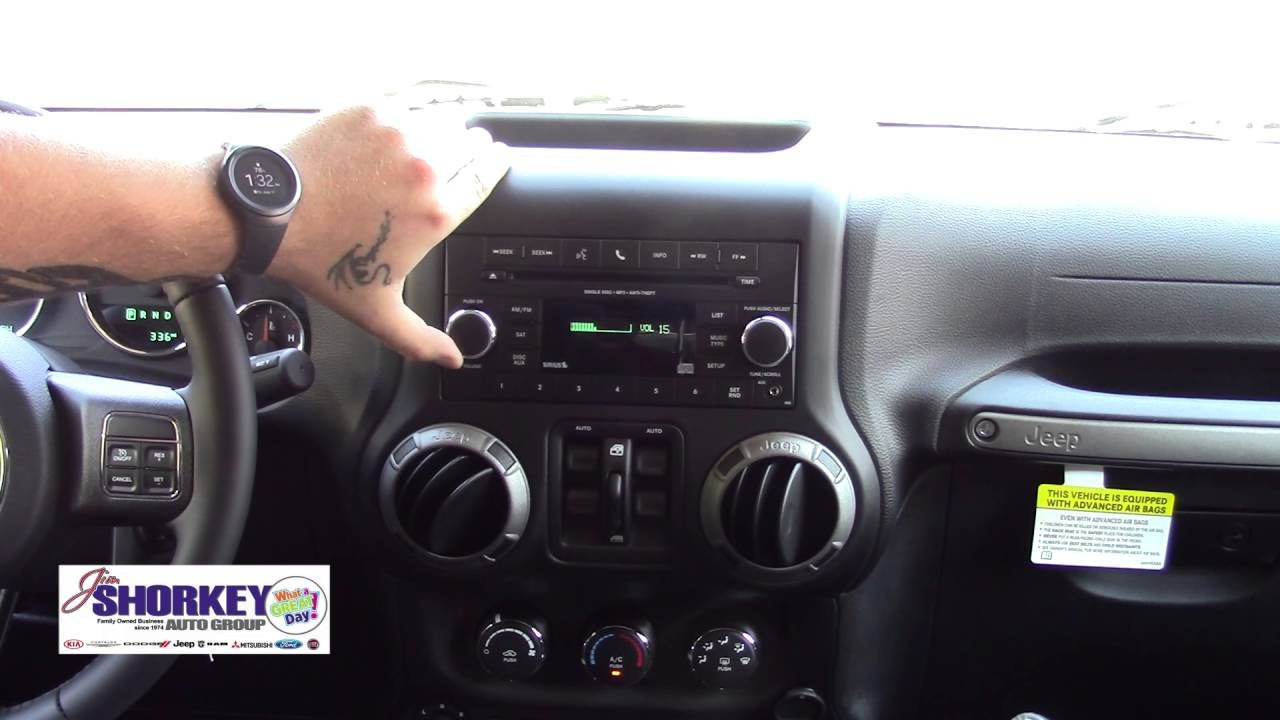
Connecting your phone or device to your Jeep Wrangler’s Bluetooth opens a world of convenience. From hands-free calls to streaming your favorite playlists, it makes every drive safer and more enjoyable. But for many, getting Bluetooth set up the first time can feel confusing. Whether you drive a brand-new Wrangler or an older model, this guide will walk you through every step, highlight what to check, and help you fix common problems. Let’s get your Wrangler connected—quickly and easily.
Understanding Jeep Wrangler Bluetooth Systems
Not all Jeep Wranglers have the same Bluetooth system. The technology and steps can change depending on your Wrangler’s year and trim level.
| Model Year | Bluetooth Availability | Main System Name |
|---|---|---|
| 2011-2017 | Optional/Standard | Uconnect 130/430/730N |
| 2018+ | Standard (most trims) | Uconnect 4/4C/4C NAV |
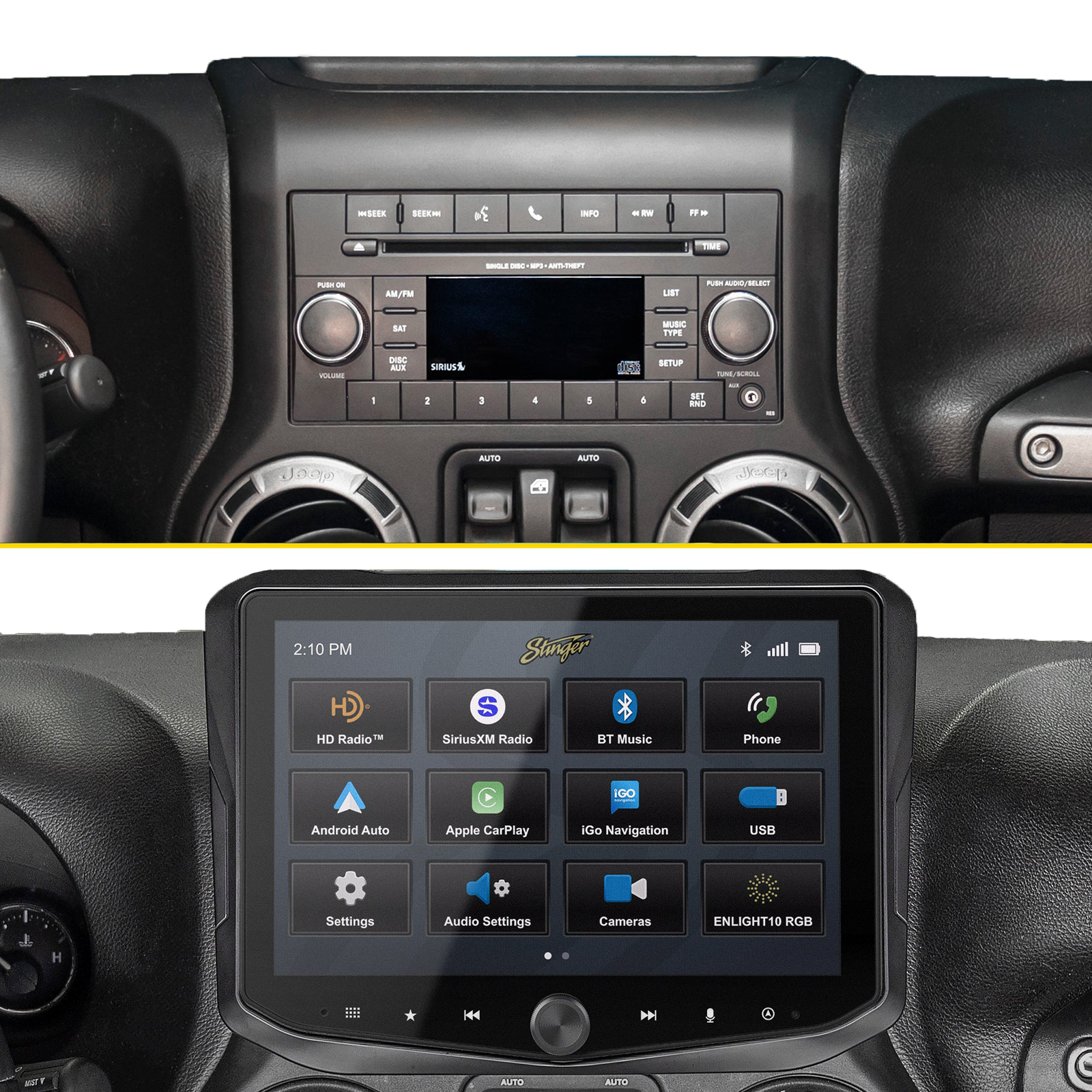
- Older models (2011-2017) may need the Uconnect system or an aftermarket radio.
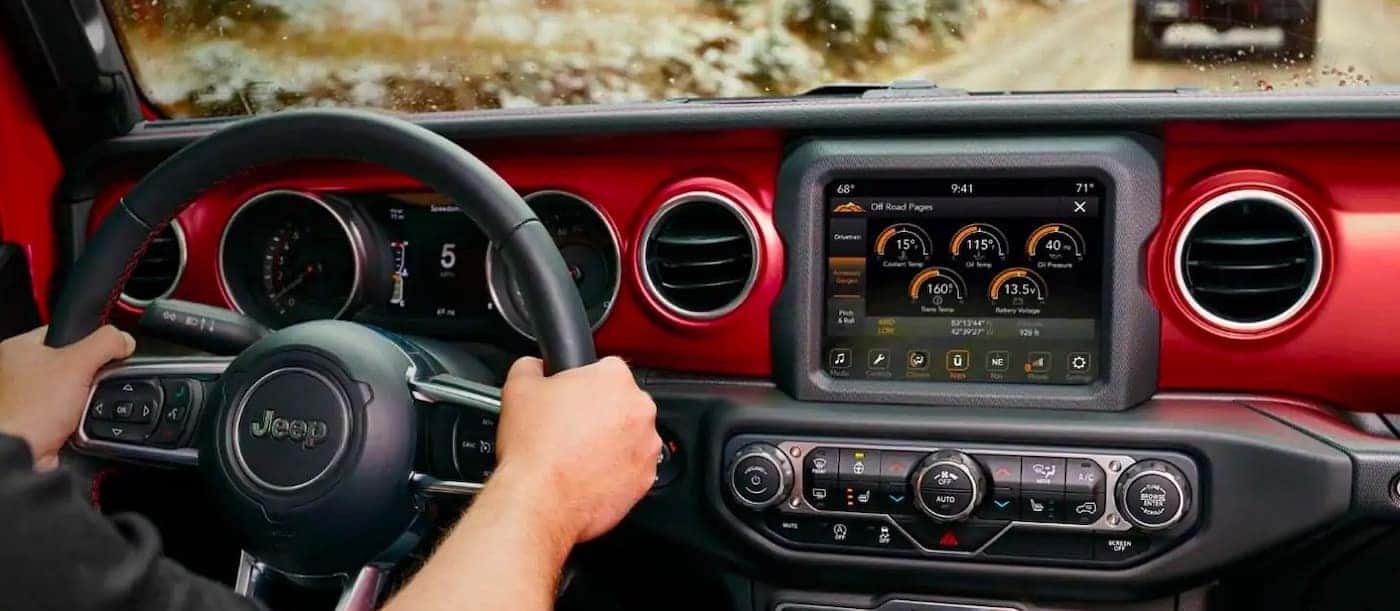
- Newer models (2018 and up) usually include modern Uconnect with Bluetooth.
If you’re unsure, check your owner’s manual or look for a “phone” or “media” button on your radio.
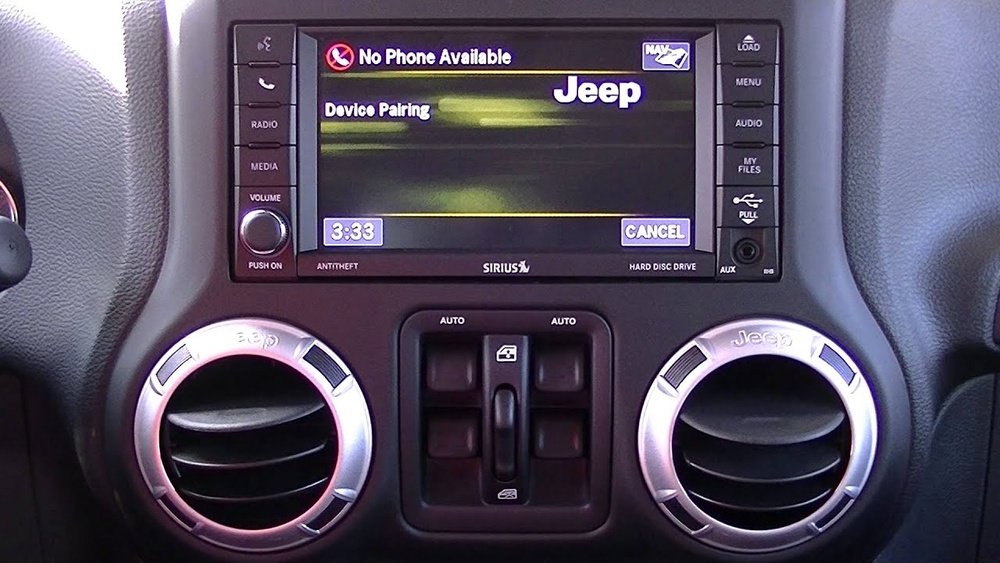
Preparing Your Phone And Jeep For Pairing
Before connecting, a little preparation helps avoid frustration.
- Enable Bluetooth on your phone. Go to your device’s settings and turn Bluetooth on.
- Remove old connections. If your phone was paired to other cars, remove unused devices for a smoother process.
- Start your Jeep and keep it in Park. Most Wranglers block pairing while driving for safety.
Some phones need to be “visible” or “discoverable” for pairing. Check your Bluetooth settings to confirm.
Step-by-step: How To Connect Bluetooth To A Jeep Wrangler
The pairing process is similar for most Jeep Wranglers, but here are the key steps for both older and newer systems.
Connecting On 2011–2017 Jeep Wranglers (uconnect 130/430/730n)
- Press the ‘Phone’ button on your Jeep’s radio.
- When prompted, select ‘Pair a Device’.
- On your phone, search for available Bluetooth devices. Look for ‘Uconnect’ on the list.
- Select Uconnect. A PIN (usually 0000 or a unique number) will appear on the radio.
- Enter the PIN on your phone if asked.
- Wait for confirmation. The radio will say, “Pairing complete,” and your phone should show as connected.
- Tap the ‘Phone’ icon on the touchscreen.
- Choose ‘Add Device’ or ‘Pair Device’.
- On your phone, open Bluetooth settings and select Uconnect when it appears.
- A code will show on both the Jeep’s screen and your phone. Make sure they match, then confirm on both.
- Wait for the system to finish. Your contacts and call history may sync if you allow.
Pro tip: If you don’t see Uconnect on your phone, restart both your phone and your Jeep’s radio, then try again.
Common Problems And How To Fix Them
Even with clear steps, pairing sometimes fails. Here’s how to solve the most frequent issues.
| Problem | Possible Cause | Solution |
|---|---|---|
| Uconnect not visible | Bluetooth off or system glitch | Restart radio and phone, enable Bluetooth |
| Pairing fails | Too many paired devices | Delete old devices from Uconnect and phone |
| Calls but no music | Media audio not enabled | Check phone’s Bluetooth settings, turn on media audio |
Extra Insights Beginners Miss
- Software updates matter: Uconnect and your phone may need updates. Outdated software can block pairing.
- Factory reset helps: If all else fails, a radio “factory reset” (found in system settings) often clears hidden glitches.
Advanced Tips For A Better Bluetooth Experience
- Prioritize your main device: If you pair many phones, Uconnect may get confused. Make your main phone the “favorite” in the system.
- Voice commands: Most Uconnect systems support basic voice commands for calls and music. Use the steering wheel button for safer driving.
- Privacy: Uconnect may ask to sync contacts. Say yes for caller ID but remember your contacts will be stored in the Jeep’s system.
Some older Wranglers need a dealer to activate Bluetooth if it’s not working. Don’t assume your hardware is broken sometimes, it’s a software issue.
Bluetooth Vs. Usb And Aux: Which Is Best?
Bluetooth is convenient, but it’s not always perfect. Here’s a quick comparison of audio options in the Jeep Wrangler.
| Feature | Bluetooth | USB | Aux Cable |
|---|---|---|---|
| Hands-Free Calls | Yes | No | No |
| Music Quality | Good | Best | Good |
| Setup | Easy | Plug and play | Plug and play |
| Charging | No | Yes | No |
If you want the highest sound quality or need to charge your phone, USB is best. For hands-free use, Bluetooth is the top choice.
When You Need Extra Help
If you’ve followed all steps and Bluetooth still won’t connect, it may be time for expert help. Visit your Jeep dealer or a trusted car audio shop. Sometimes, hidden software bugs or hardware failures need special tools.
For more details about Uconnect and supported features, you can also visit the official Jeep Uconnect page.
Frequently Asked Questions
Why Won’t My Phone Find My Jeep Wrangler’s Bluetooth?
Most often, Bluetooth is off on your phone, or your Jeep’s system has too many paired devices. Remove older devices from both your phone and your Jeep’s Uconnect, then try pairing again.
How Many Phones Can I Connect To Uconnect?
Most Uconnect systems allow pairing up to 7-10 devices, but only one can be active at a time for calls and music. Pair your main phone first for best results.
Can I Stream Music From Any App Using Bluetooth?
Yes, you can stream from apps like Spotify, Apple Music, or YouTube. Make sure “media audio” is enabled in your phone’s Bluetooth settings for Uconnect.
Does Bluetooth Work While Driving?
You can make and receive calls or play music while driving, but most Wranglers block new pairing while moving. Always pair when the vehicle is in Park for safety.
What If My Jeep Wrangler Doesn’t Have Bluetooth?
Some base models and older Wranglers may lack Bluetooth hardware. In this case, you can add an aftermarket radio or a Bluetooth adapter for the Aux port to get wireless music and calls.
Getting Bluetooth working in your Jeep Wrangler is usually quick once you know the steps. With this guide, you’ll enjoy hands-free convenience and safer driving, whether you’re navigating city streets or exploring off-road trails.