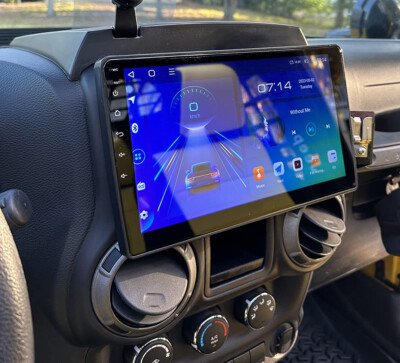
Connecting Bluetooth on your 2017 Jeep Wrangler can make driving more enjoyable and safer. With Bluetooth, you can play music from your phone, make hands-free calls, and get directions without taking your eyes off the road.
Many Wrangler owners want this feature, but the process is not always obvious.
This guide will show you every step, give you practical tips, and help you solve common problems so you can get connected quickly.
Understanding Bluetooth In The 2017 Jeep Wrangler
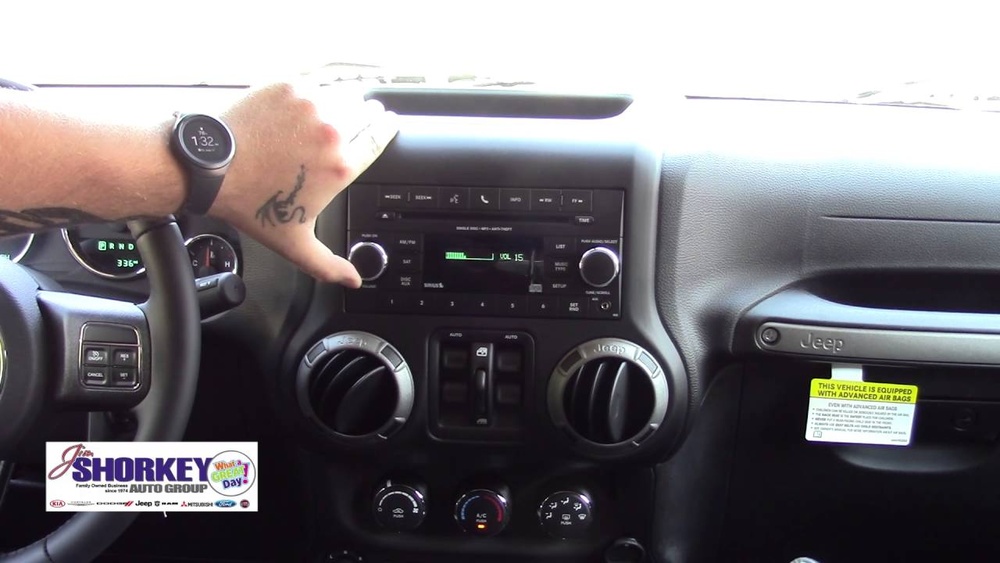
The 2017 Jeep Wrangler usually comes with the Uconnect infotainment system. Some models have a basic radio, while others include a touchscreen and advanced features. Bluetooth is available in most trims, but you need to know which system your Wrangler has. The pairing process is a bit different if you have the 130, 430, or 730N Uconnect radios.
Here’s a comparison of common Uconnect radios in the 2017 Wrangler:
| Uconnect System | Screen Type | Bluetooth Audio | Phone Connectivity |
|---|---|---|---|
| Uconnect 130 | No touchscreen | No | Yes (phone only) |
| Uconnect 430 | Touchscreen | Yes | Yes |
| Uconnect 730N | Touchscreen with navigation | Yes | Yes |
If your Jeep doesn’t have Bluetooth, you can add it with aftermarket adapters or a new stereo. Most owners, however, already have the built-in system.
How To Connect Bluetooth On Jeep Wrangler 2017
Follow these steps to pair your smartphone with your Jeep’s system:
- Start your vehicle. Make sure the Wrangler is in park. The engine can be running or in accessory mode.
- Activate Bluetooth on your phone. Go to your phone’s settings, turn on Bluetooth, and keep the screen open.
- Access the Uconnect system. Press the “Phone” button on your Jeep’s dashboard or touchscreen.
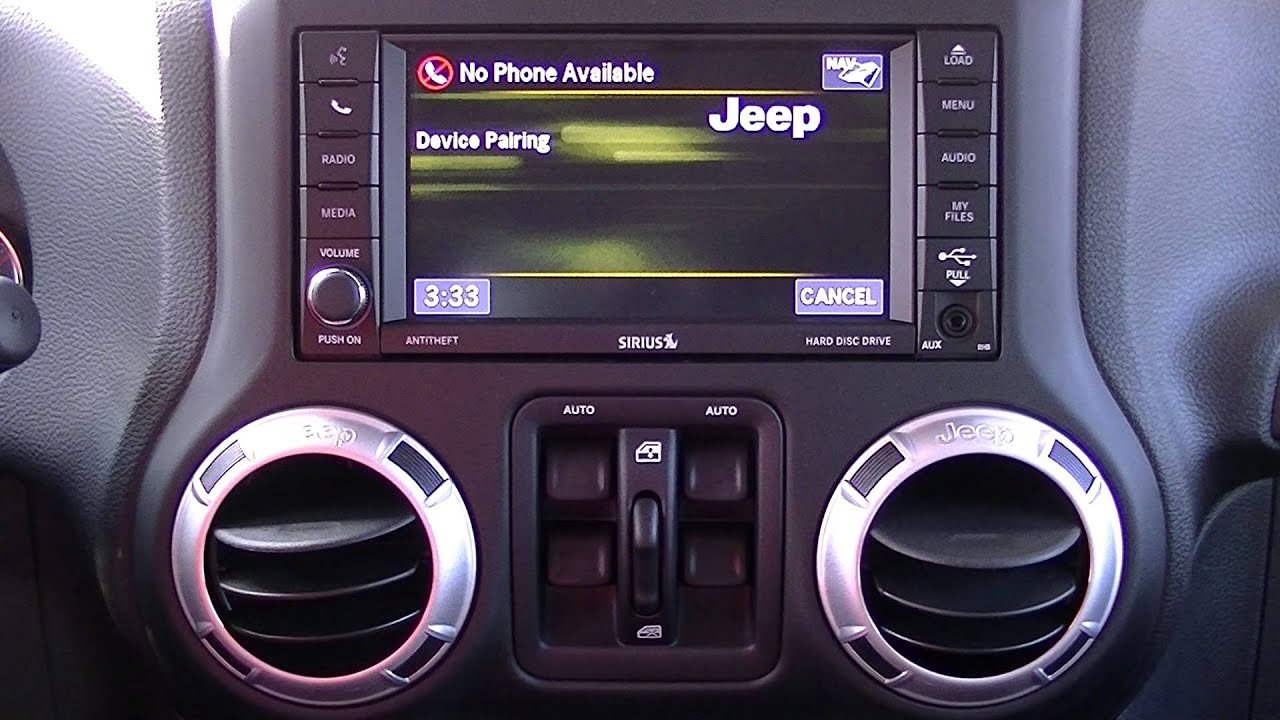
- Select ‘Add Device.’ The Uconnect screen will show “No phone connected” if this is your first time. Choose the option to add or pair a new device.
- Find your Jeep on your phone. Your phone will scan for available devices. Look for the name like “Uconnect” or “Jeep,” then tap to connect.
- Confirm the PIN. Both your phone and Jeep will show a PIN. If they match, press “Yes” on the Jeep screen and “Pair” on your phone.
- Wait for connection. The system will say “pairing successful.” Your contacts and call history may sync automatically.
Here’s a quick overview of the steps:
| Step | Action |
|---|---|
| 1 | Start your Jeep in park mode |
| 2 | Enable Bluetooth on your phone |
| 3 | Open Uconnect and select “Phone” |
| 4 | Choose “Add Device” |
| 5 | Select “Uconnect” on your phone |
| 6 | Confirm PIN on both devices |
| 7 | Wait for pairing confirmation |
Tip: If your phone asks for permission to sync contacts, allow it to use hands-free calling.

Troubleshooting Common Bluetooth Issues
Sometimes, Bluetooth won’t connect or drops the signal. Here’s how you can fix the most common problems:
- Delete old devices. If the Uconnect system is full, remove devices you no longer use.
- Restart your phone and Jeep. A simple restart solves many problems.
- Update software. Check your phone and Uconnect for software updates. Outdated systems can cause issues.
- Re-pair devices. Remove the Jeep from your phone’s Bluetooth list and start the pairing process again.
- Clear Uconnect memory. Go to the “Phone” menu, select “Settings,” and choose “Remove All Devices” if nothing works.
Non-obvious insight: Older Android devices sometimes have compatibility issues with Uconnect. If you’re using an older phone, try pairing with a newer model or update your phone’s operating system.
Tips For A Better Bluetooth Experience
Here are some ways to get the most from Bluetooth in your Wrangler:
- Set your Jeep as a trusted device on your phone. This prevents accidental disconnects.
- Keep your phone’s software up to date.
- If you use Apple CarPlay or Android Auto, plug in your phone for more features. The 2017 Wrangler does not support these wirelessly, but newer models do.
- Adjust the volume on both your phone and Uconnect for the best sound quality.
- If you have more than one driver, each person should pair their own phone. Uconnect can remember multiple devices but connects to the last used phone first.
Practical tip: Some users forget to turn off “Do Not Disturb” or “Airplane Mode” on their phones, which blocks Bluetooth. Always check these settings if you have trouble.
Bluetooth Vs. Other Connection Options
You might wonder if Bluetooth is better than using a cable or USB drive. Here’s a quick comparison:
| Feature | Bluetooth | AUX/USB Cable |
|---|---|---|
| Wireless | Yes | No |
| Audio Quality | Good | Excellent |
| Hands-Free Calling | Yes | Usually no |
| Music Control | Yes | Limited |
| Charging Capability | No | Yes |
Bluetooth is the easiest way to keep your phone in your pocket and drive safely.
Frequently Asked Questions
How Many Phones Can I Pair With My Jeep Wrangler 2017?
You can pair up to seven phones with the Uconnect system, but only one phone can be active at a time for calls and music.
Why Won’t My Phone Connect Even Though Bluetooth Is On?
Check if your phone is already connected to another device. Delete old pairings from your phone and Jeep, then try again.
Also, ensure both devices are within a few feet of each other.
Can I Play Music Over Bluetooth, Or Is It Just For Calls?
If you have the Uconnect 430 or 730N, you can play music and make calls over Bluetooth. The Uconnect 130 usually supports only phone calls.
What Should I Do If The Sound Is Low Or Distorted?
Adjust the volume on both the Uconnect system and your phone. Make sure your phone’s EQ settings aren’t set too high. If the problem continues, restart both devices.
Where Can I Find More Details About Jeep’s Uconnect System?
You can visit the official Jeep Uconnect page for more information and updates.
Connecting Bluetooth in your 2017 Jeep Wrangler is simple once you know the steps. Take a few minutes to pair your phone, and you’ll enjoy safer calls, better music, and a more connected drive.
If you ever face problems, check this guide and stay updated with your Wrangler’s features.