Updating your Jeep navigation system is one of the best ways to keep your maps accurate and your driving experience smooth. Many Jeep owners don’t realize how quickly roads change, or how new points of interest appear on maps. If you haven’t updated your navigation in over a year, you may be missing out on better routes, faster travel times, and even improved safety. This guide will help you understand the update process, avoid common mistakes, and get the most out of your Jeep’s GPS system.
Your Jeep’s navigation system is only as good as the data it holds. Old maps can lead to wrong directions, missing addresses, or outdated speed limits. Updating brings:
- Latest road changes: New highways, updated intersections, and rerouted streets.
- Fresh points of interest: Restaurants, gas stations, hotels, and attractions.
- Improved routing: Faster and safer routes based on recent traffic patterns.
- Enhanced system features: Some updates offer better voice guidance or display improvements.
According to Jeep, navigation updates are recommended every 12–18 months. Studies show drivers with updated GPS reach their destinations up to 15% faster and avoid up to 30% more errors compared to those using outdated maps.
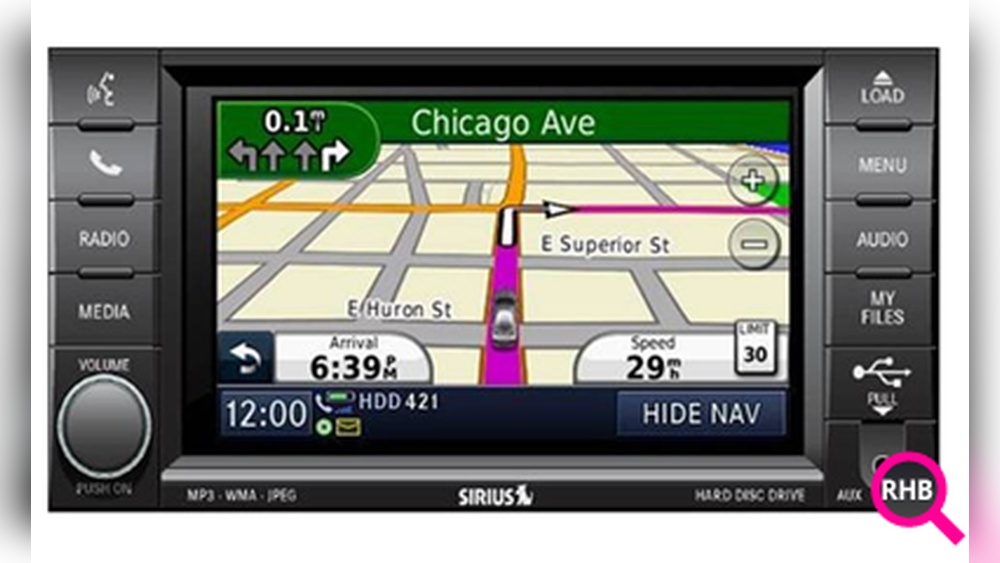
Jeep navigation systems vary by model and year. Most modern Jeeps (2014 and newer) use Uconnect—a touch-screen infotainment system. Older models may use different systems. There are three main methods:
| Method | Required Tools | Time Needed | Cost |
|---|---|---|---|
| USB Update | USB drive, computer | 30–60 mins | $99–$150 |
| Dealer Update | Appointment | 1–2 hours | $120–$200 |
| Wireless Update | Wi-Fi connection | 20–40 mins | Free (if included) |
Many drivers think updates are automatic. However, most Jeep models require manual steps. USB updates are the most common, but some newer Jeeps (2020+) allow wireless updates if connected to Wi-Fi.
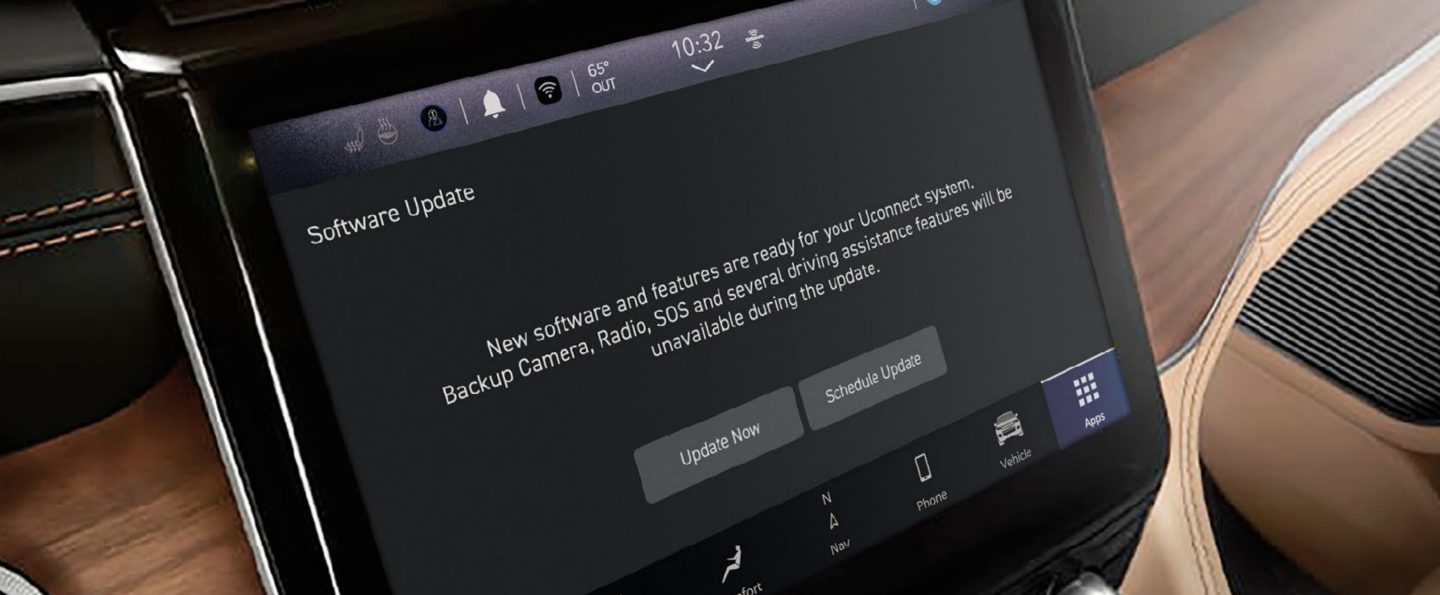
Step-by-step: Usb Update For Uconnect
Updating via USB is straightforward, but missing a step can cause issues. Here’s how to do it right:
- Check your Jeep model and Uconnect version. Find this in your owner’s manual or by pressing the ‘Settings’ button on your touchscreen.
- Visit the official update site. Go to the Uconnect website and enter your Vehicle Identification Number (VIN). The site checks if an update is available.
- Download the update. You’ll receive a file (usually ZIP format). Download it to your computer, then extract the files.
- Prepare a USB drive. Use a clean USB drive (8–32GB recommended). Format it to FAT32 before copying the update files.
- Install in your Jeep. With the engine running, insert the USB drive into your Jeep’s USB port. The system will recognize the update and prompt you to start installation.
- Follow on-screen instructions. The update may take 30–60 minutes. Do not turn off your Jeep or remove the USB drive until finished.
- Verify the update. Once complete, check the navigation system for new map data and features.
| Model Year | Uconnect Version | Update Method |
|---|---|---|
| 2014–2019 | Uconnect 4/4C | USB |
| 2020–Present | Uconnect 5 | USB or Wireless |
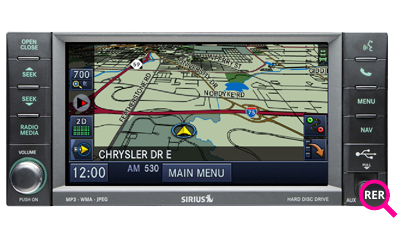
| Pre-2014 | MyGIG/RER | Dealer/Disc |
Dealer Update: When And Why
If you’re not comfortable with technology, or if your Jeep is older, a dealer update is a safe option. Here’s what to expect:
- Schedule an appointment at your local Jeep dealership.
- Technicians use special tools to update your system. This can fix errors that DIY methods sometimes cause.
- Higher cost, but includes warranty and professional support.
A dealer can also diagnose other navigation issues, like software bugs or hardware problems. This is ideal if your system is acting strangely, or if a previous update failed.
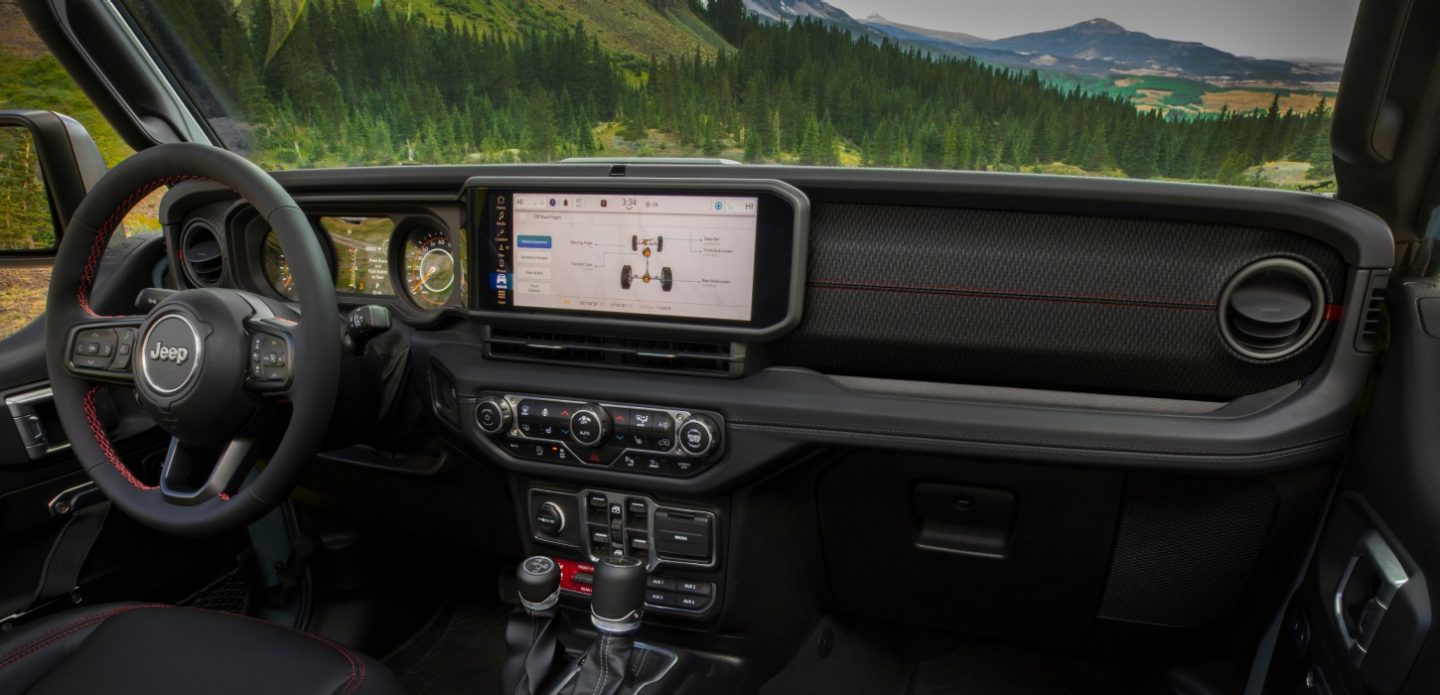
Wireless Update: The Easiest Option
Newer Jeeps support wireless updates. If your Jeep has Wi-Fi connectivity:
- Connect your Jeep to a stable Wi-Fi network.
- Navigate to ‘Settings’ > ‘System Updates’ on your Uconnect screen.
- Download and install the update directly.
Wireless updates are free if included in your vehicle’s subscription. However, not all models offer this feature. Always check your owner’s manual.
Common Mistakes And How To Avoid Them
Many owners struggle with navigation updates due to small errors. Here are two issues beginners often miss:
- Using the wrong USB format. If your USB drive is not FAT32, the system won’t recognize it. Always format before copying files.
- Interrupting the update. Turning off the engine or removing the USB too soon can corrupt your navigation system.
If you’re updating at home, keep your Jeep running and stay patient. Some updates pause for several minutes—this is normal.
Practical Tips For A Smooth Update
- Use a new USB drive. Older drives can fail, causing errors.
- Check your VIN twice. Entering the wrong VIN on the update site means you get the wrong files.
- Read instructions carefully. Every Jeep model has small differences.
- Backup your settings. Some updates reset radio presets or Bluetooth connections.
If you want more information on Jeep navigation, check the official Jeep Uconnect site.
Frequently Asked Questions
Most experts recommend updating every 12–18 months. If you drive in areas with new roads or construction, update more often.
Can I Use Any Usb Drive For The Update?
No. Use a clean, FAT32 formatted USB drive between 8–32GB. Avoid drives with other files or hidden partitions.
Is A Dealer Update Necessary?
It’s not mandatory for most models, but a dealer update is safer for older Jeeps or if you’re uncomfortable with DIY steps.
Yes, updates improve map accuracy, routing, and add new points of interest. However, they do not affect the GPS hardware.
If an update fails, try reformatting your USB drive and repeating the process. If the issue continues, contact your Jeep dealer for help.
Keeping your Jeep’s navigation system updated makes every trip easier, safer, and more enjoyable. Whether you do it yourself or visit a dealer, a little effort brings big rewards—accurate directions, new destinations, and peace of mind on the road.