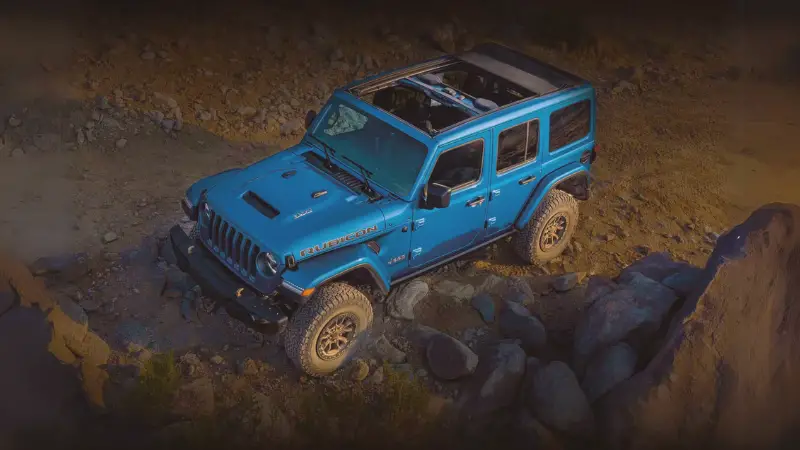
Many Jeep Wrangler owners and buyers want to know: does a Jeep Wrangler have a backup camera? Whether you’re considering a new Wrangler or own an older one, understanding backup camera features can improve safety and help with daily driving. Let’s break down which Jeep Wranglers have backup cameras, differences between models, and what you can do if your Wrangler doesn’t have one.
Meta Description:
Find out if Jeep Wranglers have backup cameras, what years and trims include them, and your options for adding one. Learn about compatibility, safety, and buying tips.
Which Jeep Wranglers Come With A Backup Camera?
Backup cameras became common in many vehicles in the last decade. For the Jeep Wrangler, the answer depends on the model year and generation.
Key Model Differences
Jeep Wranglers use platform codes like TJ, JK, and JL. Here’s how backup camera availability breaks down:
- TJ (1997–2006): No factory backup camera.
- JK (2007–2018): No factory backup camera, but some late 2018 JKs may have dealer-installed options.
- JL (2018–present): Factory backup camera is standard on all trims.
Older models like the XJ (Cherokee), WK (Grand Cherokee), and WL (latest Grand Cherokee) have different camera options, but for the Wrangler, the feature first appeared with the JL.
When Did Backup Cameras Become Standard?
Since May 2018, all new vehicles sold in the US must have a backup camera by law. That’s why every Wrangler JL (2018 and newer) includes this feature, no matter the trim.
Backup Camera Features By Trim And Year
Not all backup cameras are equal. Let’s compare the main Wrangler generations and what you get.
| Model/Year | Factory Camera | Screen Display | Camera Placement |
|---|---|---|---|
| TJ (1997–2006) | No | N/A | N/A |
| JK (2007–2018) | No (except late 2018) | N/A or Aftermarket | License Plate (aftermarket) |
| JL (2018–Present) | Yes (All trims) | Uconnect Touchscreen | Spare Tire Center |
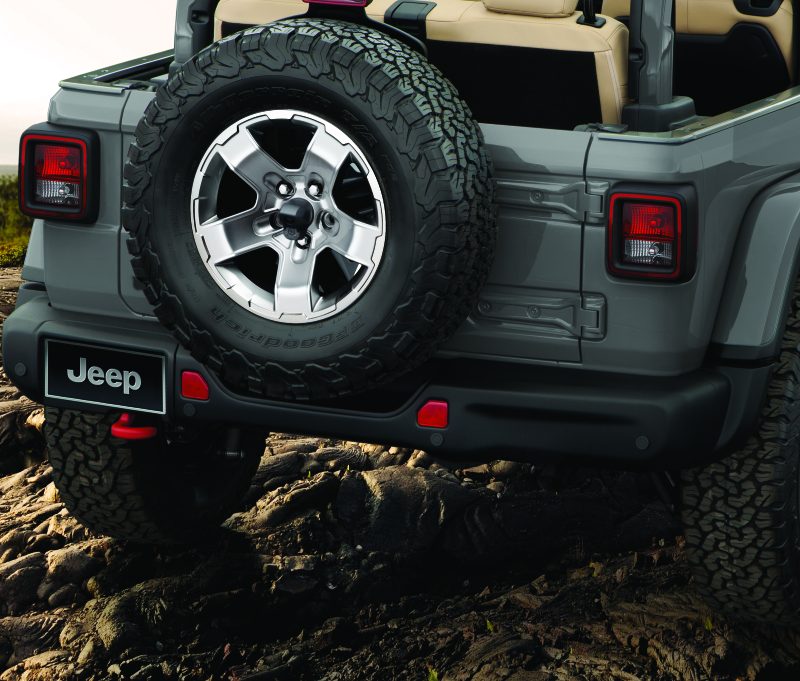
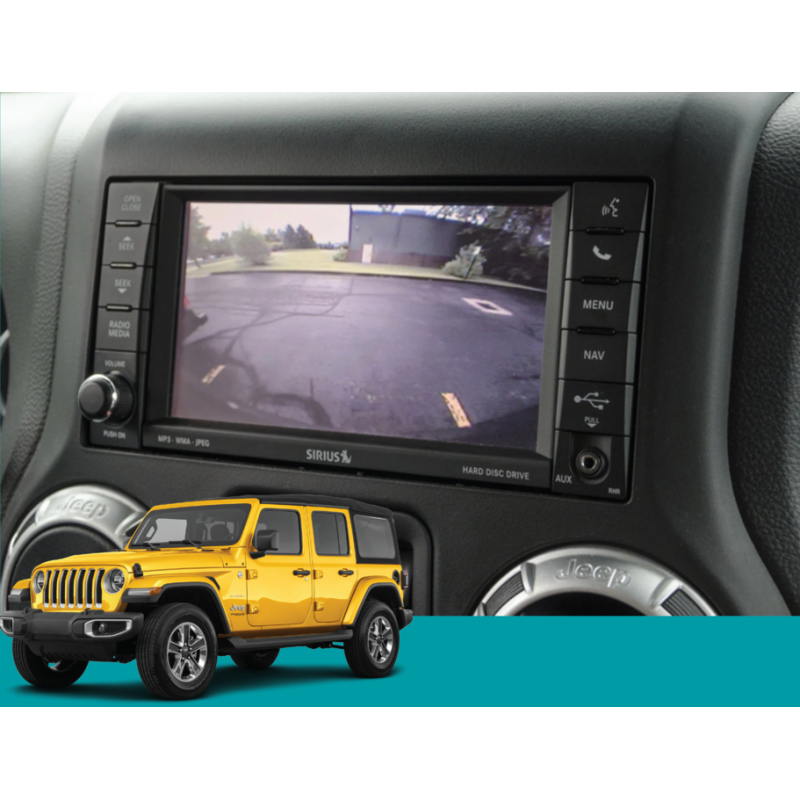
JL Wranglers use the spare tire carrier as a mounting spot for the camera, giving a clear view with the guidelines on the Uconnect screen.

What If My Wrangler Doesn’t Have A Backup Camera?
If you have a JK or older Wrangler, you won’t get a factory backup camera. But you can add one with an aftermarket kit.
Steps For Adding A Backup Camera
- Choose the right kit: Look for kits designed for your model and year.
- Check compatibility: Some kits work only with certain radios or displays.
- Install the camera: Most kits mount the camera on the spare tire or license plate.
- Connect to a display: Use an existing screen, or add a separate monitor.
- Test the system: Make sure guidelines and image quality are good.
Popular brands include Mopar, Brandmotion, and Alpine. Expect to pay $150–$500 for parts, plus $100–$300 for professional installation.
Diy Vs. Professional Installation
Some Jeep owners install cameras themselves, but wiring and panel removal can be tricky. If unsure, a shop can install it in a few hours.
Safety And Towing Benefits
Backup cameras do more than help in parking lots. They are especially useful for:
- Off-roading: Spotting rocks and obstacles behind your Jeep.
- Towing: Lining up a trailer hitch is much easier.
- Safety: Reduces the risk of accidents with children, pets, or objects.
The camera’s field of view and guidelines make reversing safer, especially for tall vehicles like the Wrangler.
Compatibility With Other Jeep Platforms
Not all Jeeps use the same backup camera system. Here’s a quick comparison:
| Jeep Platform | Backup Camera Standard? | Mount Location |
|---|---|---|
| Wrangler JL | Yes (all trims) | Spare Tire |
| Grand Cherokee WK/WL | Yes (most trims after 2014) | Liftgate |
| Cherokee XJ | No | N/A |
If you’re buying used or adding a camera, always check which platform and trim you have.
Common Issues And Maintenance
Backup cameras are reliable, but owners can face problems:
- Blurry or foggy image: Often caused by dirt or water on the lens.
- No image on screen: May be a wiring or display issue.
- Broken guidelines: Usually a software or calibration problem.
To fix these:
- Clean the lens often, especially after off-roading.
- Check wiring for damage if the camera stops working.
- Update Uconnect software if display issues appear.
If repairs are needed, replacement cameras cost $100–$400. Labor is usually $100 or less. For electrical issues, a dealer or trusted mechanic can help.
Buying Tips For Used Jeep Wranglers
If you want a backup camera, keep these tips in mind when shopping for a used Wrangler:
- Check model year: Only 2018+ JL Wranglers have factory cameras.
- Test the camera: Make sure it turns on and shows guidelines.
- Ask for records: Aftermarket cameras should have installation receipts.
- Look for Uconnect: Factory systems are more reliable than aftermarket screens.
For more on Jeep features and safety, visit the National Highway Traffic Safety Administration.
Frequently Asked Questions
Does Every Jeep Wrangler Have A Backup Camera?
No. Only 2018 and newer JL Wranglers have a factory backup camera. Older models like JK and TJ do not, but you can add one with an aftermarket kit.
Where Is The Backup Camera Located On A Jeep Wrangler?
On the JL Wrangler, the camera sits in the center of the spare tire mount. Aftermarket cameras for JKs are usually on the spare tire or license plate.
Can I Add A Backup Camera To My Older Wrangler?
Yes. Many kits are available for JK and even TJ Wranglers. Make sure the kit fits your Jeep and works with your display or radio.
How Much Does It Cost To Add A Backup Camera?
Expect to pay $150–$500 for a good kit, plus $100–$300 for installation. DIY can save money, but professional installation ensures reliability.
Does The Backup Camera Help With Towing?
Yes. The camera’s wide view and guidelines make it easier to line up a trailer hitch, helping you tow more safely and quickly.
—
Suggested internal-link anchor texts:
- Jeep Wrangler trim levels explained
- How to install Jeep accessories
- Jeep Wrangler towing capacity guide