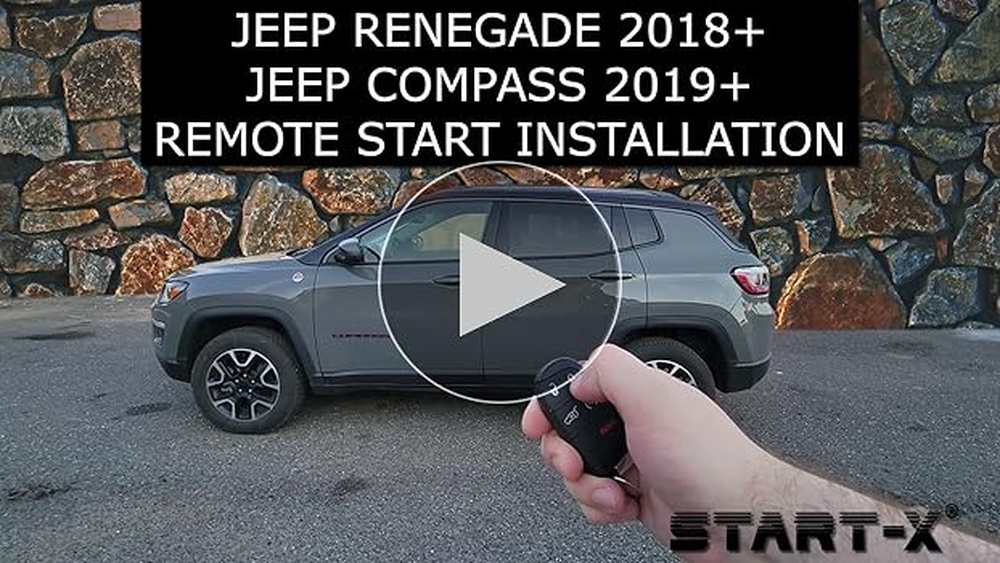
Setting up the Uconnect Jeep app is one of the smartest ways to connect your Jeep vehicle with your smartphone. This app brings features like remote start, vehicle health reports, and navigation right to your pocket. Many new Jeep owners are excited but often find the setup confusing. If you want a simple, step-by-step guide, you’re in the right place. This article explains everything you need to get the Uconnect app working smoothly, with extra tips that even dealership staff often forget.
What Is Uconnect And Why Use The App?
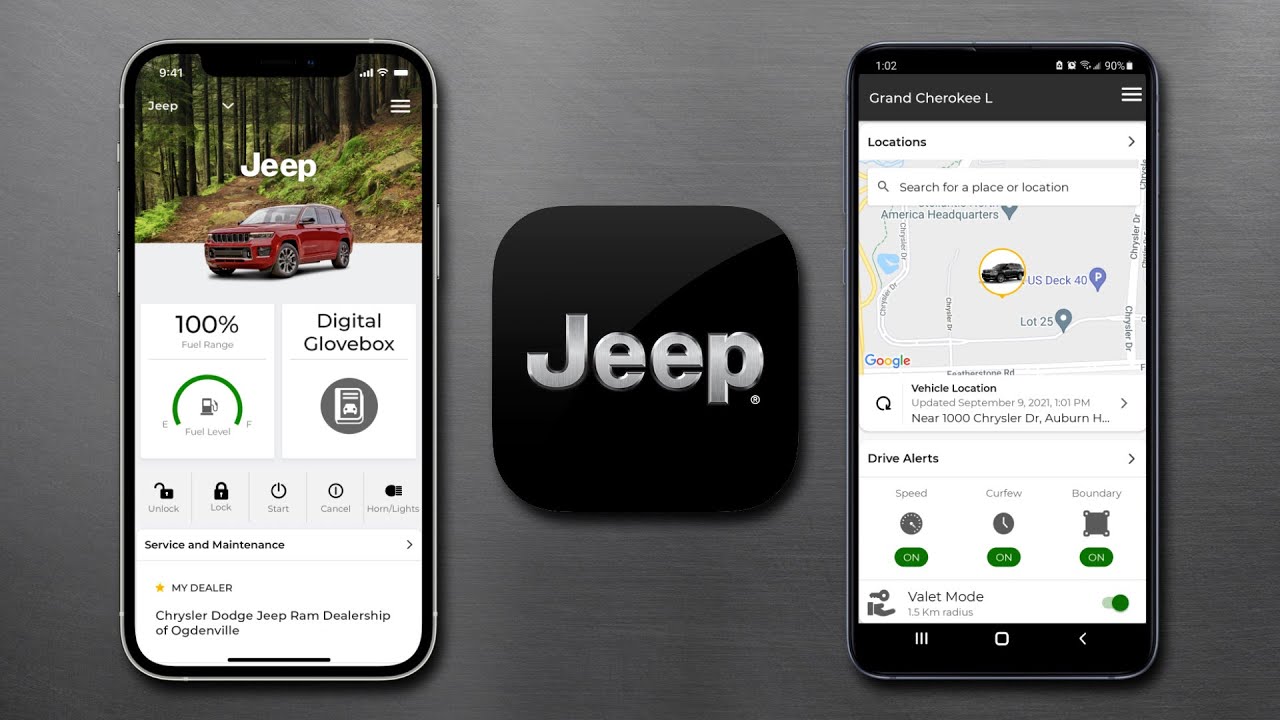
Uconnect is Jeep’s smart system for connecting your car to your phone and the internet. Most Jeep models from 2018 and newer support the Uconnect app, but some earlier models may also have it. The app gives you features like:
- Remote vehicle start and stop
- Lock and unlock doors
- Find your car on a map
- Check tire pressure, fuel level, and mileage
- Send directions from your phone to the car
If you live in a cold or hot area, being able to start your car and set the temperature before you get in is a big plus. Plus, the app adds extra security, as you can lock your Jeep from anywhere.
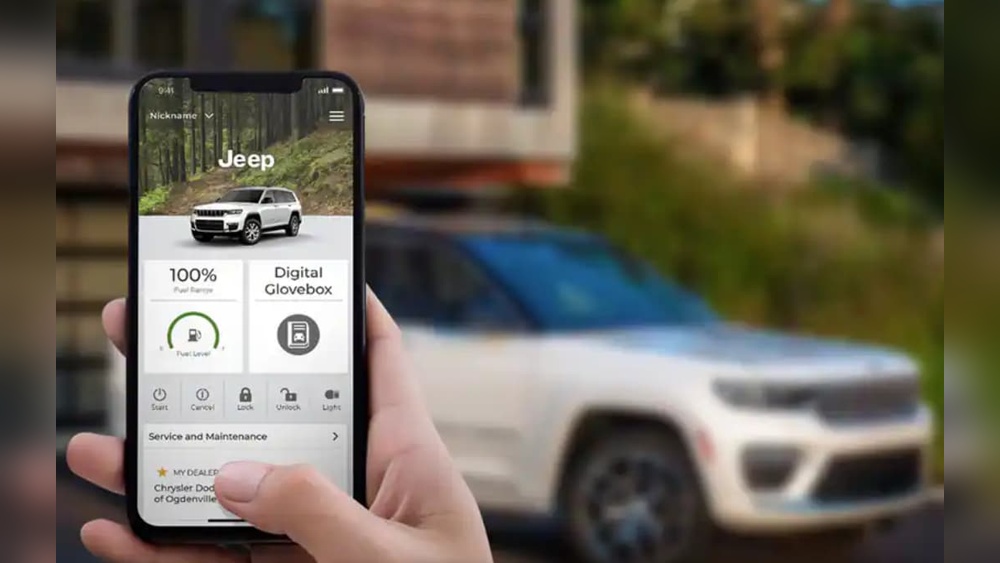
Step-by-step: How To Set Up Uconnect Jeep App
Setting up is easier than it seems if you follow the right order. Here’s how to get started:
1. Check Your Jeep’s Compatibility
Not all Jeeps have Uconnect Access or Uconnect Services. Before you start, check if your Jeep supports the app. Usually, if your car has a touchscreen with the Uconnect logo, you’re good to go. For exact details, check your owner’s manual or the Jeep website.
2. Create A Uconnect Account
- Download the Uconnect app from the Apple App Store or Google Play.
- Open the app and tap Sign Up.
- Enter your name, email, and create a password.
- You’ll get a confirmation email—click the link to verify your email.
3. Add Your Jeep To The App
- Log in to the Uconnect app.
- Tap Add Vehicle.
- Enter your Vehicle Identification Number (VIN). You can find the VIN on your dashboard, driver’s door, or insurance papers.
- The app may ask for extra details, like your Jeep’s model year.
4. Activate Your Jeep’s Uconnect Services
- Go to your Jeep and turn it on. Park outside for a better signal.
- On the car’s touchscreen, press Apps > Activate Services.
- Follow the prompts. Some Jeeps require you to press the Assist or SOS button to connect to Uconnect support.
- Wait for a message in the app or on your car screen saying “Activation Successful.” This can take a few minutes.
5. Set Up Remote Commands
After activation, the app will show buttons for Remote Start, Lock/Unlock, and more. You may need to set a 4-digit security PIN for remote actions. Choose something easy for you, but hard for others to guess.
6. Link Your Jeep With Amazon Alexa Or Google Assistant (optional)
You can connect your Uconnect account with smart home devices. This lets you start your Jeep by voice. To do this, go to the app settings and follow the instructions under Voice Assistant Integration.
Key Features Compared: Uconnect App Vs. In-car Uconnect
Understanding what you get in the app versus the in-car system helps you know which to use when.
| Feature | Uconnect App | In-Car Uconnect |
|---|---|---|
| Remote Start/Stop | Yes | No |
| Vehicle Health Reports | Yes | Yes |
| Navigation | Send address to car | Full navigation with voice |
| Lock/Unlock | Yes | No |
| Wi-Fi Hotspot | Manage subscription | Turn on/off hotspot |
Common Mistakes When Setting Up Uconnect
Many users run into small but important problems during setup. Here are the most common:
- VIN entry errors: Double-check every digit. A single mistake means the app won’t recognize your Jeep.
- Not waiting for activation: Activation can take up to 24 hours. If you try remote features before it’s ready, they won’t work.
- Weak signal: Your Jeep needs a strong cellular signal during activation. Try outside or in an open area.
- Skipped software updates: If your car’s Uconnect software is out of date, features may not work. Check the settings for updates.
One insight many miss: if your Jeep was bought used, the previous owner may not have removed their account. In this case, contact Jeep support to reset the system. This step is often skipped, causing app errors.
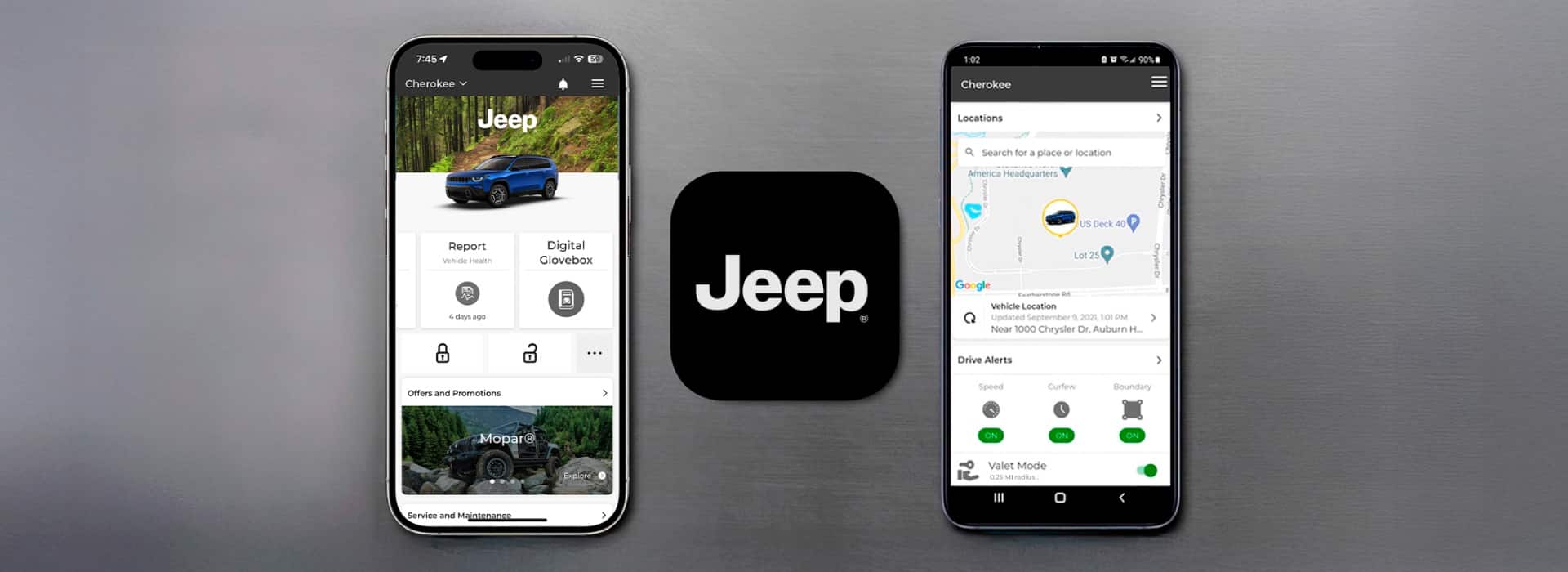
How Much Does Uconnect Cost?
Some Uconnect app features are free for a trial period (usually 12 months for new cars). After that, you need a subscription. Prices change by region and plan, but here’s a general idea:
| Plan | Monthly Cost | Main Features |
|---|---|---|
| Uconnect Access | $14.99 | Remote start, lock/unlock, send-to-car navigation |
| Wi-Fi Hotspot | $20 | Unlimited in-car internet |
| Vehicle Health Report | Free/Included | Basic maintenance info |
You can manage your subscription and payment inside the Uconnect app.
Security Tips For Using Uconnect
While the Uconnect app is designed with strong security, you still need to follow safe habits:
- Use a strong, unique password for your Uconnect account.
- Never share your security PIN with others.
- Always log out of the app if you sell your Jeep or change phones.
- Enable two-factor authentication if offered.
A hidden risk: If your phone gets stolen and is unlocked, someone could control your Jeep. Always use a phone lock screen.
Troubleshooting: When Uconnect App Doesn’t Work
If you run into issues:
- Restart your phone and the Jeep.
- Check for app and system updates.
- Make sure your phone’s Bluetooth and internet are on.
- Try logging out and logging back in.
- If you still have problems, contact Jeep Uconnect support or visit the official Jeep Uconnect Support.
Frequently Asked Questions
How Do I Find My Jeep’s Vin For The Uconnect App?
You can find the VIN on your dashboard (visible through the windshield), the driver’s side door frame, or your insurance card.
Can I Use The Uconnect App With More Than One Jeep?
Yes, you can add multiple Jeeps to one Uconnect account. Simply repeat the steps for each vehicle.
What If I Forgot My Uconnect Account Password?
Tap Forgot Password on the login screen of the app. Follow the instructions to reset your password by email.
Does Uconnect Work Outside The Us?
The app’s features may be limited outside the US, depending on network coverage and regional Jeep services.
Is My Data Safe With The Uconnect App?
Uconnect uses encryption and strong security, but you should also use a strong password and never share your account info.
Setting up the Uconnect Jeep app takes just a few steps, but doing it right gives you the full benefit of modern car technology. With these tips and some patience, you’ll have your Jeep connected, secure, and ready to go.