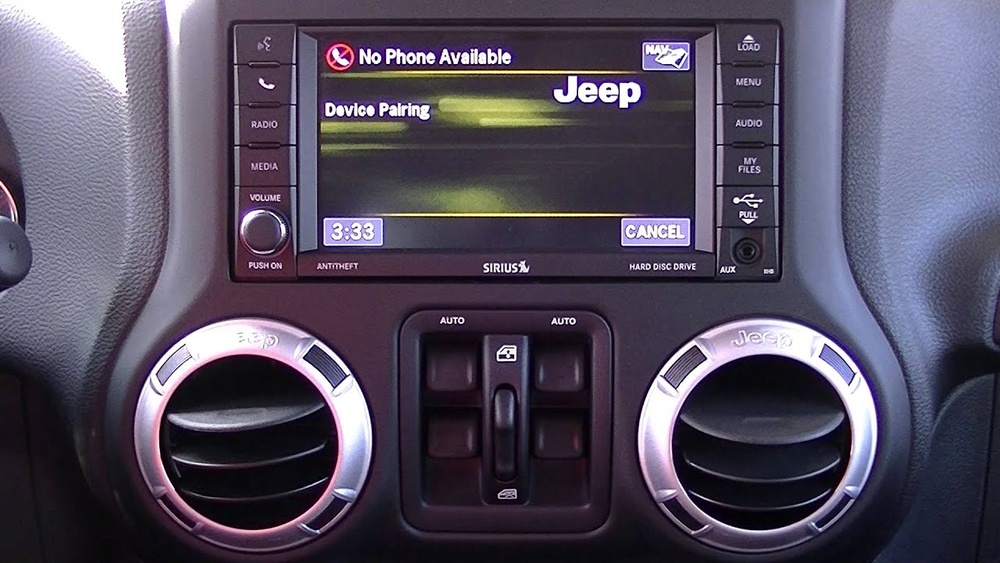
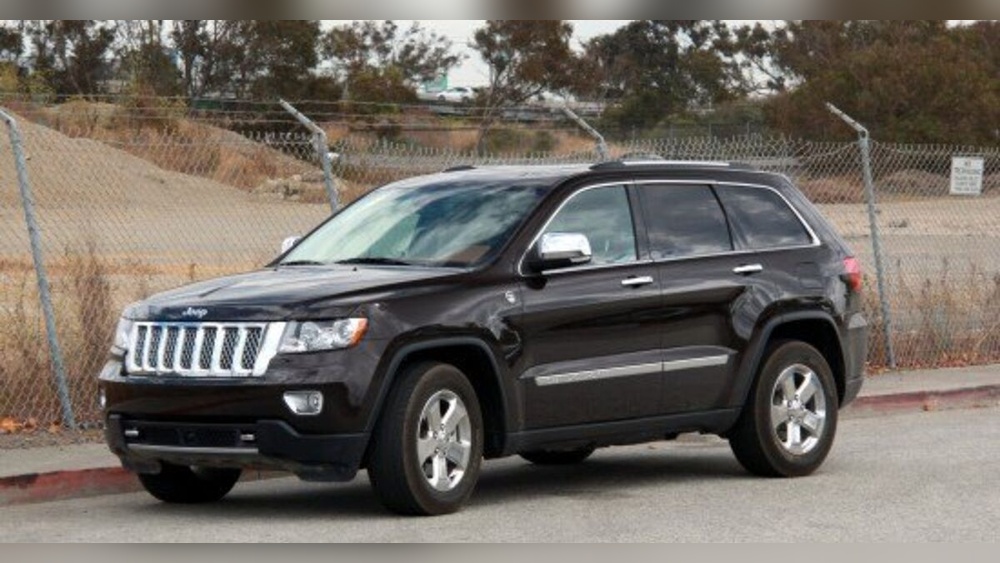
Getting navigation on your Jeep Cherokee can make every trip easier, whether you’re driving in the city or heading off-road. Many drivers want reliable, up-to-date maps and real-time directions. But not every Jeep Cherokee comes with navigation, and the options to add it can be confusing. This guide will help you understand all your choices, compare costs, and avoid common mistakes.
There are three main ways to get navigation in your Jeep Cherokee:
- Factory navigation system (built-in)
- Aftermarket navigation units
- Smartphone-based navigation apps
Each method has pros and cons. Your choice depends on your budget, your vehicle’s year, and how much you want to integrate navigation into your dashboard.
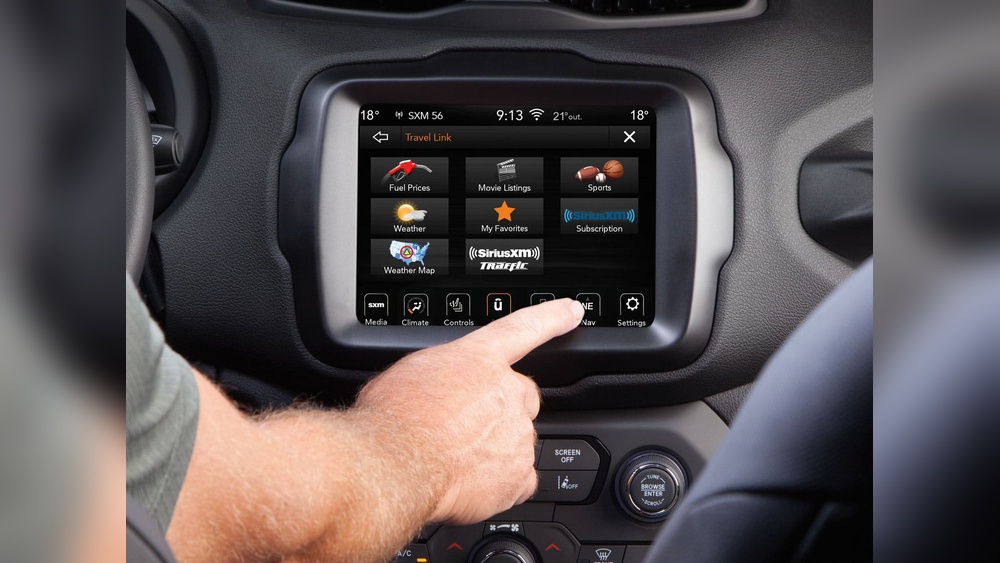
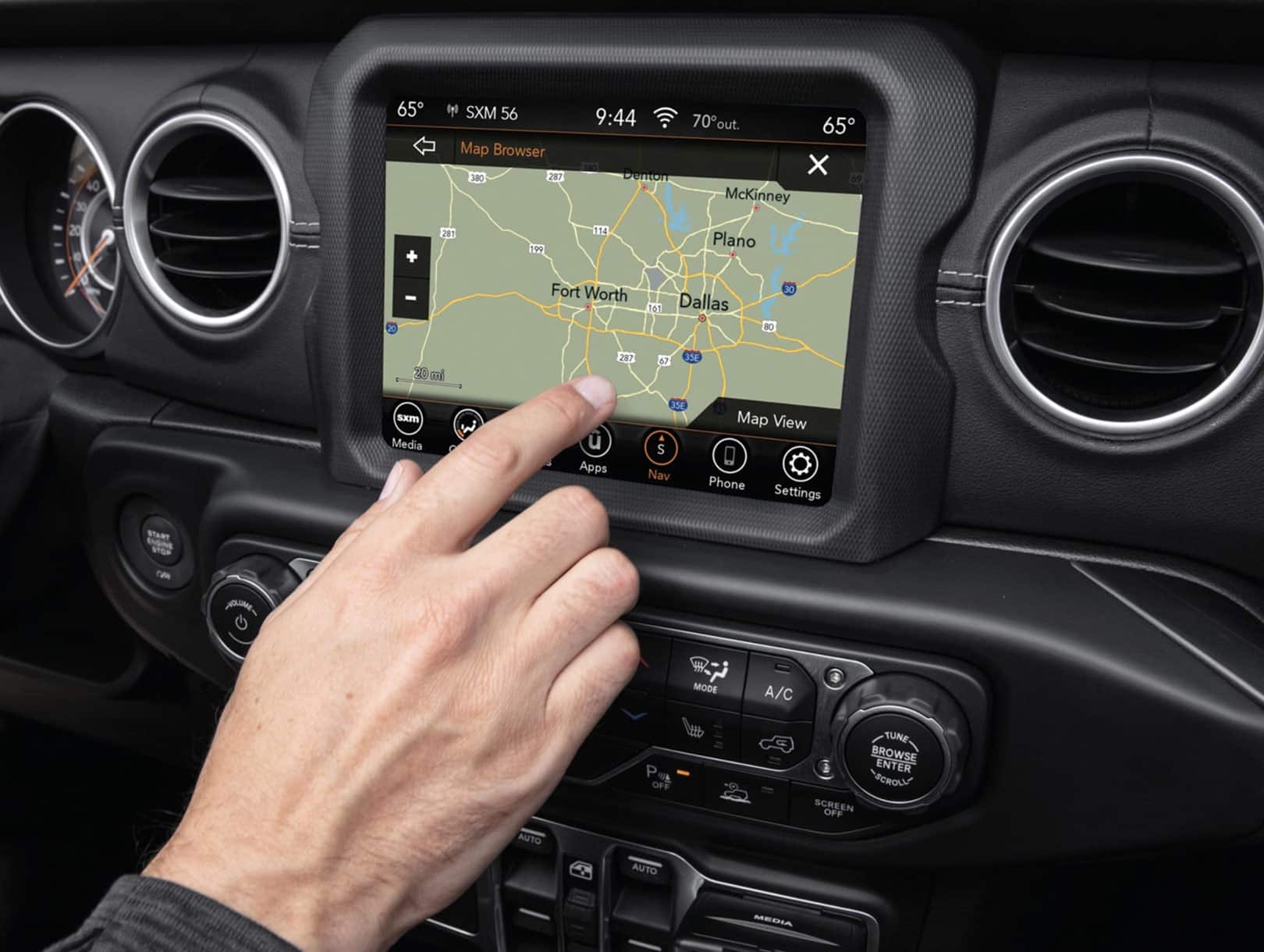
Many newer Jeep Cherokees offer a built-in navigation system, usually as part of the Uconnect infotainment package. If your Cherokee didn’t come with navigation, you might be able to upgrade.
How to add factory navigation:
- Contact your Jeep dealer. Ask if your model supports a software or hardware upgrade.
- For some 2014+ Cherokees, dealers can unlock navigation features for a fee. This is often a software update.
- If your Uconnect screen is too basic, you may need to replace it with a compatible unit.
Cost: Adding factory navigation can cost between $600–$1,500, including labor and parts.
Non-obvious insight: Sometimes, used factory navigation units are sold online. But buying a used unit means you’ll need a dealer to program it for your car’s VIN—a step many people miss.
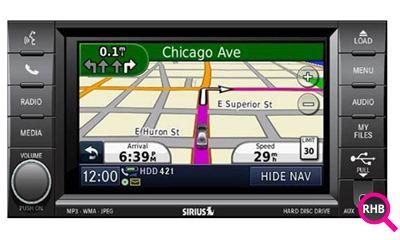
If your Cherokee doesn’t support factory upgrades, aftermarket head units are a popular choice. Brands like Pioneer, Kenwood, and Alpine make touchscreens with navigation that fit many Jeep models.
Key steps:
- Find a unit that fits your model year and dash design.
- Choose a unit with built-in GPS—not just “navigation ready.”
- Have it installed by a professional to avoid wiring mistakes.
Cost: Aftermarket navigation units range from $300–$1,200 (plus installation, $100–$400).
Practical tip: Choose a unit that supports backup cameras and steering wheel controls if you want a seamless experience.
If you want the lowest-cost option, use your smartphone with apps like Google Maps, Waze, or Apple Maps. Many Jeep Cherokees with Uconnect (2017 and newer) support Apple CarPlay and Android Auto. This lets you use phone navigation on your car’s screen.
How to set up:
- Connect your phone by USB or Bluetooth.
- Follow prompts on your Uconnect screen to enable CarPlay or Android Auto.
- Open your favorite navigation app.
Cost: Free (if your vehicle supports CarPlay/Android Auto).
Important detail: Some early Uconnect systems look similar but don’t support CarPlay/Android Auto. Check your model’s manual or Jeep’s website to confirm.
Here’s a quick comparison to help you decide which navigation method works best for you:
| Option | Cost | Integration | Updates | Ease of Use |
|---|---|---|---|---|
| Factory Navigation | High | Excellent | Dealer-only | Very easy |
| Aftermarket Unit | Medium | Good | Manual or SD card | Easy |
| Smartphone Navigation | Low | Good (if supported) | Automatic | Easy |
Non-obvious insight: Factory navigation may look the best, but updates are often slower and more expensive than smartphone apps.
The process depends on your chosen method. Here’s a guide for each:
- Check your Jeep’s year, trim, and current Uconnect system.
- Ask your local Jeep dealer if a software unlock or hardware upgrade is available.
- Get a quote for parts, labor, and programming.
- Schedule the upgrade if you agree to the cost.
- Measure your dash opening (usually “double-DIN” for most Cherokees).
- Research units that fit your budget and needs.
- Buy from a trusted retailer—look for warranty and return options.
- Have the unit professionally installed. Ask about backup camera integration and keeping steering wheel controls.
- Check if your Cherokee supports CarPlay/Android Auto.
- Update your phone and Uconnect software if needed.
- Connect your phone and test navigation.
- Buy a reliable phone mount if your car does not support CarPlay/Android Auto.
Common Mistakes To Avoid
- Assuming all Uconnect screens support navigation. Some are only for radio and climate control.
- Skipping professional installation for aftermarket units. DIY can lead to electrical issues or airbag warning lights.
- Not budgeting for map updates. Factory and aftermarket units may require paid map updates every 1–3 years.
- Buying the wrong part online. Jeep navigation units are VIN-locked and may not work without dealer programming.
- Ignoring smartphone compatibility. Always check your system before buying cables or accessories.
Cost Breakdown Example
For a 2018 Jeep Cherokee Latitude:
| Navigation Option | Upfront Cost | Ongoing Cost |
|---|---|---|
| Factory Upgrade | $1,100 | $150 (map update) |
| Aftermarket Unit | $600 | $0–$99 (map update) |
| Smartphone App | $0 | $0 |
Real-world Example
Maria bought a used 2017 Jeep Cherokee without navigation. The dealer wanted $1,200 for a factory upgrade. She chose a $450 Pioneer unit with built-in GPS, installed by a local shop for $150. Now, she enjoys navigation, music streaming, and a backup camera for less than half the dealer price.
- Update maps at least once a year if you use factory or aftermarket systems.
- Use voice commands while driving to avoid distractions.
- Download offline maps when traveling to rural or remote areas.
- Keep your Uconnect and phone software updated for the best compatibility.
For more details on Jeep Uconnect and software updates, check the official Jeep Uconnect page.
Frequently Asked Questions
Look for a “Navigation” or “Nav” button on your Uconnect screen. If you don’t see maps or can’t enter an address, you likely don’t have navigation installed.
You can install some aftermarket units at home if you’re comfortable with car electronics. However, professional installation is safer and avoids warranty issues.
Smartphone apps like Google Maps are usually more up-to-date and easier to use. However, built-in navigation works even without cell signal and looks cleaner in the dash.
Do I Need To Pay For Map Updates?
For factory and aftermarket units, yes—map updates are often a paid service. Smartphone apps update maps for free.
Factory upgrades done by a dealer will not affect your warranty. Aftermarket installations may affect your warranty if not installed correctly. Always check with your dealer first.
Getting navigation on your Jeep Cherokee is a smart move for safety and convenience. Choose the method that fits your budget and needs, and enjoy stress-free driving wherever you go.