Getting Apple CarPlay set up in your Jeep Renegade can make your drives safer and more enjoyable. CarPlay helps you use your iPhone’s apps through your car’s touchscreen, bringing navigation, music, and messages to your dashboard. If you’re new to Apple CarPlay or just bought a Jeep Renegade, setting it up might feel confusing. This guide will walk you through every step, highlight common mistakes, and share tips to get the most from your system.
What You Need Before Setup
Before you start, make sure you have these essentials:
- A Jeep Renegade (model year 2018 or newer) with a Uconnect system that supports CarPlay.
- An iPhone 5 or later, running iOS 7.1 or above.
- A genuine Apple Lightning cable (if your Jeep only supports wired CarPlay).
- The latest software updates installed on both your car and iPhone.
A quick way to check if your Renegade supports CarPlay is to look for the CarPlay icon on your Uconnect touchscreen. If it’s not there, consult your owner’s manual or speak to your dealer.
Step-by-step Setup Process
1. Prepare Your Iphone
- Unlock your iPhone.
- Make sure Siri is enabled (Settings > Siri & Search > Listen for “Hey Siri”).
- Turn on Bluetooth and Wi-Fi, even if you are connecting by cable.
2. Connect Your Iphone To The Jeep Renegade
Most Renegade models use a wired connection:
- Plug your Lightning cable into your iPhone and the USB port in the center console.
- The CarPlay icon should appear on your Uconnect screen.
Some 2021+ Renegade trims support wireless CarPlay. If you have this feature:
- Press the CarPlay or Projection icon on your Uconnect.
- On your iPhone, go to Settings > General > CarPlay > Available Cars and select your Jeep.
- Pair your phone using Bluetooth; follow prompts on both the car and your iPhone.
3. Allow Permissions
The first time you connect, your iPhone will ask you to allow CarPlay while your phone is locked. Tap “Allow” so you can use CarPlay any time your phone is connected.
4. Finish Setup On Uconnect
- Accept any prompts on your Jeep’s screen.
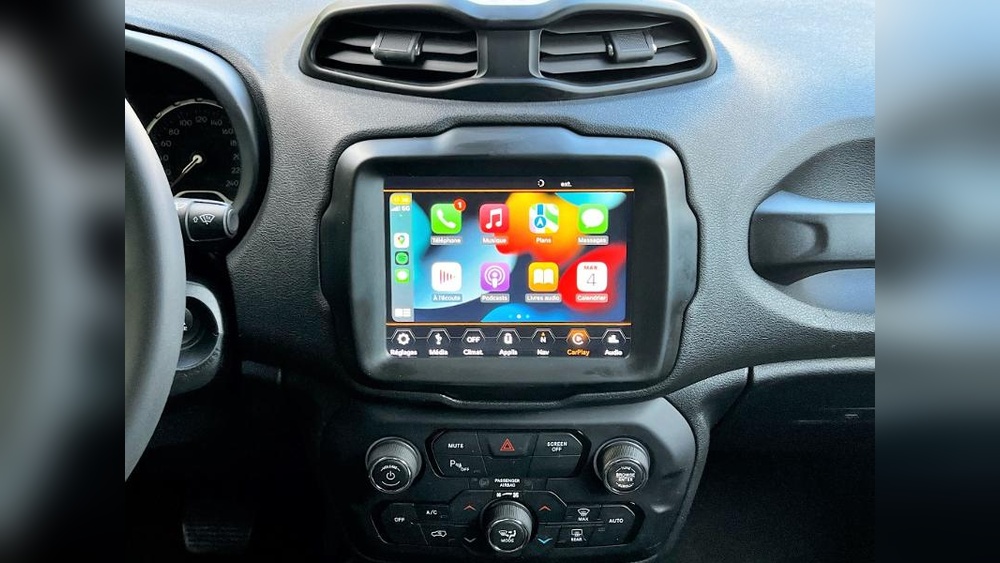
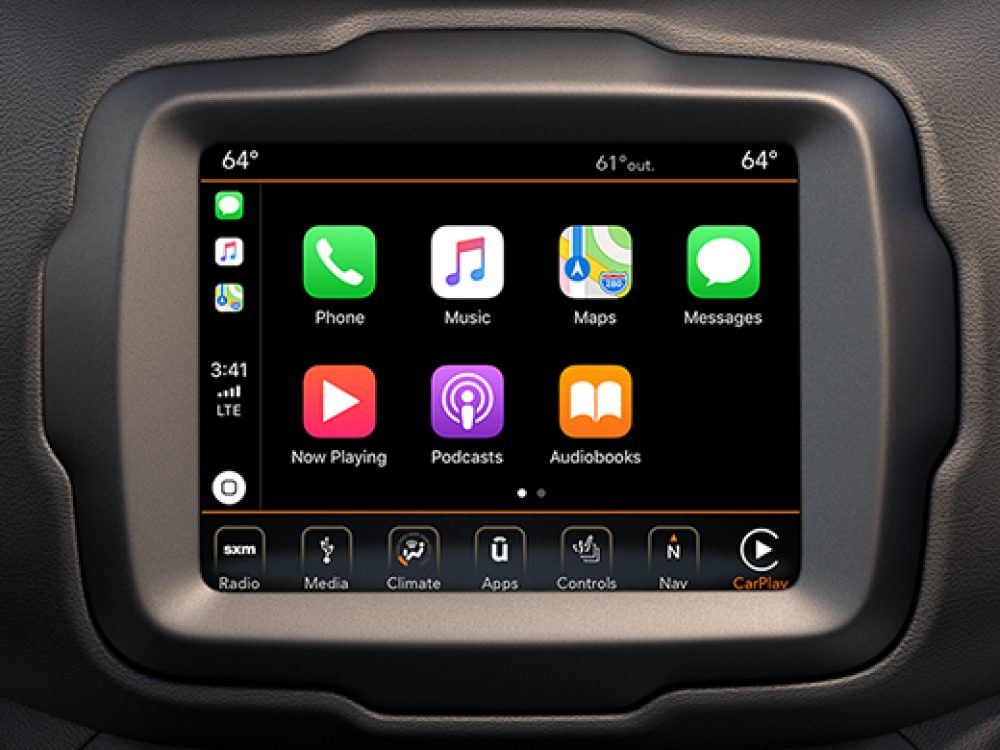
- CarPlay should load automatically, showing familiar app icons like Maps, Music, and Phone.
If CarPlay doesn’t appear, unplug your phone and try again, or restart both your phone and Uconnect system.
Features And Benefits Of Apple Carplay
Apple CarPlay offers several useful features:
- Hands-free calling and texting: Use Siri to make calls or send messages safely while driving.
- Navigation: Get directions with Apple Maps, Google Maps, or Waze.
- Music streaming: Access Apple Music, Spotify, and other apps.
- Third-party apps: Listen to podcasts, audiobooks, and more.
A big advantage is the simple interface. The system uses large buttons and voice control to help you keep your eyes on the road.
Comparison: Wired Vs Wireless Carplay In Jeep Renegade
Understanding the difference between wired and wireless CarPlay helps you pick the best setup for your needs.
| Feature | Wired CarPlay | Wireless CarPlay |
|---|---|---|
| Connection Type | Lightning cable | Bluetooth & Wi-Fi |
| Charging Phone | Yes (while connected) | No (unless using wireless charging pad) |
| Setup Ease | Very simple | Requires pairing steps |
| Availability | All 2018+ Renegades with CarPlay | Some 2021+ trims |
Troubleshooting Common Problems
Sometimes, CarPlay may not work as expected. Here are some frequent issues and solutions:
- CarPlay not showing up: Try a different Lightning cable. Some aftermarket cables may not work reliably.
- App icons missing: Go to Settings > General > CarPlay on your iPhone and rearrange or add apps.
- Audio issues: Check if your iPhone’s volume is up and your car’s audio source is set to CarPlay.
- Frequent disconnects: Update your iPhone and Uconnect system. Wireless CarPlay may be less stable than wired.
If problems continue, visit your Jeep dealer or see the official Apple CarPlay page for more help.
Customizing Carplay In Your Jeep Renegade
You can adjust how CarPlay looks and works:
- Rearrange app icons: On your iPhone, go to Settings > General > CarPlay, select your car, then drag and drop app icons.
- Turn off CarPlay for your Jeep: In the same menu, choose “Forget This Car” if you want to disable CarPlay.
- Change wallpaper: Starting with iOS 14, you can set a custom CarPlay background for a personal touch.
Many drivers don’t realize you can use Siri Shortcuts and suggested actions through CarPlay, making routine tasks even easier.
Why Carplay Might Not Work In Some Jeep Renegades
Not all Jeep Renegades come with CarPlay support. Here’s a quick overview:
| Model Year | CarPlay Availability | Screen Size |
|---|---|---|
| 2015-2017 | No CarPlay support | 5.0–7.0 inches |
| 2018-2020 | Wired CarPlay available | 7.0–8.4 inches |
| 2021+ | Wired & some wireless | 7.0–8.4 inches |
If you have an older Renegade, aftermarket head units can add CarPlay but require professional installation.
Pro Tips For A Better Carplay Experience
- Use a high-quality cable. Cheap cables often cause connection issues.
- Keep software updated. Always install the latest updates on your iPhone and Uconnect.
- Manage notifications. Limit alerts while driving by customizing notification settings for each app.
- Learn Siri commands. You can say, “Hey Siri, play my driving playlist,” or “Navigate to the nearest gas station.”
- Download apps in advance. Apps must be installed on your iPhone before appearing in CarPlay.
Many users forget to set up Do Not Disturb While Driving, which helps block distractions and boosts safety.

Frequently Asked Questions
Can I Add Apple Carplay To My Older Jeep Renegade?
No, models before 2018 don’t support CarPlay from the factory. You can install an aftermarket head unit, but it requires extra cost and professional help.
Does Carplay Use My Phone Data?
Yes, CarPlay uses your iPhone’s data for navigation, streaming, and Siri. It does not add extra costs beyond your current data plan.
Can I Use Google Maps With Carplay?
Yes, you can use Google Maps and Waze alongside Apple Maps. Download the app on your iPhone, and it will show up in CarPlay.
Is Wireless Carplay Better Than Wired?
Wireless CarPlay is more convenient but may have slight connection delays. Wired CarPlay is more stable and charges your phone at the same time.
Why Won’t My Carplay Connect Automatically?
Automatic connection can fail if the cable is loose, the phone’s Bluetooth is off, or there are software bugs. Reboot both devices and check connections to fix most issues.
Getting Apple CarPlay set up in your Jeep Renegade is simple if you follow the right steps and use quality equipment. A little preparation before starting makes the whole process smoother. Once connected, you’ll enjoy safer drives, smarter navigation, and easy access to your favorite apps. With these tips and troubleshooting advice, you’re ready to make the most of your Jeep’s infotainment system every time you hit the road.



