Connecting your phone to your Jeep’s Uconnect system can make your drive easier and safer. Uconnect lets you use your phone hands-free, play music, access navigation, and even use some apps right from your vehicle’s touchscreen. But for many drivers, the first connection can feel confusing.
This guide explains step-by-step how to connect your phone, what to do if you have issues, and how to get the most from Uconnect.
What Is Jeep Uconnect?
Jeep Uconnect is the infotainment system available in most modern Jeep vehicles. It combines navigation, entertainment, communication, and climate control into one interface. Uconnect supports Bluetooth, Apple CarPlay, and Android Auto, letting you pair your smartphone quickly.
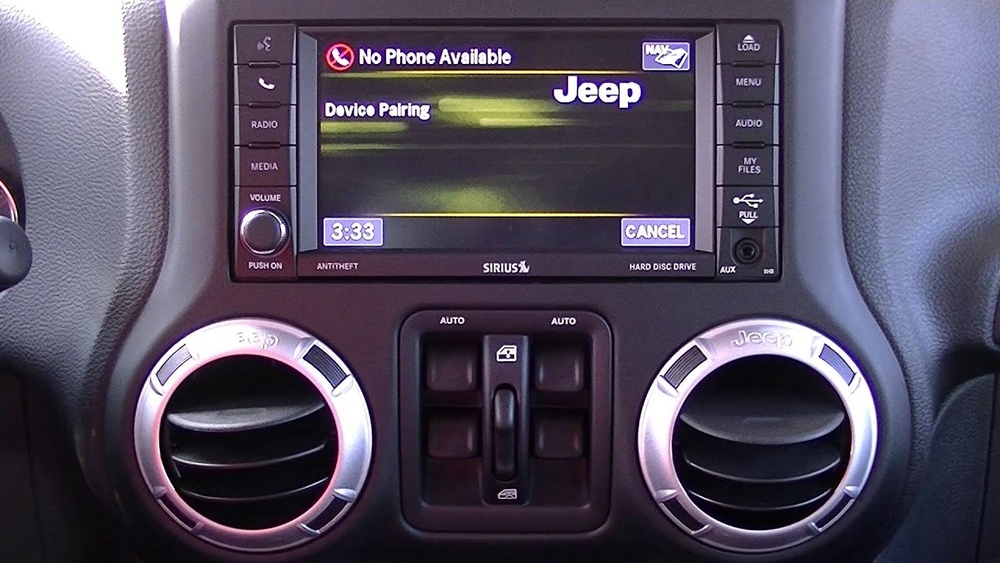
There are different versions of Uconnect depending on your Jeep’s model year and trim. Most recent Jeeps (2017+) have Uconnect 4 or higher, which offers the best phone compatibility.
Preparing Your Phone And Jeep
Before you connect, a little preparation helps avoid common problems.
- Check compatibility: Uconnect works with most smartphones, but for Apple CarPlay or Android Auto, you’ll need iPhone 5 or newer (iOS 7.1+) or Android 5.0+.
- Update software: Make sure your phone’s operating system and your Jeep’s Uconnect software are up-to-date.
- Enable Bluetooth: On your phone, turn on Bluetooth and set it to “discoverable.”
- Park safely: For safety, connect your phone while parked. Some Uconnect features lock when the car is moving.
How To Connect Your Phone To Jeep Uconnect
Pairing your phone is quick if you follow these steps:
- On your Jeep’s touchscreen, press the “Phone” button. If no phone is paired, the system will prompt you to add one.
- Select “Add Device” or “Pair New Device.”
- On your phone, open Bluetooth settings and look for your Jeep’s Uconnect system in the list of available devices.
- Tap on “Uconnect.” Your phone and Uconnect screen will show a PIN code. Make sure the codes match, then select “Pair” on both devices.
- If asked, allow Uconnect to access your contacts and messages. This enables hands-free calling and text features.
It can take a few seconds for the connection to finish. Once paired, your phone should connect automatically every time you start your Jeep.
Example: Pairing An Iphone
- On the iPhone, go to Settings > Bluetooth.
- Make sure Bluetooth is “On.”
- Select “Uconnect” from the devices list.
- Confirm the PIN on both screens.
Example: Pairing An Android Phone
- Open Settings > Connections > Bluetooth.
- Switch Bluetooth “On.”
- Find and select “Uconnect.”
- Confirm the pairing code.
Using Apple Carplay And Android Auto
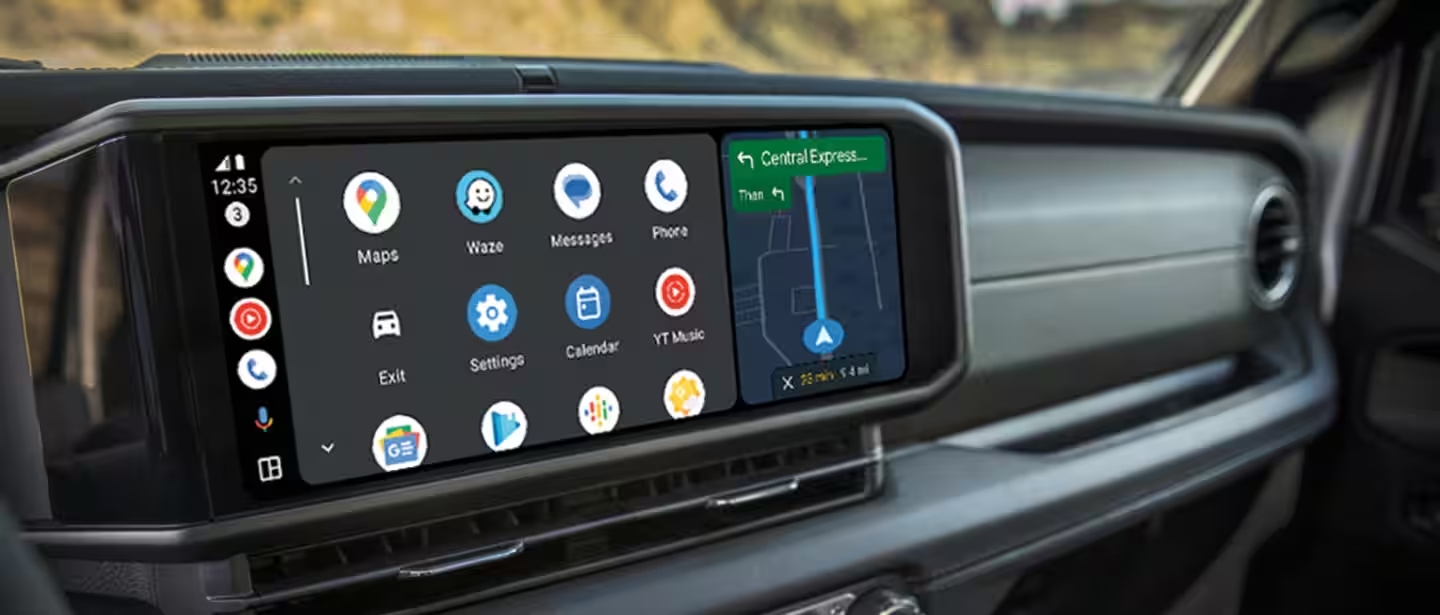
Uconnect supports Apple CarPlay and Android Auto for more features. This lets you use maps, music, and some apps safely while driving.
- For Apple CarPlay, connect your iPhone with a USB cable to the Uconnect port. Some newer models support wireless CarPlay.
- For Android Auto, use a USB cable (most Jeeps require wired connection).
You’ll see the CarPlay or Android Auto icon on your Uconnect screen. Tap to open and access your apps.
| Feature | Apple CarPlay | Android Auto |
|---|---|---|
| Maps & Navigation | Apple Maps, Google Maps, Waze | Google Maps, Waze |
| Voice Assistant | Siri | Google Assistant |
| Music Apps | Apple Music, Spotify, Podcasts | Spotify, YouTube Music, Audible |
| Connection Type | USB or Wireless | USB (mostly) |
Troubleshooting Common Connection Issues
Sometimes, things don’t work as expected. Here are quick solutions for common problems:
- Phone won’t pair: Restart both your phone and Jeep. Delete old devices from Uconnect and try again.
- Can’t hear calls or music: Make sure volume is up on both devices. Check if phone audio is set to play through Uconnect.
- Apple CarPlay/Android Auto not working: Use the original USB cable. Some cheap cables only charge and don’t transfer data.
You can also reset Uconnect by holding the volume and tuner buttons for about 10 seconds on most models.
Removing And Reconnecting A Phone
If you need to remove your phone or connect a new one, follow these steps:
- On the Uconnect screen, go to Settings > Phone/Bluetooth > Paired Devices.
- Select your phone and choose “Delete” or “Remove.”
- Repeat the pairing process for any new device.
Only a limited number of phones can pair with Uconnect (usually up to 10). If you hit the limit, delete old devices.
Useful Tips For A Better Uconnect Experience
- Save your favorite contacts for quick calls.
- Update your Uconnect system regularly—new updates fix bugs and improve compatibility.
- If you use multiple phones, set your main phone as “Favorite” for automatic connection.
- For better voice recognition, speak clearly and avoid background noise.
Here’s a quick comparison of connection types:
| Connection | Features | Best For |
|---|---|---|
| Bluetooth Only | Calls, Texts, Basic Audio | Hands-free calling |
| Apple CarPlay/Android Auto | Navigation, Music, Apps | App integration |
Safety And Privacy When Using Uconnect
Always connect your phone while parked. Sharing contacts and texts makes driving easier, but protect your privacy by deleting your phone from Uconnect before selling or trading your Jeep. You can do a factory reset in Uconnect settings to erase all data.
Also, be careful when connecting rental or borrowed Jeeps—your contacts and call history may be saved unless you remove them.
Frequently Asked Questions
How Many Phones Can I Pair With Jeep Uconnect?
Most Uconnect systems allow up to 10 phones to be paired. Only one can be connected for calls and media at a time.
Can I Connect My Phone Without Usb?
Yes, for basic features like calls and music, Bluetooth is enough. But for Apple CarPlay or Android Auto, a USB cable is often required.
Why Won’t My Phone Connect To Uconnect?
Common reasons are outdated software, wrong Bluetooth settings, or too many devices already paired. Restarting both phone and Uconnect fixes most issues.
Is Uconnect Free To Use?
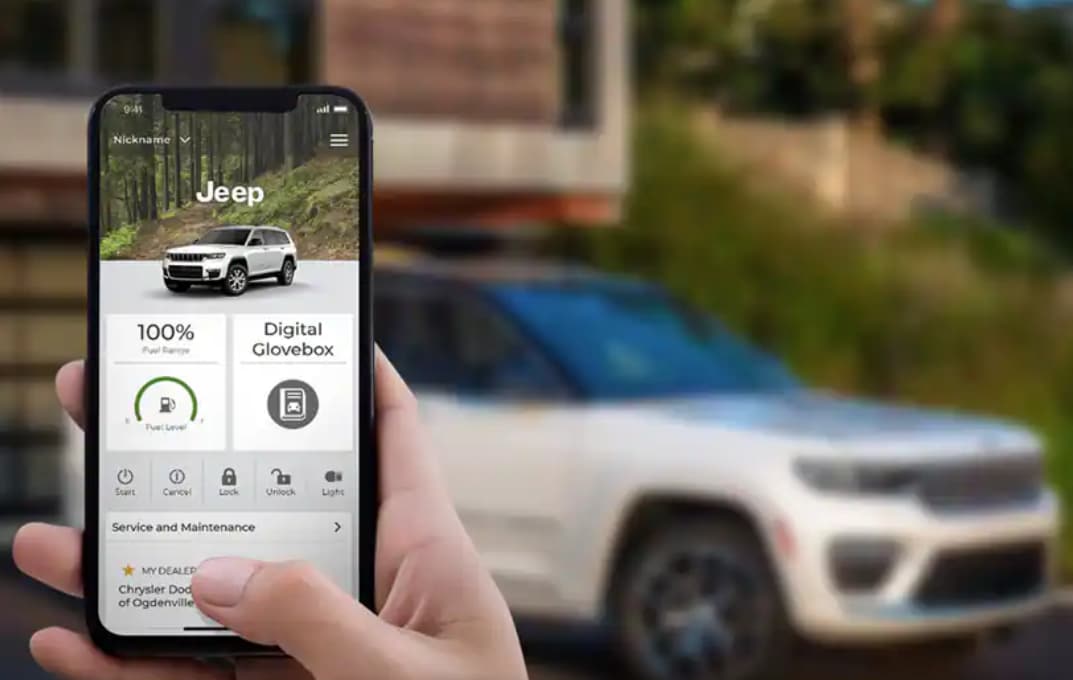
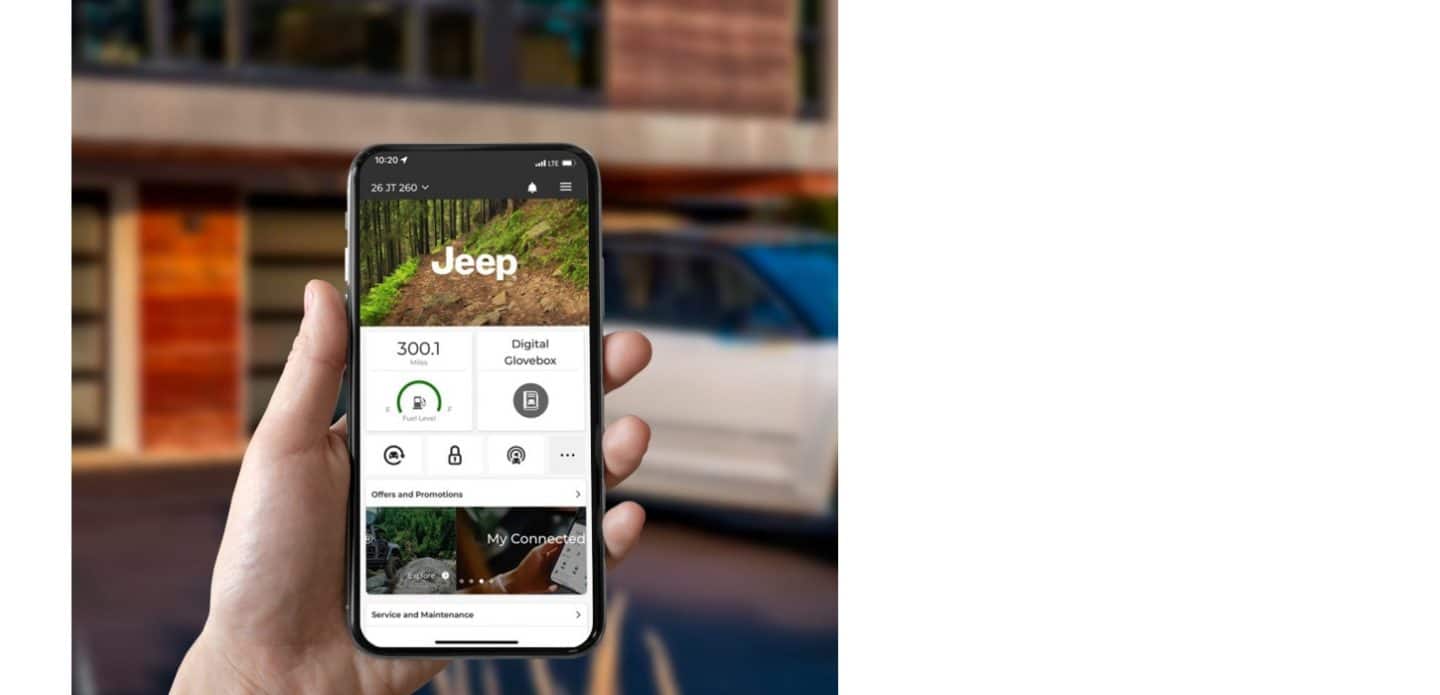
Basic Uconnect features (Bluetooth, CarPlay, Android Auto) are free. Some services like Uconnect Access or remote start may need a subscription. Check with the official Jeep Uconnect page for details.
How Do I Update Uconnect Software?
You can update some Uconnect versions yourself by downloading the update to a USB drive and installing it in your Jeep. For others, the dealer must do it. Check your model’s guide for instructions.
Connecting your phone to Jeep Uconnect makes every drive smoother and safer. With the right steps, you’ll enjoy hands-free calls, music, and navigation in no time. If you ever have issues, a quick restart or checking for updates usually solves the problem.
With these tips, you’re ready to get the most from your Jeep’s Uconnect system.



