Activating a backup camera on your Jeep can change your driving experience. You’ll see behind your vehicle, avoid obstacles, and park with confidence. Many Jeep models today come with factory-installed backup cameras, but others require manual setup or aftermarket installation. Whether you have a new Jeep or an older model, this guide will help you activate your camera step by step. Let’s make reversing safer and easier.
Understanding Backup Camera Systems In Jeeps
Backup cameras help drivers view the area behind their vehicles. Most Jeep Wranglers, Cherokees, and Grand Cherokees since 2018 include backup cameras as standard. Older models may not have them, but you can add an aftermarket camera kit.
A typical Jeep backup camera system includes:
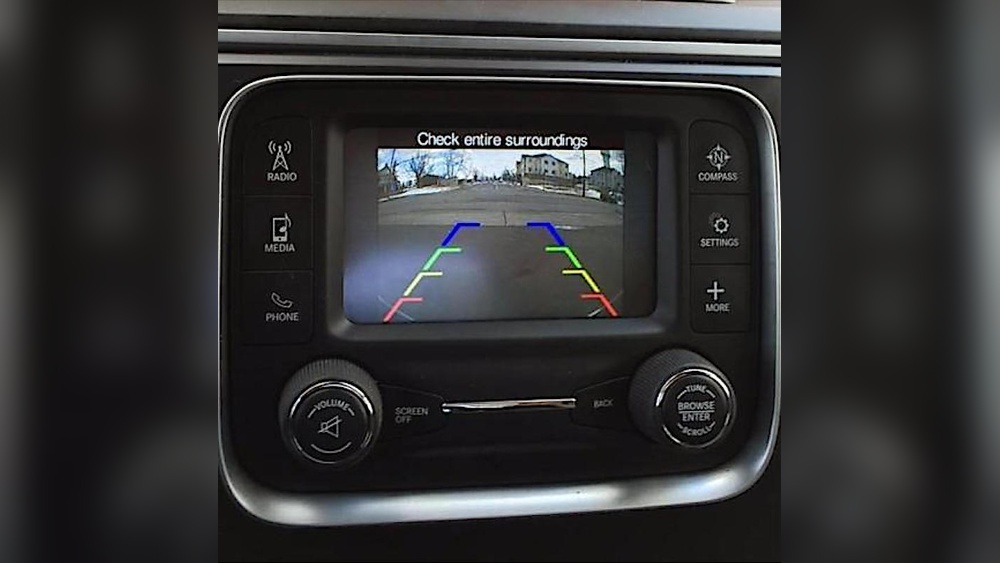
- Camera unit (mounted near the rear license plate or spare tire)
- Display screen (usually part of the infotainment system)
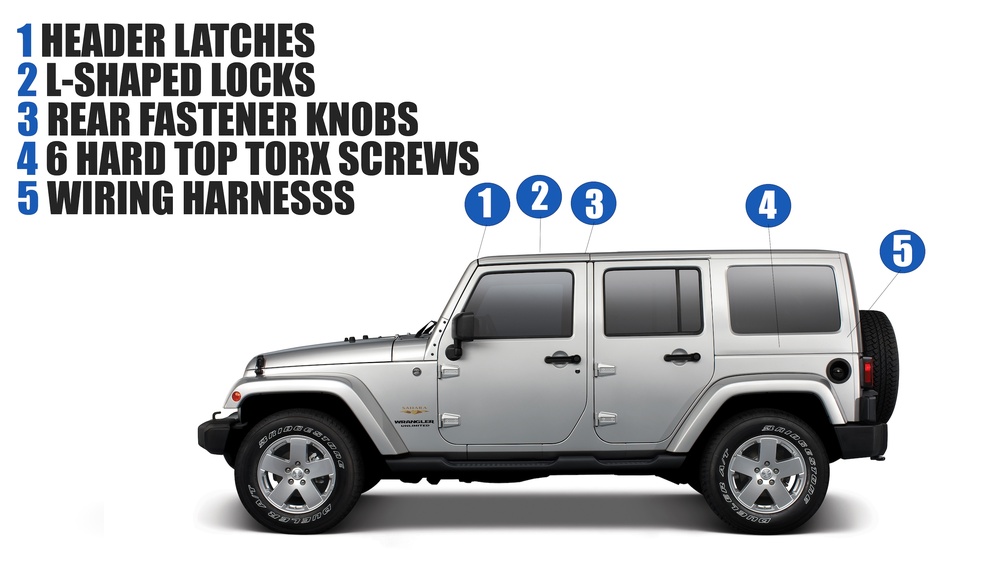
- Wiring harness connecting the camera to the screen
Factory-installed cameras are ready to use, but sometimes need activation in the settings. Aftermarket kits require installation and configuration.
Steps To Activate Backup Camera On Jeep
1. Check Camera Installation
First, make sure your Jeep has a backup camera installed. If your model is newer (2018 or later), look for the camera lens near the license plate or spare tire. For aftermarket setups, confirm the camera is securely attached and wired.
2. Power On The Jeep
Turn the ignition to the ON position or start the engine. Most backup cameras only work when the vehicle is powered.
3. Shift To Reverse Gear
Backup cameras activate automatically when you shift into reverse. The display screen should show the rear view. If nothing appears, check your screen settings or wiring.
4. Access Display Settings
If the camera doesn’t activate, check the infotainment system:
- Touch the Settings icon on your display.
- Look for Safety & Driving Assistance or a similar menu.
- Find the Rear View Camera option.
- Make sure it’s enabled.
Some models may need you to update the software for the camera to work. Refer to your Jeep’s manual for exact instructions.
5. Troubleshoot Common Issues
If your camera isn’t working:
- Check fuse: A blown fuse can stop power to the camera.
- Inspect wiring: Loose cables or connectors cause display failure.
- Update software: Older infotainment systems may need a software update.
- Clean the lens: Dirt or water on the lens can block the view.
Many Jeep owners overlook the fuse check step. If your camera suddenly stops working, this is often the cause.
Factory Vs Aftermarket Backup Cameras
Not all Jeeps come with backup cameras. Let’s compare key features:
| Feature | Factory Camera | Aftermarket Camera |
|---|---|---|
| Installation | Pre-installed | Requires manual setup |
| Display | Integrated screen | May need separate screen |
| Warranty | Covered by Jeep | Depends on brand |
| Activation | Automatic in reverse | May need manual activation |
If you’re installing an aftermarket camera, choose a kit that matches your Jeep’s model and year. Some kits require drilling holes, while others use existing mounts.
Steps For Aftermarket Camera Activation
For aftermarket cameras, follow these extra steps:
- Mount the camera: Attach it near the license plate or spare tire.
- Connect wiring: Link the camera to the display screen, often through the reverse light circuit.
- Test the system: Shift to reverse and check the display.
- Adjust settings: Use the screen menu to fine-tune brightness and guidelines.
Many beginners forget to connect the camera to the reverse light circuit. This connection is essential for automatic activation.

Useful Data: Backup Camera Benefits
Backup cameras reduce accidents. According to the National Highway Traffic Safety Administration, vehicles with backup cameras see a 17% drop in backing accidents. For Jeep drivers, this means safer parking and fewer blind spots.
Here’s a quick comparison of accident rates:
| Vehicle Type | With Backup Camera | Without Backup Camera |
|---|---|---|
| Jeep SUV | 2.1% | 4.8% |
| Pickup Truck | 2.6% | 5.2% |
These numbers show the importance of activating your camera.
Practical Tips For Using Your Backup Camera
- Check surroundings: Always look around before reversing. Cameras don’t show everything.
- Clean the lens: Wipe the camera regularly, especially after rain or mud.
- Watch the guidelines: Use the colored lines on the screen to judge distance.
- Don’t rely only on the camera: Use mirrors and turn your head as well.
Many Jeep drivers forget that camera lenses can get dirty quickly, especially on off-road vehicles.

Common Mistakes When Activating Backup Camera
- Skipping fuse check: If your camera isn’t working, check the fuse before replacing parts.
- Ignoring software updates: Outdated software can block camera activation.
- Wrong wiring: For aftermarket kits, connect to the correct reverse circuit.
- Overlooking display settings: Some models require manual activation in the menu.
Avoiding these mistakes can save time and money.
When To Seek Professional Help
If your camera still won’t activate after these steps, visit a Jeep dealership or a trusted auto electrician. Complex wiring or software issues can be tricky, and professionals have the right tools.

Frequently Asked Questions
How Do I Know If My Jeep Has A Factory Backup Camera?
Check for a small camera lens above your rear license plate or on the spare tire. Most Jeeps from 2018 onwards have a factory camera.
Can I Install A Backup Camera On Older Jeeps?
Yes, you can use aftermarket kits. Make sure the kit is compatible with your Jeep’s model and year.
Why Isn’t My Backup Camera Activating When I Shift To Reverse?
Possible reasons include a blown fuse, loose wiring, or disabled settings. Check your display menu and wiring connections.
Is A Backup Camera Required By Law?
Since 2018, US law requires backup cameras on new vehicles, including Jeeps. Older models aren’t required to have them but can be upgraded.
Where Can I Find Official Jeep Backup Camera Instructions?
Visit the official Jeep website or your owner’s manual. You can also check NHTSA’s Back-Over Prevention page for safety information.
Activating your Jeep’s backup camera is simple but requires careful steps. With the right setup, you’ll enjoy safer reversing and easier parking. Remember to check your settings and wiring, and don’t hesitate to ask for help if needed. Every Jeep driver deserves peace of mind when backing up.