The Jeep Compass is a popular SUV known for its comfort and technology. But many drivers struggle with simple tasks like setting the correct time on the dashboard. This is more than just a convenience—having the right time helps you stay on schedule and makes features like reminders and navigation more useful. If you’re unsure how to change the time on your Jeep Compass, this guide walks you through the process step by step. You’ll also learn about common mistakes, extra tips, and how the procedure differs across models.
Understanding Your Jeep Compass Dashboard
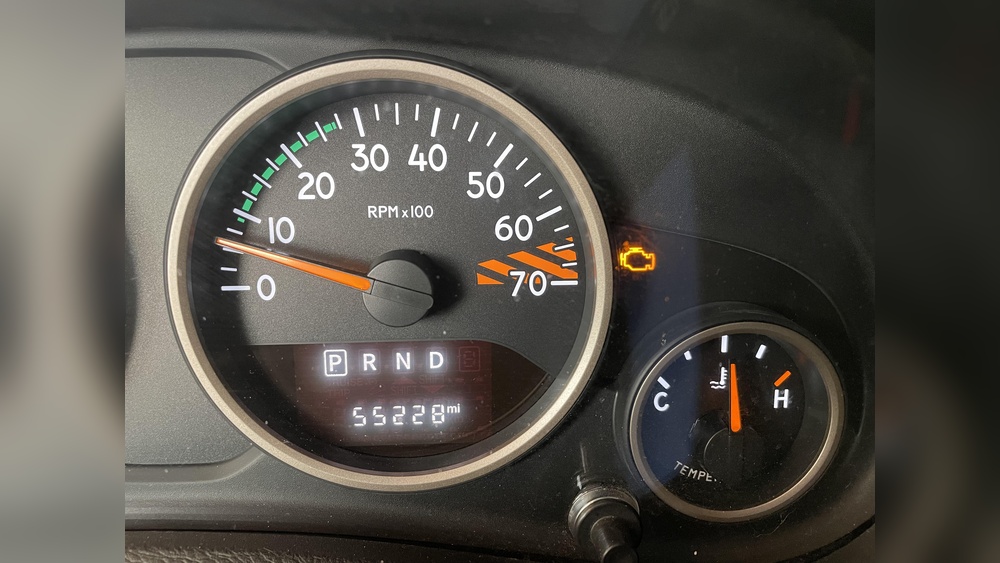
Before you change the time, it’s important to know which dashboard system your Jeep Compass uses. Most models from 2017 onwards feature the Uconnect infotainment system, which combines the radio, navigation, and vehicle settings. Older models may have simpler digital displays with basic buttons.
Here’s a quick comparison:
| Model Year | Infotainment System | Time Adjustment Method |
|---|---|---|
| 2017-2024 | Uconnect Touchscreen | Touchscreen Settings |
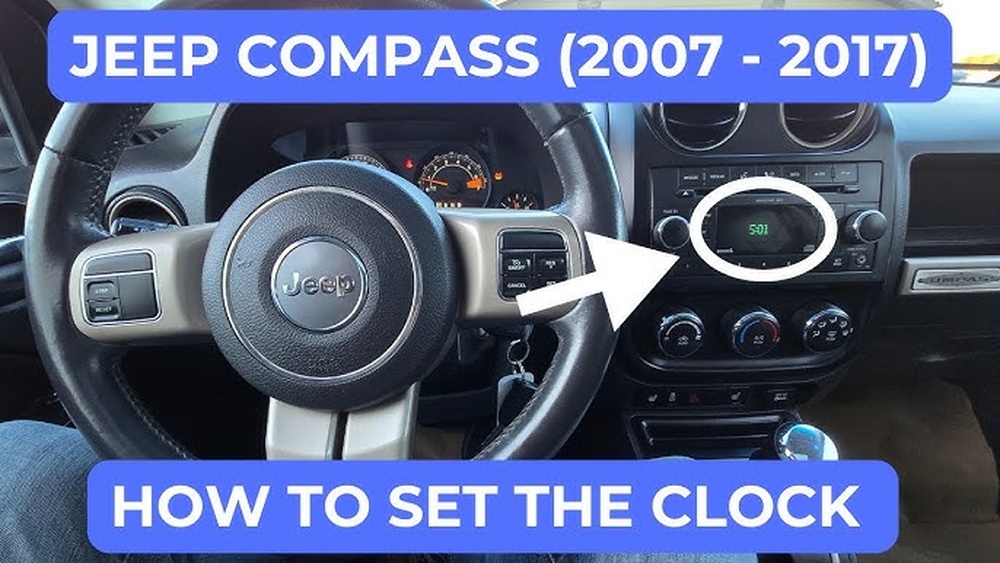
| 2011-2016 | Basic Digital Display | Physical Buttons |
Knowing your system makes the process easier and prevents mistakes.
Step-by-step: Changing Time On Jeep Compass
For Models With Uconnect Touchscreen (2017+)
- Turn on the ignition. The dashboard and touchscreen should light up.
- Press the ‘Settings’ icon on the touchscreen. It’s usually a gear symbol.
- Select ‘Clock & Date’ from the menu.
- Tap ‘Set Time’. If you see both time and date, choose ‘Set Time’ specifically.
- Adjust the hours and minutes using the onscreen arrows or plus/minus buttons.
- Confirm your changes by pressing ‘Save’ or ‘OK’.
- Check the main display to make sure the new time is shown.
- Turn the key so the dashboard display is active.
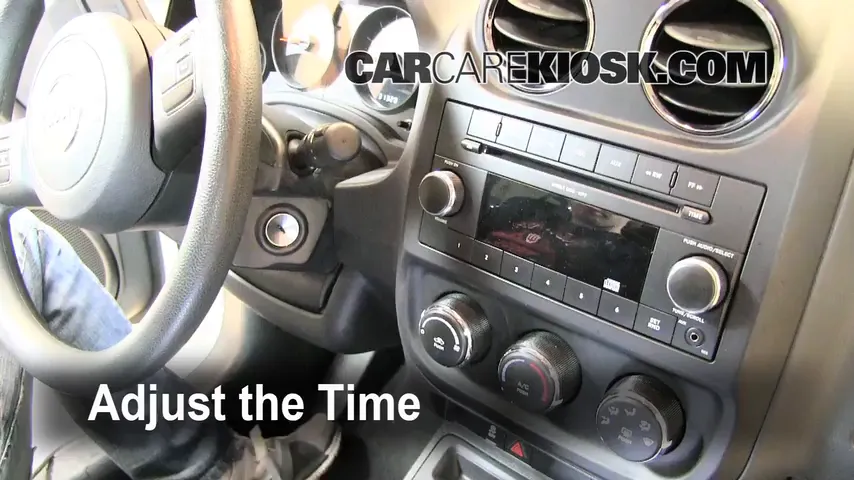
- Locate the clock adjustment buttons. Usually labeled as ‘Clock’, ‘Set’, ‘H’ (Hour), and ‘M’ (Minute).
- Press and hold the ‘Clock’ or ‘Set’ button until the numbers start blinking.
- Press ‘H’ to change the hour, and ‘M’ for the minutes. Each press moves the time forward.
- Hold the ‘Clock’ or ‘Set’ button again to confirm.
Automatic Time Sync Feature
Some newer Jeep Compass models have a feature that syncs the time automatically using the GPS or your smartphone. If your vehicle supports this:
- Go to ‘Settings’
- Select ‘Clock & Date’
- Enable ‘Automatic Time’ or ‘Sync with GPS’
This feature is very useful if you travel across time zones or use navigation often.

Common Mistakes To Avoid
Changing the time might seem simple, but many drivers make mistakes that lead to confusion:
- Not confirming changes: Always press ‘Save’ or ‘OK’ after adjusting.
- Ignoring AM/PM: Make sure you set the correct half of the day if your system uses a 12-hour format.
- Skipping automatic sync: If your Jeep supports automatic sync, use it to avoid manual errors.
Another overlooked issue is daylight saving time. Some systems do not adjust automatically, so remember to change the time twice a year.
Extra Tips For Accurate Time Setting
- Synchronize with your phone: Check your smartphone’s time before setting the dashboard clock. This helps prevent small errors.
- Update your software: Sometimes, older Uconnect versions have bugs. Make sure your Jeep’s software is updated. Visit your dealer or download updates from the official Jeep website.
- Check for hidden menus: Some models have extra settings for date, time format (12/24 hour), or time zone. Explore the menu for these options.
Here’s a comparison of manual versus automatic time setting:
| Setting Type | Accuracy | Convenience | Common Errors |
|---|---|---|---|
| Manual | Depends on user | Low | Wrong AM/PM, missed DST |
| Automatic | High | High | Software bugs |

How Time Setting Affects Other Features
The correct time is not just about punctuality. It affects:
- Navigation accuracy: Route arrival times depend on the dashboard clock.
- Scheduled maintenance reminders: These may be set by date and time.
- Bluetooth and app sync: Some apps require matching time to work properly.
For example, if your Jeep Compass clock is wrong, your navigation may show incorrect arrival times, and reminders for service could appear at the wrong moment.
When To Seek Help
If you follow the steps and the time still doesn’t change, there might be a deeper issue:
- Touchscreen is frozen or unresponsive
- Buttons don’t work
- Time keeps resetting
In these cases, try restarting the car or updating the software. If problems persist, visit a Jeep service center. A technician can check for wiring issues or faulty hardware.
Frequently Asked Questions
How Often Should I Check The Time On My Jeep Compass?
Check your dashboard clock every few months, especially after software updates or daylight saving time changes. If you travel across time zones, check it more often.
Can I Set The Time While Driving?
It’s not recommended. Setting the time requires focus and may distract you. Always adjust the time when the vehicle is parked.
What Should I Do If The Time Resets Every Time I Start My Jeep?
This could mean a battery issue or faulty dashboard memory. Visit a Jeep dealer for a check-up.
Is There A Way To Change The Time Format (12/24 Hour)?
Yes. In most Uconnect systems, go to ‘Clock & Date’ settings and look for ‘Time Format’. Choose between 12-hour and 24-hour displays.
Where Can I Find Official Instructions For My Specific Jeep Compass Model?
Check your owner’s manual or the official Jeep website. For detailed guides, you can also visit Jeep Owners.
Setting the correct time on your Jeep Compass is quick and easy once you know the right steps. Whether your vehicle uses a touchscreen or physical buttons, following this guide will help you avoid common mistakes and enjoy all the features your SUV offers. Remember, a small detail like the dashboard clock can impact your driving experience more than you think.