Getting your Jeep Compass connected to Bluetooth can make daily driving much easier. You can answer calls hands-free, play music from your phone, and use voice commands. But if you’re new to car Bluetooth, the process can feel confusing. This guide walks you through every step, explains useful tips, and helps you avoid common mistakes. By the end, your Jeep Compass will be ready for Bluetooth in minutes.
What You Need Before Connecting
Before starting, make sure you have:
- A Jeep Compass model with Bluetooth. Most models from 2017 onward include Bluetooth.
- A smartphone with Bluetooth turned on.
- Your Uconnect system powered up. Uconnect is the infotainment system used in Jeep vehicles.
If you’re not sure about your model, check your owner’s manual or look for a Bluetooth symbol on the Uconnect screen.
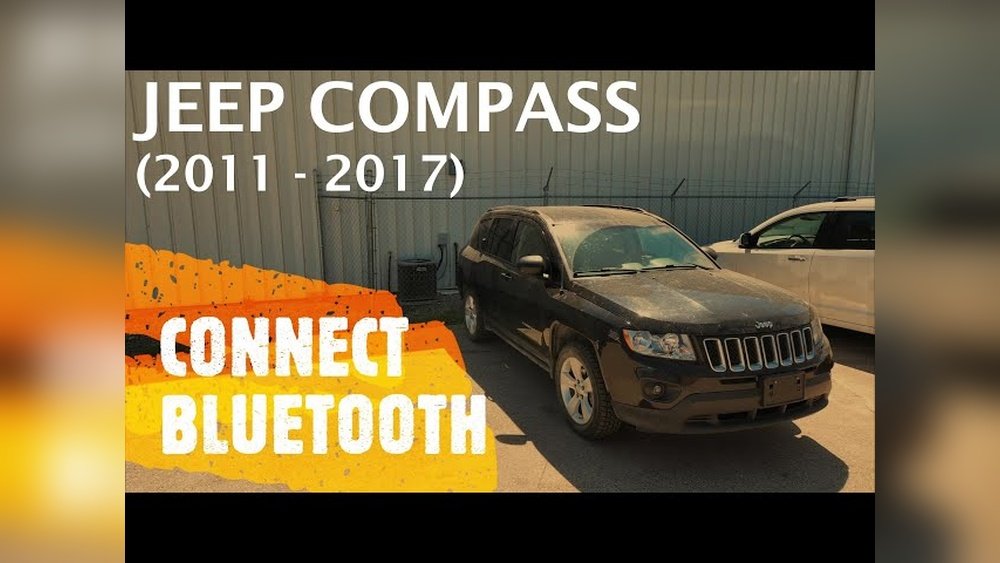
Step-by-step Guide To Connect Bluetooth
Connecting Bluetooth in your Jeep Compass is straightforward. Follow these steps:
- Start your Jeep Compass and turn on the Uconnect system. The screen should light up after a few seconds.
- Activate Bluetooth on your smartphone. On iPhone, go to Settings > Bluetooth. On Android, go to Settings > Connected devices > Bluetooth.
- On the Uconnect screen, tap ‘Phone’. If no phones are connected, you’ll see a prompt to add a device.
- Tap ‘Add Device’. The system will begin searching for Bluetooth devices nearby.
- On your phone, look for ‘Uconnect’ or your Jeep’s name under available devices.
- Tap to connect. A pairing code will appear on both your phone and the Uconnect screen. Confirm that the codes match.
- Press ‘Yes’ on Uconnect and tap ‘Pair’ on your phone.
- Once paired, you’ll see a confirmation. Your phone’s contacts and call history may sync automatically.
If you want to connect another phone, repeat the steps. Uconnect usually supports up to seven phones, but only one can be active at a time.

Troubleshooting Common Bluetooth Problems
Sometimes, connecting Bluetooth doesn’t work as expected. Here’s what to do:
- If your phone won’t connect, restart both your phone and the Uconnect system.
- If the pairing code doesn’t appear, check if your phone is already paired with another device.
- Delete old devices from Uconnect if it’s full (go to ‘Settings’ > ‘Bluetooth Devices’ > ‘Remove’).
- For music issues, make sure your phone’s media is allowed in Bluetooth settings.
A non-obvious tip: If you’re having issues after an update (phone or Uconnect), delete the pairing and reconnect. Updates can change Bluetooth settings and cause problems.
Using Bluetooth Features In Jeep Compass
Once connected, you can use several Bluetooth features:
- Hands-free calling: Make and receive calls safely.
- Streaming music: Play music from apps like Spotify or Apple Music.
- Voice commands: Use Siri or Google Assistant through Uconnect.
Some Jeep Compass trims offer advanced features like voice texting or navigation via Bluetooth. Check your vehicle’s trim level for details.
Here’s a quick comparison of Bluetooth features by Jeep Compass year:
| Year | Bluetooth Calling | Audio Streaming | Voice Control |
|---|---|---|---|
| 2016 | Yes | No | Limited |
| 2017–2018 | Yes | Yes | Basic |
| 2019+ | Yes | Yes | Advanced |

Practical Tips For A Strong Bluetooth Connection
- Keep your phone’s Bluetooth on. If you switch it off, the connection drops.
- Stay close to the Uconnect system. Bluetooth range is about 30 feet, but obstacles can lower this.
- Update your phone and Uconnect software regularly. New updates fix bugs and improve performance.
- Turn off other Bluetooth devices if you have problems. Too many devices can cause interference.
- Check compatibility. Some older phones may not work well with Uconnect.
Another insight: If you drive with multiple people, set your phone as the primary device so you don’t lose connection when others get in with their own phones.
Jeep Compass Bluetooth Settings Explained
The Uconnect system offers several Bluetooth settings. Here’s a comparison of what you can adjust:
| Setting | What It Does | Best Use |
|---|---|---|
| Audio Streaming | Lets you play music from your phone | Enable for music apps |
| Phonebook Sync | Imports contacts for hands-free calls | Enable if you use calling |
| Priority Device | Sets which phone connects first | Useful for families |
| Remove Device | Deletes a paired phone | Clear old or unused devices |
You can find these under the Uconnect Bluetooth menu. Adjust them based on your needs.
How Bluetooth Improves Your Driving Experience
Bluetooth is more than just convenience. It helps you focus on the road by reducing distractions. Studies from the National Highway Traffic Safety Administration show that hands-free technology lowers accident risk by up to 30%. Streaming music and using voice commands also reduce the need to touch your phone, keeping your hands on the wheel.
A real-world example: Many Jeep Compass owners report fewer dropped calls and better audio quality after updating their Uconnect system. This is especially true for newer models.
Extra Help: Where To Find More Support
If you still have trouble, visit your local Jeep dealer or check the official Jeep Uconnect support page. There you’ll find software updates, manuals, and step-by-step videos. For more technical details, see the official Jeep Compass guide at Jeep Compass Official.
Frequently Asked Questions
How Many Phones Can I Connect To Jeep Compass Bluetooth?
You can pair up to seven phones with Uconnect, but only one will be active for calls and music at a time.
Does Bluetooth Work While The Car Is Off?
No, the Uconnect system needs to be on. Bluetooth will only work when your Jeep Compass is running or the ignition is in accessory mode.
Why Is My Phone Not Finding Uconnect?
Make sure Bluetooth is enabled on your phone. If you still can’t find Uconnect, restart your phone and the Uconnect system, and make sure your phone isn’t already paired with another device.
Yes, you can stream navigation audio from apps like Google Maps or Waze through the car speakers once your phone is connected.
How Do I Remove A Paired Phone From Uconnect?
Go to the Bluetooth menu on Uconnect, select ‘Remove Device’, then choose the phone you want to delete. This helps clear old devices and prevent connection issues.
Connecting Bluetooth on your Jeep Compass is simple and fast if you follow these steps. With a few minutes and the right settings, you’ll enjoy safer, smarter driving every time.