Creating emojis can be fun, especially if you want something unique like a jeep emoji. Today, many platforms offer car emojis, but none have a true jeep. If you want to make your own, you have several options. Whether you want a jeep emoji for messages, social media, or your website, this guide will help you design one step-by-step. You’ll learn both simple and advanced methods, plus tips to make your jeep emoji stand out.
Why Make A Jeep Emoji?
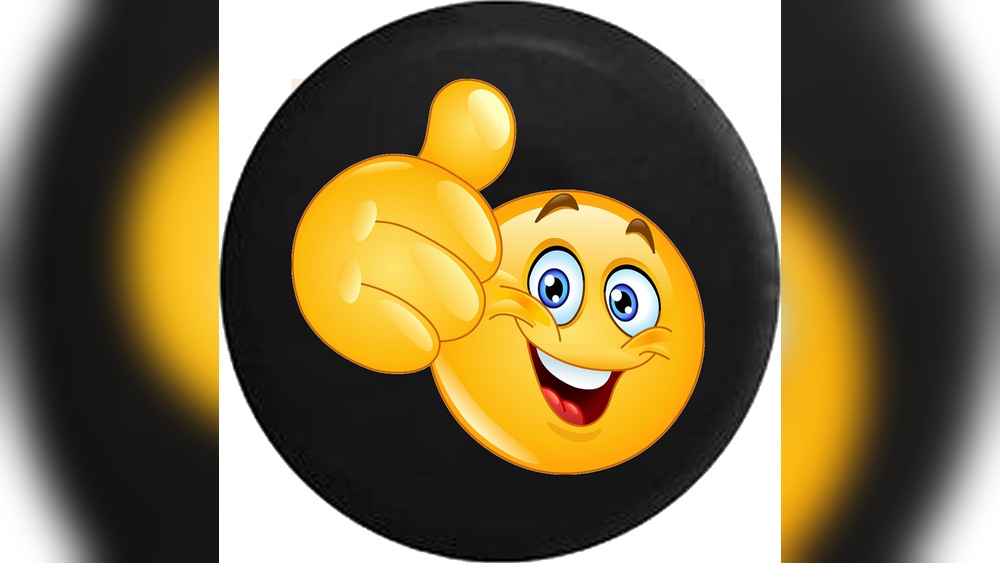
Emojis are a universal language. They help us show feelings, ideas, and even hobbies. If you’re a jeep fan, you probably noticed that standard emojis don’t show the classic jeep look. Making your own jeep emoji lets you express your passion, share it with friends, or even use it for branding.
Jeep clubs, off-road groups, and adventure seekers often use custom emojis to build community. According to Statista, over 5 billion emojis are sent every day on Facebook Messenger. With so many emojis flying around, having a unique one can make you memorable.
Ways To Create A Jeep Emoji
There are three main ways to make a jeep emoji:
- Using emoji builders online
- Drawing your own with software
- Modifying existing emojis
Let’s look at each in detail.
Using Emoji Builder Websites
Online emoji builders are popular because they’re easy to use. These tools let you combine shapes, colors, and parts to build your own emoji.
Popular sites include:
- Emoji Maker
- Bitmoji
Most offer drag-and-drop features. You pick a base (like a car), then add details. Unfortunately, few have jeep parts, so you may need to get creative.
Steps:
- Go to an emoji builder site.
- Choose a car base.
- Add details like round headlights, open roof, and rugged tires.
- Adjust colors to match a jeep (olive green, black, or tan are common).
- Save your emoji as PNG or SVG.
Drawing Your Own Jeep Emoji
If you want full control, draw your jeep emoji with graphic software. Apps like Adobe Illustrator, Procreate, or free tools like Inkscape work well.
Tips For Drawing:
- Keep it simple. Emojis are tiny and must be clear at small sizes.
- Use bold lines and simple shapes.
- Focus on jeep features: Seven-slot grille, large tires, boxy shape.
Here’s a comparison of three popular drawing tools:
| Tool | Price | Ease of Use | Best For |
|---|---|---|---|
| Adobe Illustrator | $20.99/month | Medium | Professional designers |
| Procreate | $12.99 (one-time) | Easy | iPad users |
| Inkscape | Free | Medium | Beginners & hobbyists |
Steps:
- Open your drawing tool and set canvas size to 512×512 pixels.
- Sketch the jeep outline: Boxy body, round headlights, big tires.
- Add color and details: Grille, windows, bumper.
- Export as PNG with transparent background.
Modifying Existing Emojis
Another easy method is to edit a car emoji and turn it into a jeep. You can do this with simple photo editing apps.
Steps:
- Download a car emoji in PNG format.
- Open it in a photo editor like GIMP or Canva.
- Modify the front to add jeep features (grille, headlights).
- Change the color and shape to match a jeep.
- Save your modified emoji.
This method is quick, but the result may look less professional.

Where To Use Your Jeep Emoji
Once you have your jeep emoji, you can use it in many places:
- Social media posts (Instagram, Facebook, Twitter)
- Chat apps (WhatsApp, Telegram)
- Websites or blogs
- Stickers for messaging apps
Some platforms let you upload custom emojis. For example, Slack and Discord allow custom emojis for channels.
Below is a table comparing custom emoji usage on different platforms:
| Platform | Custom Emoji Support | Upload Limit | File Format |
|---|---|---|---|
| Slack | Yes | 50/user | PNG, JPG, GIF |
| Discord | Yes | 50/server | PNG, GIF |
| No | N/A | N/A |
Tips To Make Your Jeep Emoji Stand Out
Many people miss key details when designing custom emojis. Here are two important insights:
- Test at small sizes: Emojis are often used at 32×32 pixels. Preview your design at this size to check clarity.
- Use contrast: Pick colors that pop against both light and dark backgrounds. This keeps your jeep visible.
Other practical tips:
- Avoid too much detail. Tiny emojis lose details fast.
- Save a vector version (SVG) for easy resizing.
- Share your emoji with jeep groups for feedback.
Legal And Copyright Considerations
If you plan to use your jeep emoji for business or branding, be careful. Jeep’s front grille is trademarked by Fiat Chrysler Automobiles. For personal use, you’re safe, but avoid using official logos or names in commercial projects. For more information, see the official Jeep Wikipedia page.
Frequently Asked Questions
Can I Use My Jeep Emoji In Whatsapp?
No, WhatsApp does not support custom emoji uploads. You can send your jeep emoji as a sticker, but not as a standard emoji.
What Size Should My Jeep Emoji Be?
Most platforms use emojis at 32×32 pixels. It’s best to design at 512×512 pixels and then scale down to keep your image sharp.
Is It Legal To Use The Jeep Grille In My Emoji?
For personal use, yes. For commercial use, avoid using trademarked Jeep features. Always check copyright rules before selling or branding.
Which App Is Best For Beginners?
Canva and Inkscape are great for beginners. They are easy to use, free, and have plenty of shapes and tools.
Can I Submit My Jeep Emoji To Unicode?
No, Unicode only accepts emoji proposals for public use, and the process is strict. Custom emojis are mostly for personal or group use, not for global keyboards.
Making a jeep emoji is a fun way to show your love for adventure and off-road life. With the right tools and a little creativity, you’ll have a unique emoji to use anywhere. Remember to keep your design simple, test at small sizes, and follow copyright guidelines. This way, your jeep emoji will look great and be safe to use.