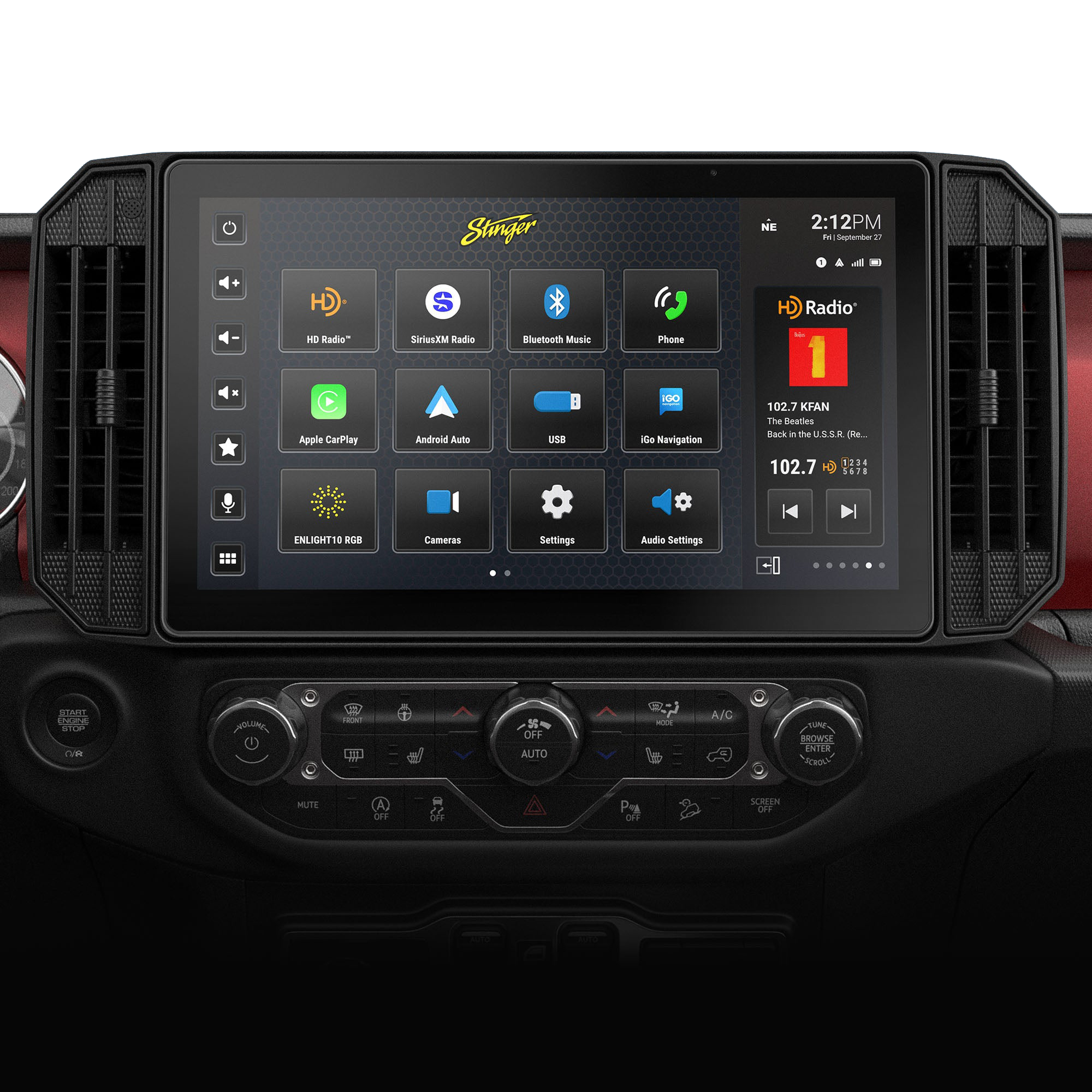
If your Jeep Gladiator radio is acting up—freezing, not responding, or stuck on a blank screen—you’re not alone. Radio issues can be frustrating, especially when you rely on them for navigation, music, and hands-free calls. Luckily, resetting your Jeep Gladiator radio is often simple and doesn’t require special tools. This guide walks you through every step, including common mistakes and extra tips that most beginners miss. Whether you’re dealing with a glitchy touchscreen or just want a fresh start, you’ll find clear instructions and useful advice below.
Why Reset Your Jeep Gladiator Radio?
Resetting the radio fixes many issues, including:
- Frozen screen
- Unresponsive buttons
- Bluetooth connection failures
- Random shutdowns
- Audio problems
Software glitches can happen after updates or if the battery dies. Resetting clears temporary software bugs and can restore normal function. If your radio is slow or keeps disconnecting from your phone, a reset is often the best first step.
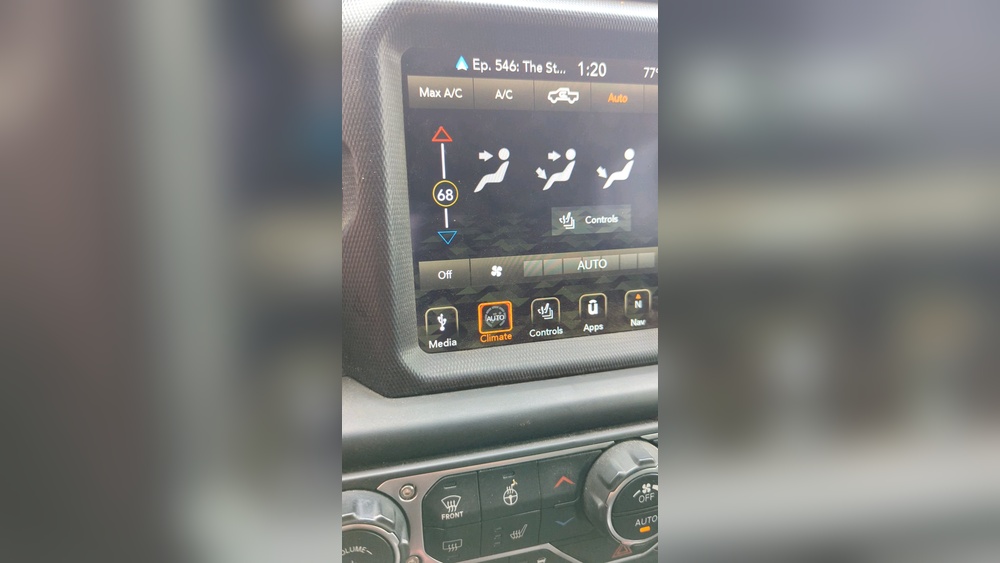
Quick Steps To Reset Jeep Gladiator Radio
Most Jeep Gladiator models use the Uconnect system. There are two main ways to reset: soft reset and hard reset. Both methods are safe and won’t erase your saved radio presets or Bluetooth settings.
Soft Reset (most Common Method)
- Turn the vehicle ON (do not start the engine).
- Press and hold the volume and tuner knobs together for about 10 seconds.
- The screen will turn off, then restart automatically.
- Once the Jeep logo appears, release the knobs.
This method works for most 2020–2024 Gladiators. It’s fast and doesn’t affect your personal settings.
Hard Reset (if Soft Reset Fails)
If a soft reset doesn’t fix your radio:
- Shut off your Jeep and open the driver’s door.
- Wait for at least 30 seconds.
- Close the door and restart the vehicle.
- If the radio is still malfunctioning, disconnect the vehicle battery for a few minutes (only if you’re comfortable).
Warning: Disconnecting the battery may erase clock settings and force the radio to reboot fully. Always check your owner’s manual before doing this.
Comparing Reset Methods
Here’s how soft and hard resets stack up:
| Reset Type | Time Needed | Risk of Data Loss | Best For |
|---|---|---|---|
| Soft Reset | 1 minute | None | Minor glitches |
| Hard Reset | 5–10 minutes | Low | Major issues |
Most people only need a soft reset. Hard resets are rare and used for serious problems.
Common Problems After Reset
Sometimes a reset doesn’t fix everything. Here are issues you may see:
- Lost clock or date settings
- Bluetooth devices unpair
- Navigation maps reload slowly
- Audio settings default
These problems are minor and can be fixed by re-entering your preferences. If your radio still doesn’t work, it may need a software update.
How To Check For Uconnect Updates
Jeep regularly releases updates for the Uconnect system. Outdated software causes many radio issues. To check for updates:
- Visit the official Uconnect website.
- Enter your VIN (Vehicle Identification Number).
- Follow instructions for downloading and installing updates.
If you’re not comfortable updating software yourself, ask your dealer for help. Updates often fix bugs, improve Bluetooth, and add new features.
Resetting After Battery Replacement
Replacing your Jeep Gladiator’s battery can sometimes cause the radio to lose power or settings. Here’s what to do:
- After installing the new battery, turn the ignition to ON.
- Wait for the radio to power up.
- If the radio is blank or unresponsive, perform a soft reset.
- Check if all presets and Bluetooth pairings are intact.
Most radios recover automatically, but a reset helps if the screen is frozen.
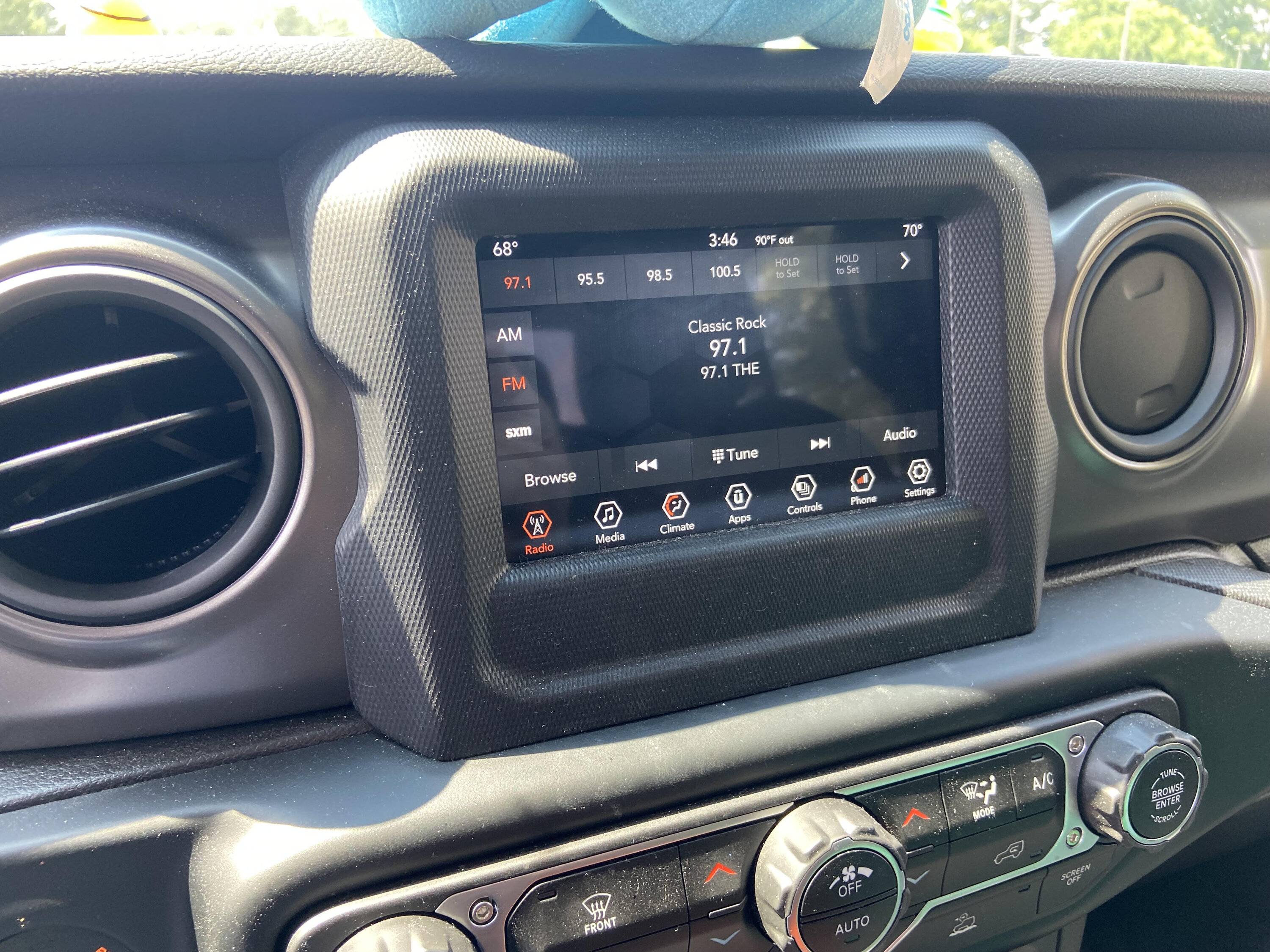
Troubleshooting Tips Most Owners Miss
- Wait for the system to fully reboot. Many people try to use the radio before it restarts, causing more glitches.
- Don’t reset while driving. Always park safely before performing any reset.
- Check fuse connections. If the radio is completely dead, a blown fuse might be the real issue.
- Document your settings. Write down your favorite presets and Bluetooth devices before resetting, just in case.
These tips save time and prevent frustration, especially after a battery disconnect.
Jeep Gladiator Radio Features Comparison
Knowing what features your radio supports can help diagnose issues:
| Model Year | Touchscreen Size | Bluetooth | Navigation | Apple CarPlay/Android Auto |
|---|---|---|---|---|
| 2020 | 7″ | Yes | Optional | Yes |
| 2021 | 8.4″ | Yes | Standard | Yes |
| 2022–2024 | 8.4″ | Yes | Standard | Yes |
Older Gladiators may have fewer features, which can affect reset options. Always check your owner’s manual for specific instructions.

When To Visit A Dealer
If you’ve tried both reset methods and your radio still doesn’t work, visit your Jeep dealer. Issues like hardware failure, water damage, or broken screens need professional repair. Dealers can also perform advanced diagnostics and install software updates.
According to a recent report, over 20% of Jeep Gladiator owners have experienced at least one radio glitch in the first two years. Most problems are fixed with a simple reset, but complex issues may need expert help.
For more detailed troubleshooting, you can refer to the official Jeep Uconnect support page here: Jeep Uconnect.
Frequently Asked Questions
Why Does My Jeep Gladiator Radio Freeze?
The radio freezes due to software glitches, outdated updates, or electrical issues. Resetting usually solves the problem.
Will A Reset Erase My Saved Radio Stations?
No, a soft reset won’t erase your stations. A hard reset might remove some settings, but you can re-enter them easily.
How Often Should I Reset My Gladiator Radio?
Only reset when you have issues like a frozen screen or audio failure. Regular resets are not needed.
Can I Update Uconnect Myself?
Yes, you can download updates from the official Uconnect website. Make sure to follow instructions carefully or ask your dealer.
What If The Radio Is Still Blank After Resetting?
If the radio stays blank, check your fuses and battery connections. If everything looks fine, visit a dealer for professional help.
Resetting your Jeep Gladiator radio is a simple way to solve most problems. By following these steps and tips, you can keep your audio system running smoothly. Remember, regular updates and careful troubleshooting prevent bigger issues down the road. If you ever feel unsure, your local Jeep dealer is always ready to help.