Turning on the screen in your Jeep may seem simple, but many owners face issues—especially with newer models that use advanced infotainment systems. Whether your Jeep has a touchscreen or a basic display, knowing the right steps can save you time and frustration.
This guide will help you turn your Jeep screen on, troubleshoot common problems, and understand your system’s features. You’ll also learn tips that most beginners miss, so your driving experience stays smooth.
Understanding Jeep Screens
Jeep vehicles use different types of screens. Most newer models come with the Uconnect system—a touchscreen that controls navigation, audio, and vehicle settings. Older models might have simpler displays with fewer functions.

There are three main types:
- Touchscreen (Uconnect): Found in newer Jeep Wranglers, Cherokees, and Grand Cherokees.
- Monochrome Display: Basic screens for radio and climate control.
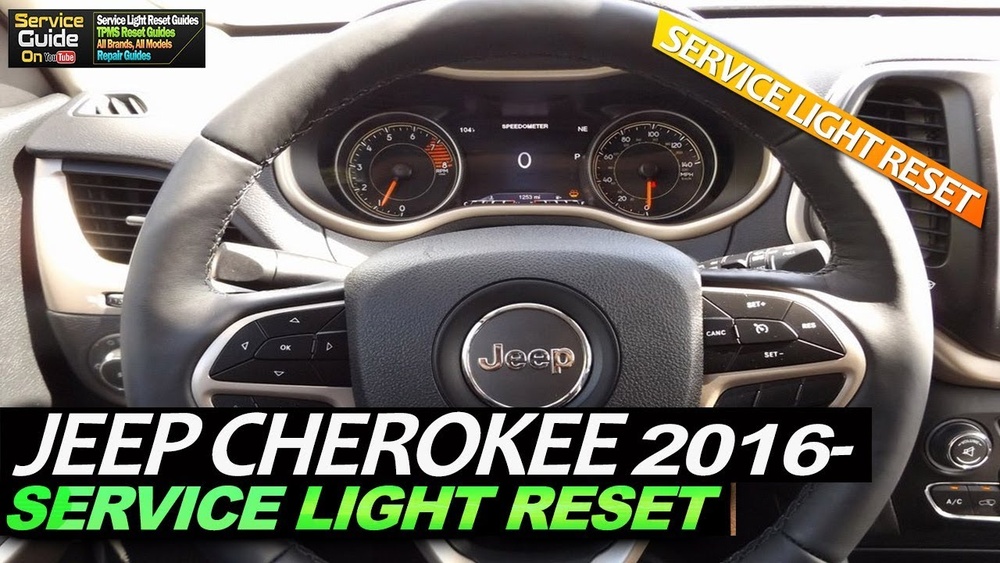
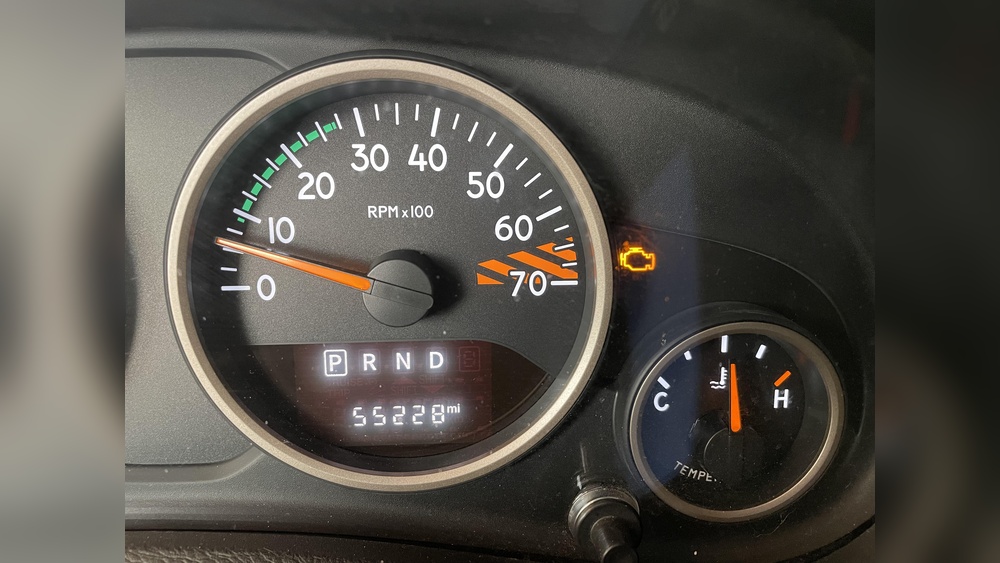
- Instrument Cluster Display: Shows speed, mileage, and basic info.
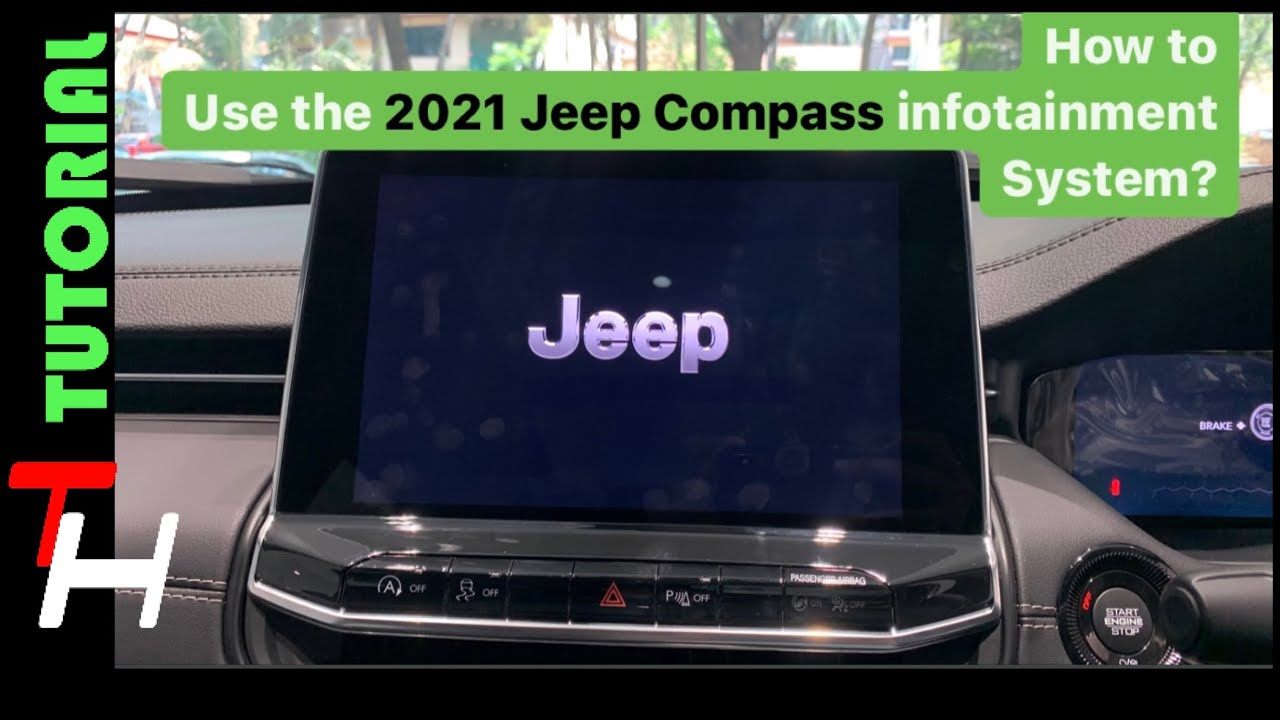
The Uconnect system is the most popular and offers the widest features. If you’re not sure which screen your Jeep has, check your owner’s manual or look for the Uconnect logo when the screen turns on.
How To Turn Jeep Screen On
Turning on your Jeep’s screen depends on the model and system. Here’s a clear guide for most situations:
- Insert the Key or Press Start: For key-based Jeeps, insert and turn the key. For push-button start, press the brake and then push the start button.
- Wait for Boot Up: The screen usually lights up within 5–10 seconds after ignition. If it doesn’t, try pressing the power button (if available).
- Touchscreen Activation: Some models require a light tap on the screen to wake up. Use your fingertip and avoid pressing hard.
- Accessory Mode: To turn the screen on without starting the engine, turn the key to “ACC” or press the start button without the brake. This powers the screen and radio.
- Brightness Adjustment: If the screen is dim or off, adjust the brightness knob or settings. Some Jeeps have a physical dial near the dash; others use on-screen controls.
Here’s a quick comparison of screen activation steps for different Jeep models:
| Jeep Model | Screen Type | Activation Method |
|---|---|---|
| Wrangler JL (2018+) | Uconnect Touchscreen | Push Start / Touchscreen Tap |
| Cherokee (2014+) | Uconnect Touchscreen | Key or Push Start |
| Grand Cherokee (2011+) | Uconnect Touchscreen | Key or Push Start |
| Wrangler JK (2007–2017) | Monochrome Display | Key Ignition |

Common Problems And Solutions
Sometimes, your Jeep screen doesn’t turn on as expected. Here are typical issues and how to fix them:
Screen Remains Blank
- Check Fuses: A blown fuse can cut power to the screen. Find the fuse box under the hood or dash, and replace the fuse labeled “Radio” or “Infotainment.”
- Battery Issues: Low battery voltage can prevent the screen from powering up. Test your battery and charge or replace if needed.
Frozen Or Unresponsive Screen
- Soft Reset: Hold the power button for 10–15 seconds. This restarts the screen without affecting settings.
- Disconnect Battery: For persistent issues, disconnect the negative battery terminal for 5 minutes, then reconnect.
Dim Screen
- Adjust Brightness: Use the brightness dial or menu settings. If the screen stays dim, check for a faulty sensor or wiring.
Software Glitches
- Update Uconnect: Download the latest firmware from the Jeep website or visit your dealer. Updating can fix bugs and improve performance.
Here’s a quick troubleshooting table for common issues:
| Problem | Possible Cause | Solution |
|---|---|---|
| Blank Screen | Blown fuse, low battery | Replace fuse, check battery |
| Frozen Screen | Software glitch | Soft reset, update system |
| Dim Screen | Brightness setting, faulty sensor | Adjust settings, inspect sensors |
| Slow Boot Up | Outdated software | Update Uconnect |
Useful Tips For Jeep Screen Owners
- Keep Your Screen Clean: Dust and fingerprints can make touchscreens less responsive. Use a soft, dry cloth—never harsh chemicals.
- Regular Updates: Check for Uconnect software updates every 6 months. This prevents glitches and adds new features.
- Avoid Rapid Tapping: Too many quick taps can confuse the system. Tap once and wait a few seconds.
- Check Compatibility: If your screen isn’t working with Apple CarPlay or Android Auto, make sure your phone and cable are compatible.
- Use Accessory Mode for Short Trips: This saves fuel and battery while still using the screen for navigation or music.
Many beginners miss that some Jeep screens don’t turn on if the vehicle’s battery drops below 11. 5 volts—even if the car starts. Also, if the screen is blank after a jump-start, a soft reset usually solves it.

Data On Jeep Screen Reliability
According to a 2022 survey by Consumer Reports, about 12% of Jeep owners reported issues with their Uconnect screens in the first three years. Most problems were minor and fixed with a reset or software update. Only 3% needed hardware replacement.
A study from FCA (Fiat Chrysler Automobiles) showed that screens in newer Jeep models have a 98% uptime rate, meaning most users experience very few problems.
Advanced Troubleshooting
If basic fixes don’t work, consider these advanced steps:
- Factory Reset: Go to Settings > System > Reset. This erases all data and returns the screen to default.
- Dealer Diagnostics: If your screen stays off, a Jeep dealer can run diagnostics to check for deeper electrical or hardware issues.
- Check Wiring: Loose or damaged wires behind the dash can cause screen problems. Only attempt this if you’re comfortable with car electronics.
Frequently Asked Questions
How Do I Turn On My Jeep Screen Without Starting The Engine?
Turn the key to “ACC” or press the start button once (without the brake). The screen will power up for music and settings.
What Should I Do If My Jeep Touchscreen Won’t Respond?
Try a soft reset by holding the power button for 10–15 seconds. If it still doesn’t work, check for software updates or disconnect the battery for a few minutes.
Can I Update My Jeep Screen Software Myself?
Yes, you can download updates from the official Jeep website and install them with a USB drive. For detailed instructions, visit Jeep Uconnect.
Is A Blank Screen Always A Sign Of A Hardware Problem?
No, it’s often caused by a blown fuse or low battery. Check these before assuming the screen needs replacing.
Do All Jeep Models Have Touchscreen Screens?
No. Older models use basic displays for radio and vehicle info. Check your owner’s manual to see which type you have.
Getting your Jeep screen to turn on should be easy once you understand the system. Use the steps above and don’t forget the troubleshooting tips—most issues have simple fixes. If problems persist, a visit to your dealer can quickly solve deeper technical troubles.
This guide helps you stay informed and ready, so your Jeep’s screen works whenever you need it.