Connecting to your Jeep—whether it’s for music, hands-free calls, or navigation—can make your drive smoother and more enjoyable. Today’s Jeeps offer several ways to connect your smartphone or device, including Bluetooth, USB, and advanced systems like Uconnect. Knowing the right method and steps helps you get the most from your Jeep’s technology without frustration.
This guide will show you how to connect to Jeep vehicles, avoid common mistakes, and get the best out of your car’s features.
Understanding Jeep’s Connectivity Options
Most modern Jeeps come with multiple ways to connect your device. You’ll usually find Bluetooth, USB ports, and the Uconnect system. Each option has its own benefits, depending on what you want to do.
| Connection Type | Main Use | Supported Devices | Strengths |
|---|---|---|---|
| Bluetooth | Calls, Music, Messages | Most Smartphones | Wireless, Hands-free |
| USB Cable | Music, Charging, Data | Smartphones, Flash Drives | Fast, Stable Connection |
| Uconnect | Navigation, Apps, Voice Commands | iOS, Android | Integrated Features |
Many drivers overlook the power of the Uconnect system. It’s more than just a radio—it can run apps, connect to navigation, and even control climate settings. Also, using a USB connection is sometimes needed for Apple CarPlay or Android Auto to work properly.
How To Connect Your Phone Using Bluetooth
Bluetooth is the most popular way to connect to Jeep. Follow these steps for a smooth setup:
- Turn On Bluetooth on your phone. Make sure your device is discoverable.
- Start Your Jeep and keep it in Park.
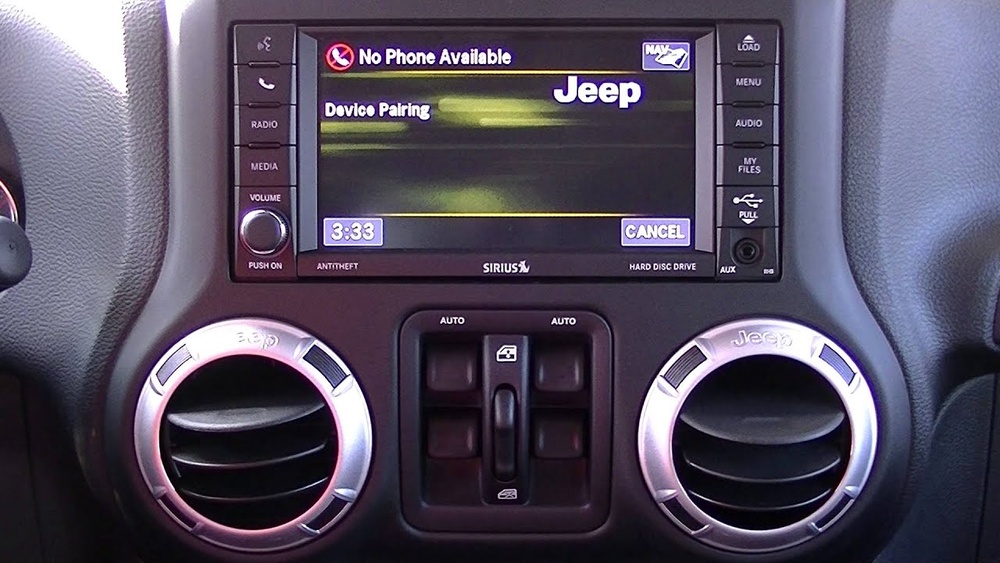
- On the Jeep’s touchscreen, select Phone or Pair Device.
- Choose Add Device. Your Jeep will search for nearby Bluetooth devices.
- When your phone appears, select it. A code will show on both screens.
- Confirm the code matches on both your phone and Jeep screen.
- Accept the pairing request. Grant access for contacts and messages if you want hands-free texting.
After setup, your Jeep should connect automatically next time you get in. If it doesn’t, try restarting your phone or Jeep’s Uconnect system.
Troubleshooting Bluetooth Issues
- Connection Fails: Remove old devices from the Jeep’s memory and try pairing again.
- No Sound: Check volume on both the Jeep and phone. Make sure audio is set to play through the car.
- Calls Drop: Keep your phone close to the center console to avoid weak signals.
Using Usb And Uconnect For Advanced Features
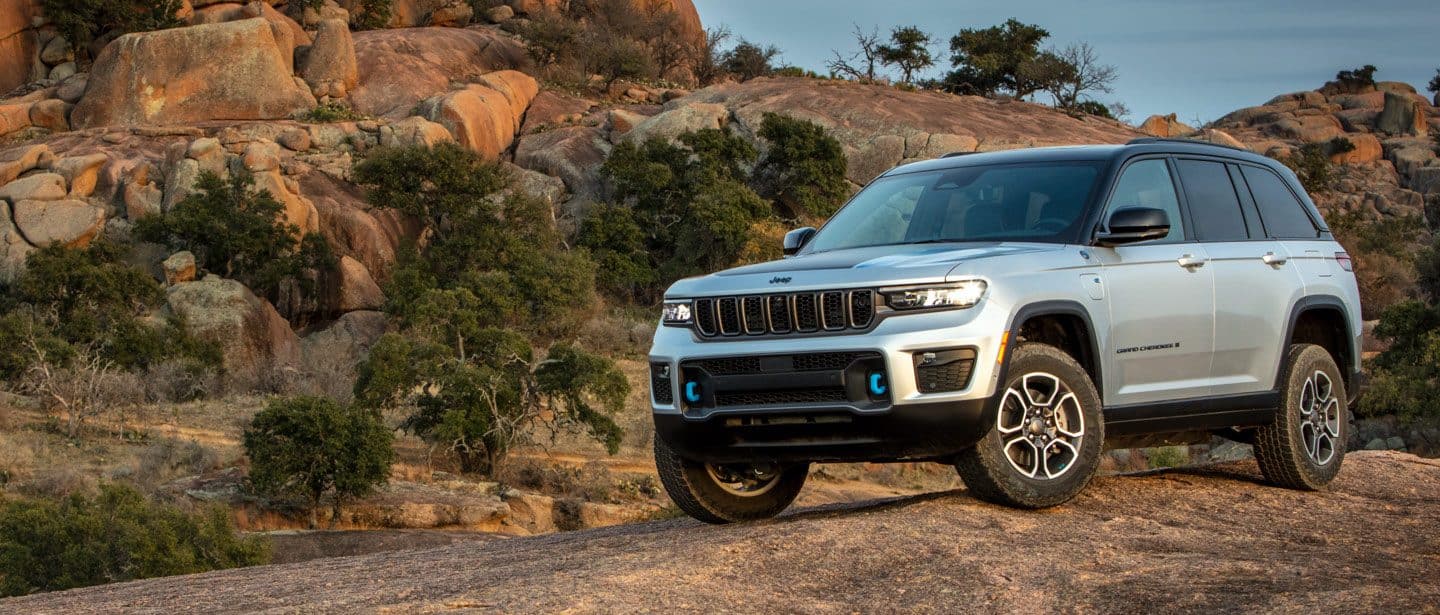
Connecting via USB gives you more than just charging. It unlocks Apple CarPlay, Android Auto, and better audio quality. Here’s how to use these features:
- Plug your phone into the Jeep’s USB port using a good quality cable.
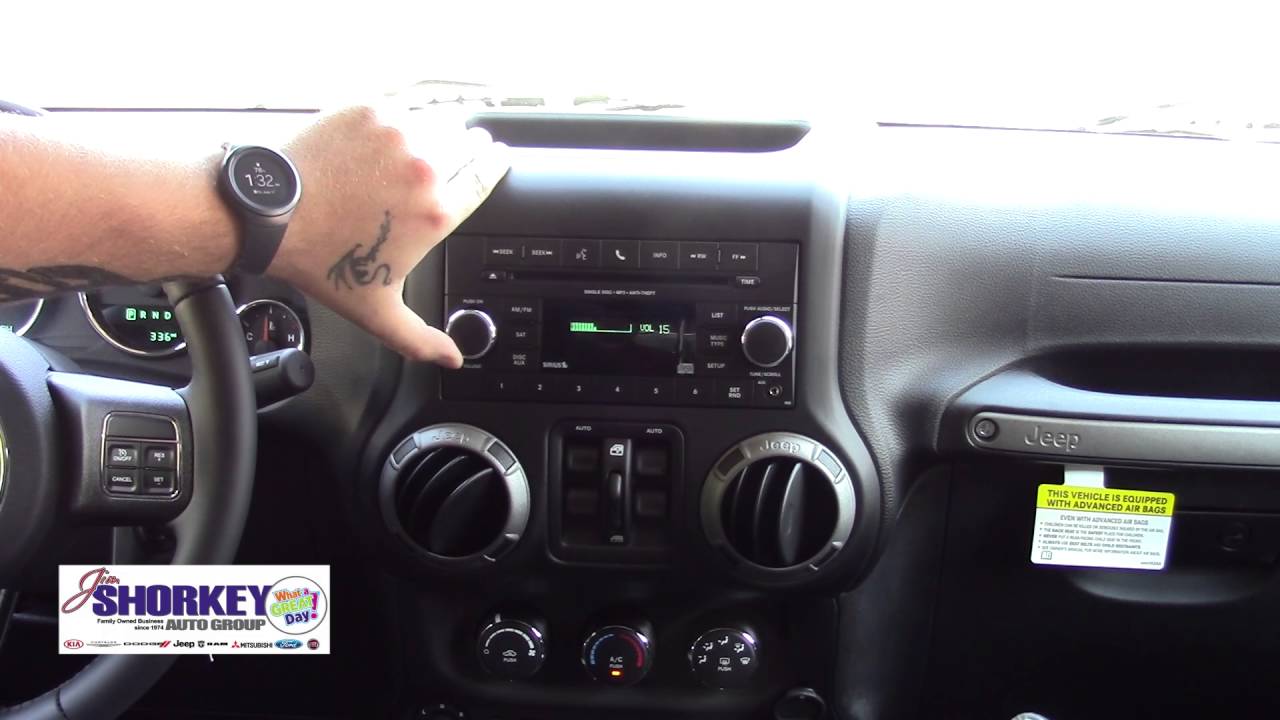
- Wait for the Uconnect screen to detect your device. You may see a prompt to launch CarPlay or Android Auto.
- Accept any permissions on your phone.
- Use the Jeep’s touchscreen to access maps, music, and apps.
Some Jeep models require the car to be in Park to enable full features. If CarPlay or Android Auto don’t show, try a different cable or port.
| Feature | Bluetooth | USB (CarPlay/Android Auto) |
|---|---|---|
| Music Streaming | Yes | Yes |
| Hands-Free Calls | Yes | Yes |
| App Access | No | Yes |
| Navigation on Screen | No | Yes |
| Voice Commands | Limited | Full |
One thing many forget: using USB for CarPlay or Android Auto often gives you better voice command accuracy and faster data transfer than Bluetooth.
Setting Up Uconnect Access
Uconnect brings Jeep’s tech together. You can use your phone as a remote, get vehicle health reports, or even locate your Jeep in a parking lot. Here’s how to set up Uconnect Access:
- Download the Uconnect app on your smartphone.
- Register your Jeep by entering the Vehicle Identification Number (VIN).
- Create or log into your Uconnect account.
- Follow the on-screen setup instructions to link your phone and Jeep.
Uconnect Access may require a paid subscription for some advanced features, like remote start or Wi-Fi hotspot. Always check your Jeep’s manual for supported services.

Common Mistakes And How To Avoid Them
Even experienced drivers make small errors when trying to connect to Jeep:
- Using a cheap USB cable: Low-quality cables may only charge, not transfer data.
- Skipping software updates: Outdated Uconnect systems can cause problems. Always keep your system and phone updated.
- Ignoring compatibility: Not all phones or apps work with every Jeep. Check the official compatibility list if you have issues.
- Pairing too many devices: Most Jeeps have a limit (usually 5-8 devices). Remove old devices if you hit the maximum.
Tips For A Seamless Connection
- Restart your phone and Jeep system if things aren’t working.
- Enable Do Not Disturb on your phone while driving to avoid distractions.
- Regularly clean the USB ports to prevent dust and connection issues.
- If you use multiple phones, set your main device as “Favorite” in Uconnect for faster pairing.
Comparing Jeep Connectivity To Other Brands
Some drivers wonder how Jeep’s connectivity stacks up against other brands. Here’s a quick comparison:
| Brand | System Name | CarPlay/Android Auto | Remote Start App |
|---|---|---|---|
| Jeep | Uconnect | Yes | Yes (with subscription) |
| Ford | SYNC | Yes | Yes (FordPass) |
| Toyota | Entune | Yes (newer models) | Yes (Remote Connect) |
| Honda | HondaLink | Yes | Yes (select models) |
Jeep’s Uconnect is known for its user-friendly interface and reliable wireless features, putting it on par with other top brands.
Frequently Asked Questions
How Many Devices Can I Connect To My Jeep At Once?
Most Jeeps allow up to five to eight devices to be paired, but only one can be actively connected for calls or music at a time.
Does My Jeep Need To Be Running To Connect My Phone?
For safety, the vehicle should be in Park during the initial setup. After that, Bluetooth will reconnect even if the Jeep is only in accessory mode.
Why Isn’t Apple Carplay Or Android Auto Working In My Jeep?
Check if you’re using a data-capable USB cable and the correct port. Some models require both the latest phone and Uconnect software updates.
Can I Connect A Tablet Or Laptop To My Jeep?
You can connect a tablet via Bluetooth for music, but features like CarPlay/Android Auto usually work only with smartphones.
Is There A Monthly Fee For Uconnect Services?
Basic Bluetooth and USB features are free. Advanced features like remote start, vehicle tracking, and Wi-Fi may require a subscription. See the official Jeep Uconnect site for current plans.
Connecting to your Jeep is simple when you know what to do. With Bluetooth, USB, and Uconnect options, you can enjoy music, navigation, and more. Take a few minutes to set up everything the right way—your future drives will be easier and much more fun.