Pairing your phone with your Jeep can transform your daily drive. Whether you want hands-free calling, music streaming, or navigation, a good connection makes life easier and safer. Many Jeep owners, especially first-timers, feel lost with technology. But the process is easier than you might think.
This guide will walk you through each step, share expert tips, and help you avoid common mistakes.
What You Need Before You Start
To connect your phone to your Jeep, you need a few things ready:
- A compatible smartphone (Android or iPhone)
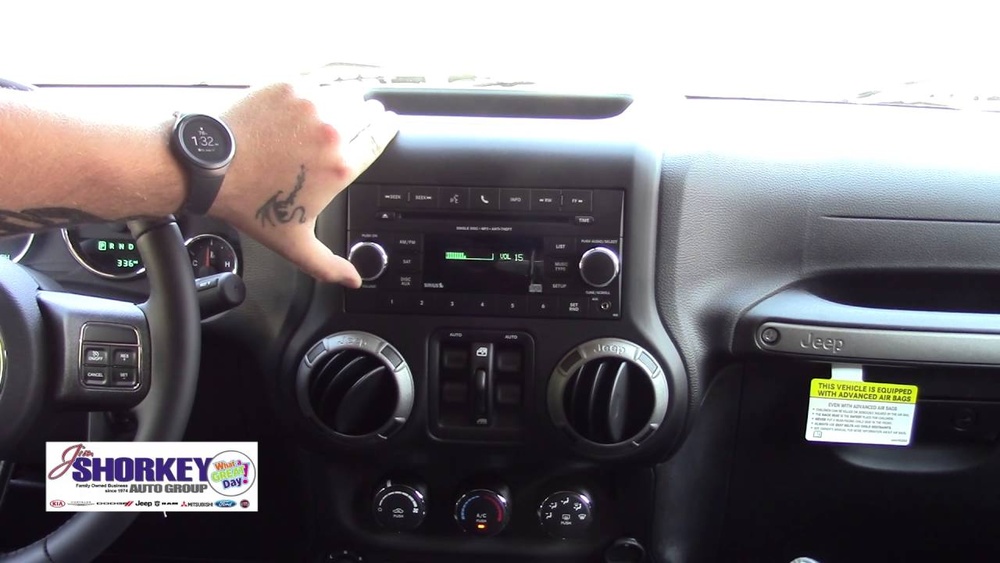
- Your Jeep’s Uconnect system or other infotainment system
- A USB cable (for wired connections)
- Bluetooth enabled on your phone
Most newer Jeep models come with Uconnect. Older models may use different systems, but the steps are often similar.
Ways To Connect Your Phone
Jeep vehicles typically offer three ways to connect:
- Bluetooth: For calls, messages, and basic audio.
- USB (Wired): For Android Auto or Apple CarPlay.
- Auxiliary (AUX) cable: For older models with basic audio input.
Here’s a quick comparison of these methods:
| Connection Type | Features | Best For |
|---|---|---|
| Bluetooth | Calls, music, some apps | Hands-free use |
| USB | Full app access, charging | Navigation, streaming |
| AUX | Audio only | Basic music playback |
How To Connect Via Bluetooth
Bluetooth is the most common way. Here’s how to set it up:
- Turn on your Jeep and keep it in park.
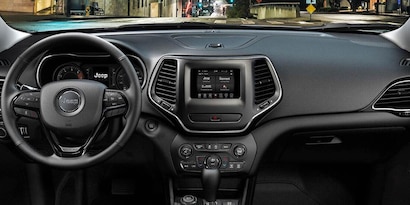
- On your Jeep’s Uconnect touchscreen, tap “Phone.”
- Select “Add Device” or “Pair Device.”
- On your phone, open Bluetooth settings and make sure it’s discoverable.
- Choose your Jeep from the list of devices.
- A code will appear on both screens. Confirm they match.
- Accept any prompts for contacts and messages access.
- Wait for the system to finish pairing.
Once connected, you can make calls, send texts, and stream music—all hands-free. If you ever have trouble, try restarting both your phone and the Jeep system.
How To Connect Using Usb (android Auto & Apple Carplay)
Many Jeeps from 2017 onward support Android Auto and Apple CarPlay. These systems give you more control, including maps and voice assistants.
- Plug your phone into the USB port in your Jeep.
- If prompted, download the required app (Android Auto for Android, no extra app for iPhone).
- Your phone will ask for permissions—accept them.
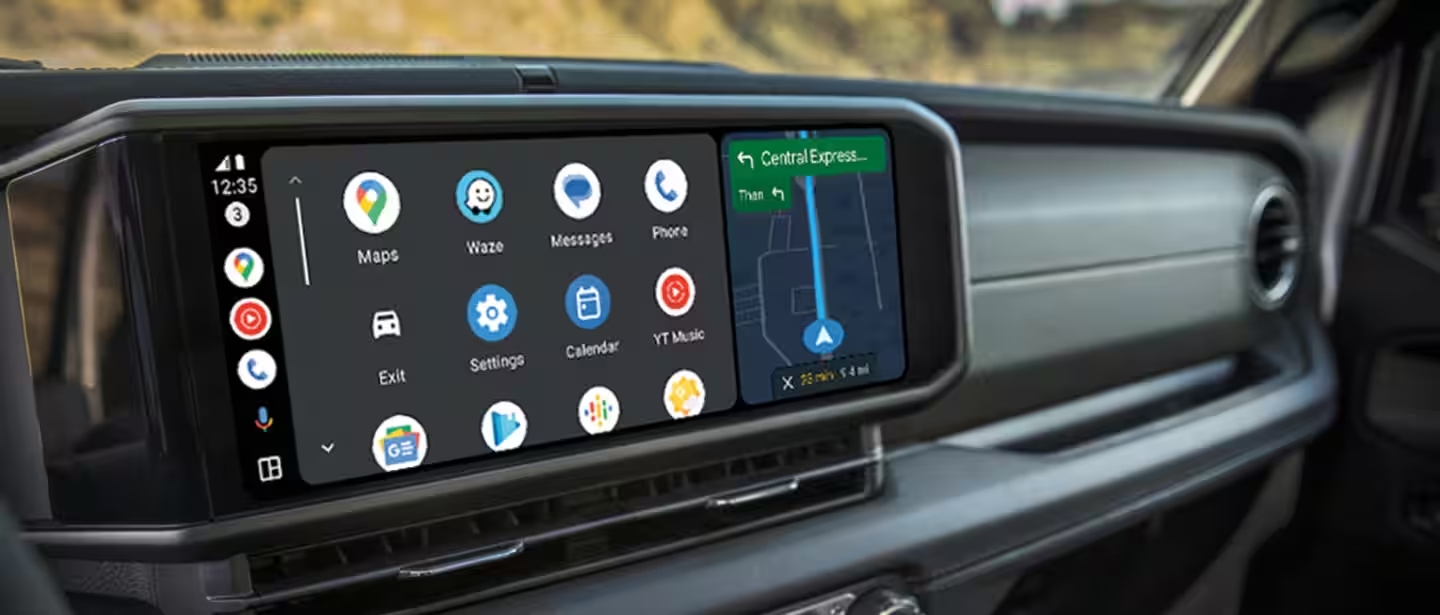
- The Jeep’s touchscreen will switch to the Android Auto or CarPlay interface.
- Now, you can use apps like Google Maps, Spotify, or Siri directly from the screen.
This setup allows for safer, distraction-free driving. A wired connection is usually more stable than Bluetooth and charges your phone while you drive.
Connecting Older Jeep Models (aux & Limited Bluetooth)
If your Jeep is from before 2015, you might have fewer options. Many older Jeeps only support AUX input or limited Bluetooth for calls only.
- For AUX: Plug one end of a 3.5mm audio cable into your phone and the other into the Jeep’s AUX port. Set the radio to “AUX” mode.
- For limited Bluetooth: Pair your phone as above, but you may not have music streaming. Calls should work.
It’s worth checking your owner’s manual or the Jeep website to see what your model supports.
Common Problems And Solutions
Some Jeep owners get stuck during setup. Here are two issues that confuse many beginners:
- Phone won’t pair: Make sure no other phones are connected. Delete old pairings if needed. Check that Bluetooth is on and “discoverable.”
- No sound or connection drops: Try a different USB cable—some don’t support data, only charging. Keep your phone’s software updated.
Most problems have simple fixes. If you still can’t connect, a quick reset of your Uconnect system (hold the knob for 10 seconds) can help.
Useful Tips For A Better Experience
- Update your Uconnect software and your phone’s OS for the best compatibility.
- Only use good quality, short USB cables to avoid data issues.
- Limit the number of paired devices—too many can confuse the system.
- For privacy, turn off message access if you don’t want notifications showing up.
Here’s a table showing which Jeep models and years support Android Auto and Apple CarPlay:
| Jeep Model | Year Introduced | Supports CarPlay/Android Auto |
|---|---|---|
| Wrangler | 2018 | Yes |
| Grand Cherokee | 2018 | Yes |
| Cherokee | 2019 | Yes |
| Renegade | 2018 | Yes |
| Patriot/Compass | Discontinued (2017) | No |
What Beginners Often Miss
Many first-time Jeep owners:
- Forget to update Uconnect. Outdated software can block connections.
- Use poor-quality USB cables, causing connection drops.
- Don’t realize that only certain apps work with Android Auto or CarPlay.
Spending a few minutes to check compatibility can save hours of frustration.

Safety Matters: Hands-free Use
Driving while holding your phone is dangerous and often illegal. Using Bluetooth or CarPlay keeps your hands on the wheel. If you need to enter addresses or change playlists, do it before you start driving.
When You Need Expert Help
If you’ve tried everything and your phone still won’t connect, don’t panic. Jeep dealerships can update your software or diagnose deeper issues. Sometimes, a quick visit solves problems you can’t fix at home. It’s better to ask for help than to risk distracted driving.
For more details about your specific Jeep model, visit the official Jeep Uconnect website.
Frequently Asked Questions
How Do I Know If My Jeep Supports Apple Carplay Or Android Auto?
Check your Jeep’s year and model. Most Jeeps from 2018 onward support both. The owner’s manual or the Jeep website has a full list.
Why Can’t My Phone Find My Jeep’s Bluetooth?
Make sure Bluetooth is on and your phone is discoverable. Delete any old devices from Uconnect and try again. If the problem continues, restart both your phone and the Jeep system.
Can I Connect Multiple Phones To My Jeep?
Yes, but only one can be active at a time. Too many paired devices can confuse the system. Keep only the ones you use most often.
Is It Safe To Use Wired Connections While Driving?
Yes, as long as you set everything up before you start moving. Wired connections are often more stable and let you use more features.
Do I Need To Install Any Special Apps?
For Android, you may need to download Android Auto. For iPhones, Apple CarPlay works without extra apps. Some features may require updating your phone’s operating system.
Connecting your phone to your Jeep is a simple way to make driving safer and more enjoyable. Take a few minutes to set it up right, and you’ll enjoy hands-free calls, music, and navigation on every drive.



