Changing the language on your Jeep Compass 2023 can make every drive easier, especially if English is not your first language. Many drivers don’t realize how simple it is to switch the system language, or that it affects more than just the navigation voice. Whether you recently bought a Compass or want to help a family member, this guide will walk you through every step, explain what changes, and highlight tips that most owners overlook.
Why Change The Language On Your Jeep Compass?
The language setting controls the display on your digital dashboard, touchscreen, and even voice prompts. If you select your native language, you can:
- Understand system warnings and menus better
- Use voice commands more confidently
- Avoid mistakes when setting navigation or adjusting car settings
For international drivers, language customization is not just convenient—it can improve safety on the road.

How To Change The Language On Jeep Compass 2023
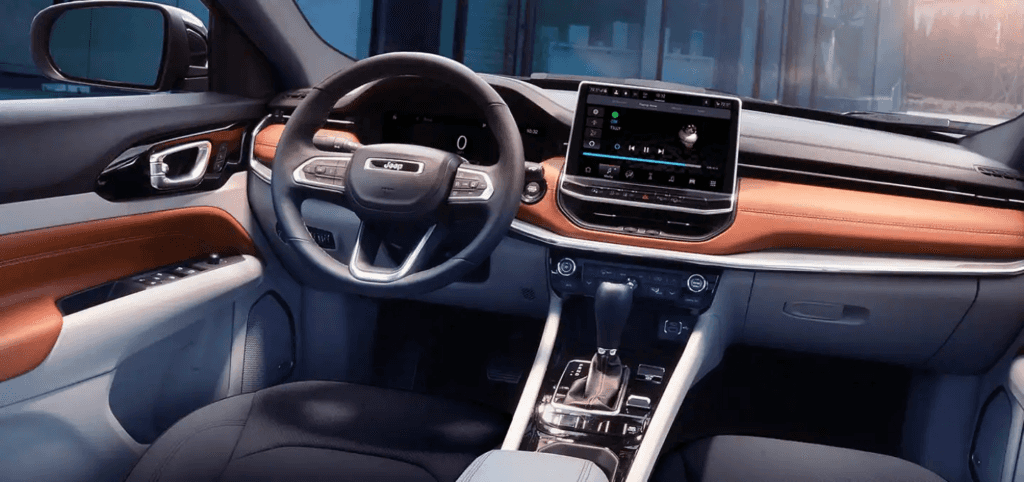
Switching the language on your Jeep Compass uses the Uconnect infotainment system. Most models use Uconnect 5, which supports several languages. Here’s a step-by-step guide:
- Start your Jeep and make sure the screen is on. It’s safest to do this while parked.
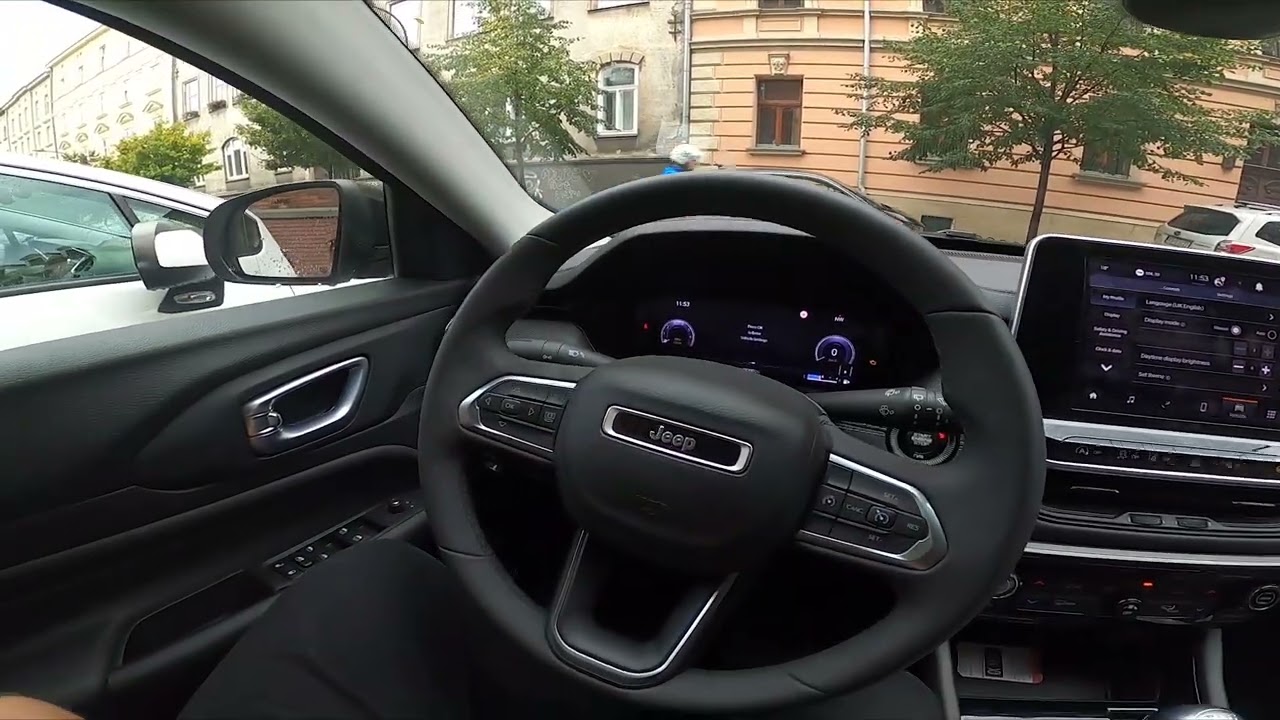
- Press the ‘Settings’ gear icon on the Uconnect touchscreen.
- Scroll and tap on ‘Language & Keyboard’. In some regions, it might appear as ‘Language’.
- You’ll see a list of available languages. Common choices include English, Spanish, French, German, and sometimes more, depending on your location.
- Select your preferred language. The system will ask you to confirm.
- Tap ‘Yes’ or ‘Confirm’. The system will switch languages instantly.
In most cases, all menus, navigation, and system messages change to your selected language. Voice command languages also update if supported.
What If The Language Won’t Change?
Occasionally, the language setting might not update. Here are two things to try:
- Restart the Uconnect system by turning the car off, waiting a minute, then restarting.
- Check for software updates. Sometimes, a system update adds new languages or fixes bugs.
If you still have problems, your local Jeep dealer can help.
Supported Languages And Regional Differences
The language options you see depend on:
- Where your Jeep was sold
- Software version of your Uconnect system
Here’s a quick comparison of typical languages found on Uconnect 5 in North America vs Europe:
| Region | Languages Available |
|---|---|
| North America | English, Spanish, French |
| Europe | English, French, German, Italian, Spanish, Dutch, Polish, Portuguese |
If you import a Jeep from another country, your system might support a different set. Not all languages have full voice command support, so double-check before relying on hands-free features.
Impact Of Changing Language On System Features
When you switch the language, here’s what changes:
- Menu text throughout the Uconnect system and instrument cluster
- Voice guidance in the navigation system
- Warning messages (for example, tire pressure alerts)
- Voice command recognition (only for supported languages)
What does not change:
- Radio stations and media files stay the same
- Climate control and hardware button labels are not affected
Some drivers miss that changing the language may also reset measurement units (miles/km, °F/°C). After switching language, double-check your speed and temperature displays.
Here’s a look at how units can change with language:
| Language Selected | Distance Unit | Temperature Unit |
|---|---|---|
| English (US) | Miles | Fahrenheit (°F) |
| English (UK), German, French | Kilometers | Celsius (°C) |
| Spanish (US) | Miles | Fahrenheit (°F) |
If your units change unexpectedly, you can adjust them separately in the Settings > Units menu.

Tips And Common Mistakes
Most owners miss these useful tips:
- Voice commands may require retraining. If you change to a language with different voice patterns, practice a few commands or review the manual for correct phrases.
- Not all features are available in every language. Some advanced functions, like detailed voice navigation, might work only in English or your region’s main languages.
- Resetting to default language: If you get lost in the menus, you can reset the system. Hold the power button for about 10 seconds, then follow the prompts after restart.
Extra: Restoring Language After A Factory Reset
After a factory reset, your Compass may revert to English or its original language. To restore your preference:
- Follow the standard change-language steps above.
- Re-check all settings, as some personalizations (radio presets, paired phones) may need to be set up again.
Troubleshooting Language Issues
If the language setting is missing or grayed out:
- System update may be required. Visit a Jeep dealer for the latest Uconnect version.
- Some fleet or rental vehicles lock certain settings. Contact the fleet manager or rental company for help.
- Imported vehicles may have region-locked firmware. In rare cases, language packs can be added by the dealer.
For more details on Uconnect features and updates, visit the official Uconnect site.
Frequently Asked Questions
How Many Languages Does The Jeep Compass 2023 Support?
The number depends on your region and software version. Most North American models offer English, Spanish, and French. European models include extra languages like German, Italian, and Dutch.
The map visuals stay the same, but all voice guidance and menu text change to your selected language. Some street names may be pronounced differently depending on the language.
Can I Set Different Languages For The Driver Display And The Main Screen?
No, the Jeep Compass 2023 uses one language setting for both the digital instrument cluster and the Uconnect screen. Changing the language will update both at the same time.
What Should I Do If My Preferred Language Is Not Available?
Check for a Uconnect software update. If it’s still missing, ask your dealer if a language pack can be installed. In some cases, only certain languages are supported based on region.
Will Changing The Language Delete My Saved Settings?
No, changing the language will not erase your radio presets, navigation favorites, or Bluetooth connections. Only the display language and related voice prompts will update.
Switching the language on your Jeep Compass 2023 is quick and can make every drive clearer and safer. With a few taps, you can tailor your car’s system to your needs, avoid confusion, and enjoy all the features Jeep has to offer.



