If your Jeep Grand Cherokee radio is not working right—maybe it’s frozen, won’t turn on, or the screen is blank—you’re not alone. Modern Jeep radios, also called Uconnect systems, are advanced but can sometimes glitch. The good news: you can often reset your Jeep Grand Cherokee radio yourself and fix most common problems. This guide explains step-by-step how to reset your radio, with tips for different model years, and answers to common questions Jeep owners have.
Why Reset Your Jeep Grand Cherokee Radio?
A radio reset can solve many issues. You might need a reset if you experience:
- Frozen screen (can’t tap buttons)
- No audio output
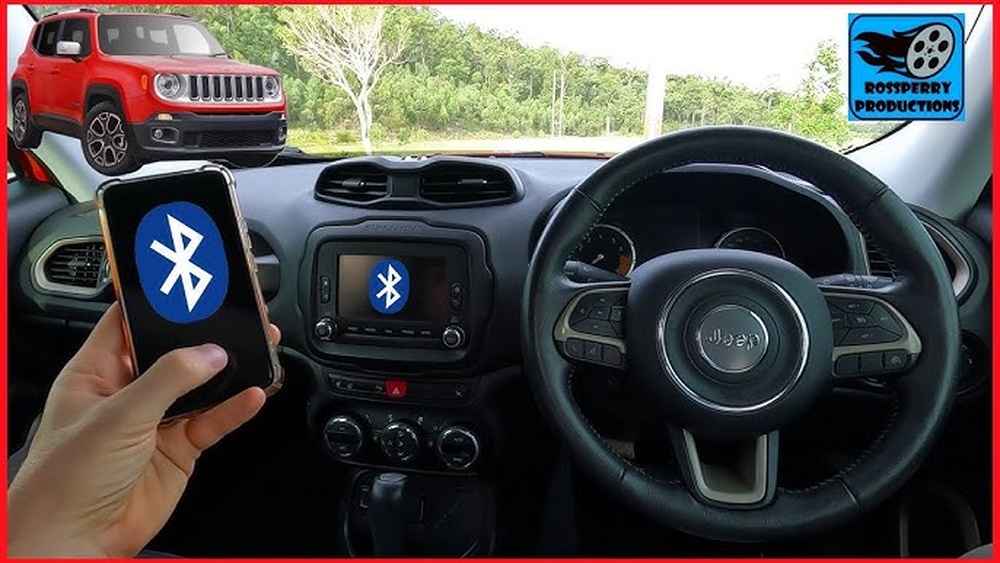
- Bluetooth won’t connect
- Navigation errors
- Random reboots
A reset is like restarting a computer. It clears temporary problems without deleting your saved stations or important settings.
Quick Reference: Which Reset Method Fits Your Jeep?
Different Jeep Grand Cherokee years and trims use different radio systems. Here’s a quick guide:
| Model Year | Radio System | Main Reset Method |
|---|---|---|
| 2011–2013 | Uconnect 430/730N | Physical button reset |
| 2014–2021 | Uconnect 8.4/5.0 | Soft reset via buttons |
| 2022–present | Uconnect 5 | Touchscreen reset |
If you’re not sure which system you have, check your owner’s manual or look for the system name on your radio home screen.

How To Soft Reset Your Jeep Grand Cherokee Radio
A soft reset is the fastest way to fix most glitches. It does not erase your data, so it’s safe to try first.
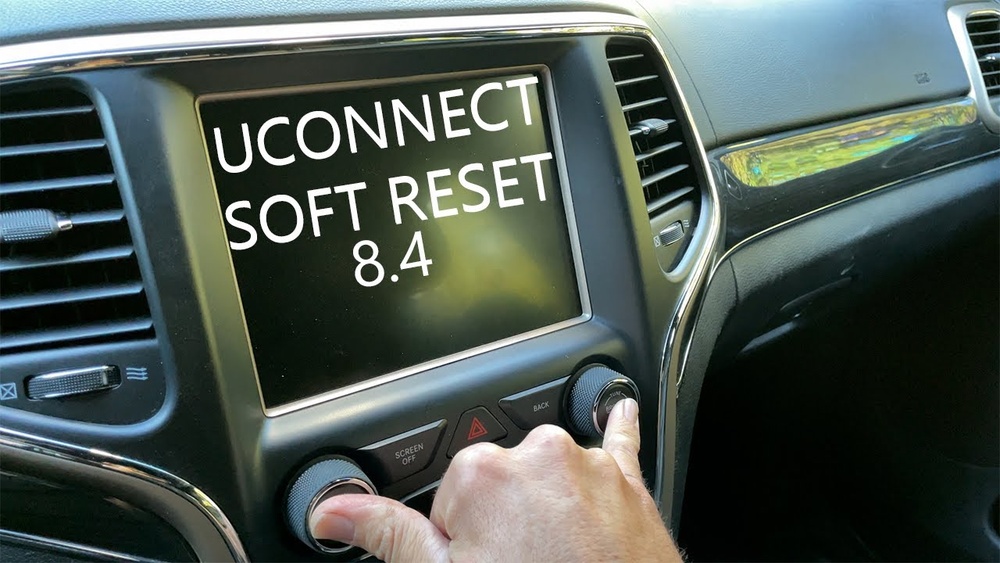
For Uconnect 8.4 (most 2014–2021 Models)
- Turn the ignition to “Run” (engine on or in accessory mode).
- Hold down the volume and tuner knobs at the same time.
- Keep holding for about 10 seconds. The screen will go black, then show the Jeep logo.
- Release the buttons once the logo appears. The system will reboot.
This method works for most 8. 4-inch touchscreens. If your radio is still frozen, try again or proceed to a hard reset.
For Uconnect 5 (2022 And Newer)
- With the vehicle running, tap the radio power button on the touchscreen.
- Hold your finger on the power icon for about 20 seconds.
- The screen will go dark, then restart.
On some models, you may need to press and hold the physical volume knob instead.
For Uconnect 430/730n (2011–2013)
- Turn off the vehicle.
- Open the driver’s door and leave it open for 60 seconds.
- Close the door, then restart the vehicle.
This simple power cycle can clear smaller bugs.
Hard Reset: When To Use It And How
A hard reset (factory reset) erases all personal data, customizations, and Bluetooth pairings. Only use this if a soft reset does not solve the problem.
Steps For Factory Reset (uconnect 8.4 Example)
- Tap “Settings” on the main menu.
- Scroll to “System Information” or “Reset.”
- Choose “Restore Factory Defaults.”
- Confirm the reset. The radio will restart and return to its out-of-the-box state.
Important: Write down your favorite stations, phone pairings, and navigation addresses before you reset.

Common Problems A Radio Reset Fixes
A radio reset can solve several issues:
| Problem | Reset Effectiveness |
|---|---|
| Bluetooth not working | Often fixed |
| Frozen touchscreen | Usually fixed |
| No sound | Sometimes fixed |
| Navigation errors | Often fixed |
| Backup camera not showing | Sometimes fixed |
If your radio problem is hardware-related (like a broken screen), a reset will not help. In that case, visit your Jeep dealer.
Advanced Tips And What Most Owners Miss
Many Jeep owners don’t realize these extra steps can help:
- Disconnect the battery: If all else fails, disconnect the negative battery cable for 10 minutes. This fully powers down the radio. However, you may need your radio anti-theft code after reconnecting.
- Software updates: Sometimes, a reset doesn’t fix the root cause. Check if a Uconnect software update is available from Jeep’s official site. Updates can solve bugs the reset cannot.
- Wait after reset: After a hard reset, the system can take up to 10 minutes to finish rebooting and restoring settings.
When A Dealer Visit Is Needed
A reset won’t fix:
- Physical screen damage
- Speakers not working
- Radio won’t turn on at all
If you see the Jeep logo but nothing else, or the radio is dead, visit a certified Jeep technician. Some deeper software problems need special dealer tools.
How To Avoid Future Radio Problems
Keeping your radio healthy is easier than you think:
- Don’t overload the system with too many paired devices.
- Avoid pulling the fuse or battery often—it can corrupt radio memory.
- Check for recalls: Sometimes Jeep issues recalls for radio glitches. Enter your VIN on the official Jeep website.
Frequently Asked Questions
What Is The Difference Between A Soft Reset And A Hard Reset?
A soft reset restarts the radio system without deleting your data. It’s like rebooting a computer. A hard reset (factory reset) erases all personal data, Bluetooth pairings, and custom settings, returning the radio to its original state.
No, a normal reset does not delete built-in navigation maps or system software. Only a factory reset will remove custom addresses and favorites, but maps stay.
My Radio Screen Is Black And Won’t Respond. What Should I Do?
Try a soft reset using the volume and tuner knobs. If that fails, disconnect the vehicle’s negative battery cable for 10 minutes. If the screen stays black, the radio may need a dealer inspection.
How Often Should I Update My Uconnect Software?
Check for updates at least once a year or whenever you notice bugs. New updates fix many common problems and improve compatibility. Visit the official Jeep Software Update page for details.
Can I Reset The Radio While Driving?
It’s not safe to reset your radio while driving. Always park your Jeep Grand Cherokee and shift to Park before starting any reset process.
Resetting your Jeep Grand Cherokee radio is a simple way to solve most everyday problems. Always start with a soft reset, and only try a factory reset if needed. If these steps do not help, a Jeep dealer can diagnose deeper issues.
With these tips, you’ll keep your radio running smoothly and enjoy every drive.