Connecting your Jeep to the Jeep app unlocks a new level of convenience and control. Imagine starting your car remotely on a cold morning, checking your fuel level from your phone, or finding your parked Jeep in a busy lot.
These features are possible with the Jeep app, but getting everything set up can feel confusing, especially for first-time users. This guide explains every step in clear, simple language—perfect even if English is not your first language. You will learn what you need, how to connect, and what to do if you have problems.
What You Need Before You Start
Before you can connect your Jeep vehicle to the Jeep app, make sure you have these things ready:
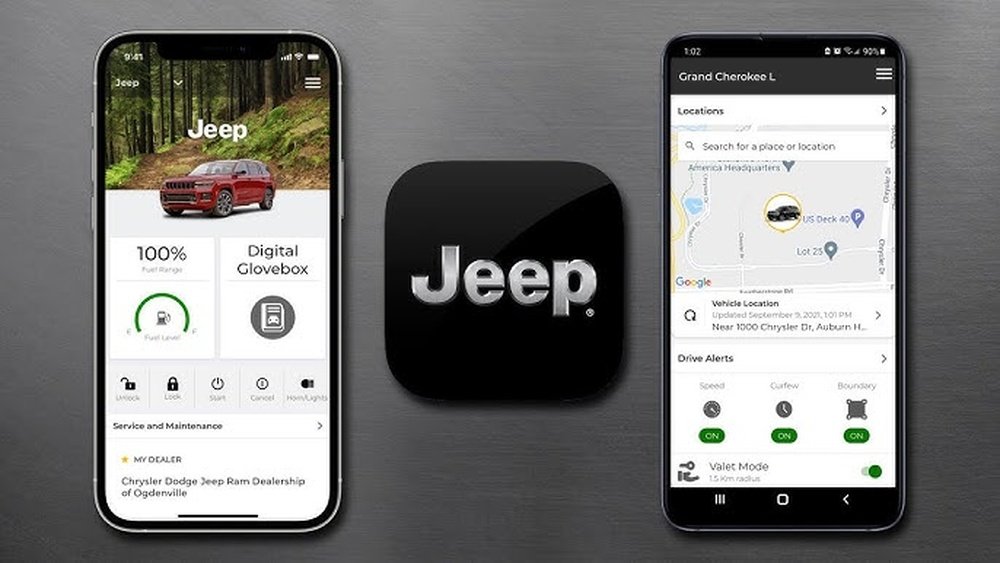
- A compatible Jeep: Most new Jeep models from 2018 and later support the app, especially those with Uconnect systems.
- Jeep Vehicle Identification Number (VIN): This is a 17-character code, usually found on your dashboard or inside the driver’s door.
- A smartphone: IOS (Apple) or Android devices both work.
- A stable internet connection: Wi-Fi or mobile data is required for setup and use.
- Jeep app installed: Download from the Apple App Store or Google Play Store.
Some features may require a paid subscription, so check if your Jeep offers a trial period or if you need to buy a plan.
How To Download And Set Up The Jeep App
Setting up the Jeep app only takes a few minutes if you follow these steps:
- Download the App: Search for “Jeep” in your app store. Look for the official Jeep logo.
- Open the App: Tap to launch after installation.
- Create an Account: Enter your email and choose a password. You may need to verify your email address.
- Add Your Jeep: The app will ask for your VIN. Type it in carefully.
- Verify Ownership: You may receive a code in your email or, in some cases, a code will appear in your Jeep’s dashboard system.
- Connect Your Jeep: Follow the in-app instructions. Sometimes, you’ll need to be inside your Jeep with the key in the “on” position.
Here’s a quick comparison of the Jeep app features for iOS and Android:
| Feature | iOS | Android |
|---|---|---|
| Remote Start | Yes | Yes |
| Vehicle Finder | Yes | Yes |
| Lock/Unlock Doors | Yes | Yes |
| Apple Watch Support | Yes | No |
Step-by-step: Connecting Your Jeep To The Jeep App
Here’s how to make the connection between your Jeep and the app successful:
- Sit in your Jeep with your phone and key fob.
- Open the Jeep app and log in.
- Enter your VIN if you haven’t already.
- Turn your Jeep to “On” (engine running is not required).
- Follow in-app instructions for pairing. This may include:
- Entering a code shown on your Jeep’s screen
- Accepting terms and conditions on your Jeep’s display
- Wait for confirmation: The app should say your Jeep is connected.
Keep your phone’s Bluetooth and location services enabled. Some features use GPS to show your Jeep’s location.
Key Features You Can Access After Connecting
Connecting your Jeep to the app offers many benefits:
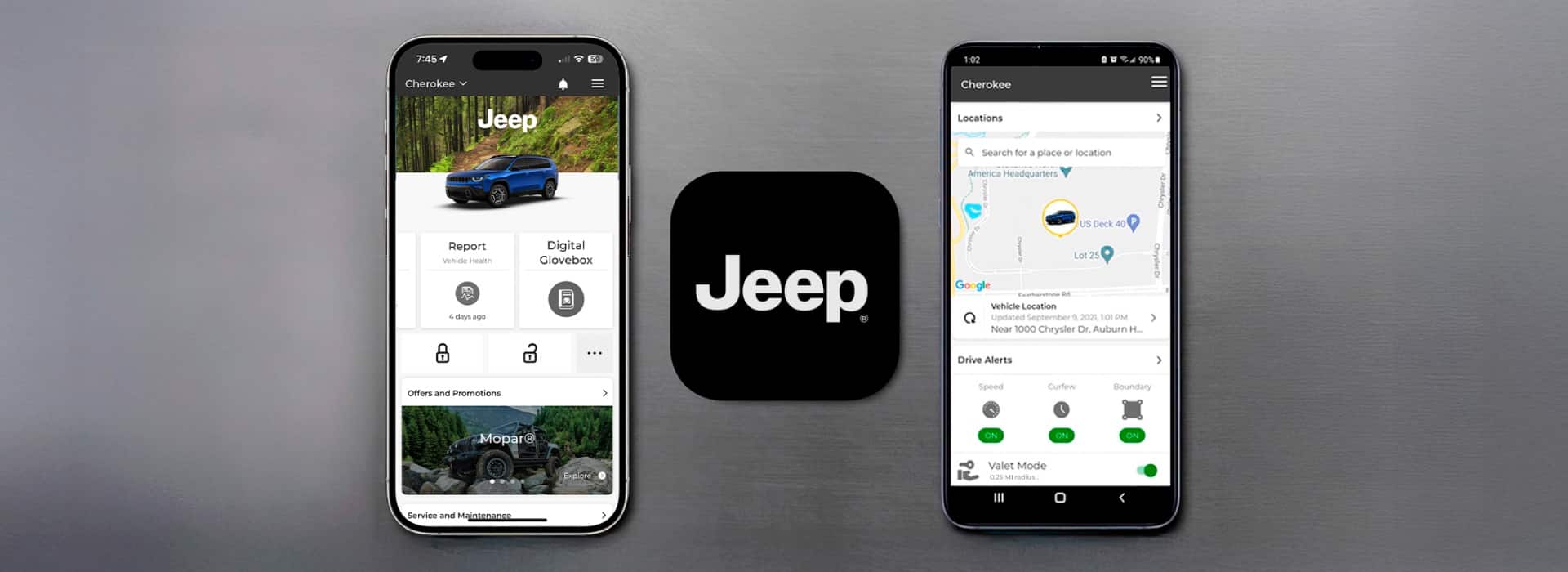
- Remote Start: Start your Jeep from your phone. Useful in hot summers or cold winters.
- Door Lock/Unlock: Forgot to lock your Jeep? Do it from anywhere.
- Vehicle Finder: See your Jeep’s location on a map. Great for crowded parking lots.
- Check Fuel Level: Avoid surprises by checking before a long trip.
- Maintenance Alerts: Get reminders for oil changes or service.
Here’s a quick overview of subscription options and what’s included:
| Subscription Plan | Remote Start | Vehicle Finder | Maintenance Alerts | Cost (approx.) |
|---|---|---|---|---|
| Free/Trial | Limited | Yes | Yes | $0 (trial period) |
| Monthly | Yes | Yes | Yes | $15/month |
| Yearly | Yes | Yes | Yes | $150/year |
Common Problems And How To Fix Them
It’s normal to have some issues during setup. Here are solutions to the most common problems:
- App won’t recognize VIN: Double-check you entered all 17 characters correctly. Some letters (like I, O, Q) are not used in VINs to avoid confusion.
- Connection fails: Make sure your Jeep is compatible and has a working Uconnect system. Restart your phone and try again.
- No confirmation code: Check your email spam folder or try requesting the code again.
- Features missing after setup: Some features only work with a paid subscription or in certain Jeep models. Check your plan details in the app.
A tip many new users miss: if your Jeep is used or bought from someone else, make sure the previous owner has removed the vehicle from their account. Otherwise, you may not be able to connect.
Security And Privacy Tips
Your Jeep app controls important functions. For safety:
- Use a strong password: Avoid simple passwords like “123456.”
- Enable two-factor authentication if the app allows.
- Log out if you sell your Jeep or let someone else drive for a long time.
- Update the app regularly for security fixes.
Your data is protected by Jeep, but always stay alert for phishing emails or fake apps.

Extra Benefits Many Users Miss
Most users only use the remote start or lock features. But there are more useful tools in the app:
- Trip History: Track your driving habits and see past trips—helpful for business or fuel planning.
- Roadside Assistance: Some subscriptions include quick access to towing or help if you have a flat tire.
- Send Destination to Navigation: Plan a trip on your phone, then send the address directly to your Jeep’s built-in navigation.
Non-obvious insight: If your family shares a Jeep, you can invite multiple drivers to use the app—each with their own login. This is handy for tracking who drove last or sending alerts to different phones.
For more official details and troubleshooting, visit the Jeep Connectivity page.
Frequently Asked Questions
How Do I Find My Jeep’s Vin?
The VIN is usually on your dashboard, visible through the windshield, or inside the driver’s door frame. It is a 17-character code unique to your vehicle.
Can I Connect More Than One Jeep To The App?
Yes. The app allows you to add multiple vehicles, making it easier if you own more than one Jeep or share with family.
Do I Need To Pay To Use The Jeep App?
Basic features are free, but advanced functions like remote start may need a subscription after a trial period.
My Jeep App Is Not Working—what Should I Do?
Try restarting your phone, updating the app, and checking your internet connection. If problems continue, contact Jeep customer support.
Will The App Work If My Jeep Is Older Than 2018?
Some features may not work with older models. Check if your Jeep has the Uconnect system and see compatibility details in the app or on Jeep’s website.
Connecting your Jeep to the Jeep app brings both convenience and peace of mind. Spend a few minutes setting it up, and you’ll enjoy powerful features every day—right from your phone.