If your Jeep key fob suddenly stops working, you might think it’s broken or needs expensive repairs. But often, the problem is a simple dead battery.
Changing the battery in a Jeep key is quick, affordable, and easy to do yourself.
With the right steps and a few minutes, you can restore your key fob to full power no dealership visit needed.
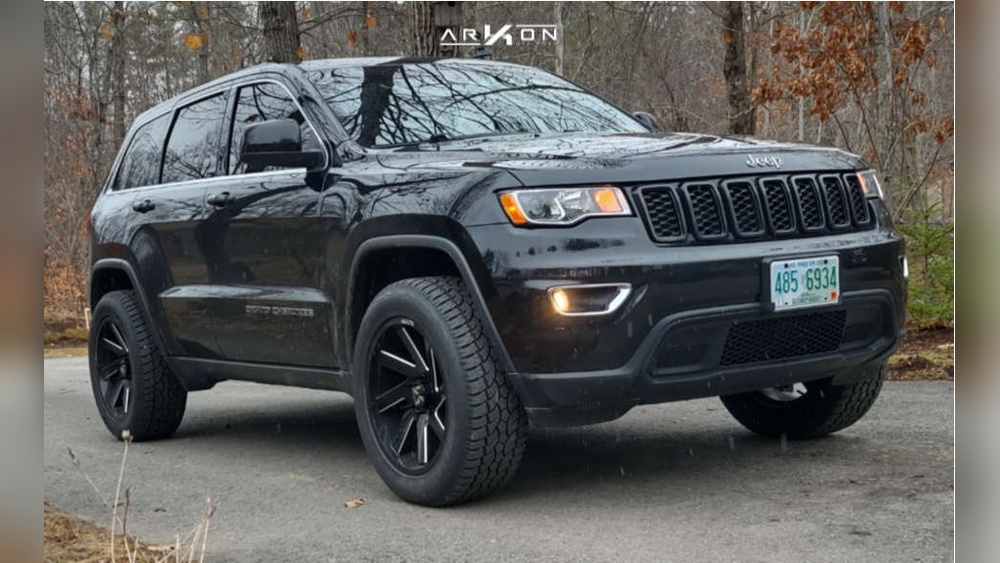
Whether you drive a Jeep Wrangler, Grand Cherokee, Compass, or another model, most Jeep keys use similar batteries and designs. By following the process below, you’ll learn how to change the battery safely, avoid mistakes, and keep your Jeep running smoothly.
Understanding Jeep Key Fob Types
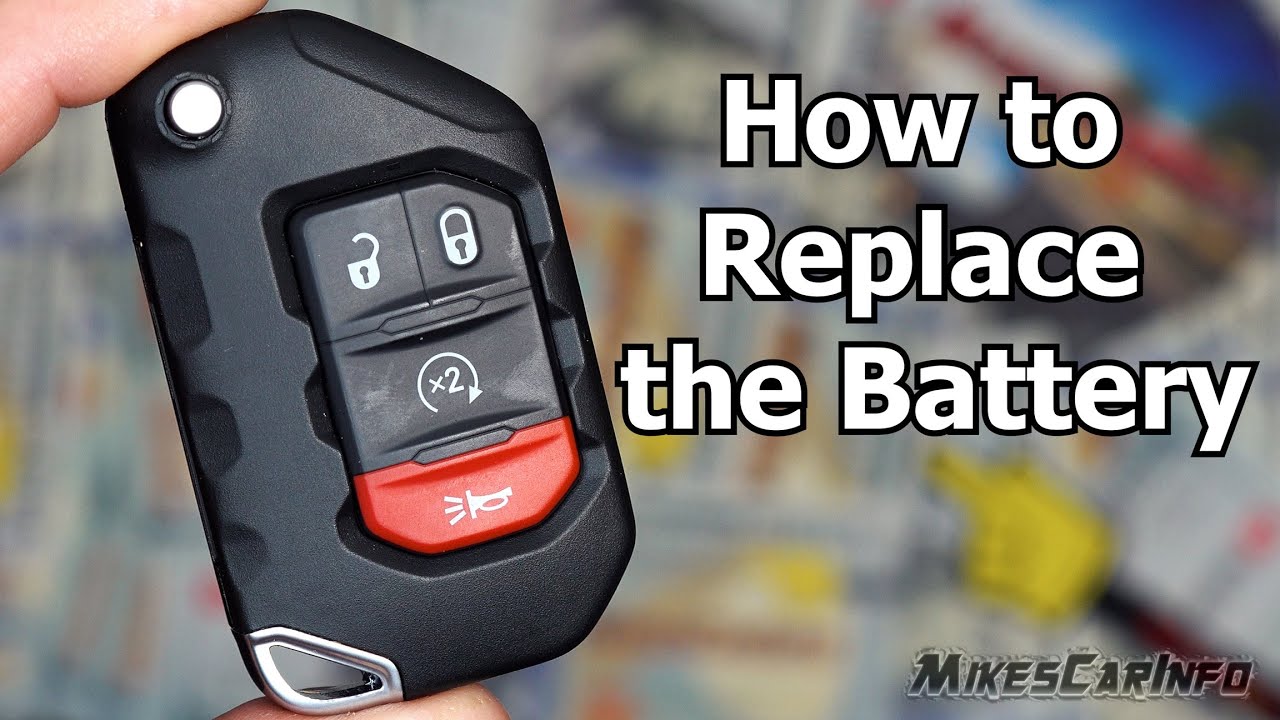
Jeep keys come in several designs. Each type has its own battery replacement method, but the basics are similar. Here are the most common styles:
- Traditional key fob: Has buttons for lock, unlock, and panic.
- Smart key (proximity key): Allows push-to-start and keyless entry.
- Flip key: Key blade folds into the fob.
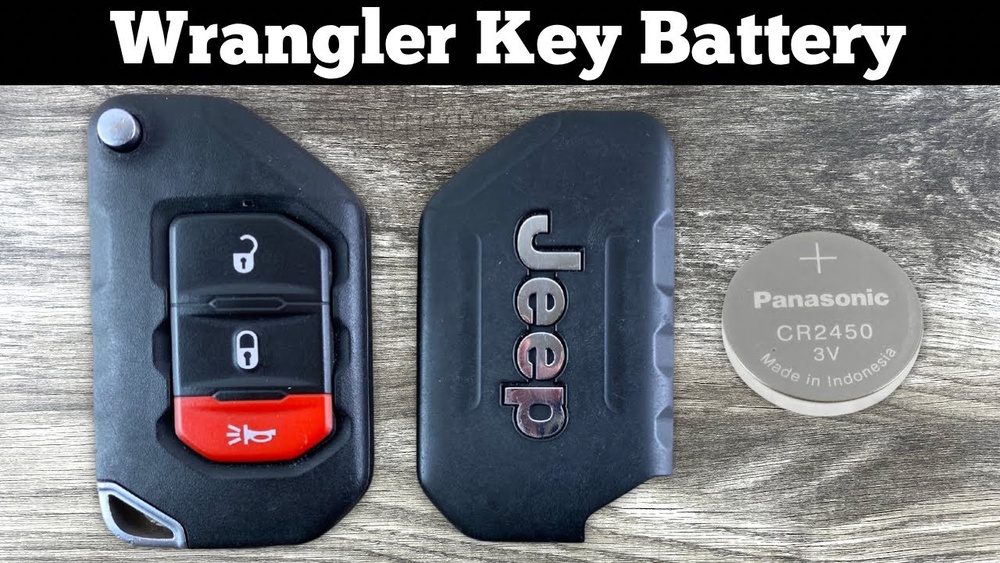
Knowing your key type helps you find the right battery and method. Most Jeep key fobs use a CR2032 coin battery, but some use CR2025. Always check your owner’s manual or open your fob to confirm.
Here’s a comparison of popular Jeep key fobs and their batteries:
| Jeep Model | Key Fob Type | Battery Type |
|---|---|---|
| Wrangler | Traditional/Slim | CR2032 |
| Grand Cherokee | Smart Key | CR2032 |
| Compass | Traditional | CR2025 |
| Renegade | Flip Key | CR2032 |
Signs Your Jeep Key Battery Needs Changing
A failing key battery shows clear signs. Recognizing them early can save you trouble later.
- Reduced range: You must stand closer to your Jeep to unlock it.
- Unresponsive buttons: Key fob buttons stop working or need repeated presses.
- Warning lights: Some Jeep dashboards show “Key battery low.”
- No start: Smart keys may not start the car if the battery is dead.
If you notice these symptoms, it’s time to replace your battery.
Tools And Materials Needed
You don’t need special tools to change a Jeep key battery. Here’s what you need:
- New coin battery (CR2032 or CR2025)
- Small flathead screwdriver or plastic pry tool
- Clean cloth (optional)
- Owner’s manual (for guidance)
Buying batteries from reliable brands like Duracell or Energizer reduces the risk of early failure. Many batteries cost less than $5 and last up to 2 years.
Step-by-step: Changing The Battery In Your Jeep Key
Changing the battery takes just a few minutes. Here’s how to do it safely:
1. Find The Battery Type
Look for the battery code on your old battery or check your manual. Using the wrong battery can damage your fob.
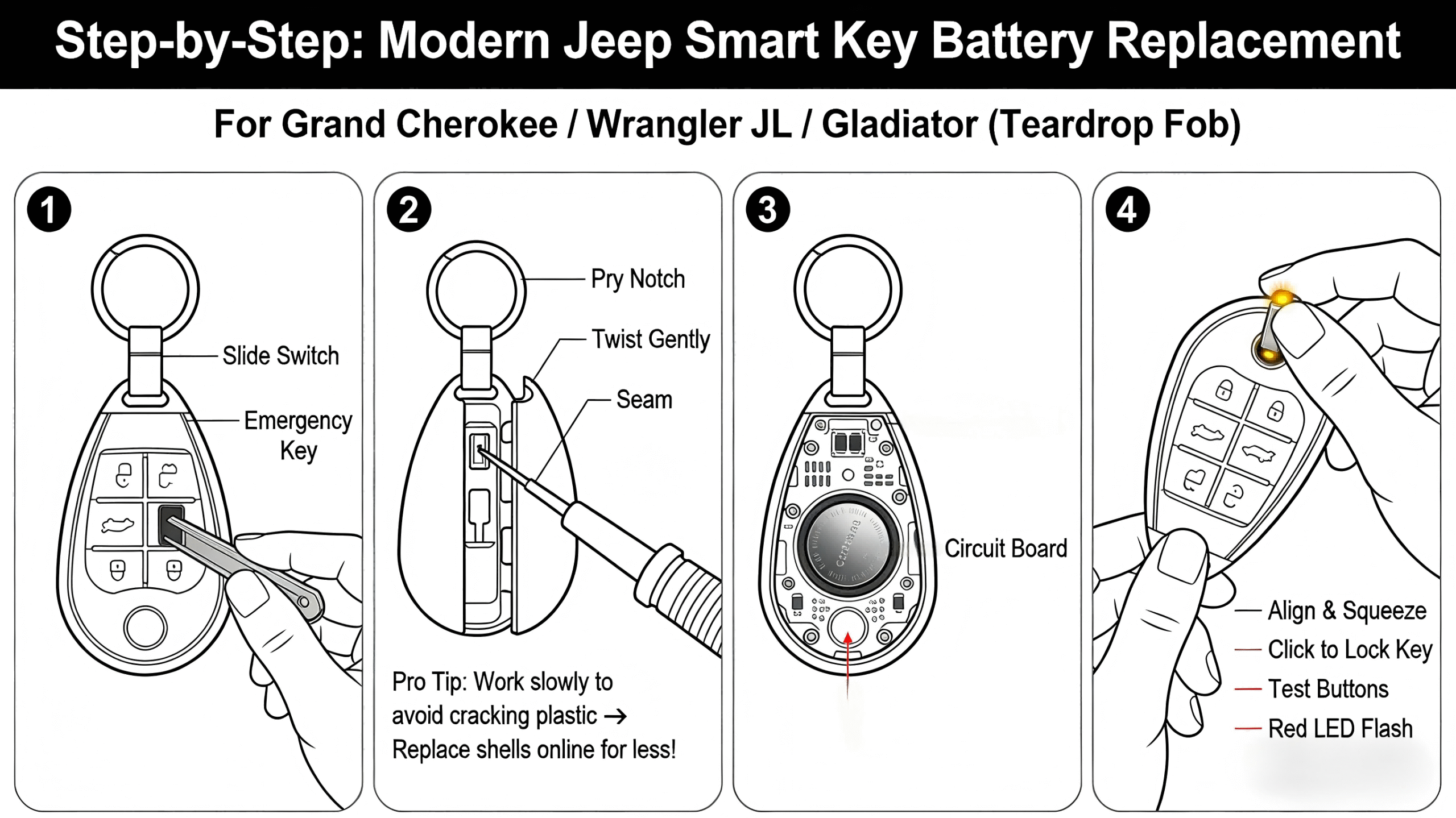
2. Open The Key Fob
Most Jeep key fobs have a small notch along the edge. Insert a flathead screwdriver or pry tool into the notch and gently twist.
The fob should snap open. Don’t use too much force this can crack the plastic.
3. Remove The Old Battery
Carefully lift the old battery out. Note the orientation (positive and negative sides).
4. Insert The New Battery
Place the new battery in the same direction as the old one. The positive side (marked with +) usually faces up.
5. Reassemble The Key Fob
Align the two halves of the fob and press them together until you hear a snap.
6. Test The Key Fob
Stand near your Jeep and press the buttons. If the fob works, you’re done.
Here’s a side-by-side look at opening different Jeep key fobs:
| Key Fob Type | Opening Method | Difficulty (1–5) |
|---|---|---|
| Traditional | Notch/pry with screwdriver | 2 |
| Smart Key | Slide cover, then pry | 3 |
| Flip Key | Button to release blade, then pry | 3 |
Common Mistakes To Avoid
Changing a key battery is simple, but beginners often make mistakes:
- Using the wrong battery type: Always double-check before buying.
- Damaging the fob: Forcing it open can break plastic clips.
- Touching battery contacts: Oils from your fingers can reduce battery life. Use a clean cloth or gloves.
- Incorrect battery placement: If the positive and negative sides are reversed, the fob won’t work.
If your fob still doesn’t work after changing the battery, check for loose contacts or revisit the battery orientation. Occasionally, the fob itself may be faulty.
Extra Tips For Reliable Key Fobs
A few simple habits can keep your Jeep key working longer:
- Store your key fob away from moisture and extreme heat.
- Replace batteries every 2 years, even if not fully dead.
- Carry a spare battery when traveling far from home.
- If your key fob gets wet, dry it immediately before opening.
Most Jeep owners don’t realize that a weak battery can affect alarm functions, remote start, and even the push-to-start system. Proactively changing the battery avoids unexpected problems.
When To See A Professional
If your Jeep key fob doesn’t work after changing the battery, or if you notice corrosion inside, it may need professional repair. Jeep dealerships and locksmiths can fix broken fobs, but this is rare if you handle your battery change carefully. For advanced troubleshooting, visit Jeep’s official owner care page.
Frequently Asked Questions
How Often Should I Change My Jeep Key Battery?
Usually every 2 years, or sooner if you notice reduced range or unresponsive buttons.
Can I Use Any Cr2032 Battery?
Yes, but buying from trusted brands helps avoid leaks or early failure.
My Key Fob Still Doesn’t Work After Battery Change. What Should I Do?
Check the battery orientation and contacts. If it still fails, the fob may be damaged and need professional help.
Is It Safe To Open My Jeep Key Fob Myself?
Yes, as long as you use gentle force and a proper tool. Avoid sharp objects and excessive force.
Will Changing The Battery Affect My Jeep’s Security System?
No. The battery only powers the fob.
Your Jeep’s security system will work normally after the battery is replaced.
Changing the battery in your Jeep key is a simple task that saves time and money. With the right tools, careful steps, and attention to detail, you can keep your key fob reliable for years.
If you’re careful and follow the instructions, you’ll avoid common mistakes and enjoy hassle-free access to your Jeep.