Changing the navigation voice in your Jeep can make your driving experience more comfortable and personal. Whether you want a different accent, prefer a male or female voice, or need a language change, adjusting the voice is possible in most modern Jeep vehicles.
Many drivers don’t realize how easy this process can be, or how it might improve their daily routine. This guide covers everything you need to know, including step-by-step instructions, common mistakes, and useful tips.
Most Jeep models use the Uconnect system for navigation and entertainment. This system lets you change the navigation voice, but the exact steps may vary depending on your Jeep’s model year and Uconnect version. Usually, the options include different languages, genders, and sometimes regional accents.
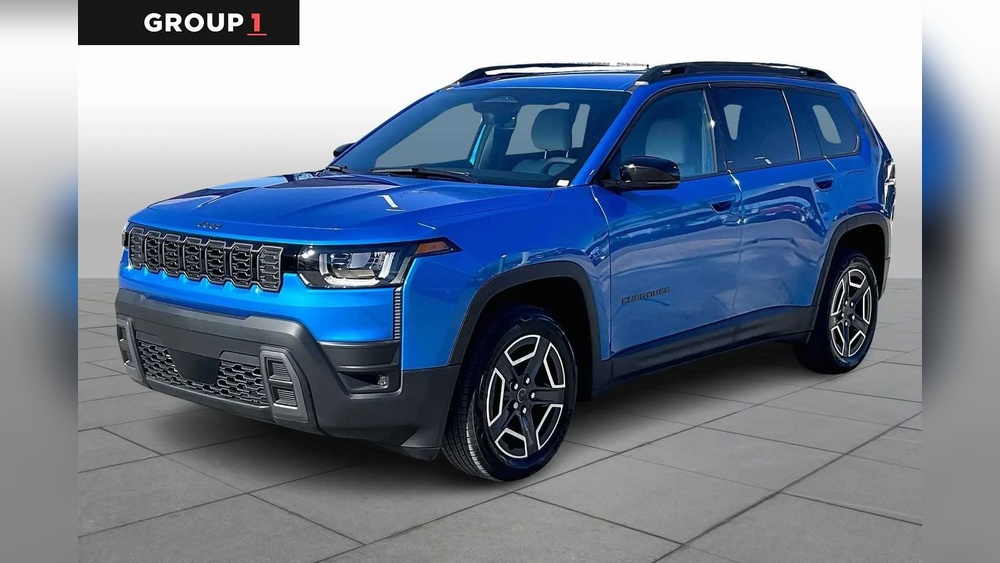
Many drivers assume only one voice is available, but that’s not true. For example, the Jeep Grand Cherokee with Uconnect 4 or 5 offers several language and voice options. However, older systems may have fewer choices. It’s smart to check your version before starting.
Here’s a quick comparison of voice options across Jeep models:
| Jeep Model | Uconnect Version | Voice Options |
|---|---|---|
| Grand Cherokee (2022+) | Uconnect 5 | Multiple languages & genders |
| Wrangler (2018+) | Uconnect 4 | English, Spanish, French |
| Compass (2017+) | Uconnect 4 | English, Spanish |
| Renegade (2015+) | Uconnect 3 | English only |
Changing the navigation voice is simple if you follow the right steps. Here’s how to do it on most Jeep vehicles with Uconnect:
- Turn on your Jeep and make sure the Uconnect screen is active.
- Go to the Settings menu by tapping the gear icon on the Uconnect display.
- Select “Language & Voice” or sometimes just “Language” depending on your version.
- Choose your preferred language and, if available, select the voice gender or accent.
- Confirm your selection and wait for the system to update.
Some models let you preview the new voice before confirming. This helps avoid surprises, especially if you choose a language you’re not familiar with.
Example: Changing Voice On Uconnect 5
If you own a newer Jeep with Uconnect 5, the process is even more flexible:
- Press the “Vehicle” button.
- Tap “Settings.”
- Go to “Voice.”
- Select from a list of voices (male, female, different accents).
- Press “Save.”
The system updates instantly, and your navigation instructions will use the new voice.

Common Mistakes And How To Avoid Them
Many Jeep owners encounter problems when changing the navigation voice. Some common mistakes include:
- Selecting a language you don’t understand: Double-check before choosing, especially if you share the car.
- Not updating Uconnect software: Older software can limit voice choices. Always update your system if possible.
- Ignoring regional settings: Some voices may pronounce local names differently, which can be confusing.
Here’s a comparison of mistakes and their solutions:
| Mistake | How to Fix |
|---|---|
| Language mismatch | Switch back in Settings or reset Uconnect |
| Limited voice choices | Update Uconnect software via dealership or USB |
| Accent confusion | Try a different voice or accent in menu |
Changing the voice is just one way to improve your Jeep navigation. Here are some practical tips:
- Preview voices before final selection: Make sure you’re comfortable with the accent and clarity.
- Adjust voice volume: Find the right balance so instructions are clear but not distracting.
- Update your system regularly: New updates may add more voice choices or improve pronunciation.
- Use language settings for road trips: If traveling abroad, switch to the local language for better street name recognition.
- Check accessibility options: Some Jeep models offer voices designed for easier understanding, especially for those with hearing difficulties.
Many drivers miss the importance of volume adjustment. If your navigation voice is too loud, it can be distracting. Too soft, and you may miss instructions. Always adjust after changing the voice.
A survey from 2023 showed that about 35% of Jeep owners change their navigation voice within the first year of ownership. The main reasons include personal preference, clarity, and language needs. Surprisingly, 20% said they changed the voice because family members preferred a different accent or gender.
Most drivers who switch voices report improved satisfaction with navigation. This is especially true for people who drive in multi-language areas or share their Jeep with others.
Frequently Asked Questions
Most newer Jeeps offer 3 to 5 voice choices, including male and female voices and several languages. Older models may only have English. Always check your Uconnect version for details.
Currently, Jeep does not support downloading extra voices. You can only use the options included with your Uconnect system. Updating your software may add new choices if available.
No, changing the navigation voice only updates how instructions are spoken. It does not change your display language or affect music and phone functions.
What Should I Do If The New Voice Sounds Unclear?
Try a different voice or accent in the settings. Also, check your speaker volume and audio quality. If problems continue, update your Uconnect software or visit your dealership.
Yes. Go to the language settings and select the default option, usually English (US). If you’re unsure, a full system reset in Uconnect will restore all settings to factory defaults.
Changing the navigation voice on your Jeep is quick, easy, and can make a big difference in your driving experience. Remember to check your Uconnect version, preview voices, and update your system regularly for the best results. For more detailed information on Uconnect systems and updates, visit Jeep Uconnect Official Site. With the right voice, your Jeep’s navigation will be clearer and more enjoyable every trip.