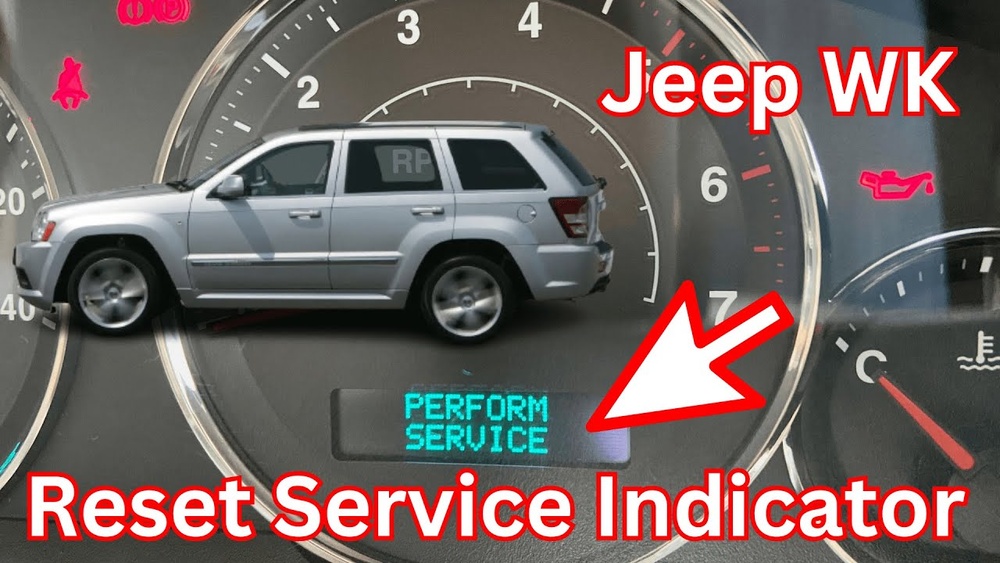
Resetting the oil change indicator on your Jeep Grand Cherokee is a simple but important task. When you change your oil, the vehicle’s computer needs to know so it can track your next service. If you forget to reset the indicator, you might see warnings even after new oil is added. This can cause confusion and make it harder to keep your maintenance schedule accurate.
In this article, you’ll learn step-by-step how to reset the oil change message for different Jeep Grand Cherokee models. You’ll see common mistakes and tips that help you avoid problems. Clear tables show which methods work for each year and trim.
At the end, answers to frequent questions help you solve issues fast. Whether you’re a beginner or a Jeep owner for years, this guide makes oil change resets easy.
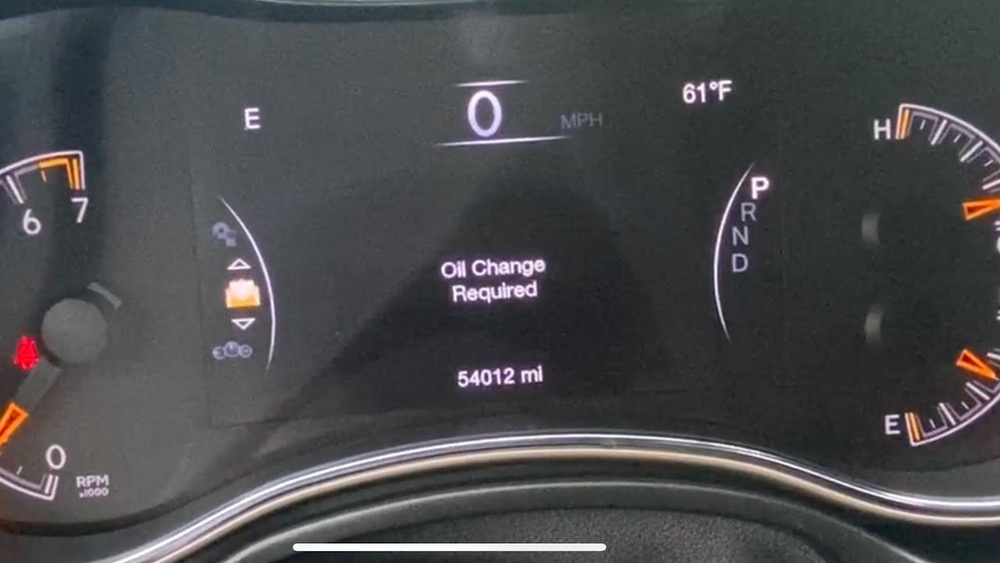
Why Resetting The Oil Change Indicator Matters
The oil change indicator is not just a reminder—it’s part of your vehicle’s maintenance system. When you don’t reset it, several issues can happen:
- The indicator may keep showing the warning, distracting you while driving.
- The computer will not correctly track oil life, so you could miss the next oil change.
- Incorrect reset can affect the resale value, as buyers may see warning lights.
In modern cars like the Jeep Grand Cherokee, the oil life monitor uses data from sensors and driving habits. Resetting the indicator ensures the system starts fresh after service.
Step-by-step: How To Reset Oil Change On Jeep Grand Cherokee
Different model years and trims may use slightly different reset methods. Use the right steps for your vehicle.
1. Using The Accelerator Pedal (most 2011–2023 Models)
For most newer Grand Cherokees, the reset is easy:
- Turn the ignition to the ON/RUN position, but do not start the engine.
- Fully press the accelerator pedal three times within 10 seconds.
- Turn the ignition off.
- Start the vehicle to check if the warning is gone.
This method is fast and doesn’t require special tools.
Some older Grand Cherokee models use buttons near the speedometer:
- Turn the ignition ON.
- Find the MENU or STEP button on the instrument cluster.
- Scroll to “Oil Life” or “Oil Change Required.”
- Press and hold the button until the display resets to 100%.
3. Using The Touchscreen (2018+ Models With Uconnect)
If your Grand Cherokee has a Uconnect touchscreen:
- Turn the ignition ON.
- Tap “Vehicle Info” or “Settings.”
- Select “Oil Life.”
- Tap “Reset” and confirm.
Comparison Table: Reset Method By Model Year
Here’s a quick guide to which reset method works for each model year:
| Model Year | Reset Method | Uconnect Required |
|---|---|---|
| 2011–2017 | Accelerator Pedal | No |
| 2018–2023 | Accelerator Pedal or Touchscreen | Optional |
| 2005–2010 | Instrument Cluster Buttons | No |

Common Mistakes And Troubleshooting
Sometimes, the oil change indicator won’t reset as expected. Here’s what usually goes wrong:
- Not pressing the pedal quickly enough: The three pedal presses must be within 10 seconds.
- Wrong ignition position: Make sure you’re in ON/RUN, not just accessory.
- Dirty sensors: If your oil sensor is dirty or faulty, the warning may stay on.
- Software glitches: Rare, but sometimes the Uconnect system needs a restart.
If the indicator doesn’t reset, repeat the steps carefully. If you still see the warning, check your owner’s manual or ask a dealer.
Troubleshooting Table: Why Reset Might Fail
| Problem | Possible Cause | Solution |
|---|---|---|
| Warning stays on | Pedal presses too slow | Repeat, press faster |
| Oil life not updating | Wrong menu or button | Check instructions for your year |
| Touchscreen unresponsive | Software glitch | Restart Uconnect |
Practical Tips For Jeep Owners
Here are some tips to make sure you reset the oil indicator correctly every time:
- Always change the oil before resetting. Never reset without new oil.
- Keep a record of your oil changes and resets. This helps with warranty and resale.
- If you use synthetic oil, you may go longer between changes, but always follow the vehicle’s recommendation.
- The oil change indicator is separate from the check engine light. Resetting oil life does not fix engine problems.
Non-obvious insight: Some drivers think the oil change indicator is automatic. It’s actually a manual reset, so forgetting to reset means the system won’t track oil life correctly.
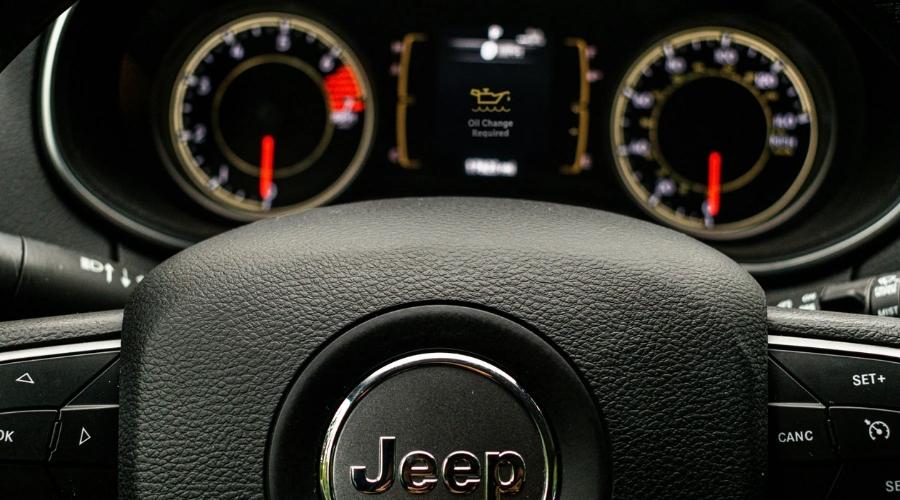
How Often Should You Change Oil And Reset The Indicator?
Jeep recommends changing oil every 5,000–7,500 miles for most models. Your driving style and environment can change this interval. For example, frequent short trips or dusty areas mean you should change oil more often.
Oil Change Interval Data
| Driving Condition | Recommended Interval |
|---|---|
| Normal | 7,500 miles |
| Severe (dusty, short trips) | 5,000 miles |
| Synthetic Oil | Up to 10,000 miles |
Another insight: Many owners forget to reset the indicator after dealer visits. Always ask if the reset was done, especially if you use independent mechanics.
Frequently Asked Questions
How Do I Know If The Oil Change Indicator Was Reset?
After reset, the warning message disappears from your dashboard. You can check oil life in the info menu. It should show 100%.
Can I Reset Oil Change Without Changing The Oil?
Yes, but it’s not recommended. The indicator is for tracking oil life. Resetting without changing oil can cause engine damage.
What If The Reset Steps Don’t Work?
Try repeating the steps. Make sure you follow the exact sequence. If still no luck, check your owner’s manual or visit a Jeep dealer.
Does Resetting Oil Life Affect Warranty?
No, resetting oil life is part of routine maintenance. Just keep records of oil changes to protect your warranty.
Where Can I Find Official Instructions?
You can find detailed steps in your Jeep owner’s manual or at the official Jeep Owners Manual website.
Resetting the oil change indicator on your Jeep Grand Cherokee takes only a few minutes but keeps your maintenance records accurate. This helps your vehicle last longer and gives peace of mind. With the right steps, your next oil change will always be on schedule.